Table of Contents
Nox Cleaner is an Android utility that can identify temporary files, large media, unused apps, and other items that may be taking up storage. It can help you review what to remove, but it cannot add physical storage, repair failing hardware, or guarantee a faster or cooler phone.
Android already includes storage-management tools, so install a third-party cleaner only if its file categories and interface are useful to you. Review every deletion rather than accepting a one-tap recommendation blindly.
Install Nox Cleaner safely
Download Nox Cleaner from its current Google Play listing on the Android phone or tablet. Do not install an APK from an unrelated download site, and do not try to install the Android app directly on a computer.
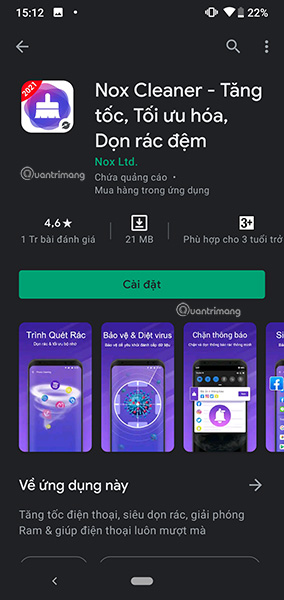
Before installing, check the developer name, recent update date, data-safety section, reviews, and requested permissions. Google Play availability and features can vary by device or region.
Set up the app and review permissions
Open Nox Cleaner and read each permission request. Storage or media access may be needed to find files, but grant only the access required for the feature you intend to use. On newer Android versions, you may be able to allow access to selected photos rather than the entire library.
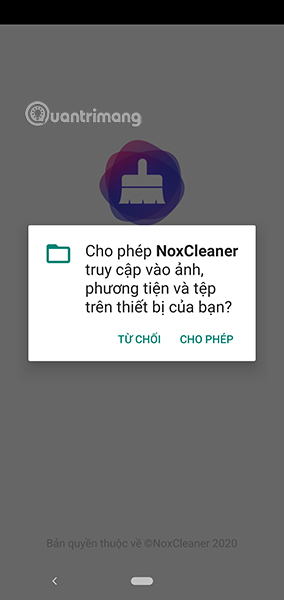
You can review or revoke access later under Settings > Apps > Nox Cleaner > Permissions. The path may differ by phone manufacturer.
Understand the main screen
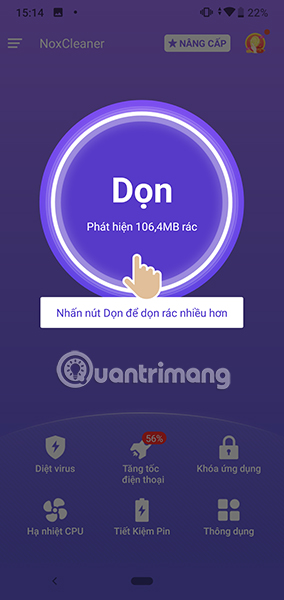
The home screen groups cleanup and utility features. The exact selection may differ from these older screenshots because app releases and Android permissions change.
Use Cleanup without deleting important files
Tap Cleanup to scan for temporary files, caches, downloads, residual folders, or large media. When the scan finishes:
- Open each category and inspect the selected items.
- Deselect downloads, documents, photos, videos, or chat media you still need.
- Check whether any item is backed up before removing the local copy.
- Delete only the reviewed selection, then confirm how much storage was actually recovered in Android Settings.
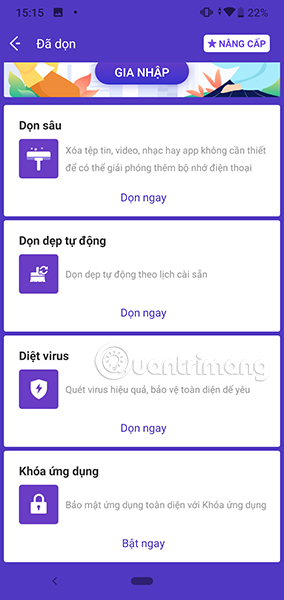
Clearing an app cache removes temporary data, not the app itself. The app may load more slowly the next time it opens and rebuild the cache later. Clearing app storage is different: it can remove logins, settings, downloads, or other app data.
Antivirus scan: treat results as one signal
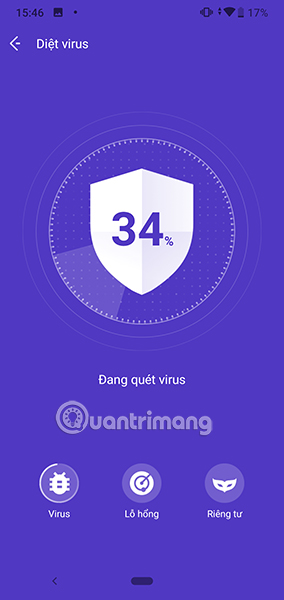
The app advertises an antivirus scan, but no scanner can promise to find or remove every threat. Keep Google Play Protect enabled, install system and app updates, and remove unfamiliar apps through Android Settings. If a scan flags something, verify the app name and source before taking action.
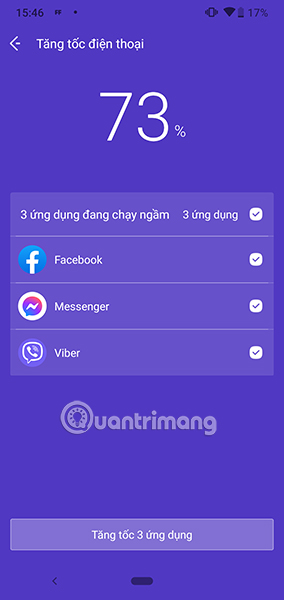
Phone booster: temporary memory cleanup is not a hardware upgrade
A “booster” may close background processes or free some working memory. Android normally manages RAM itself, and frequently closing apps can make them reload, use more battery, or delay notifications. Use this feature only when a specific app is unresponsive; do not expect a lasting performance increase.
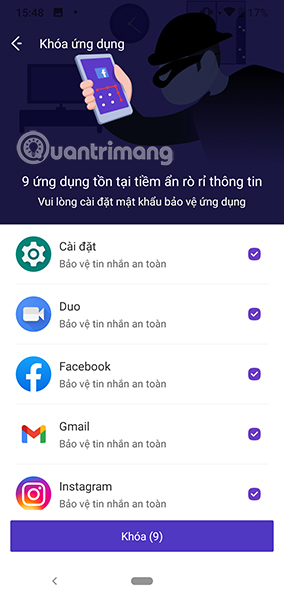
App Lock: check the protection model
App Lock can add another prompt before selected apps open. It is not a substitute for a strong device PIN, biometric lock, encrypted storage, or the app’s own security controls. Test whether the lock still works after restarting the phone and make sure the recovery method is safe.
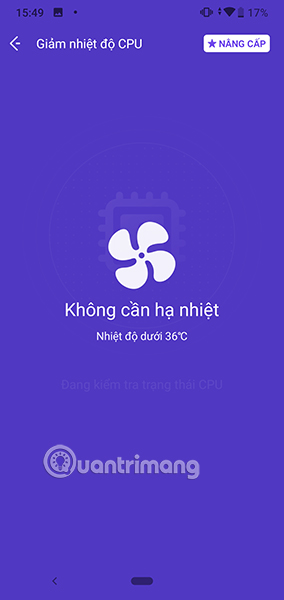
CPU Cooling: reduce workload and heat safely
A software cleaner cannot physically cool the processor. It may identify or stop active apps, which can reduce workload temporarily. If the phone is unusually hot, stop charging, remove it from direct sunlight, pause demanding games or video, and let it cool in a ventilated place. Do not put it in a refrigerator or freezer. Persistent overheating needs manufacturer or repair support.
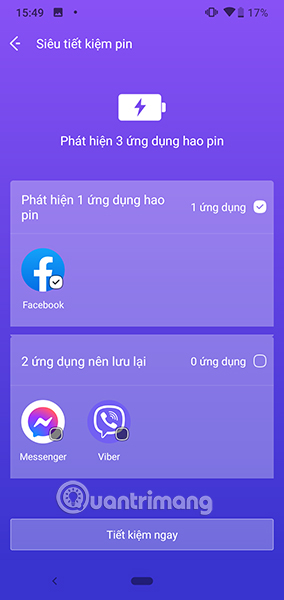
Battery Saver: identify heavy users before restricting them
The battery section can help surface apps using power, but Android’s own Settings > Battery page is the authoritative view on many devices. Restrict an app only after checking whether it needs background access for messages, navigation, health tracking, alarms, or file synchronization.
Additional tools
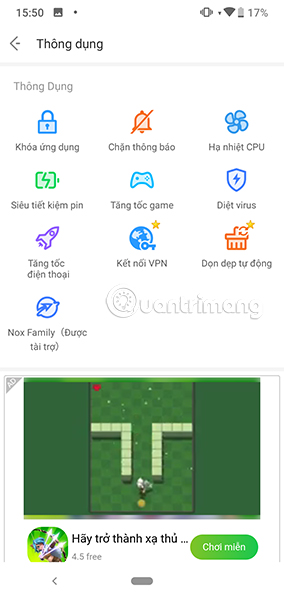
The Useful section may contain notification management, game tools, VPN features, or other utilities, depending on the app version and region. Each additional feature can require more permissions or its own privacy terms. Do not enable it merely because it is bundled with the cleaner.
Try Android’s built-in cleanup first
Google’s Android storage guide explains how to review downloads, unused apps, media, and cached data without a third-party cleaner. You can also use Google Play’s app management and auto-archive tools; TipsMake covers these in useful Google Play Store features.
If you still prefer a dedicated cleaner, compare permissions and functions with TipsMake’s overview of Android cleaner apps. Keep one cleanup utility rather than installing several apps that duplicate the same work.
When to uninstall Nox Cleaner
Remove the app if it shows intrusive ads, repeatedly asks for unrelated access, runs constantly in the background, or does not recover meaningful space. Before uninstalling, disable any App Lock, VPN, accessibility, device-admin, or notification access you enabled, then uninstall through Google Play or Android Settings.
Related Articles
 8 Best Best Garbage Cleaning Apps on Android5 minutes read
 How to Speed Up Android with Fancy Cleaner, Delete Cache, Junk Files4 minutes read
 Download Total PC Cleaner - a Tool to Help Clean Junk Files and4 minutes read
 Nimbly Clean: Explained5 minutes read
 The Surprise: the Applications That Clean up the Garbage in Your7 minutes read
 How to Use Trend Cleaner to Clean Up Windows 107 minutes read
Reader Comments 0
Sign in with email or Google to join the discussion.