Table of Contents
This guide covers close up of lenovo's new 'ultraportable' with practical context and easy-to-follow details. Use it to understand the subject and apply the information confidently.
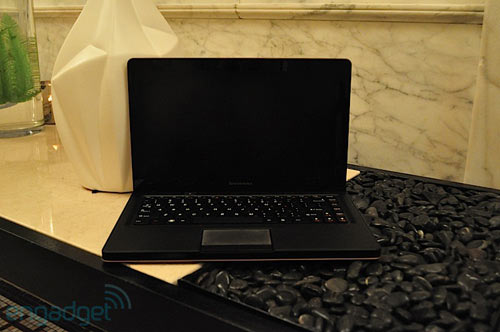 IdeaPad U260 equipped with anti-glare screen of 12. 5 inch size.
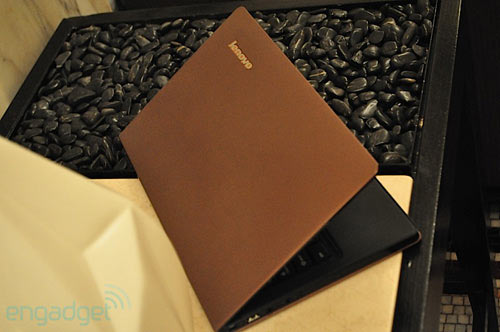 According to Engadget, the entire case is made of solid magnesium alloy.
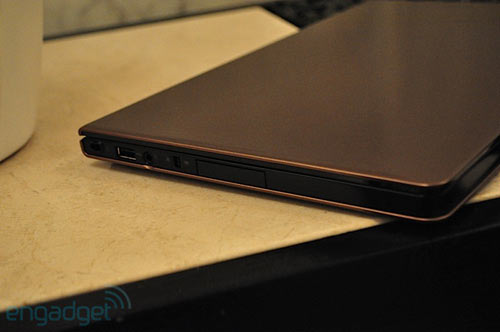 U260 has no optical drive attached.
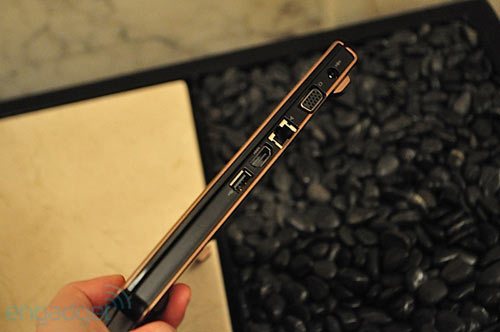 . But fully equipped with connection ports such as USB, VGA, HDMI, LAN.
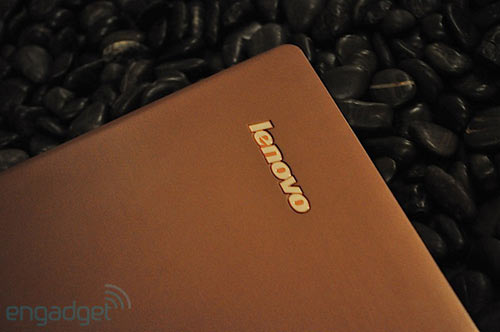 Lenovo logo on the face of the device.
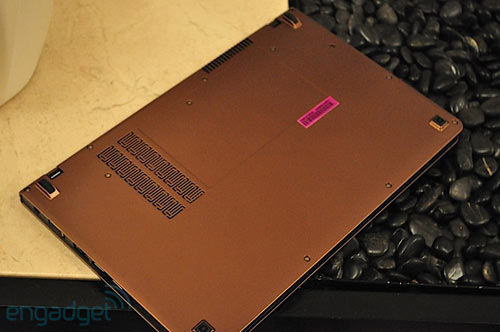 U260 has the option of a 4-cell battery with a battery life of 4 hours continuously. There is no information about the built-in battery type, but according to this image it is very possible that U260 has a battery.
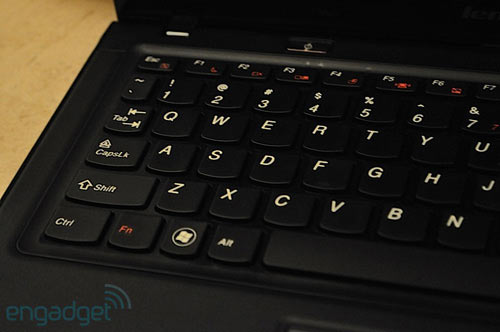 Lenovo's traditionally designed keyboard.
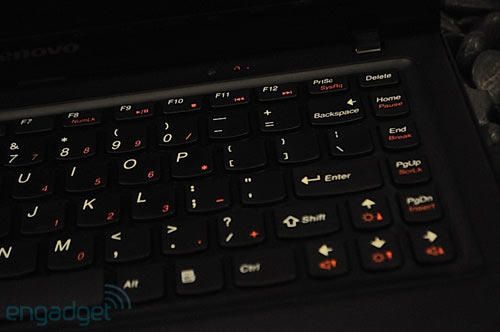 The series of sub-keys arranged similarly to the desktop keyboard is very convenient for business users.
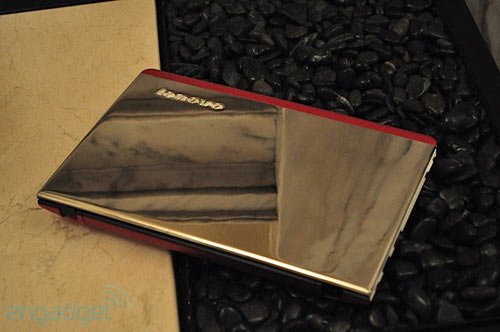 The special version of U260 has a platinum shell.
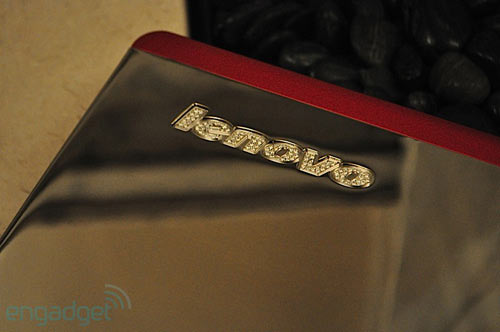 . Logo encrusted with diamonds.
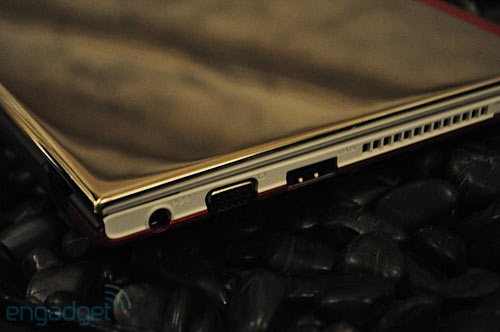 The IdeaPad U260 version usually starts at $ 899.
FAQ
What should I check before following these steps?
Confirm device and software compatibility, save important data, and make sure you have the required permissions, files, and account access.
Why might the process not work?
Common causes include outdated software, missing permissions, incompatible hardware, an unstable connection, or completing a step in the wrong order.
Can I undo the changes if necessary?
That depends on the tool or setting. Use built-in restore options when available, keep a backup, and record the original configuration first.
Related Articles
 How to Close the Application on Android5 minutes read
 10 Ultraportables and Netbooks Are Waiting for You10 minutes read
 Netbook Racing Big Screen6 minutes read
 5 'Top' Ultraportable Laptops in Vietnam6 minutes read
 Should I Choose Netbook or Ultraportable Laptop for Work?8 minutes read
 How to Close Apps in Windows 83 minutes read
Reader Comments 0
Sign in with email or Google to join the discussion.