Table of Contents
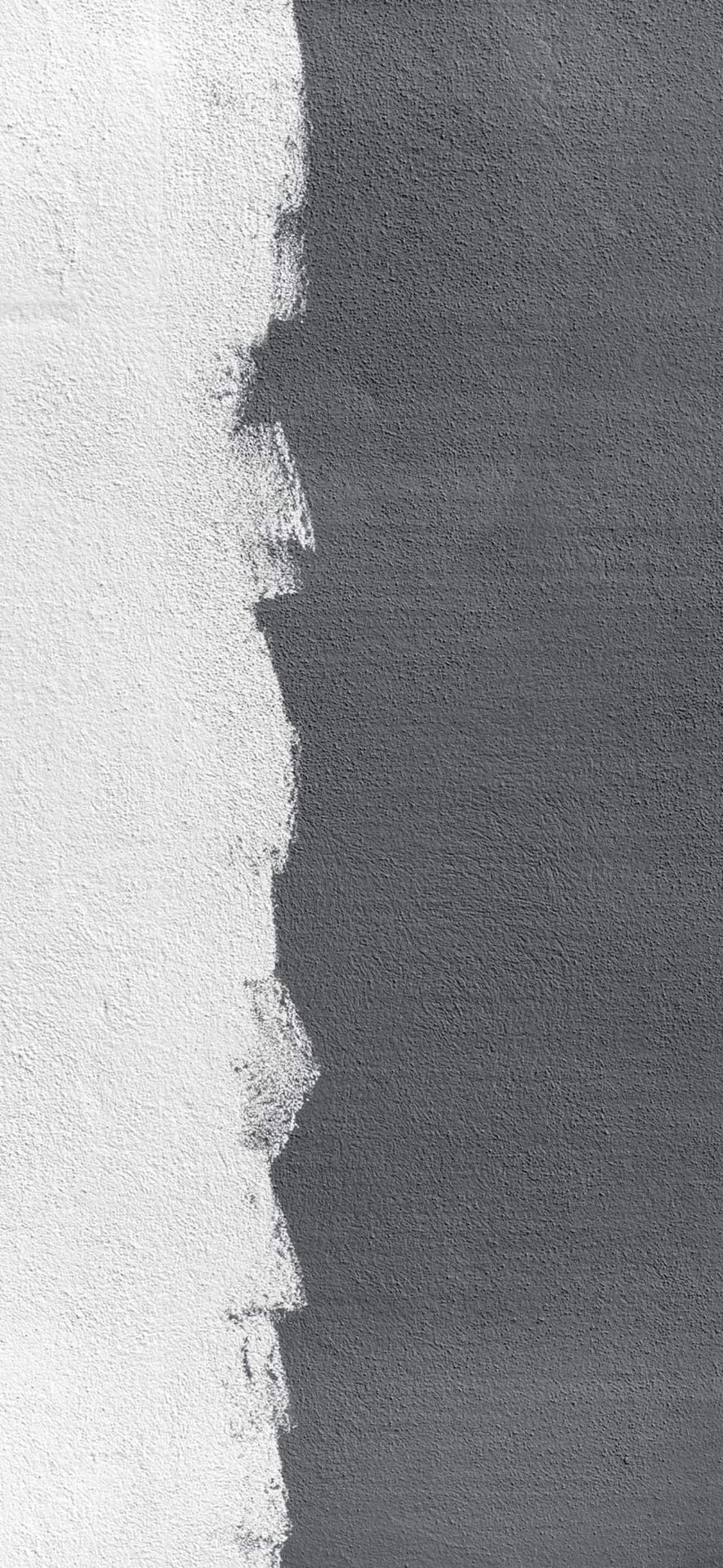
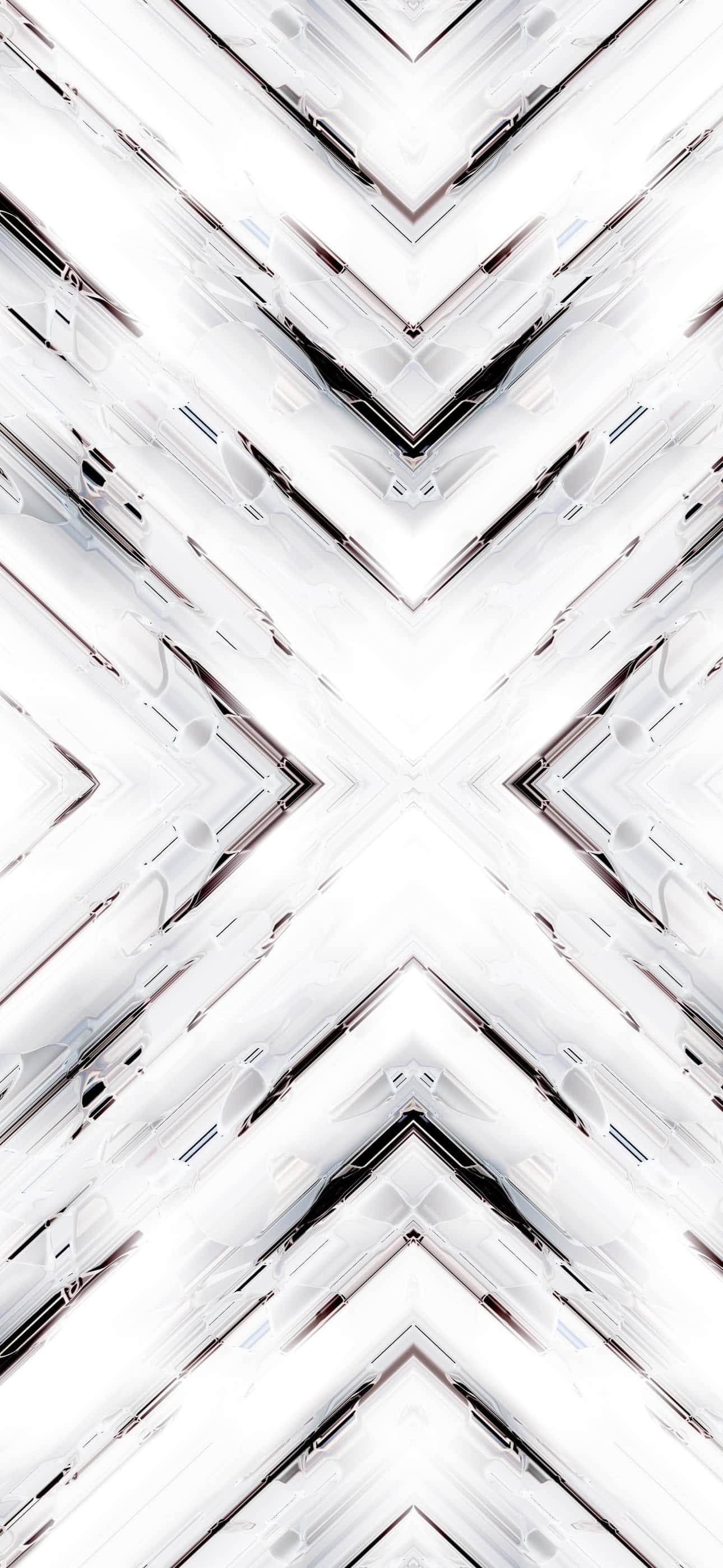
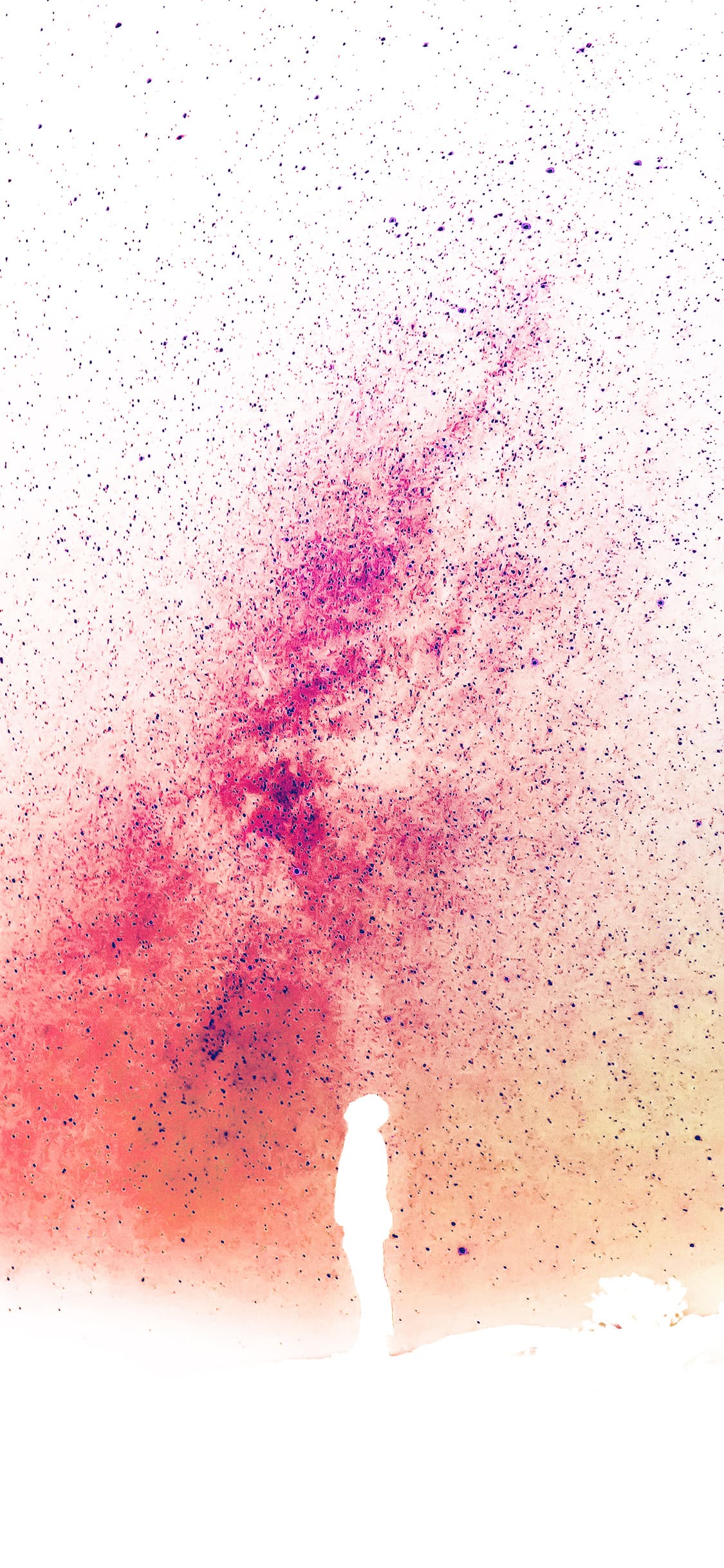
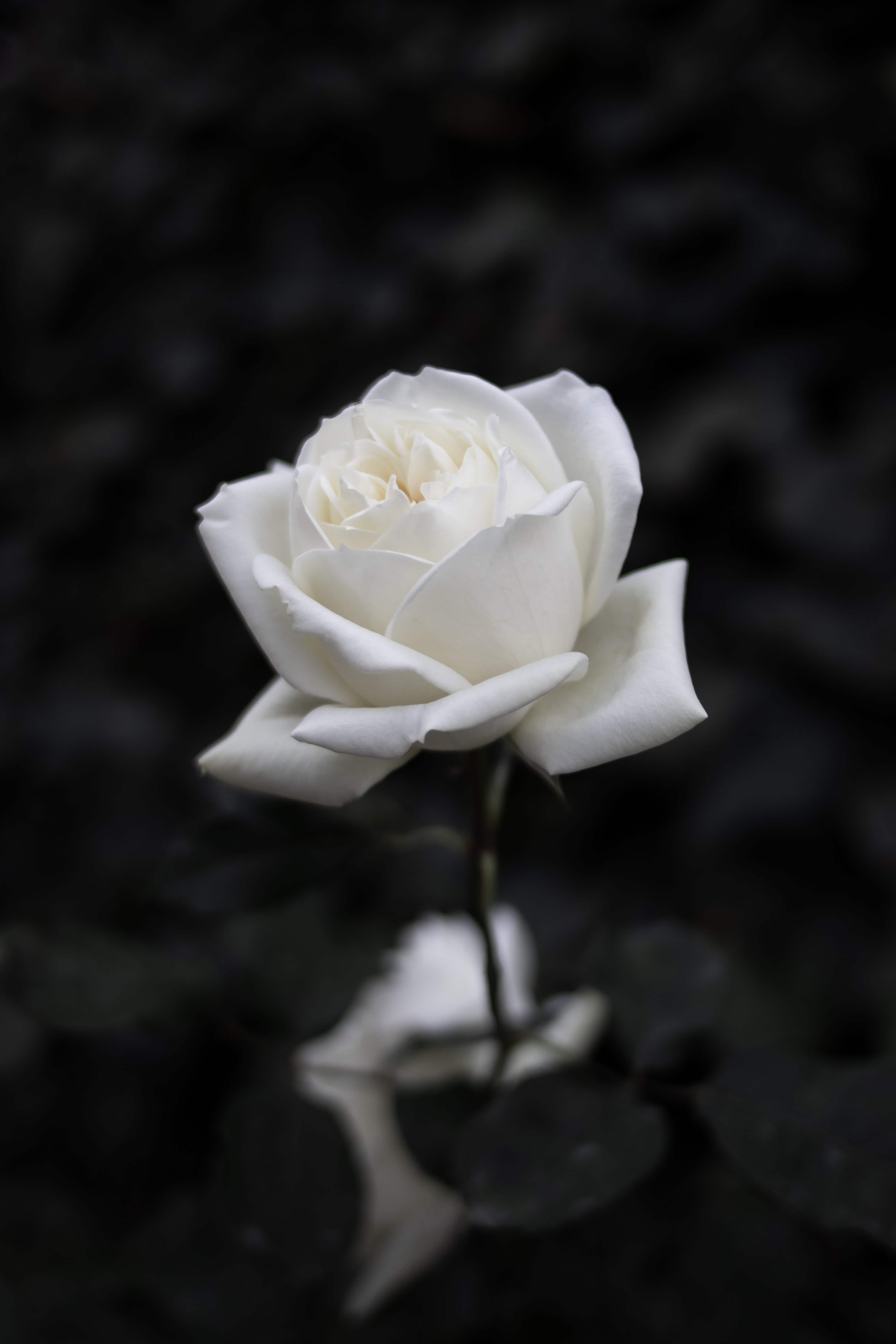
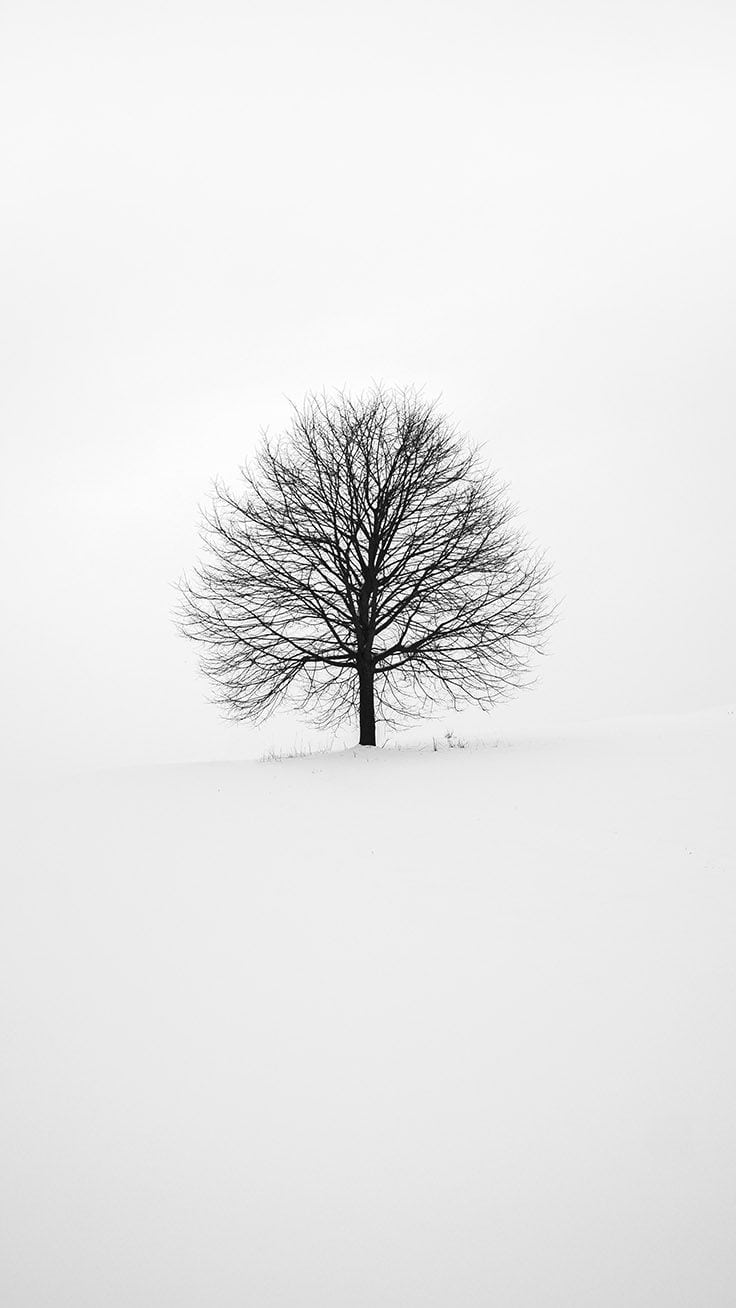
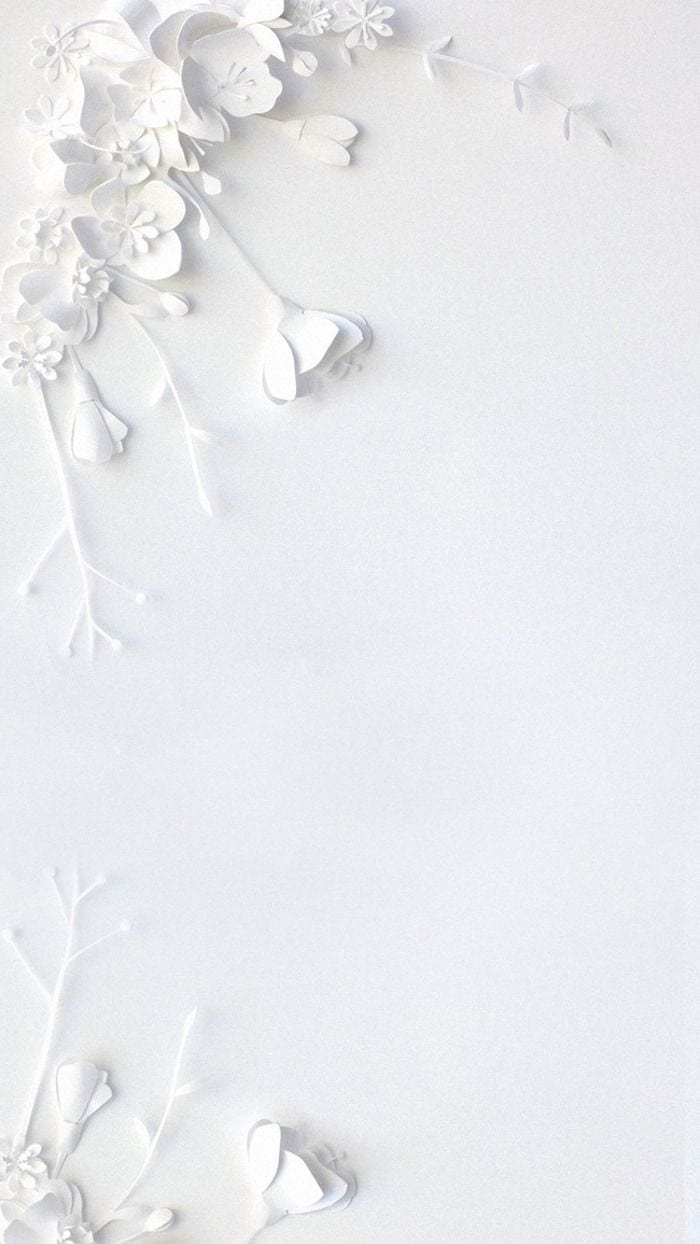
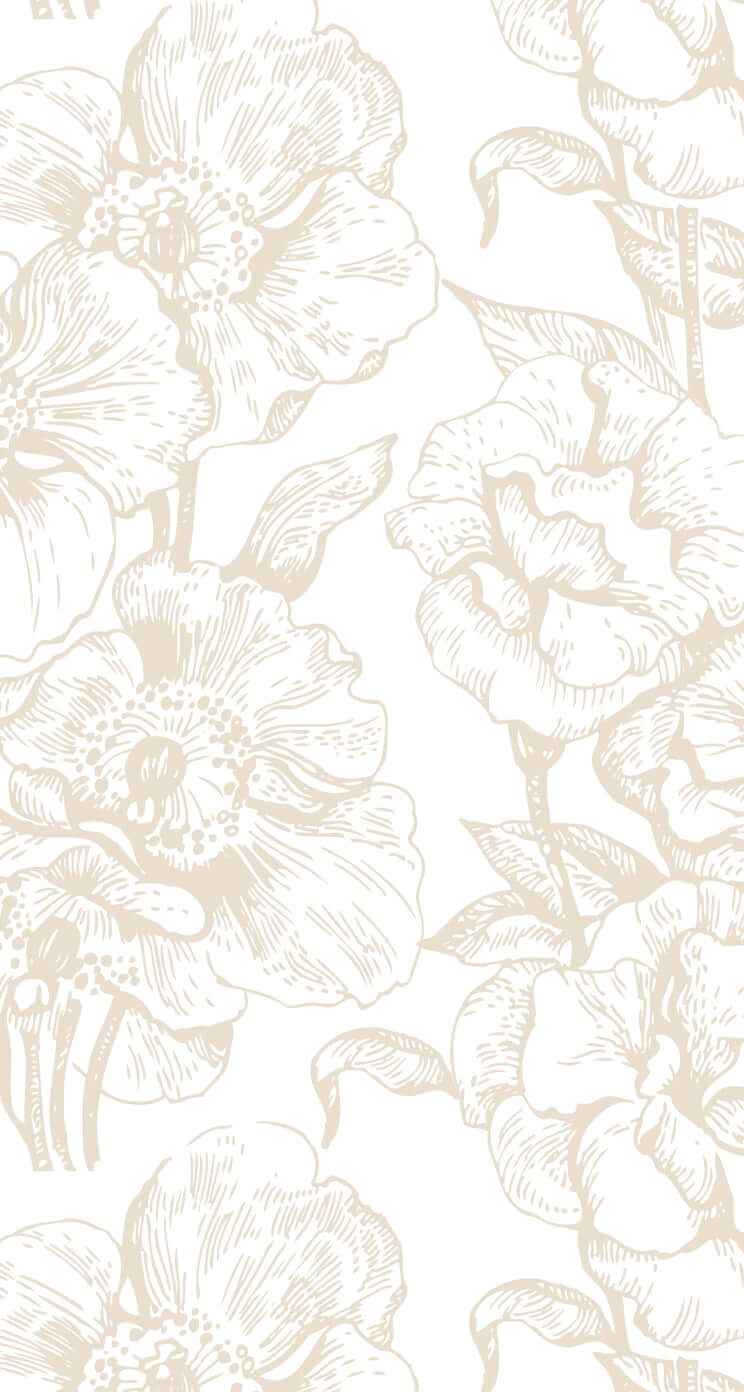
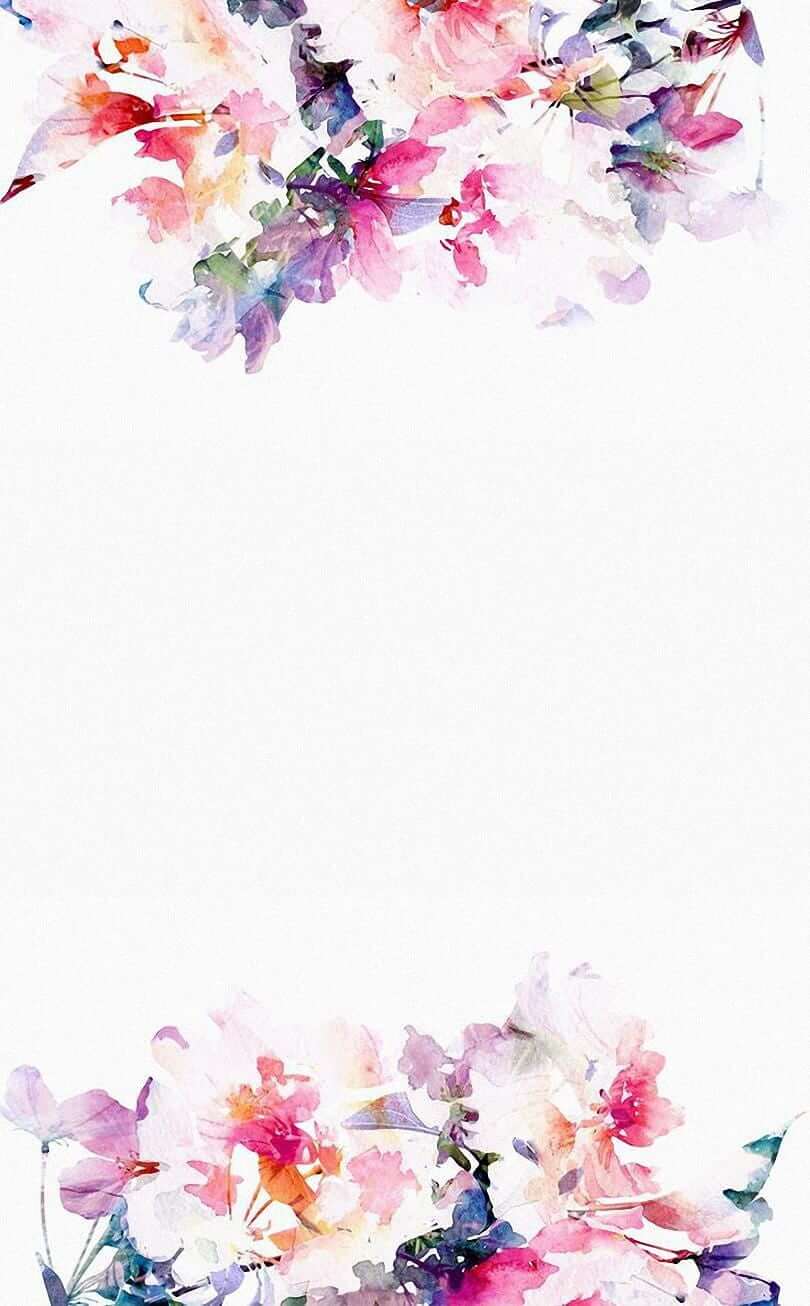
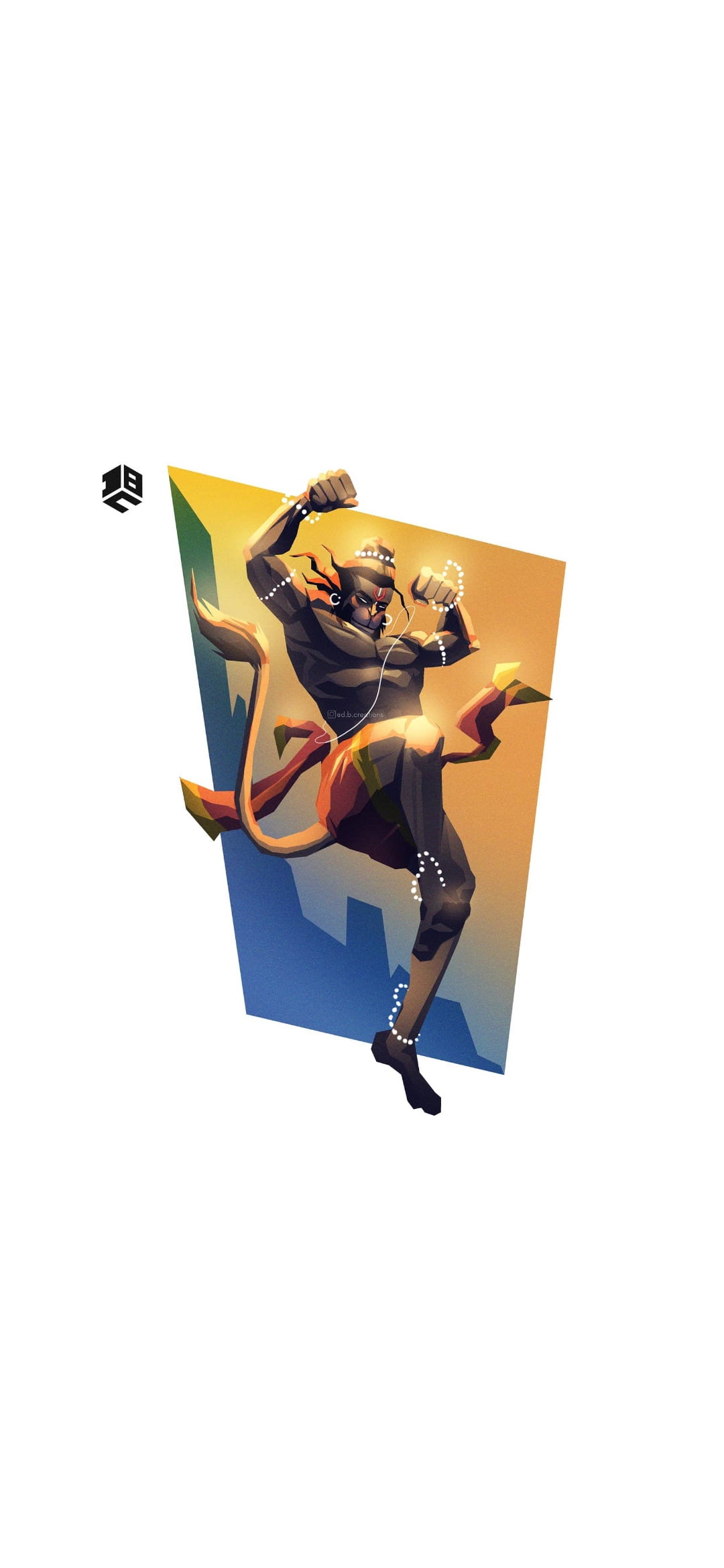
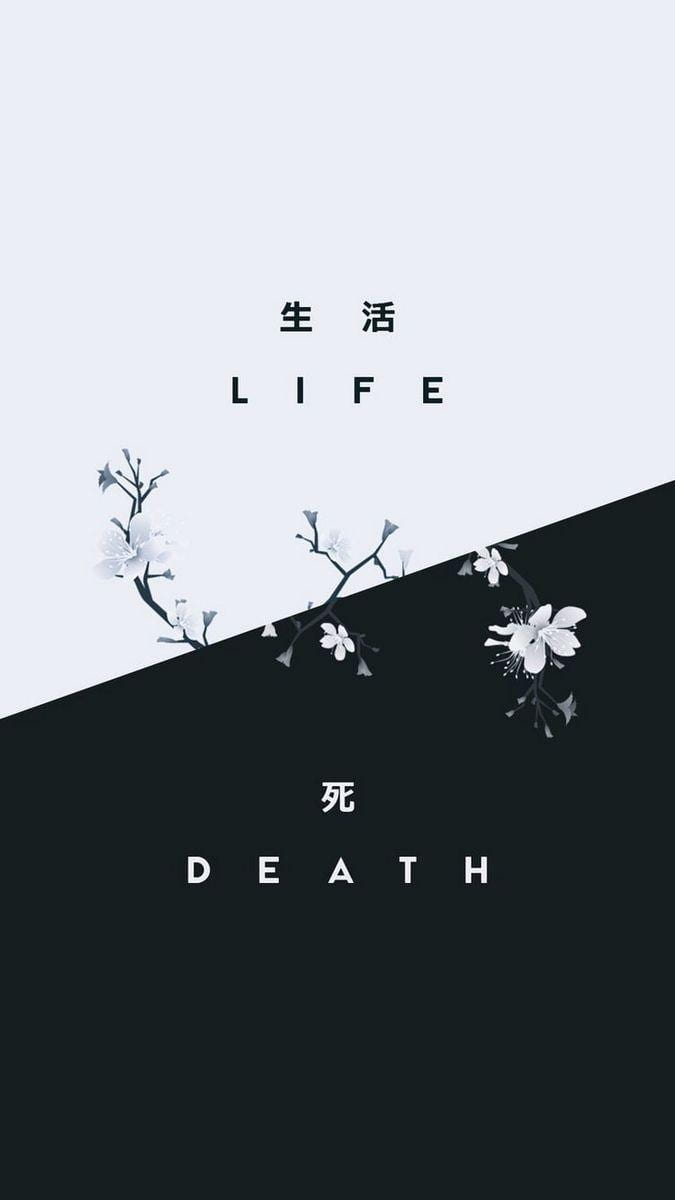
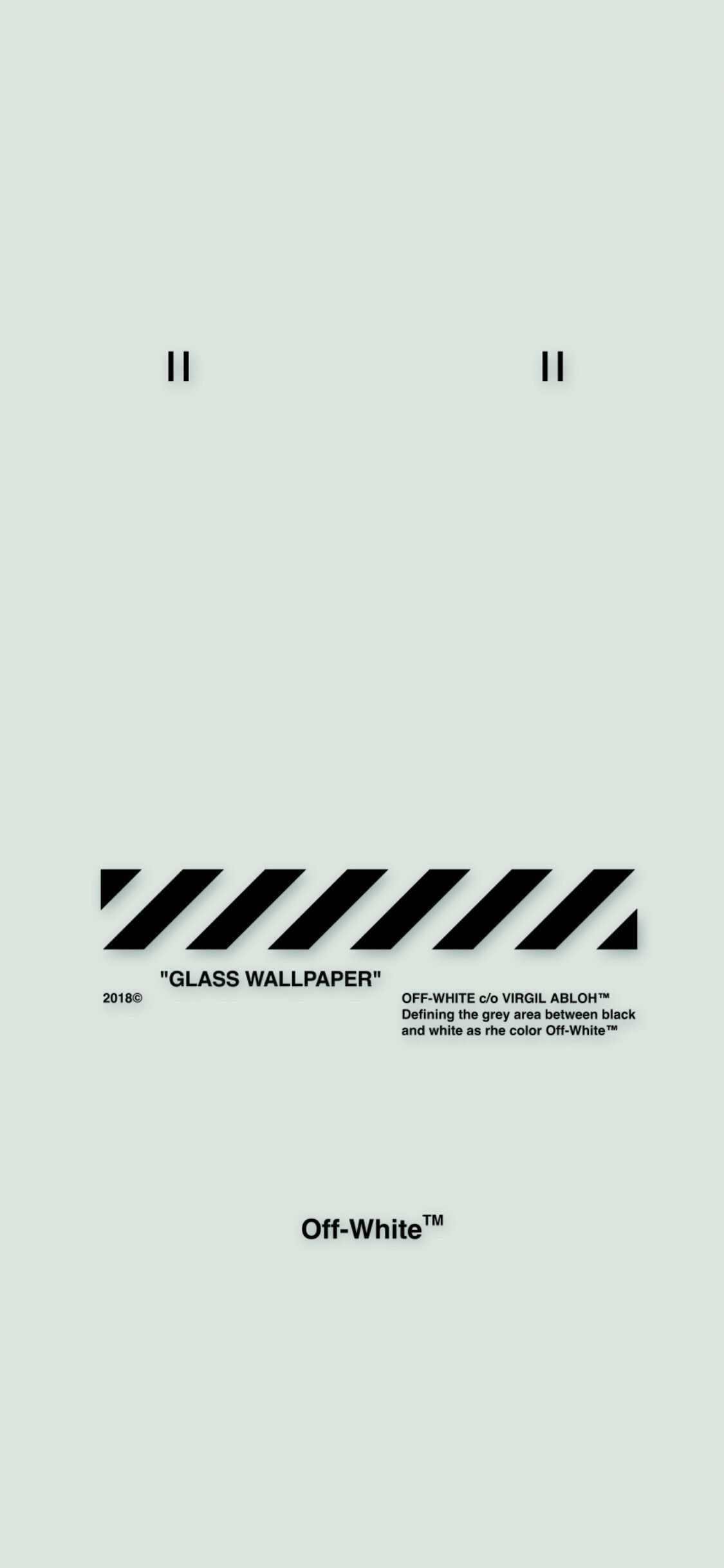
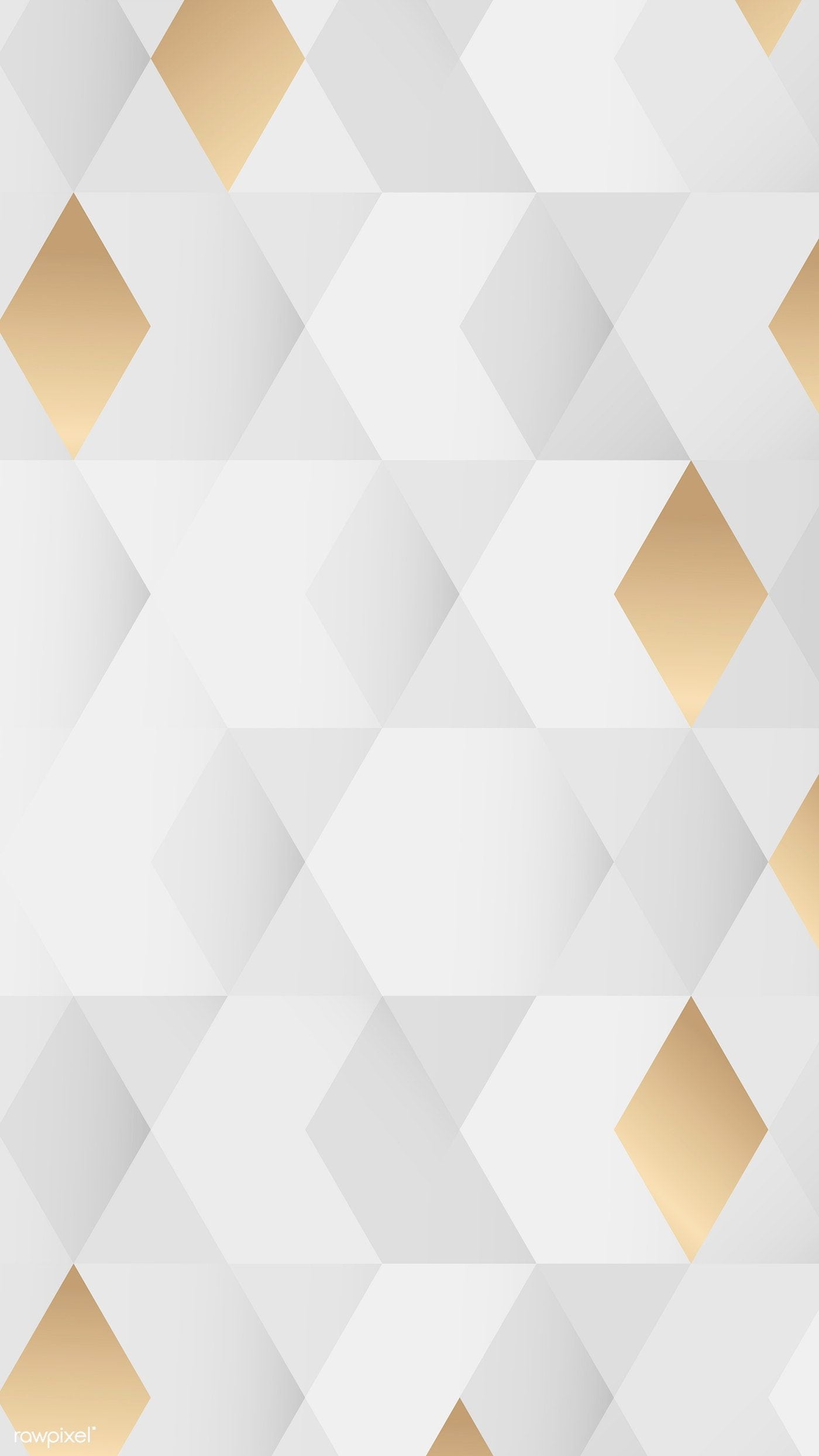
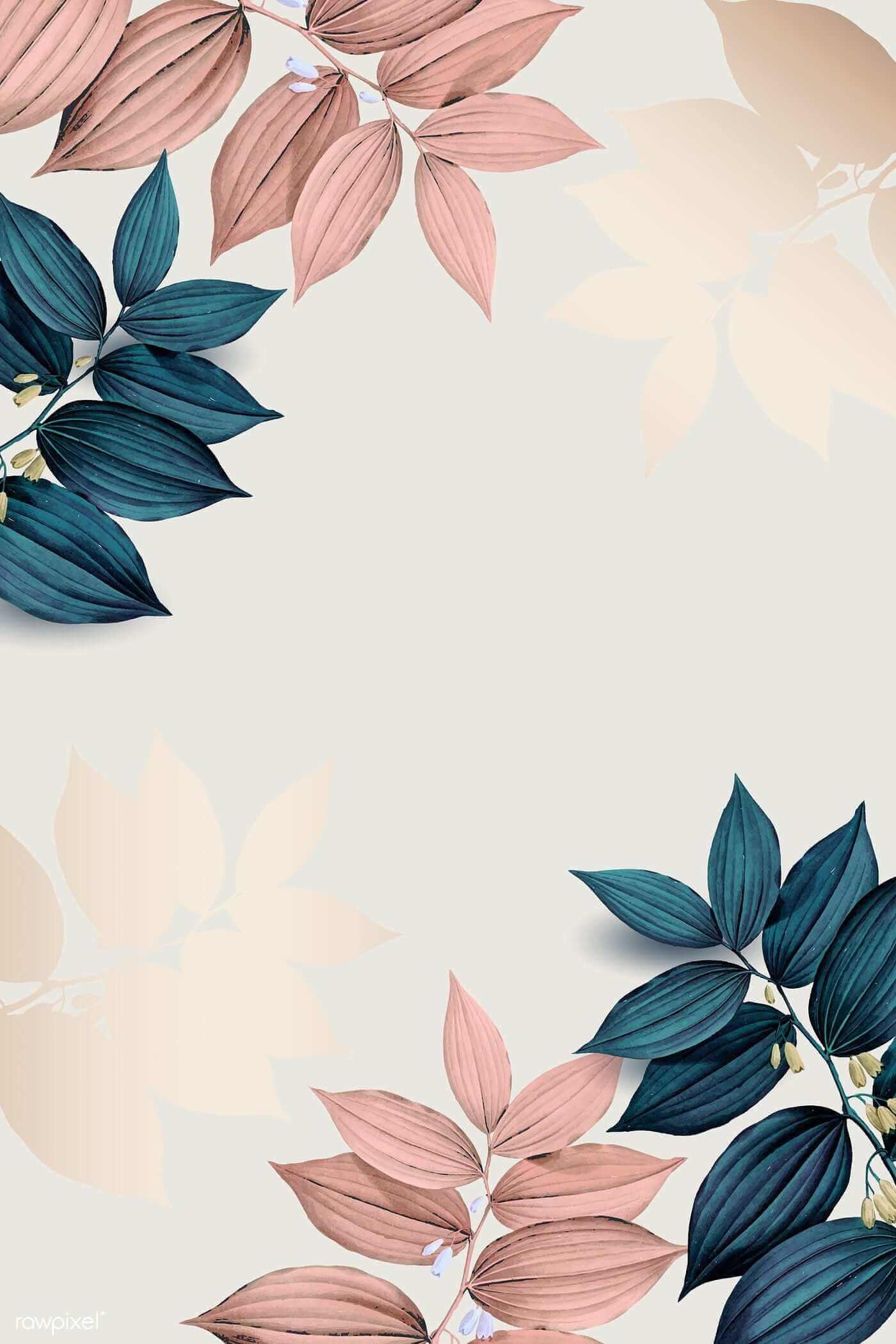
This collection contains 151 white and light-toned wallpapers for phones, laptops, and desktop monitors. The gallery ranges from nearly plain backgrounds to floral, abstract, architectural, illustrated, and textured designs.
A white wallpaper can make a screen feel clean and spacious, but it also needs enough contrast for icons, labels, the clock, and other interface elements. Preview the image on the actual device before deciding.
White wallpaper gallery
Open an image before saving it so you can use the largest available version. The page may display reduced previews for faster loading.












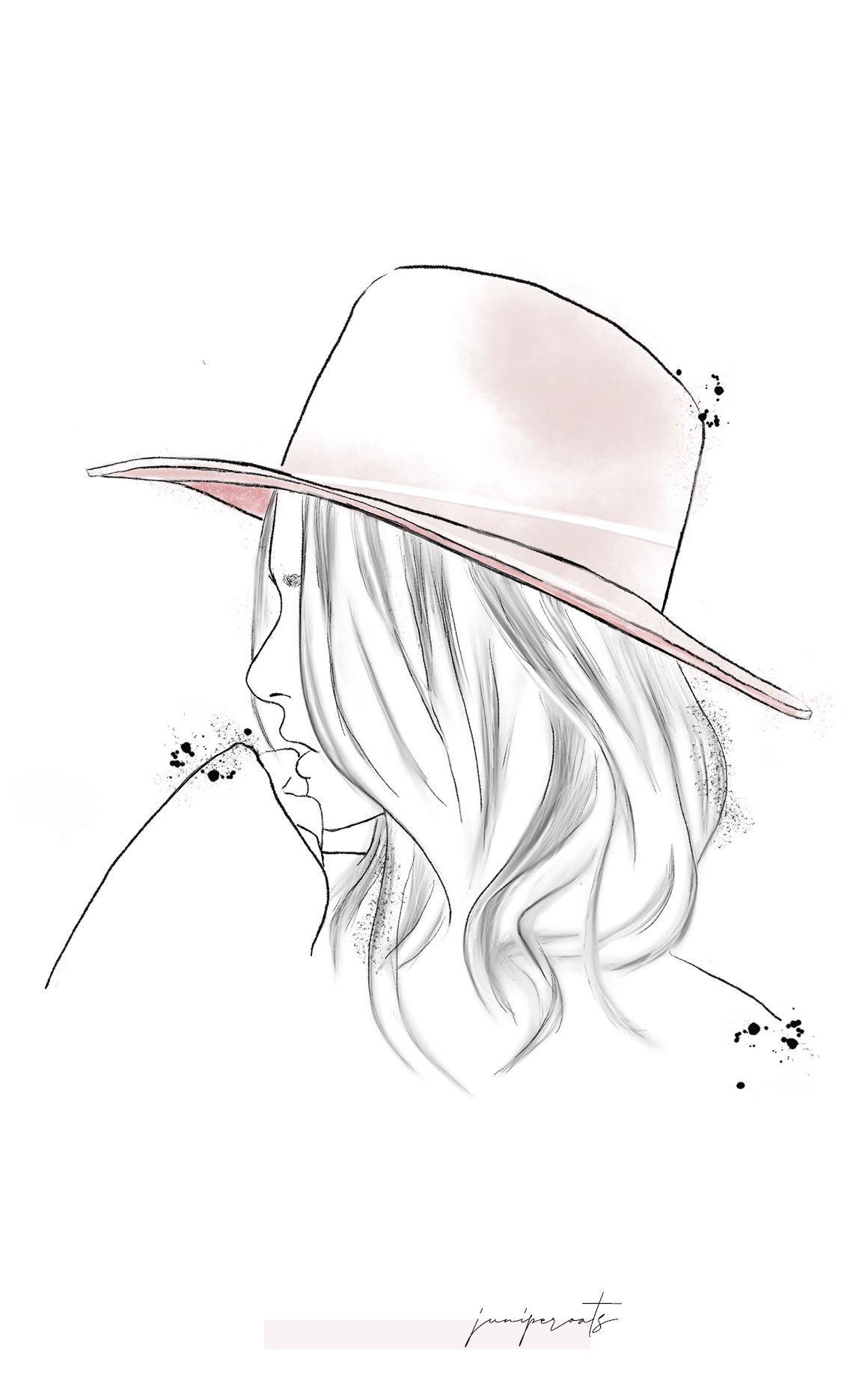

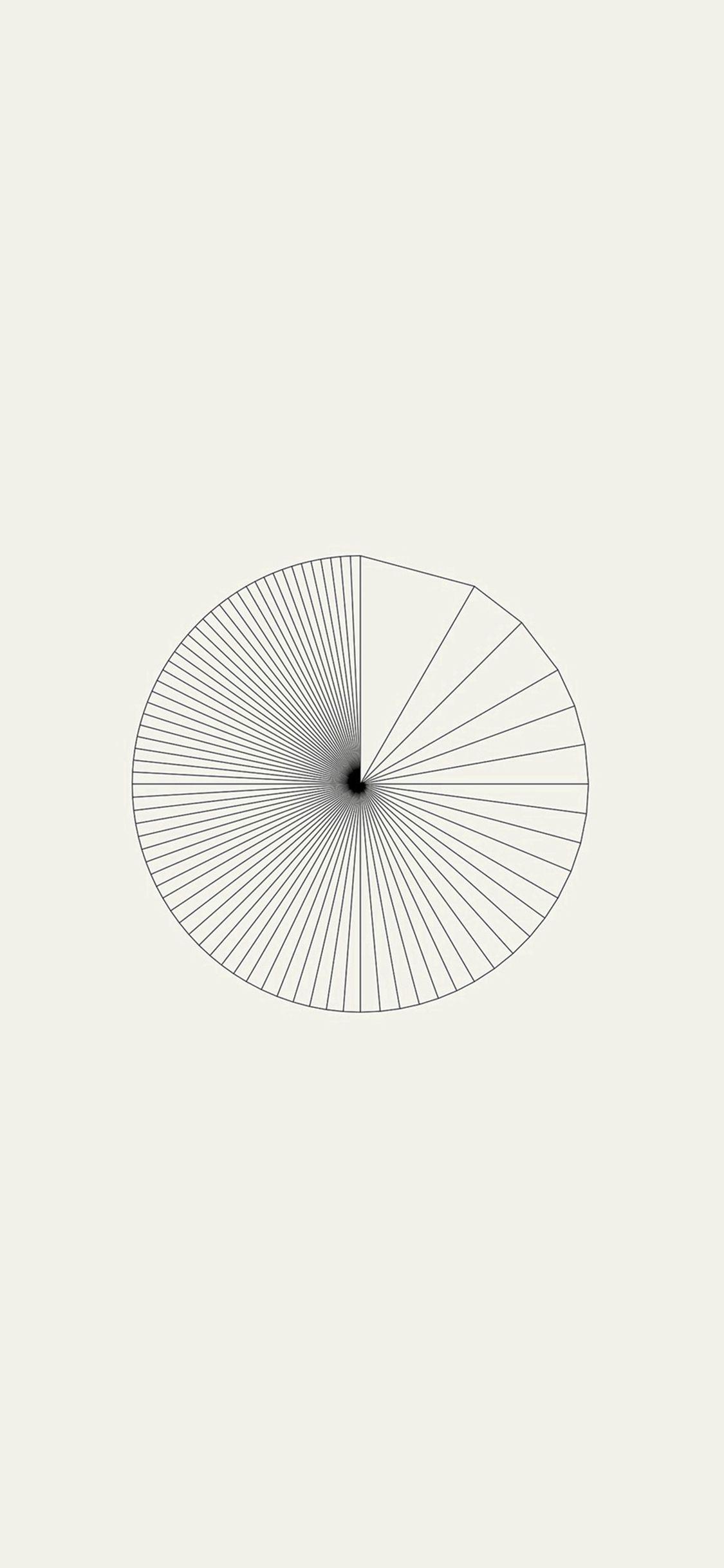


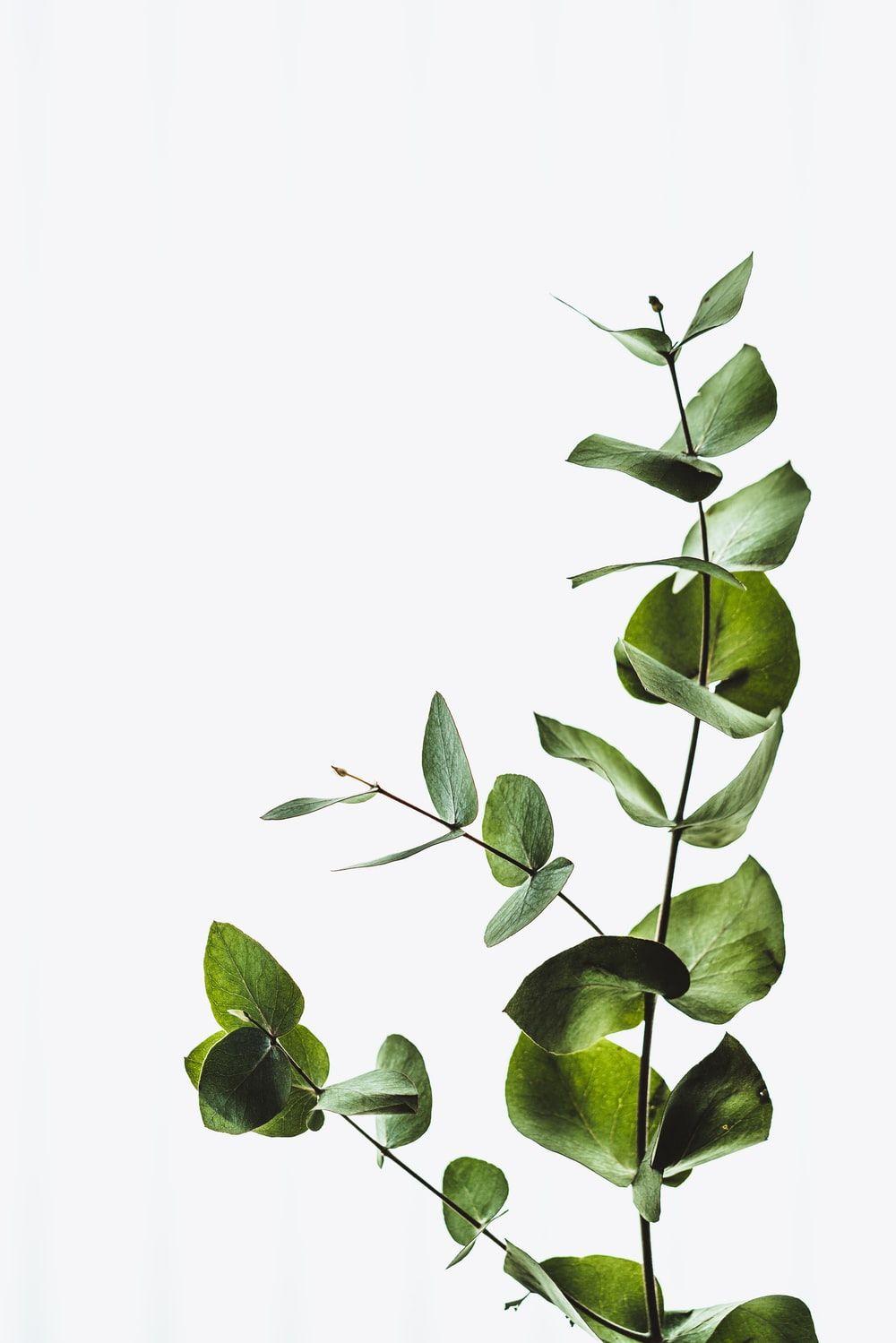




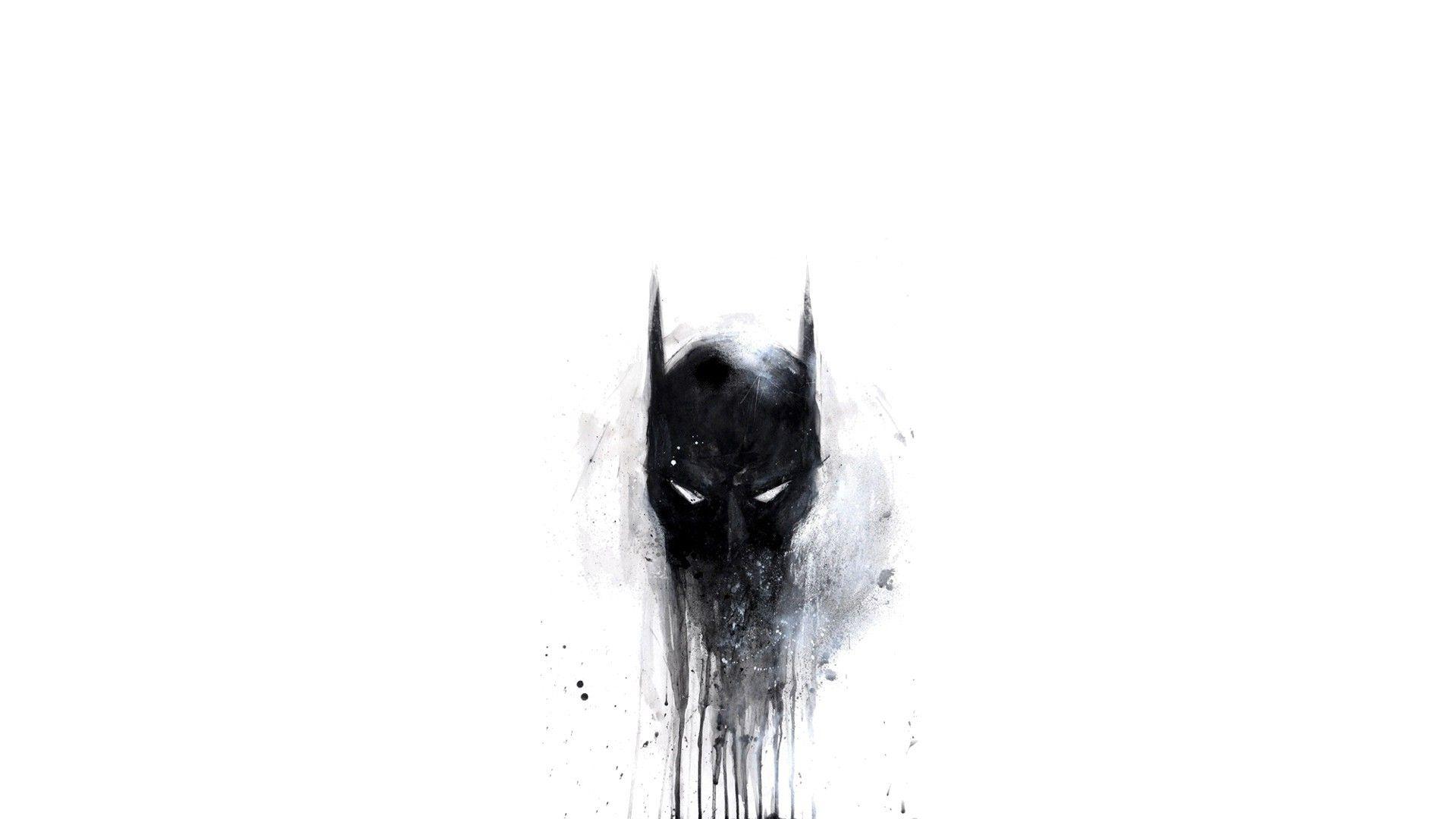















































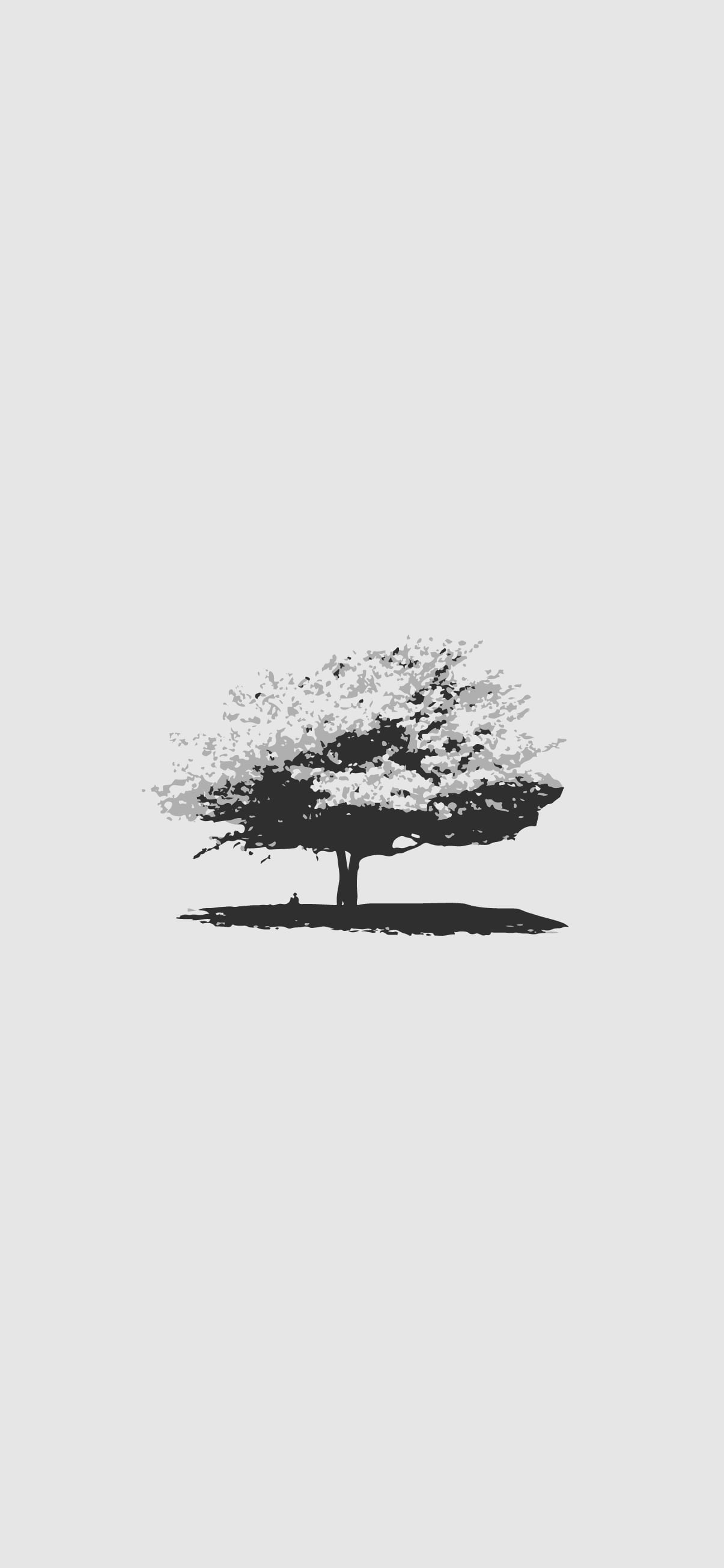



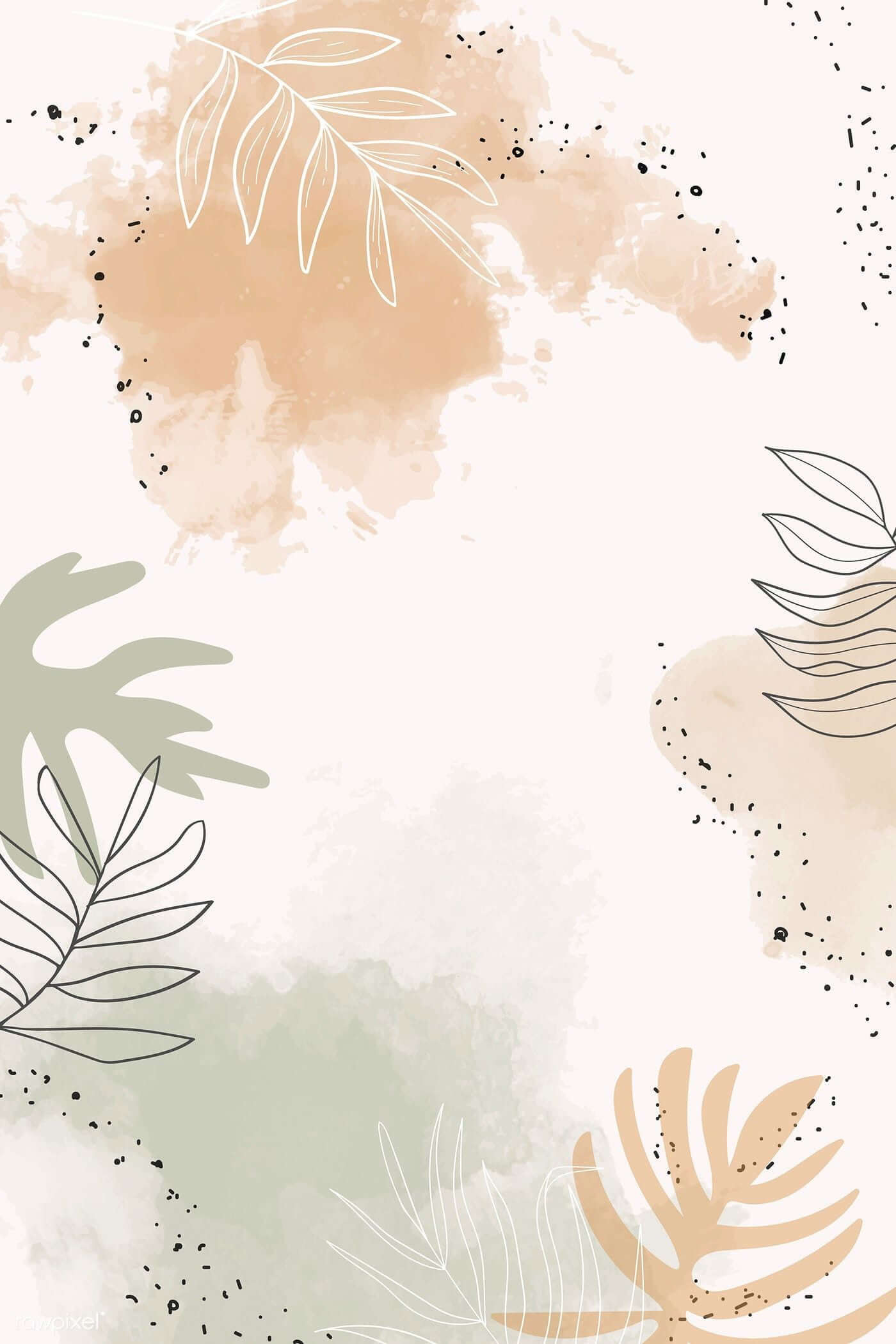


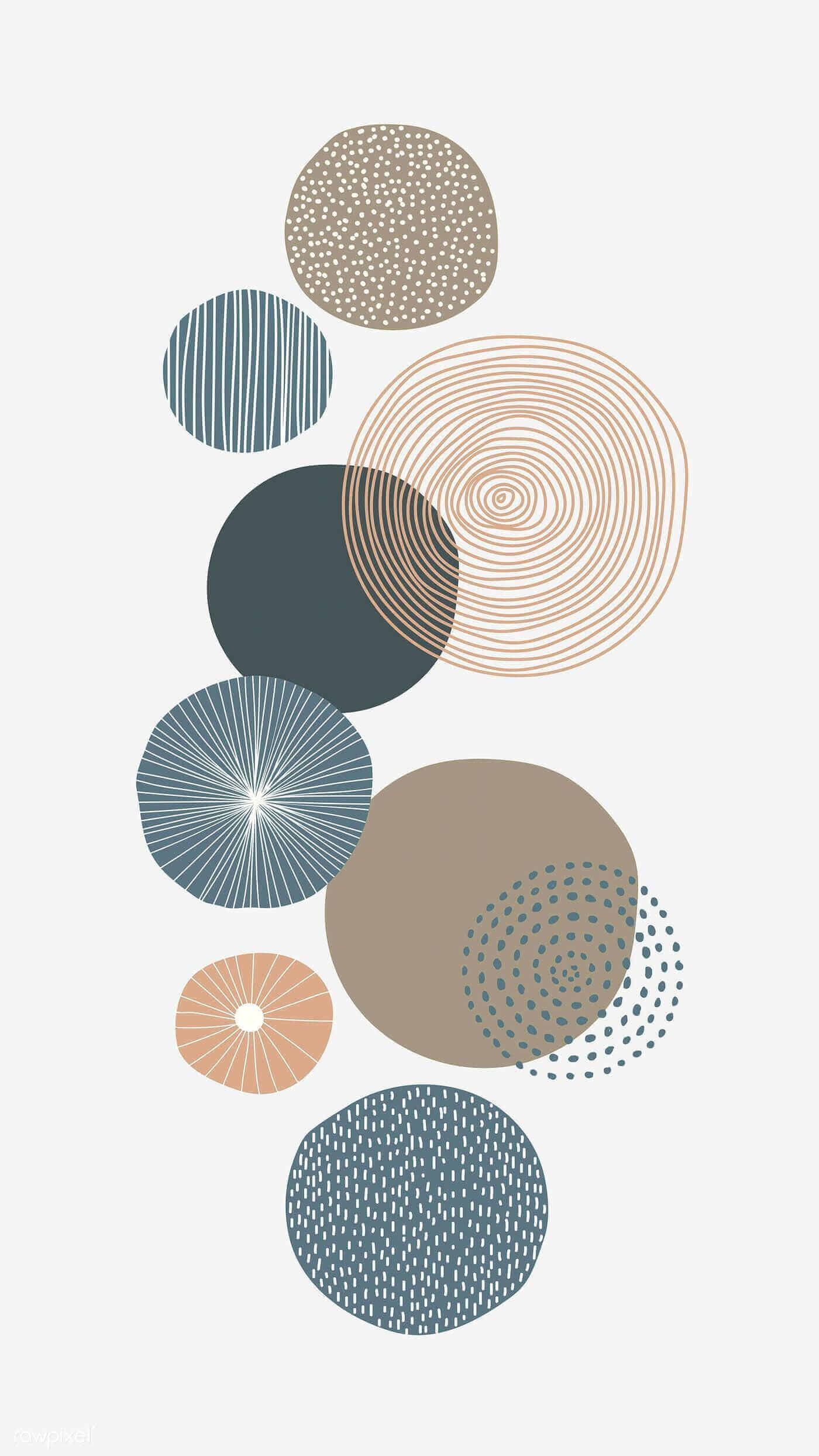

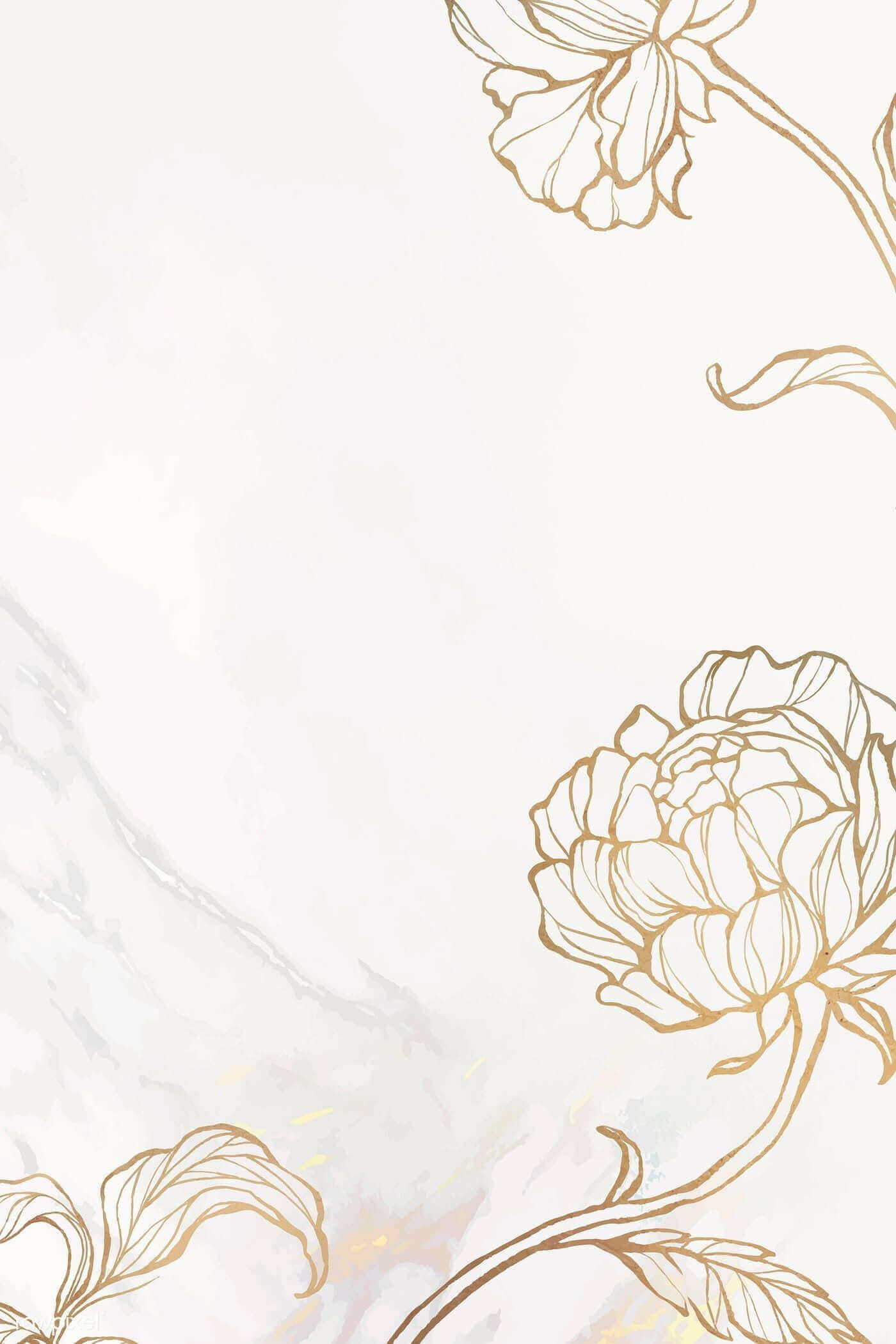




























Choose a white wallpaper by use
- Phone Lock Screen: keep the clock area clear and make sure light text does not disappear into the background.
- Phone Home Screen: use a quiet center area so app icons and labels remain legible.
- Desktop: consider where files, folders, the taskbar, menu bar, or dock are placed.
- Presentation background: choose an image with large empty regions and add dark, high-contrast text.
- Video-call background: avoid a detailed white pattern that produces visual noise or poor edge separation.
Save the image at the best available quality
- Tap or click the chosen wallpaper to open it at full size.
- Use the browser's save-image command instead of taking a screenshot.
- Keep the original aspect ratio when resizing.
- Compare the image's pixel dimensions with the target screen.
- Save an untouched original so you can make a separate phone, desktop, or slide crop later.
If the result looks blurry, reset excessive zoom and check whether you saved a thumbnail rather than the full image. Enlarging a small file cannot restore missing detail.
Make icons and text readable
- Use dark interface text and icons when the operating system allows it.
- Avoid placing pale labels over white clouds, fabric, flowers, or other low-contrast details.
- Add a subtle shadow, translucent panel, or darker crop only when the platform supports it without harming clarity.
- Test the wallpaper at normal brightness and in a dim room; a mostly white screen can feel much brighter at night.
- Check selected, focused, and disabled interface states, not only the default icons.
Match the crop to the screen
Phones are usually portrait-oriented, while most computers use landscape screens. A single image may need two separate crops. Place the focal point away from camera cutouts, the Lock Screen clock, the taskbar, and desktop icon columns.
For a monitor, match the aspect ratio before matching the exact resolution. A 16:9 image generally crops more predictably on a 16:9 display than a taller phone image, even when both files contain many pixels.
White wallpaper styles
- Plain or geometric: best for a distraction-free desktop and high icon visibility.
- Floral or botanical: adds a focal point while retaining a light palette.
- Abstract texture: introduces depth without a recognizable subject.
- Architecture and interiors: works well on large screens when lines remain sharp.
- Illustration or character art: provides more personality but needs careful icon placement.
- Typography or quotes: should be checked for readable cropping and accurate wording before use.
For more understated designs, browse these minimalist wallpapers. Presentation creators can compare white PowerPoint backgrounds, while phone users can browse the wider collection of high-resolution mobile wallpapers.
Related Articles
 Synthesis of the Most Beautiful White Background3 minutes read
 Top Best Black and White Wallpaper for Phones3 minutes read
 Set of Beautiful 4k Quality Nature Wallpapers for Computers2 minutes read
 100+ Most Beautiful Background5 minutes read
 Chill Wallpapers for Computers, Chill PC Wallpapers5 minutes read
 Applications That Create Color Images on a Black and White6 minutes read
Reader Comments 0
Sign in with email or Google to join the discussion.