Table of Contents
This guide provides a clear, practical overview of apple stopped signing iOS 14.8, iOS 15 users can't downgrade, with useful context, important details, and straightforward takeaways for everyday readers.
Initially, Apple only blocked signing iOS 14.8 on some devices such as iPhone X, iPhone XR and iPad Air 3. But Then, all devices from iPhone, iPad and iPod touch could not downgrade to iOS 14.8. again.
It's not a new thing for Apple to block signing old iOS versions after releasing a new iOS version. After locking iOS 14.8 sign, Apple will continue to provide new security updates to users who have chosen to stay in iOS 14 rather than upgrade to iOS 15.
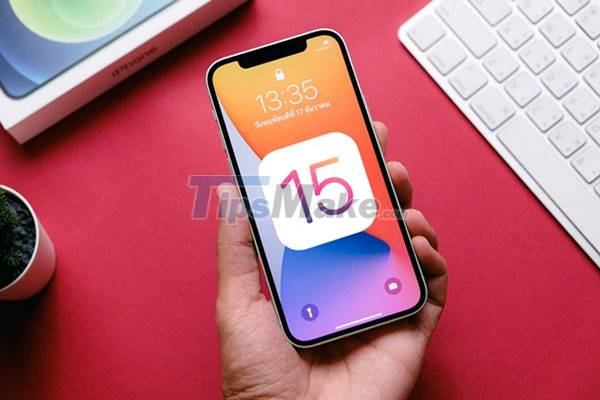
iOS 15 was released on September 21, but it is facing a lot of bugs. Therefore, Apple quickly released the iOS 15.0.1 patch, but unfortunately this version is not completely stable. Therefore, users who have upgraded to iOS 15 or iOS 15.0.1 will have to wait for a newer update, possibly iOS 15.1 which may be released later this month or early November.
According to Mixpanel's statistics as of October 5, the rate of users updating to iOS 15 has only reached 22.08%. Meanwhile, the percentage of users who choose to stay in iOS 14 is still very high 72.59% and 5.33% of users are still using older iOS versions.
Key Takeaways
Use the information above as a practical reference for apple stopped signing iOS 14.8, iOS 15 users can't downgrade. Review each step carefully, confirm any requirements, and choose the option that best fits your situation.
FAQ
What does this guide explain about Apple Stopped Signing iOS 14.8, iOS 15 Users Can't Downgrade?
It explains the main concepts, practical considerations, and useful steps related to apple stopped signing iOS 14.8, iOS 15 users can't downgrade without requiring advanced knowledge.
Who can benefit from learning about Apple Stopped Signing iOS 14.8, iOS 15 Users Can't Downgrade?
This information is useful for readers who want a clear overview, practical guidance, and reliable steps related to apple stopped signing iOS 14.8, iOS 15 users can't downgrade.
What should I check before applying this information?
Review the requirements, confirm that your device, software, or situation matches the instructions, and back up important data before making major changes.
Related Articles
 Apple Locks iOS 17.1 Signing, Users Need to Consider When Upgrading to iOS4 minutes read
 New News: Apple Is Paving the Way for iOS 7, 8, 9, and 10 Downgrades for Most IPhones3 minutes read
 3 Ways to Downgrade to the Old macOS Version9 minutes read
 Apple Is About to Sign Off iOS 13.1.2 // 13.1.3, Waiting for3 minutes read
 Apple Began to Stop Allowing Restore to iOS 7.1.2 Version3 minutes read
 How to Downgrade iOS 11.3 to iOS 11.2.65 minutes read
Reader Comments 0
Sign in with email or Google to join the discussion.