Table of Contents
Choose a smart TV accessory based on what gets in your way. A soundbar can help when dialogue is hard to hear, a streaming device can replace slow built-in apps, and an HDMI switch can connect more devices to a TV with too few ports. Check what your TV already supports before you buy.
Soundbar or surround speakers
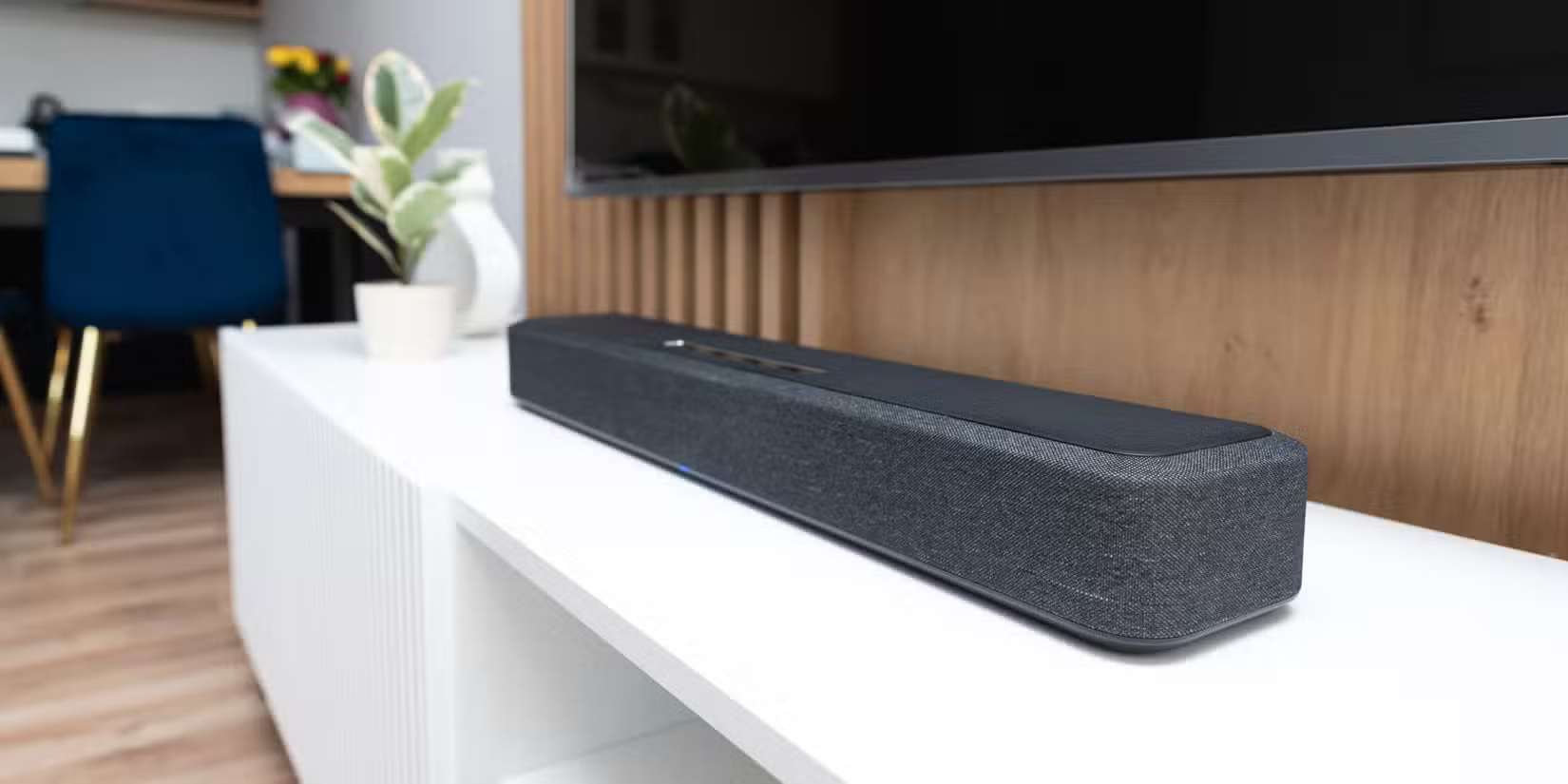
If voices are hard to hear, start with a soundbar that has a center channel or a dialogue mode. Choose a surround system if you have room for rear speakers. Check whether both the TV and the soundbar support HDMI ARC or eARC, and use the labeled port.
Streaming stick or box
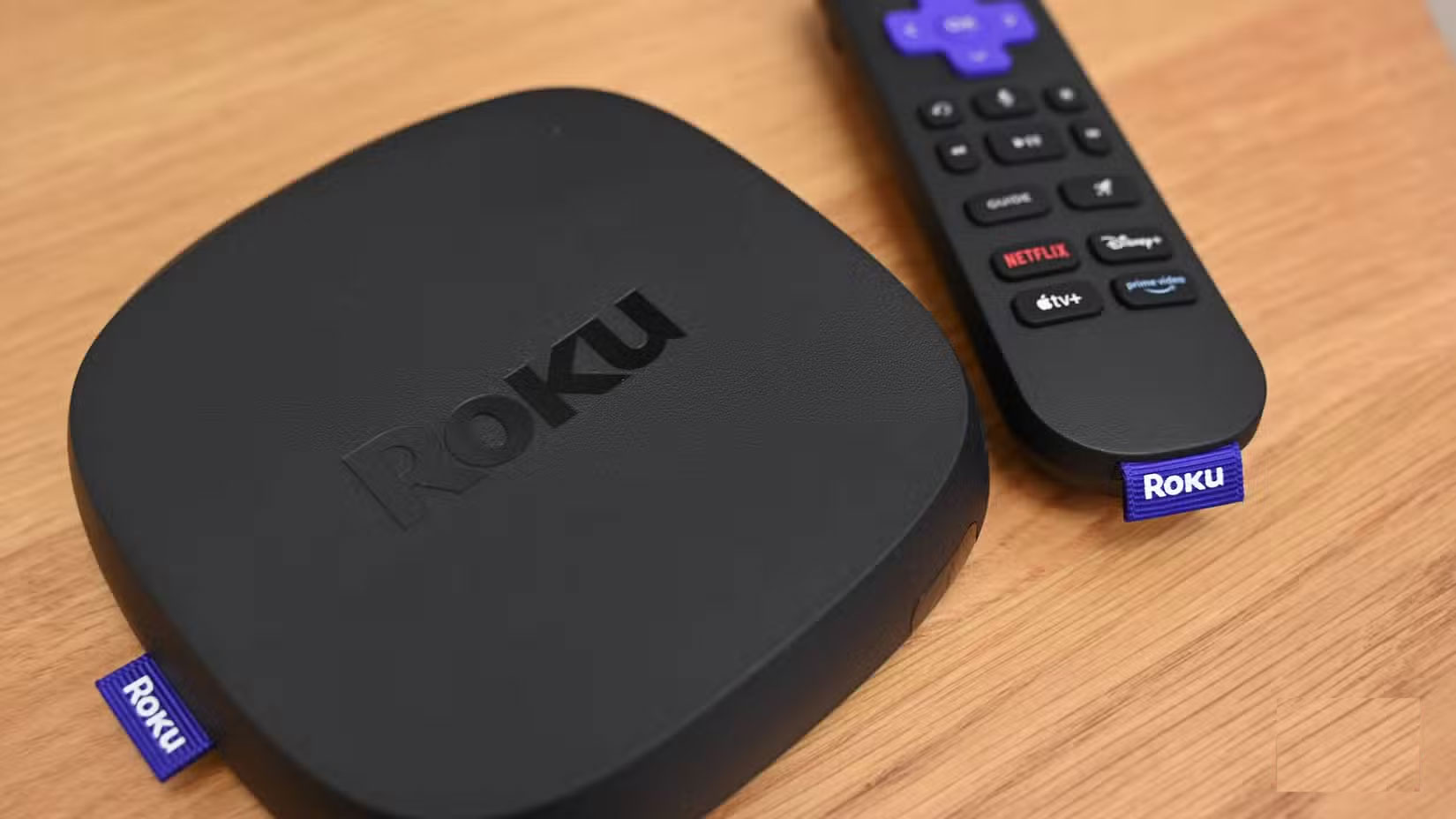
An external streamer can replace a slow TV interface or add apps the TV no longer supports. It sends video through HDMI and gets power separately, often over USB. Check app availability in your region and support for your TV’s resolution and HDR format. Use the supplied adapter if the TV’s USB port cannot reliably power the device.
Bias lighting
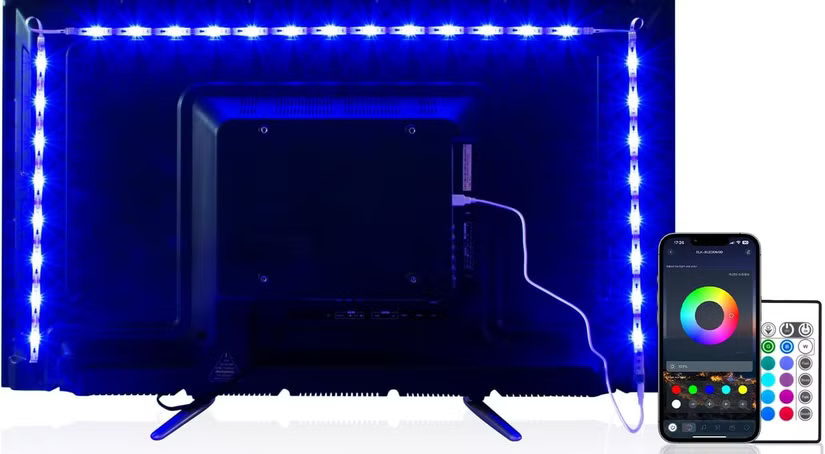
A dim light behind the screen can make it more comfortable to watch in a dark room. Place the strip so it lights the wall without shining toward your seat. Choose dimmable neutral white if you want the light to stay unobtrusive during a movie.
Motorized TV lift
A lift can hide a screen in a cabinet when it is off. Before buying, compare the TV’s weight and mounting-hole pattern with the lift’s specifications. Measure clearance for the full travel, including cables. Follow the lift manufacturer’s mounting instructions and hire an installer if the cabinet or wall needs structural work.
HDMI switch
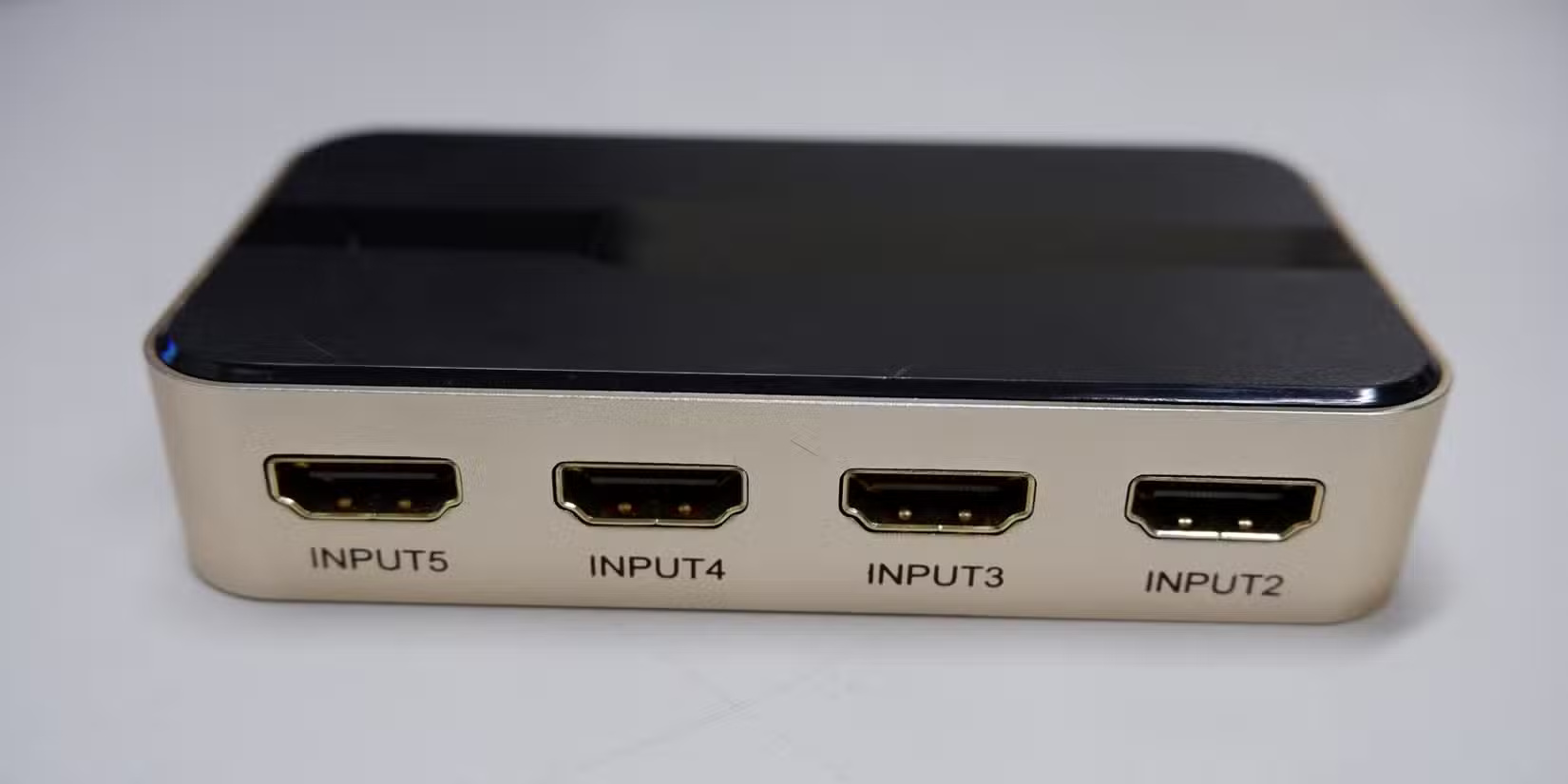
A switch lets several devices share one TV input. Buy a switch with the number of inputs you need and explicit support for the modes you use, such as 4K at 120 Hz, HDR or variable refresh rate. Check the TV input and cables too. Compare HDMI capabilities before choosing a switch for a game console.
Over-the-air TV antenna
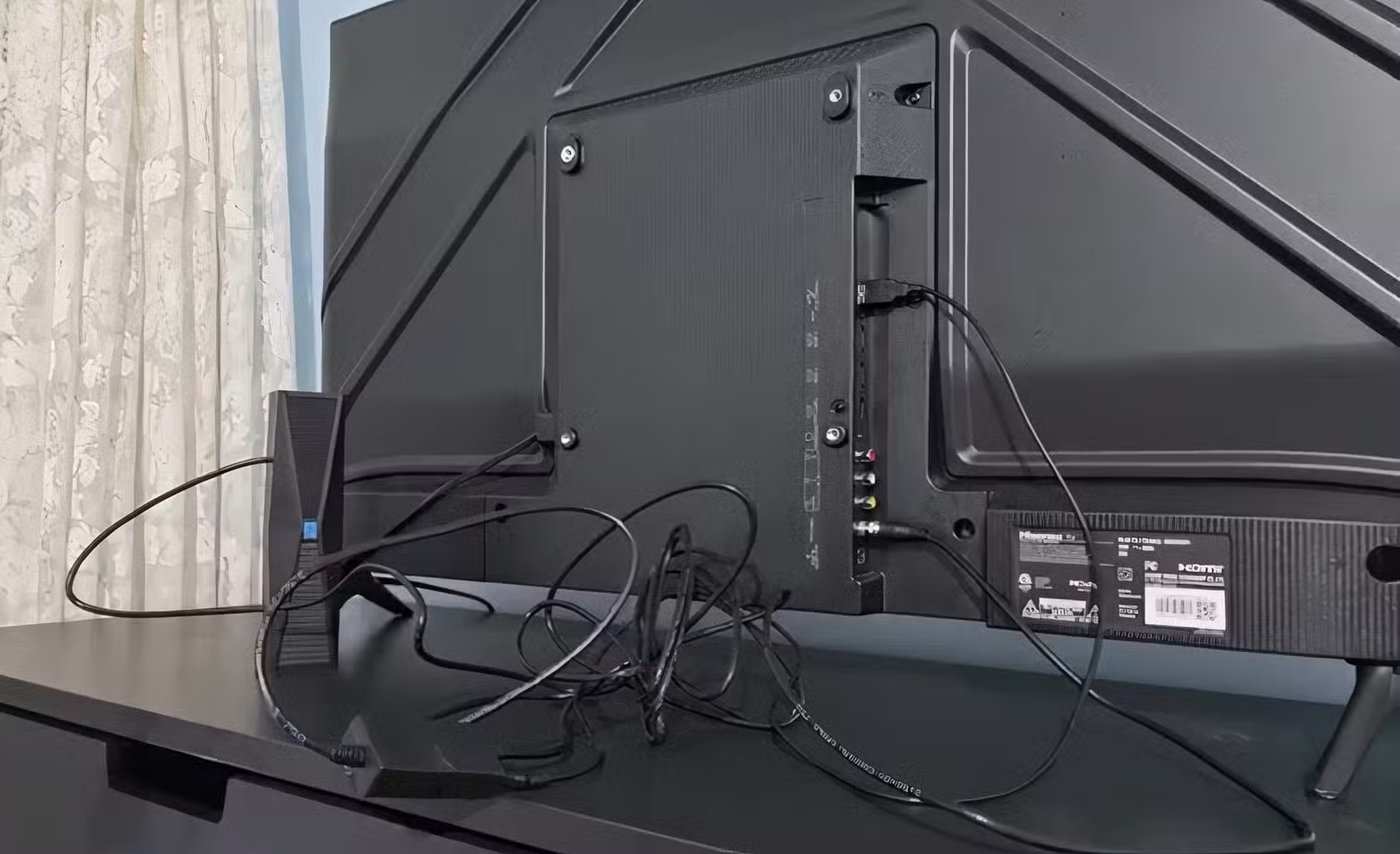
An antenna can pick up local broadcasts where reception is strong enough. Check which stations broadcast near your home and whether your TV has the right tuner for your region. Run a channel scan after placing the antenna, then try a different position if channels drop out.
Smart power strip
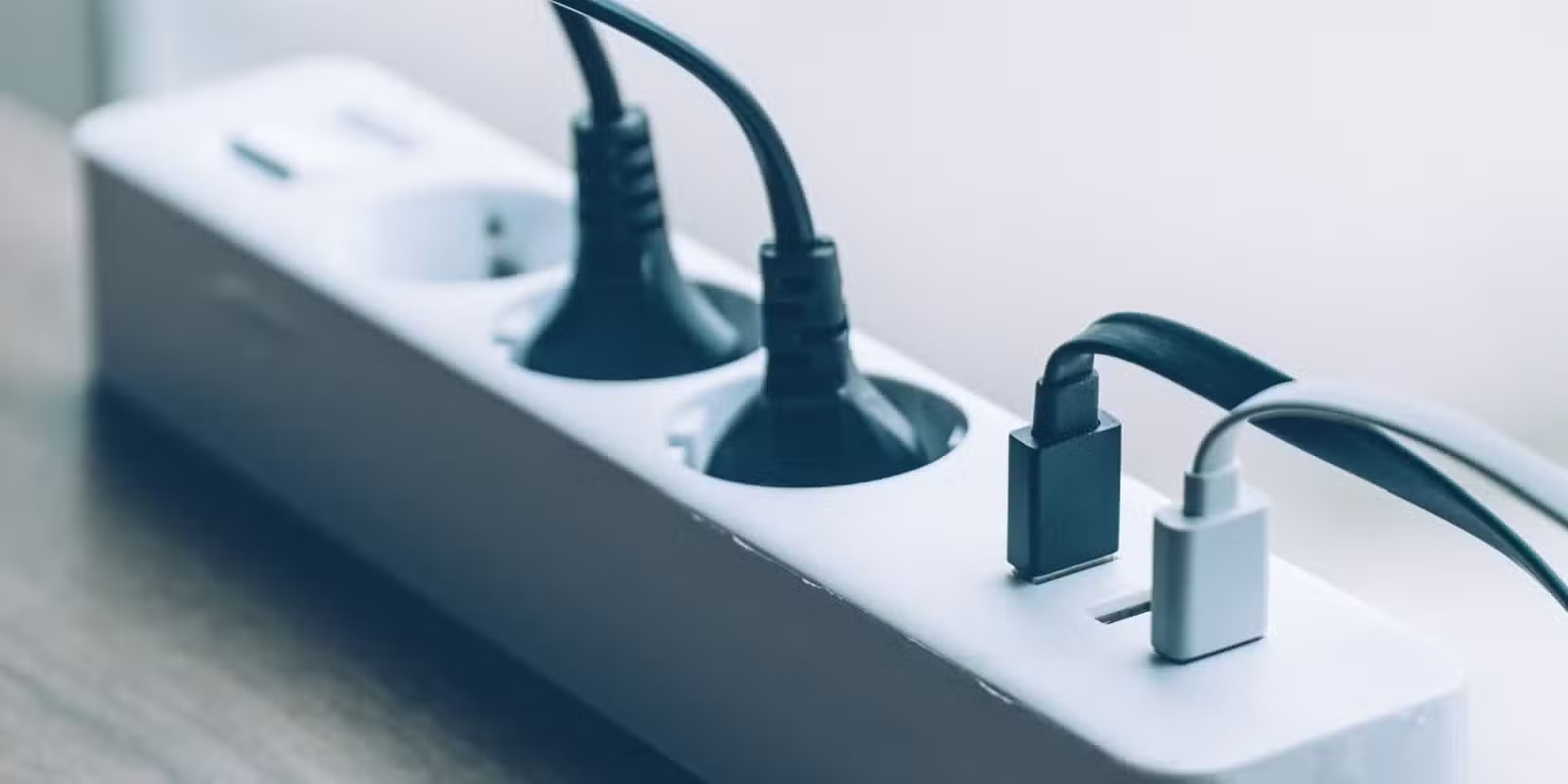
Individually controlled outlets can be useful for accessories you want to schedule, such as bias lighting. Leave electronics that need standby power connected to an always-on outlet. Shut down consoles normally so a schedule does not cut power during an update or save. Check the strip’s load rating and whether it also provides surge protection.
Wireless keyboard with touchpad
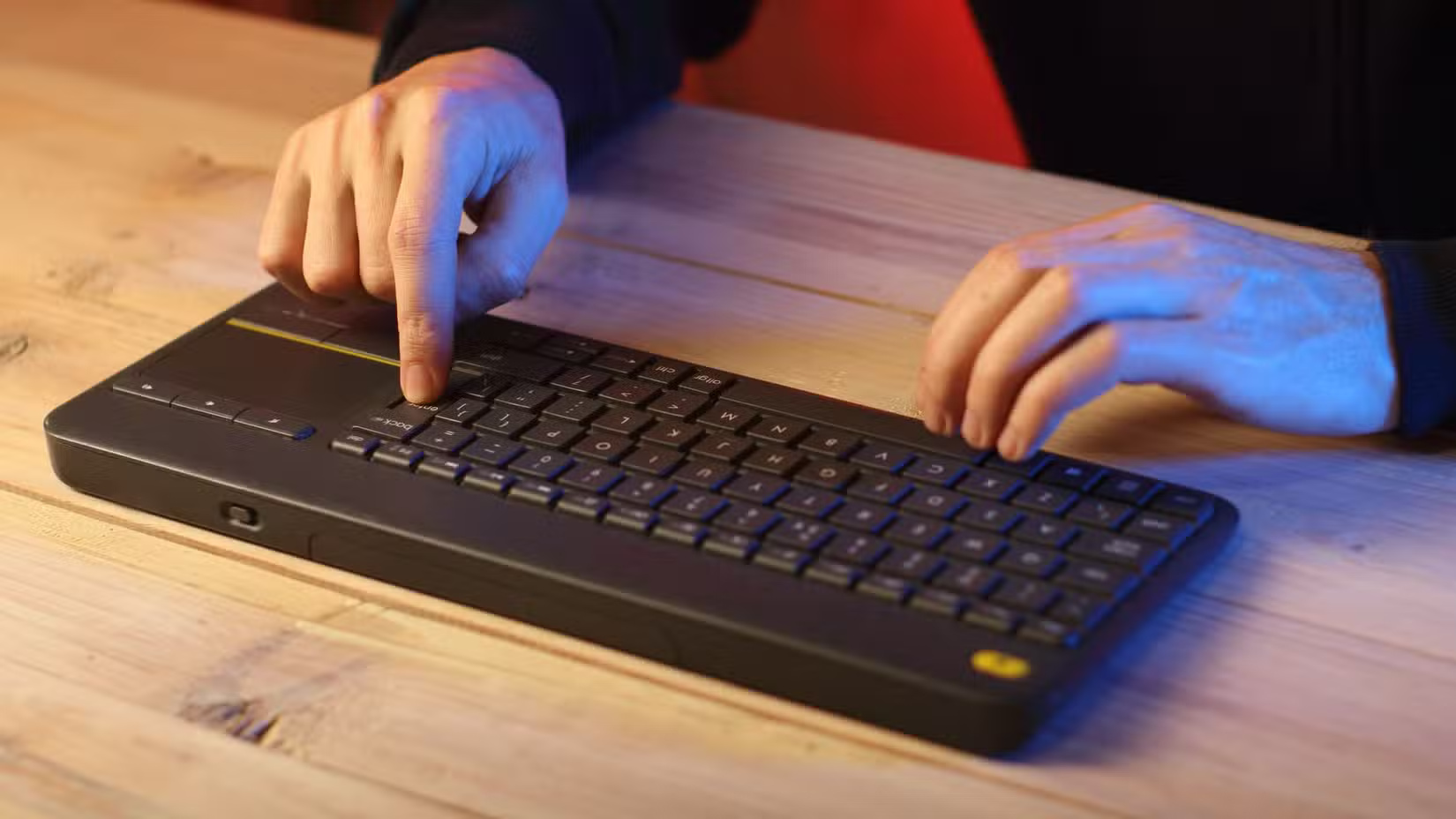
A compact keyboard is useful if you regularly type long searches or web addresses on the TV. Check whether your TV accepts Bluetooth keyboards or a USB receiver. Support varies by app, so test one you already own before buying a dedicated keyboard.
Universal remote
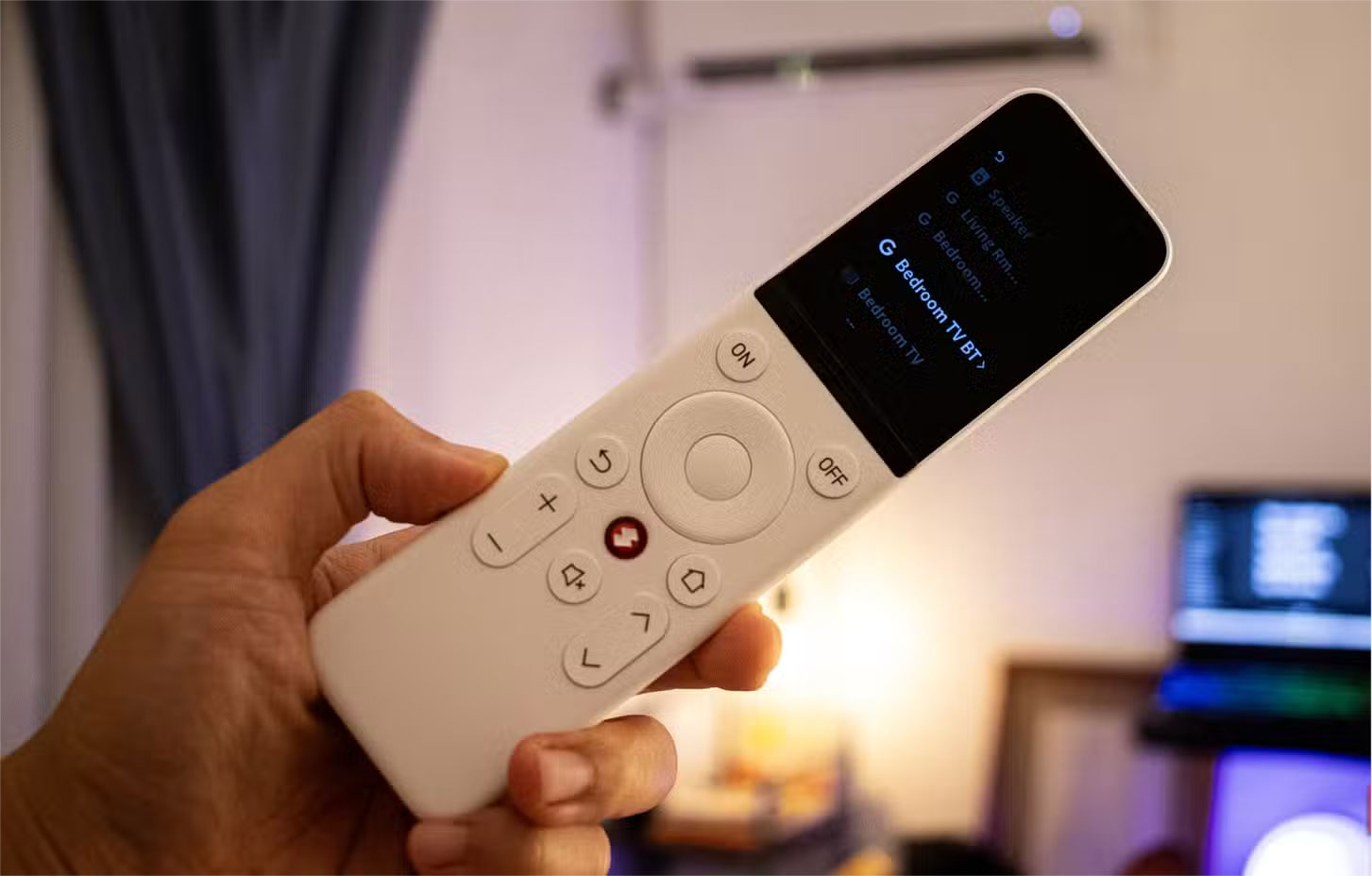
Before replacing several remotes, try HDMI-CEC for basic power and volume control. If you still want one remote for everything, list each device and check how it takes commands. An infrared remote alone may be unable to control a streamer that uses Bluetooth.




Reader Comments 0
Sign in with email or Google to join the discussion.