Table of Contents
Android has tons of features, but digging through menus can be a pain. Quick Settings has changed that. Now you can access the tools you use most with just a swipe, and it makes your phone instantly more productive.
7. Modes
Two-tap solution for context switching
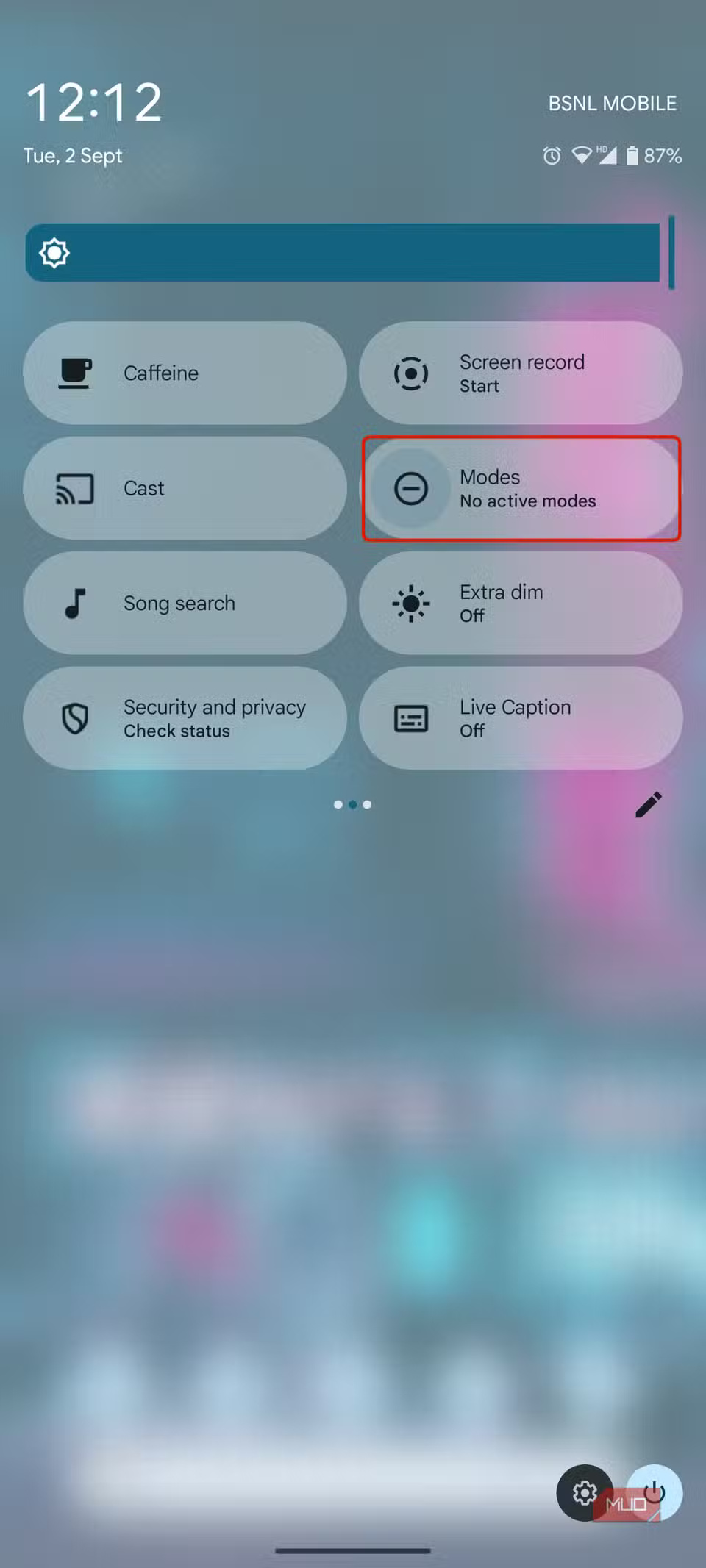
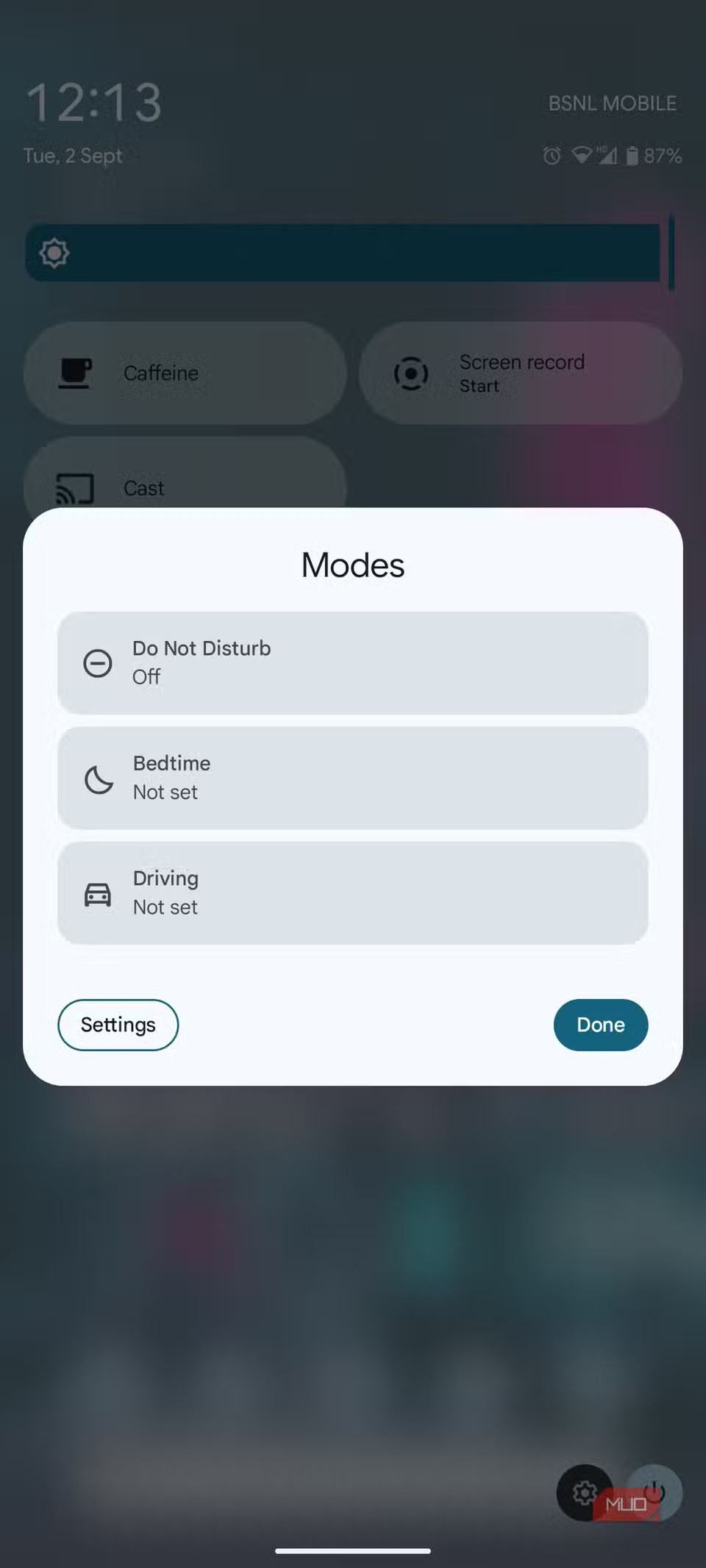
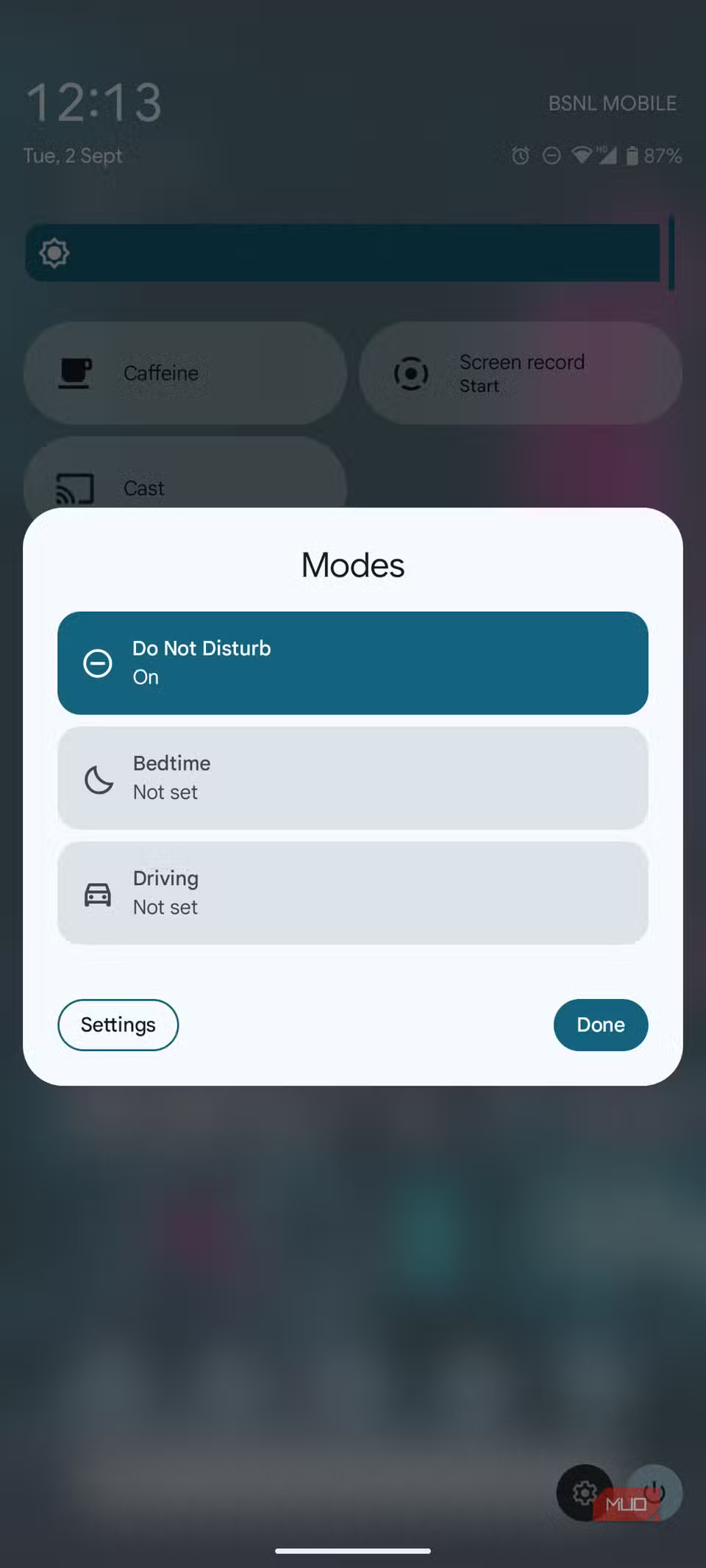
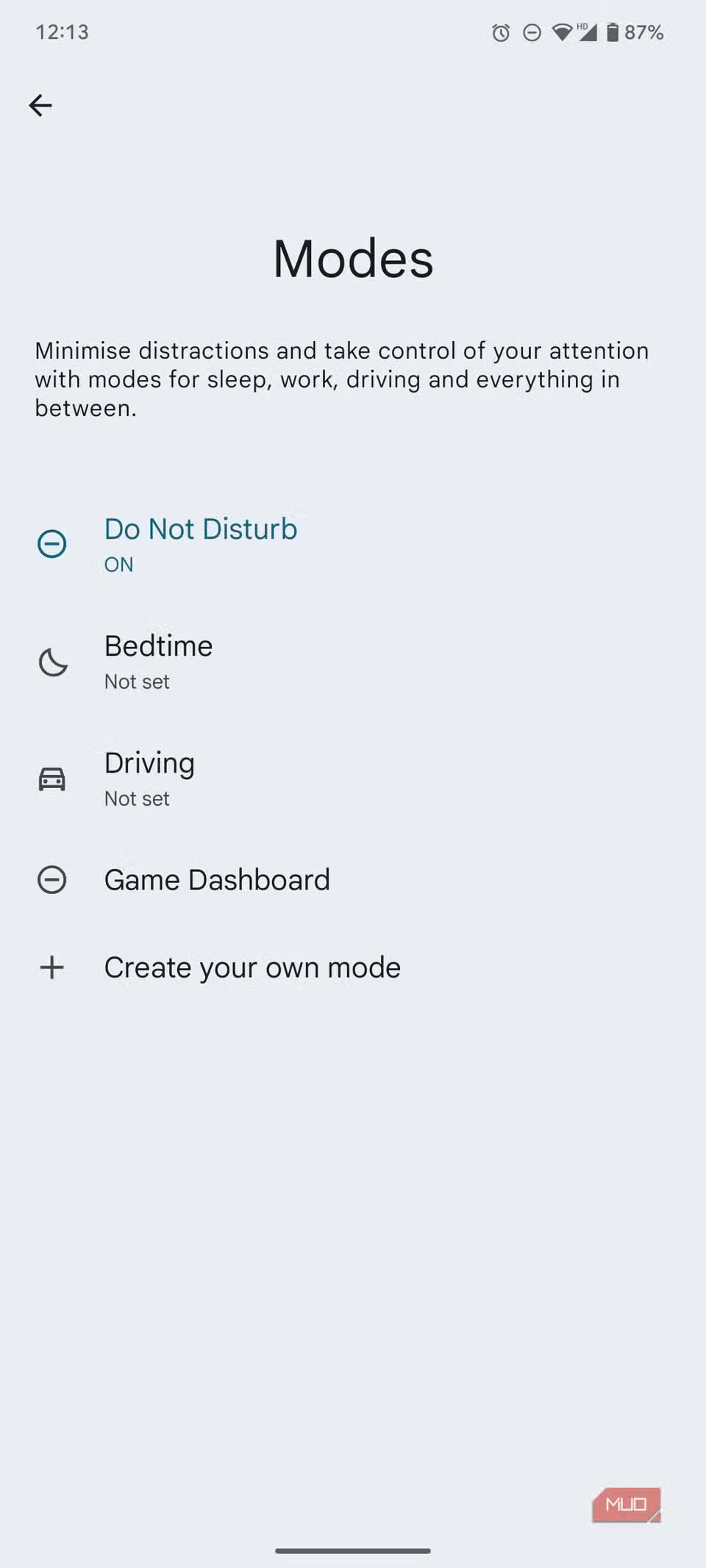
Tile Modes help you quickly change the scene on your Android device. Whether you're driving, playing a game, or going to bed, there's a mode for every situation. Tile Modes lets you quickly choose from preset modes or create your own if needed.
When you initiate a mode, your phone goes into silent mode, turns off notifications, and blocks apps from disturbing your sleep or gaming session — all with just two taps.
6. Song Search
Find the melody that moves you
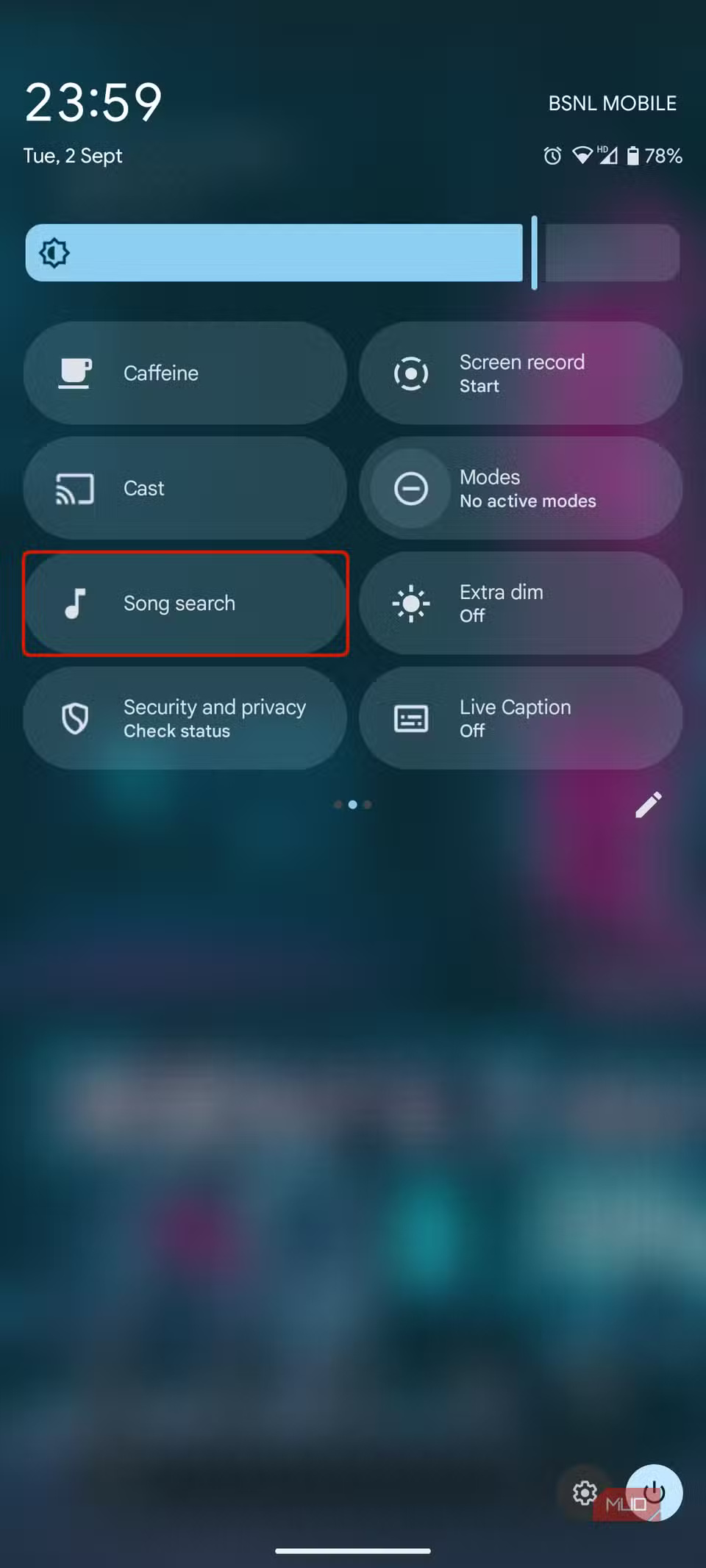
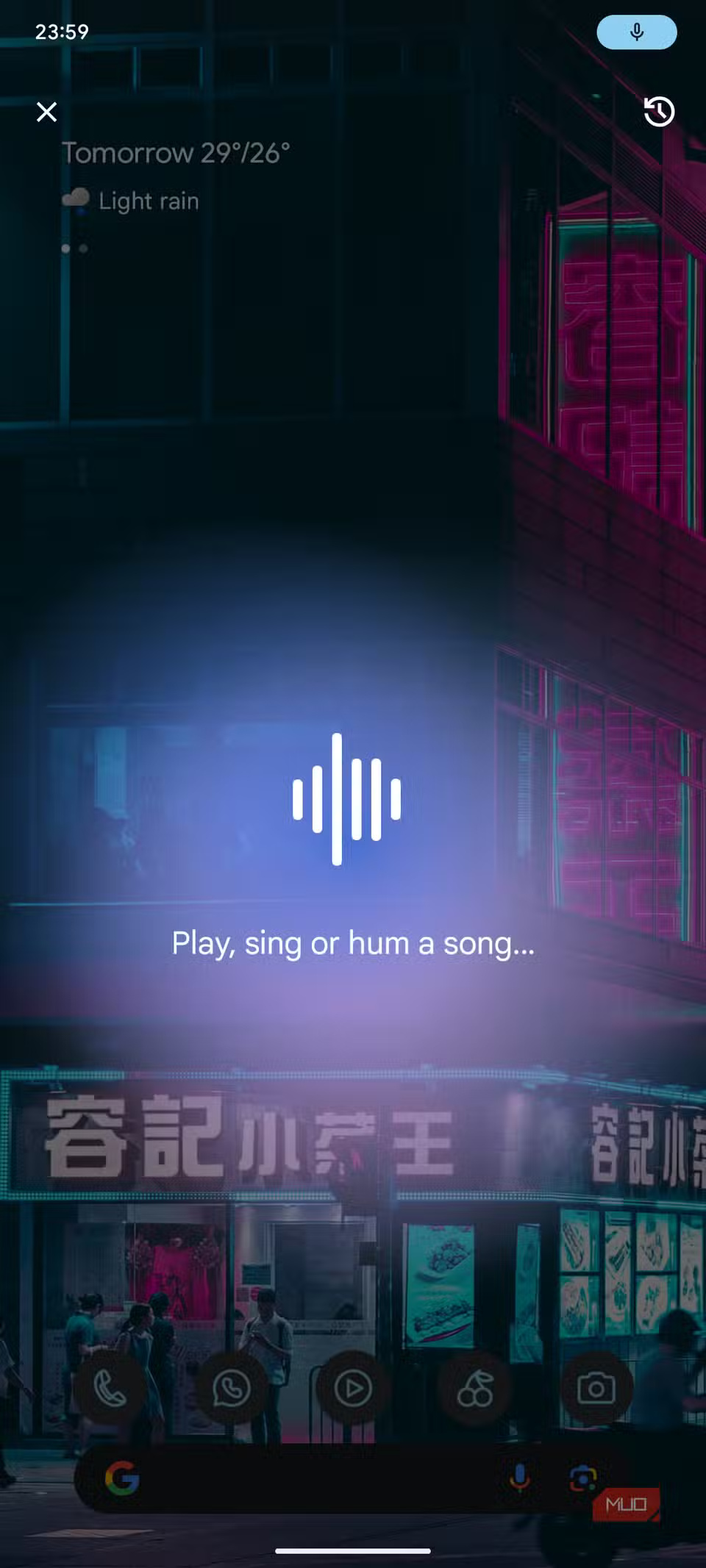
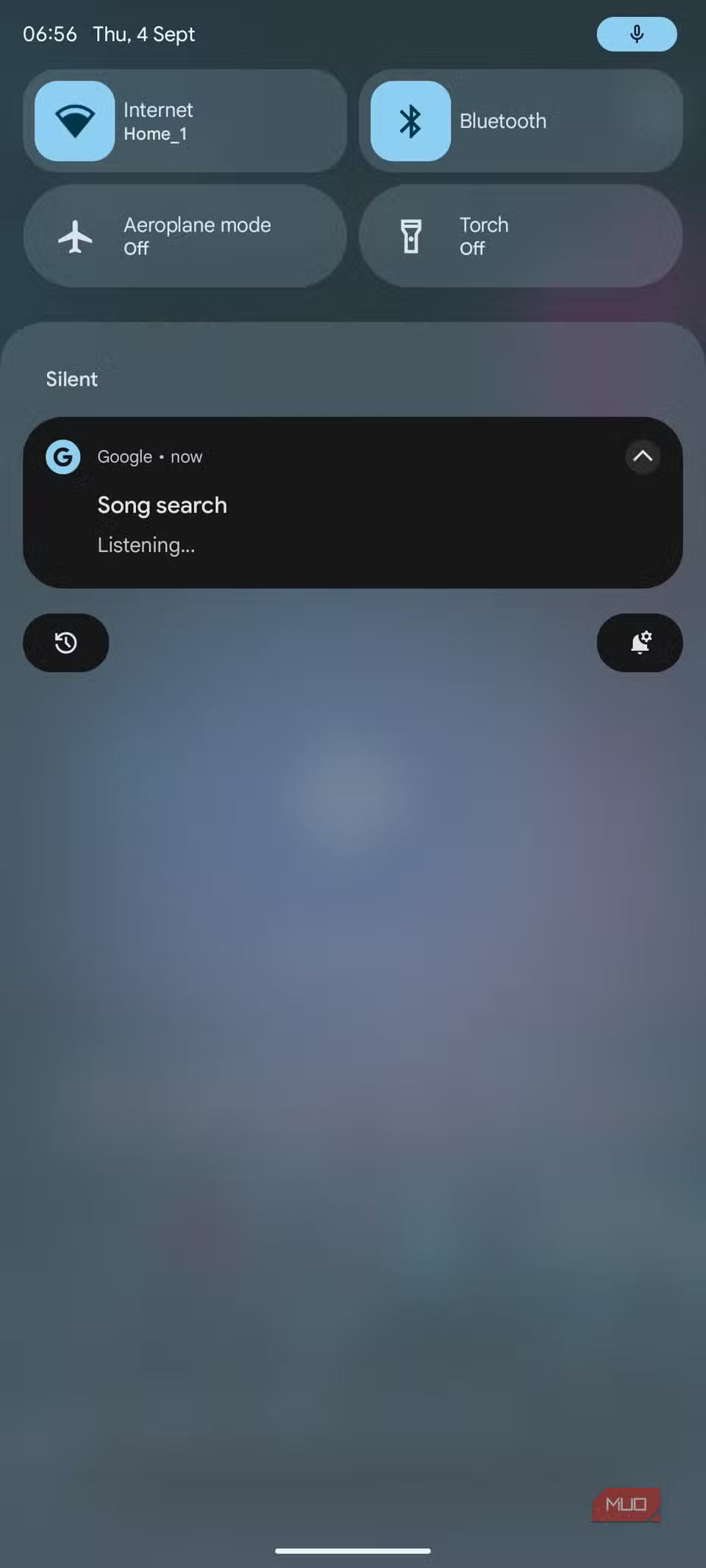
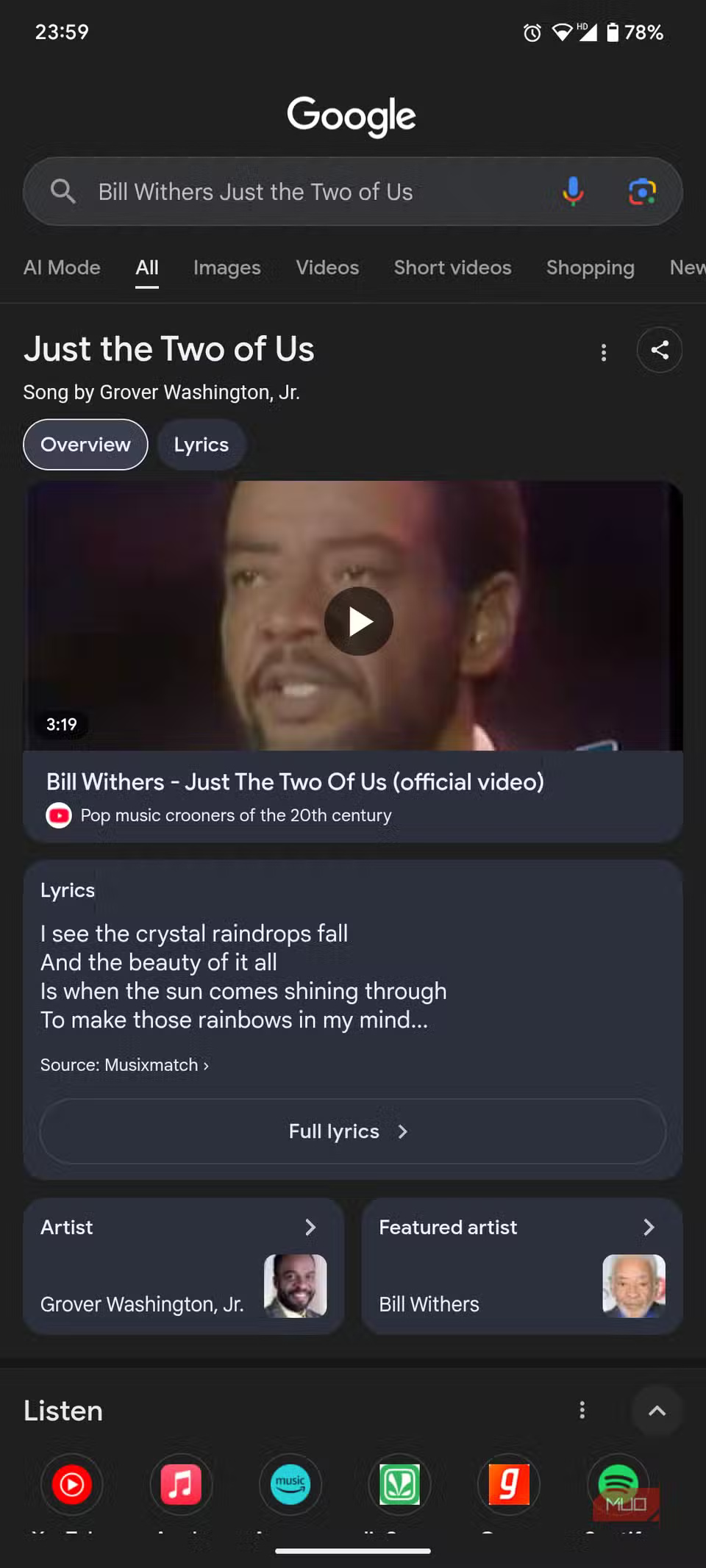
While Google 's Pixel devices can identify any song playing nearby with the Now Playing feature, other Android devices lack this functionality. However, the Song Search quick settings tile fills this gap seamlessly. With just a tap, it quickly gives you details about any song playing nearby so you don't miss a catchy tune.
Song Search is not only accurate, but it's also surprisingly fast. Once launched, Google's Song Search will quickly listen to the song that's playing and give you information about the previously unknown tune.
5. Extra Dim
Brightness below minimum to avoid eye strain
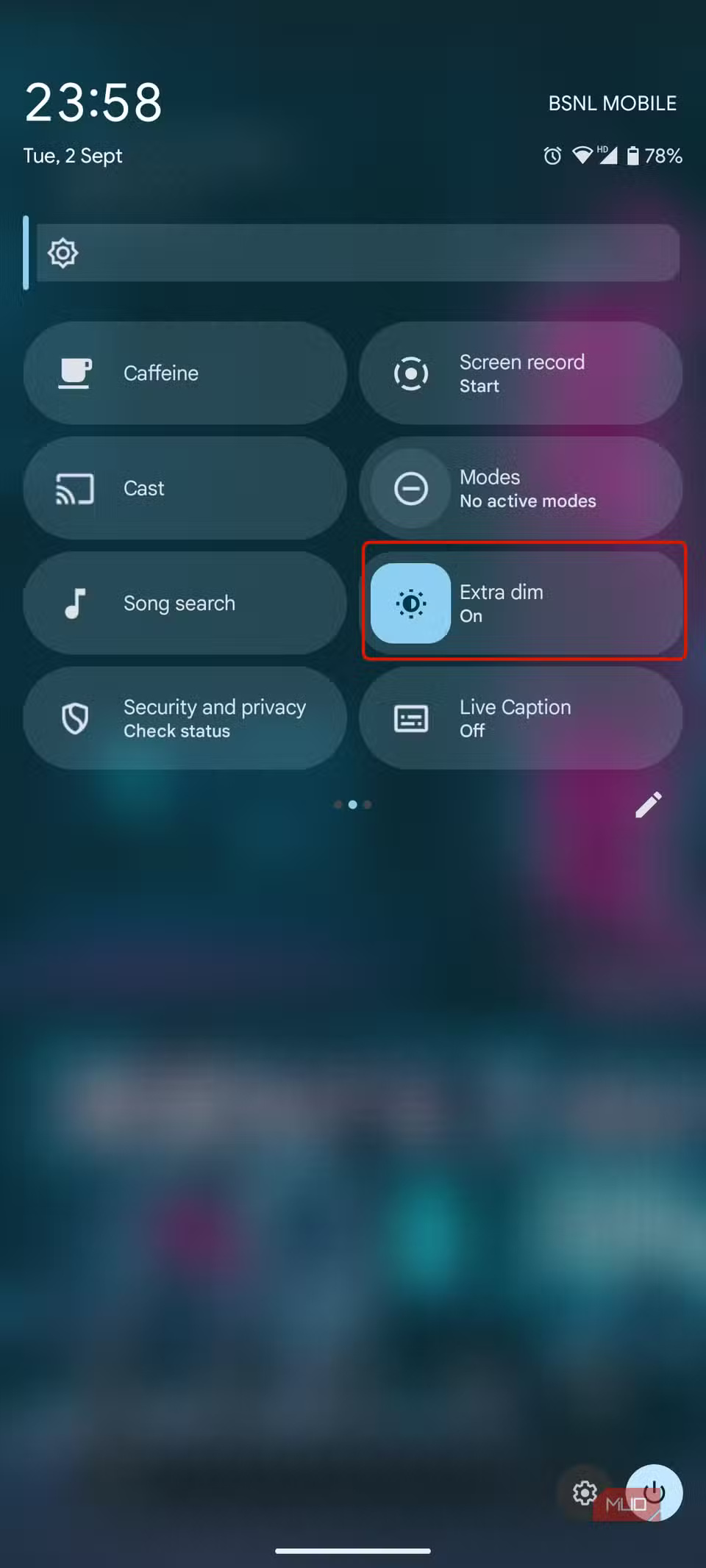
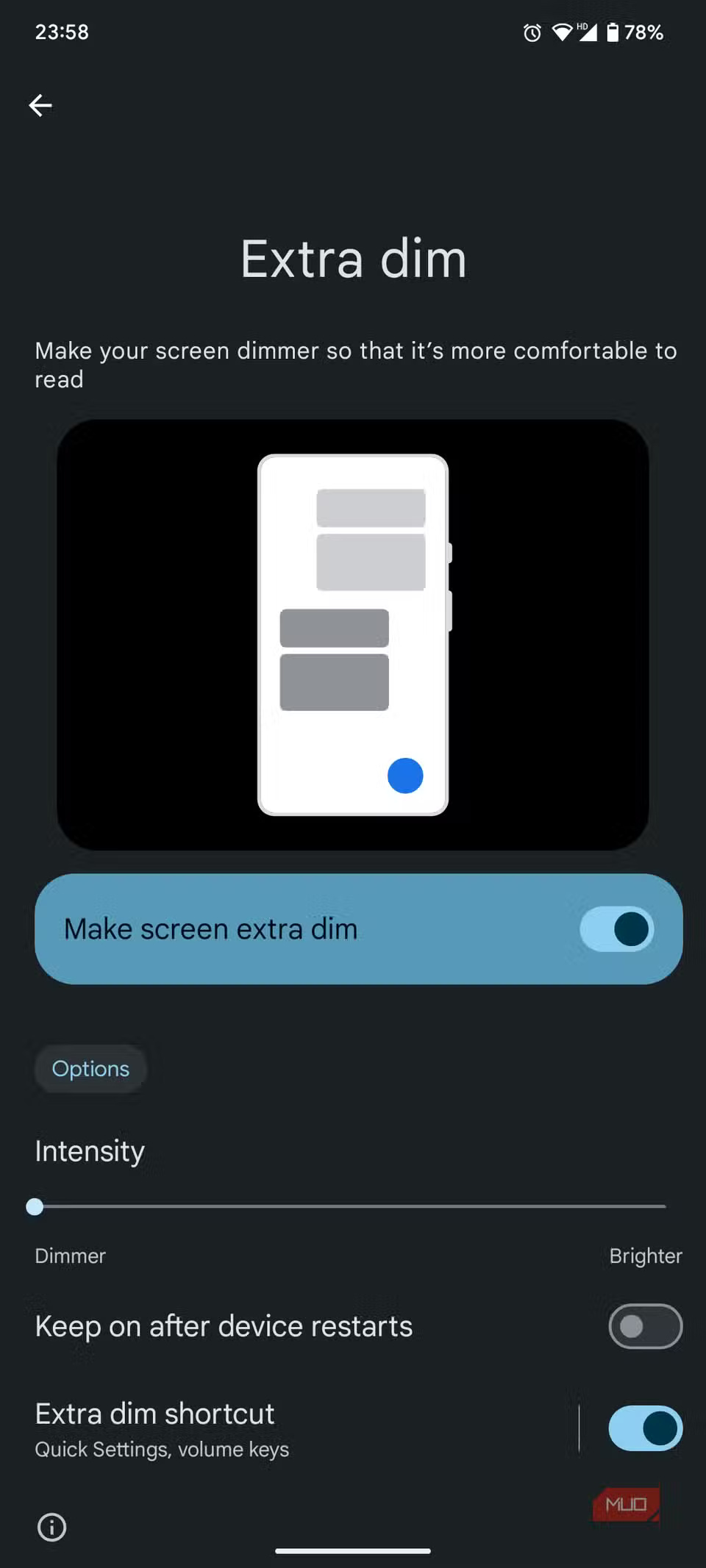
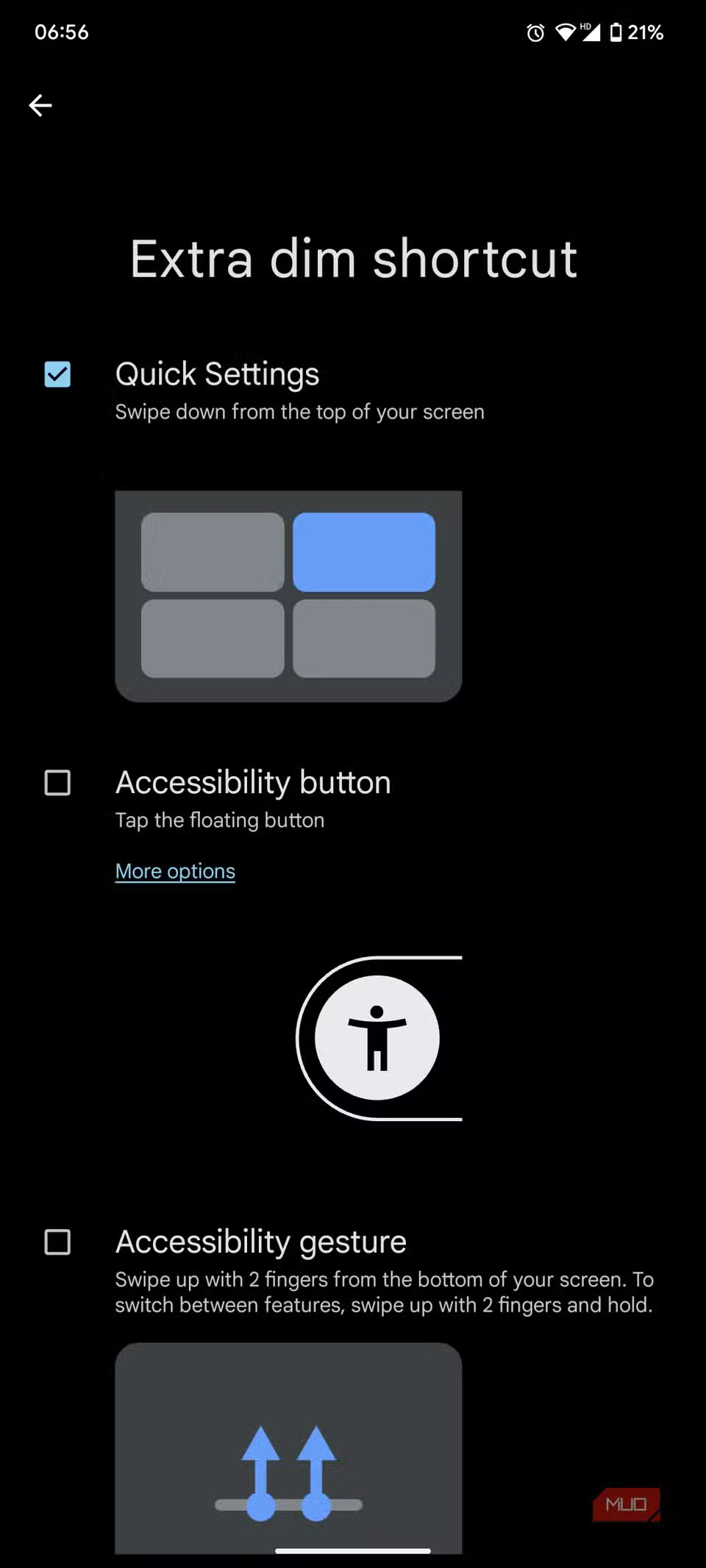
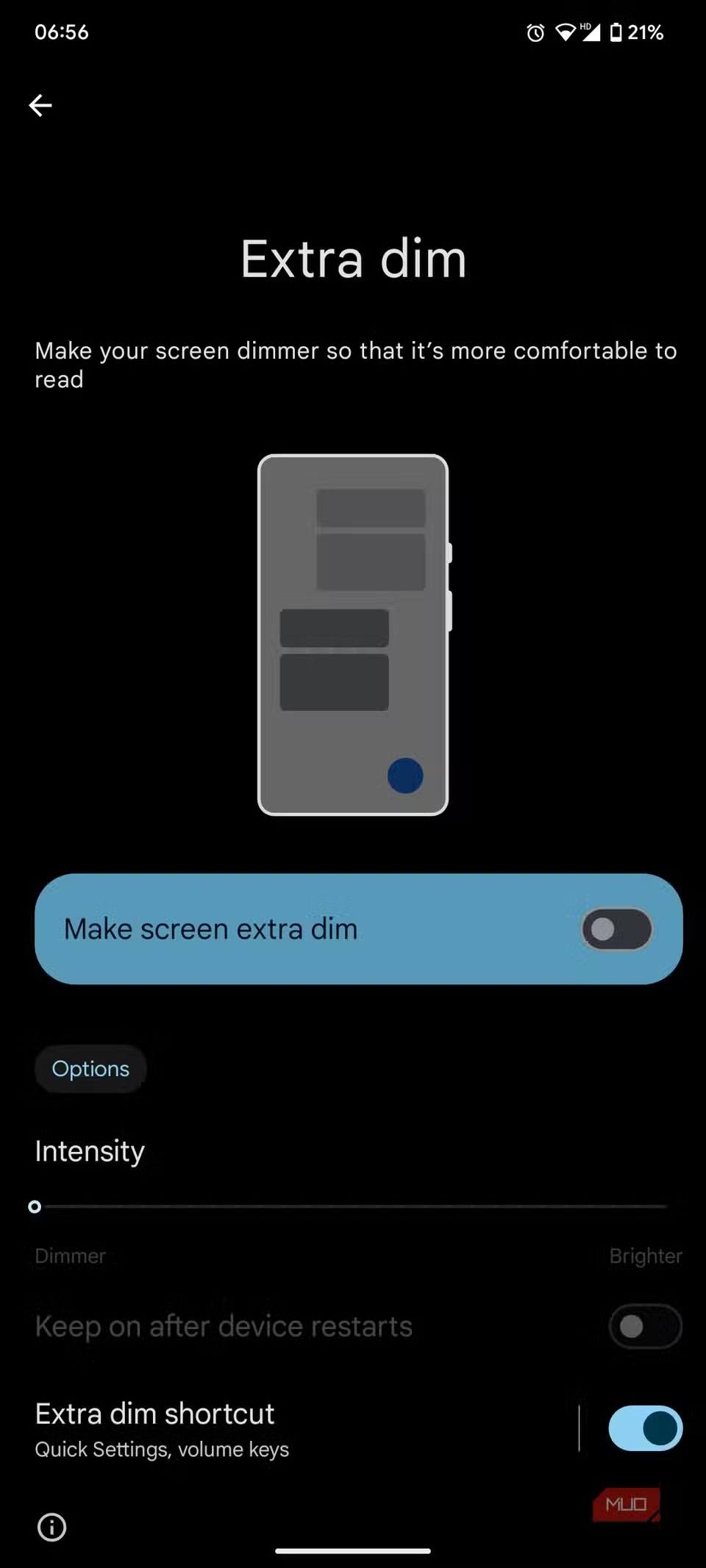
Tile Extra Dim not only helps protect your eyes at night, it also provides an indirect privacy shield against any nearby snoopers. By dimming the screen below its lowest brightness level, Extra Dim indirectly reduces visibility, prevents eye strain, and improves distance vision.
4. Security and privacy
Powerful Privacy Switch
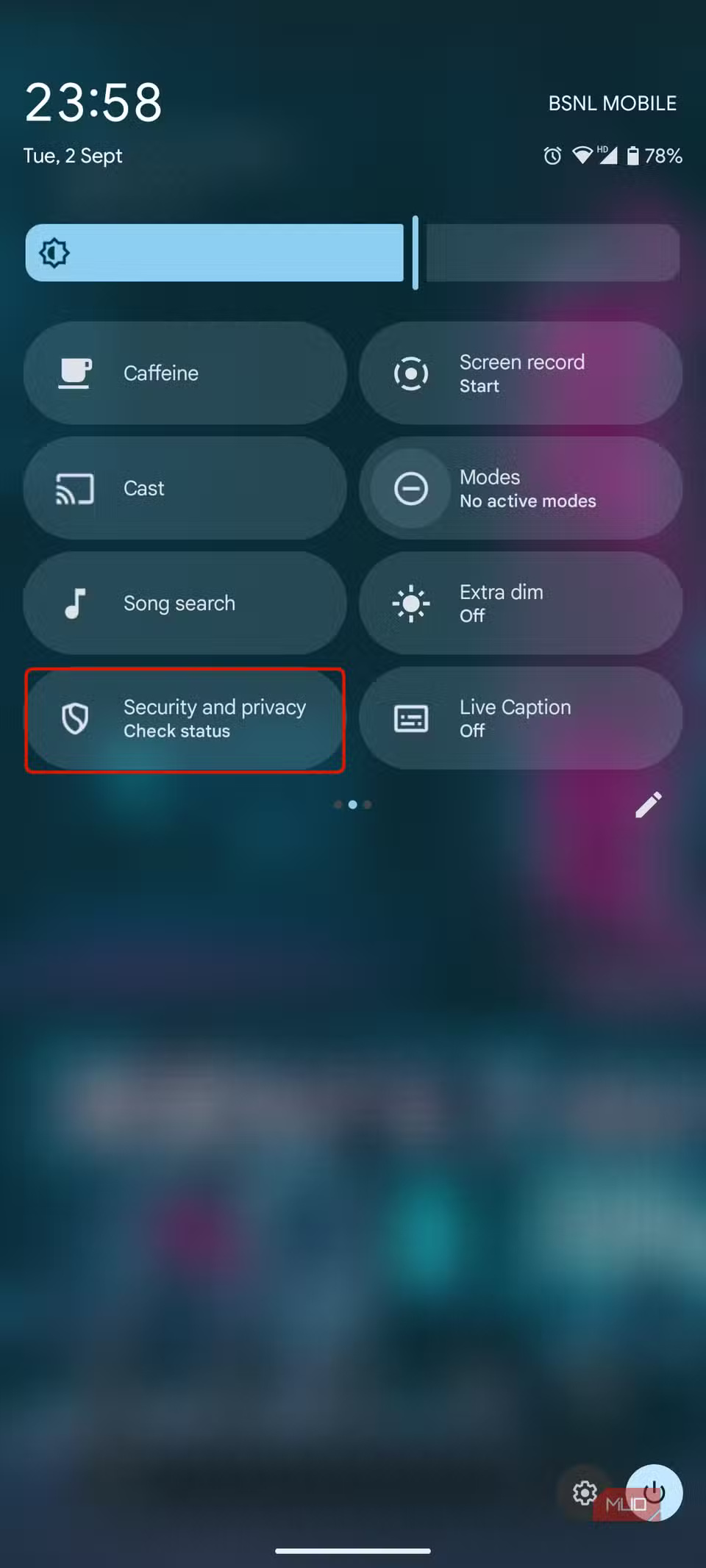
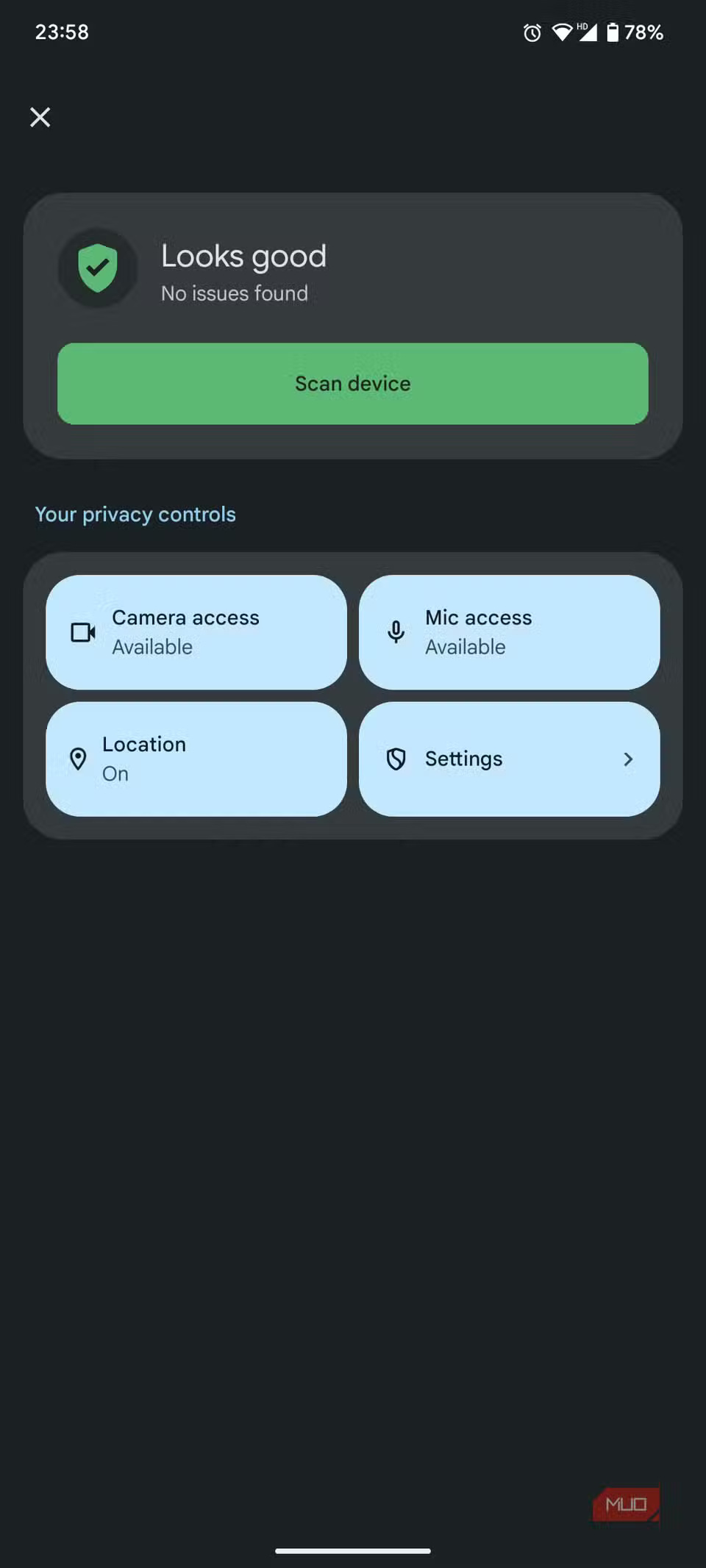
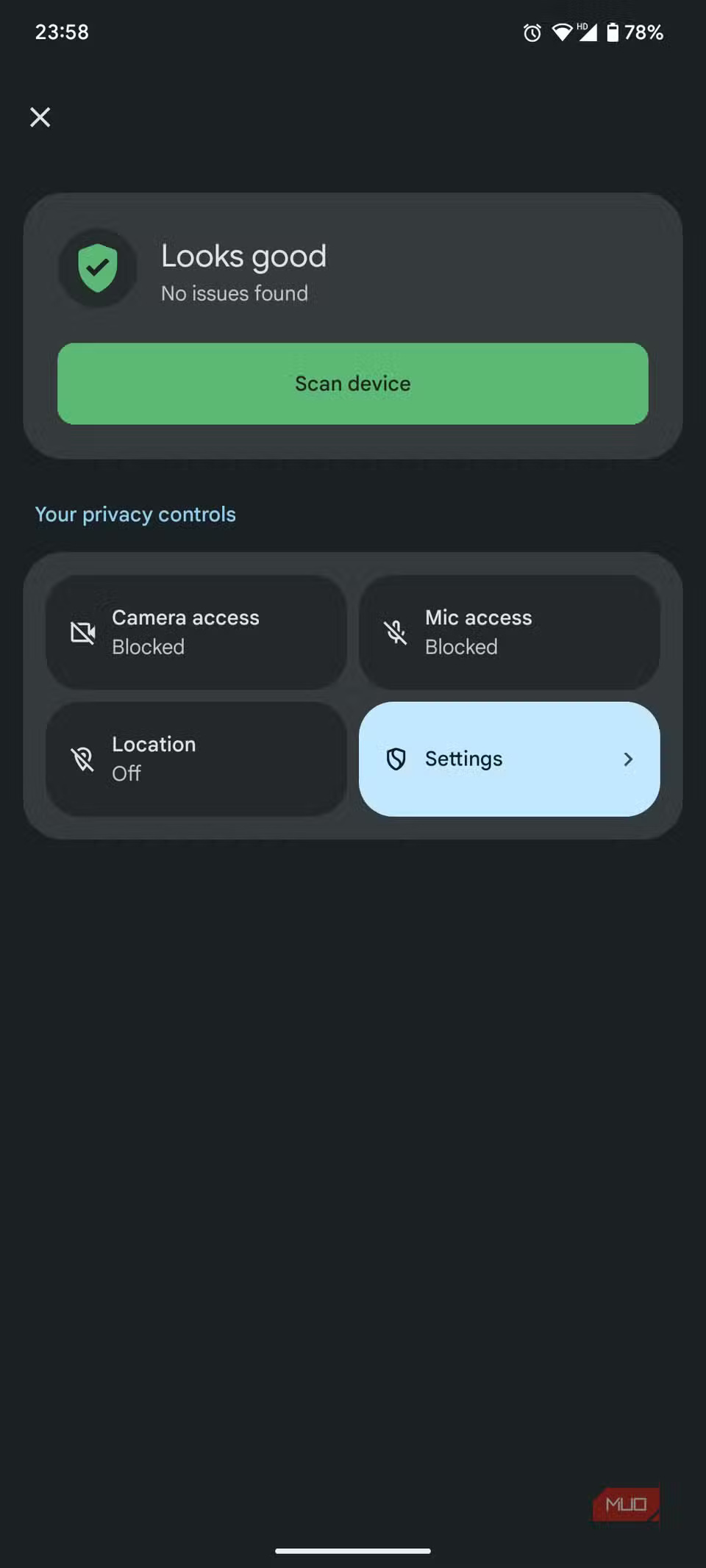
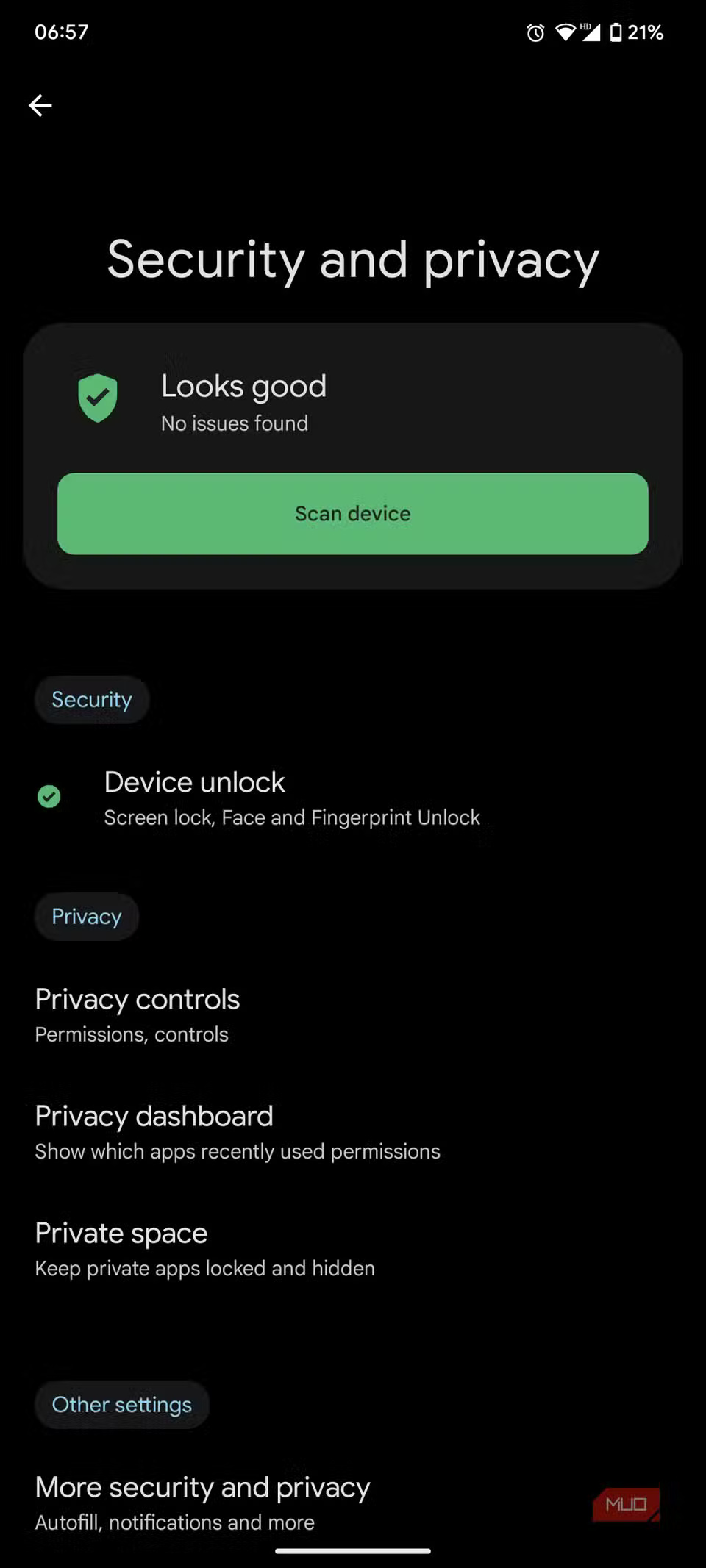
Tile Security and privacy are more important than you think. We can't always keep track of the permissions of every app on our phones, which gives apps more access to our camera, microphone, and location in the background than they intended. All of this information can be used to track your activities.
3. Live Caption
Subtitles: anytime, anywhere
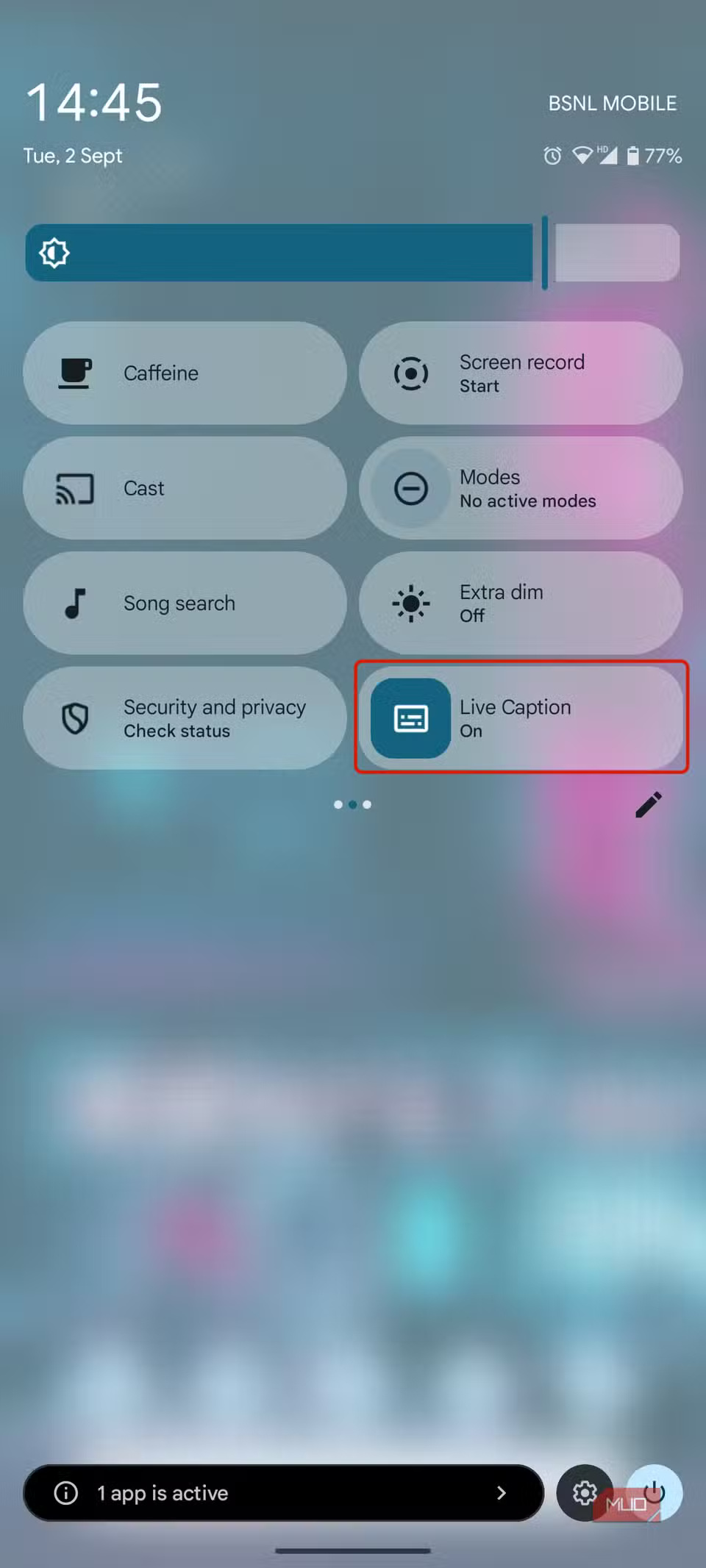
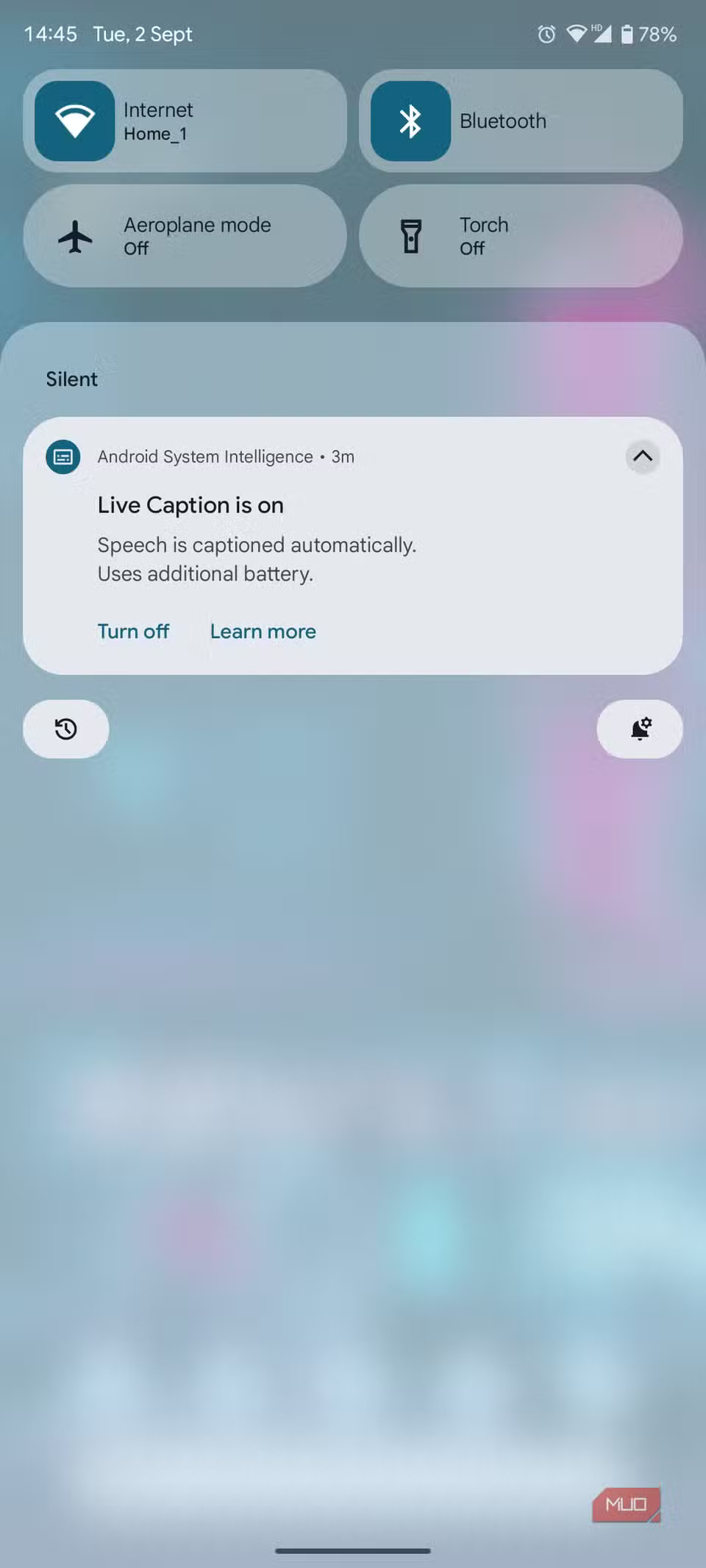

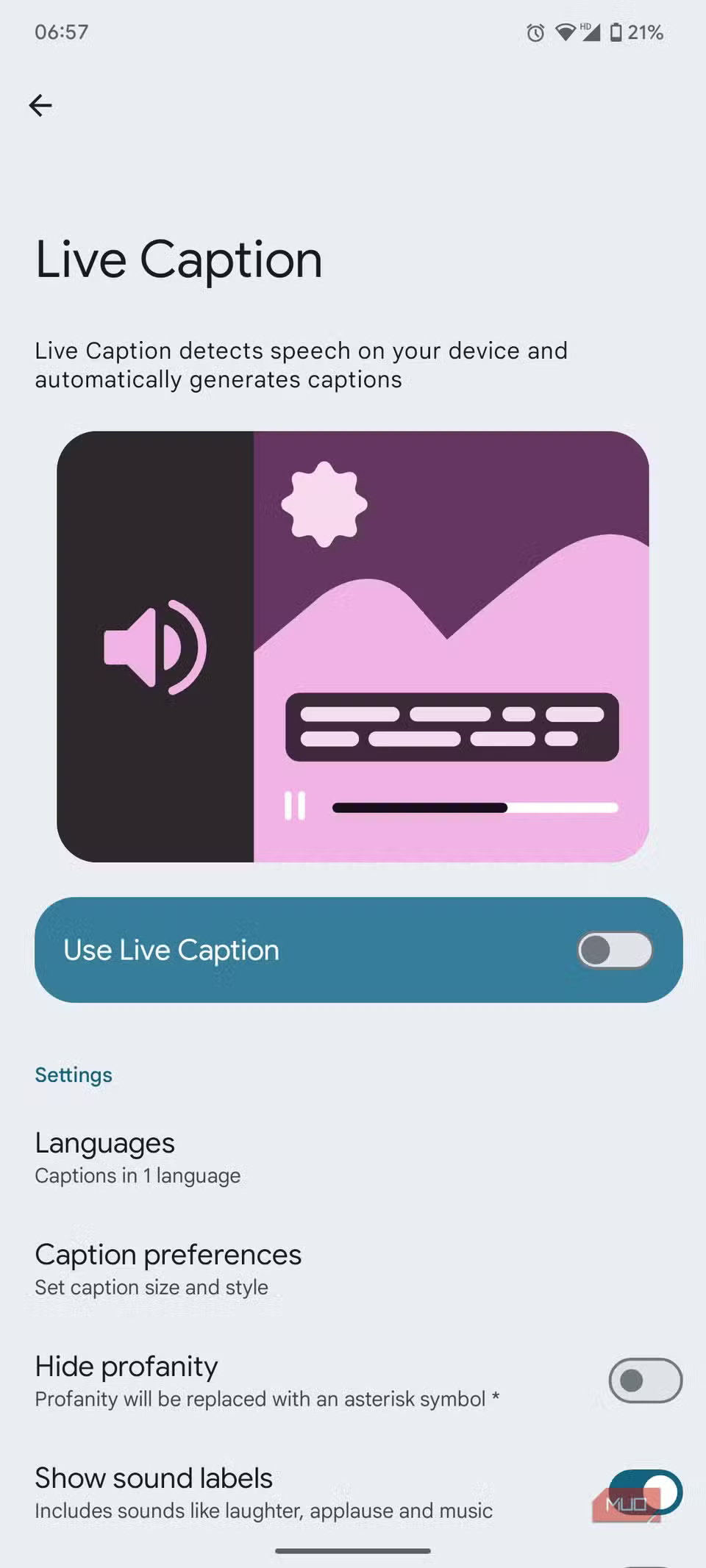
Whether you're commuting to work, sitting in a park, scrolling through your phone, watching YouTube, or enjoying a movie, people often don't want to plug in their headphones. However, they also don't want to disturb those around them with the sound of their phones. That's where Live Caption comes in handy.
While most apps these days have built-in caption support, Live Caption lets you enable captions for any content with just a tap. You won't have to fiddle with in-app settings to enable captions, and you can customize them to your liking.
2. Focus mode
Focus on what matters
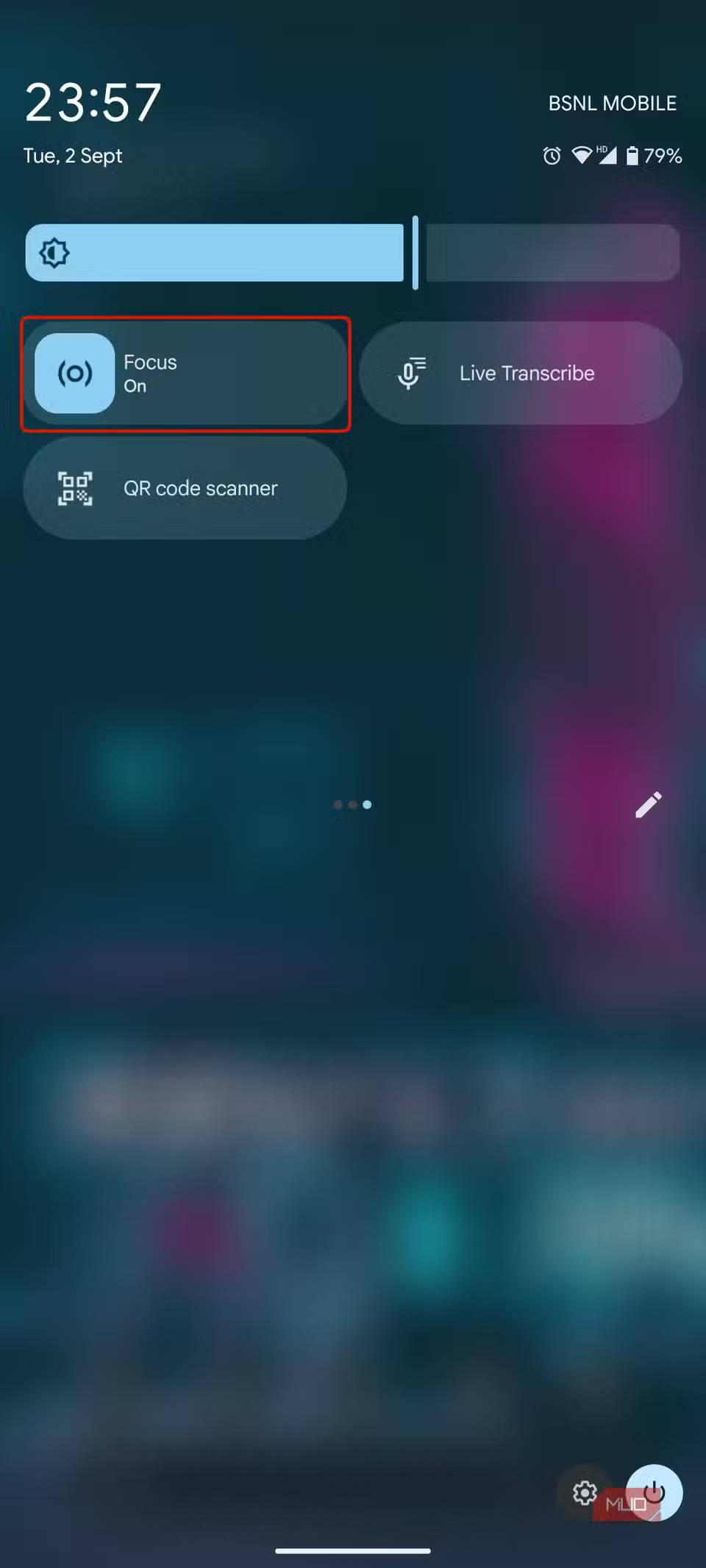
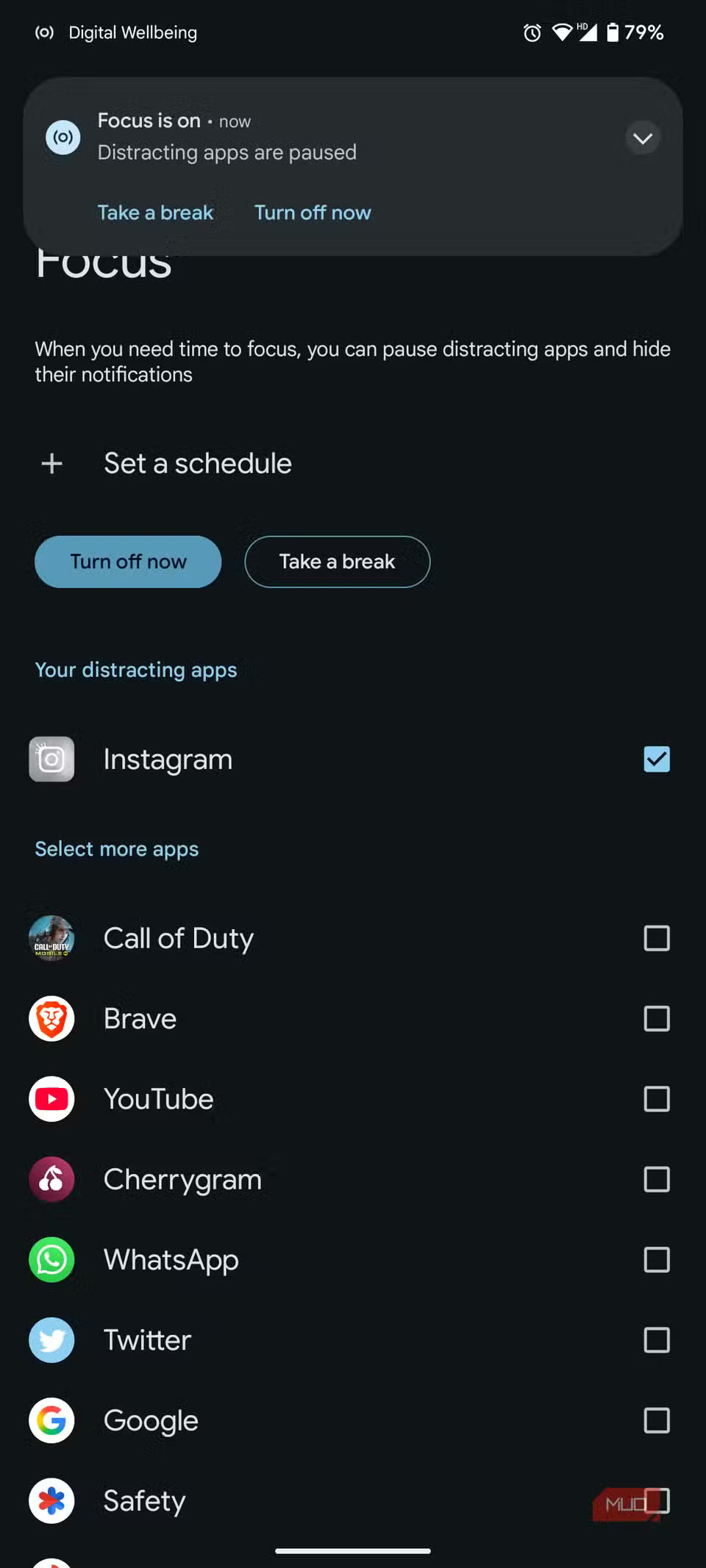
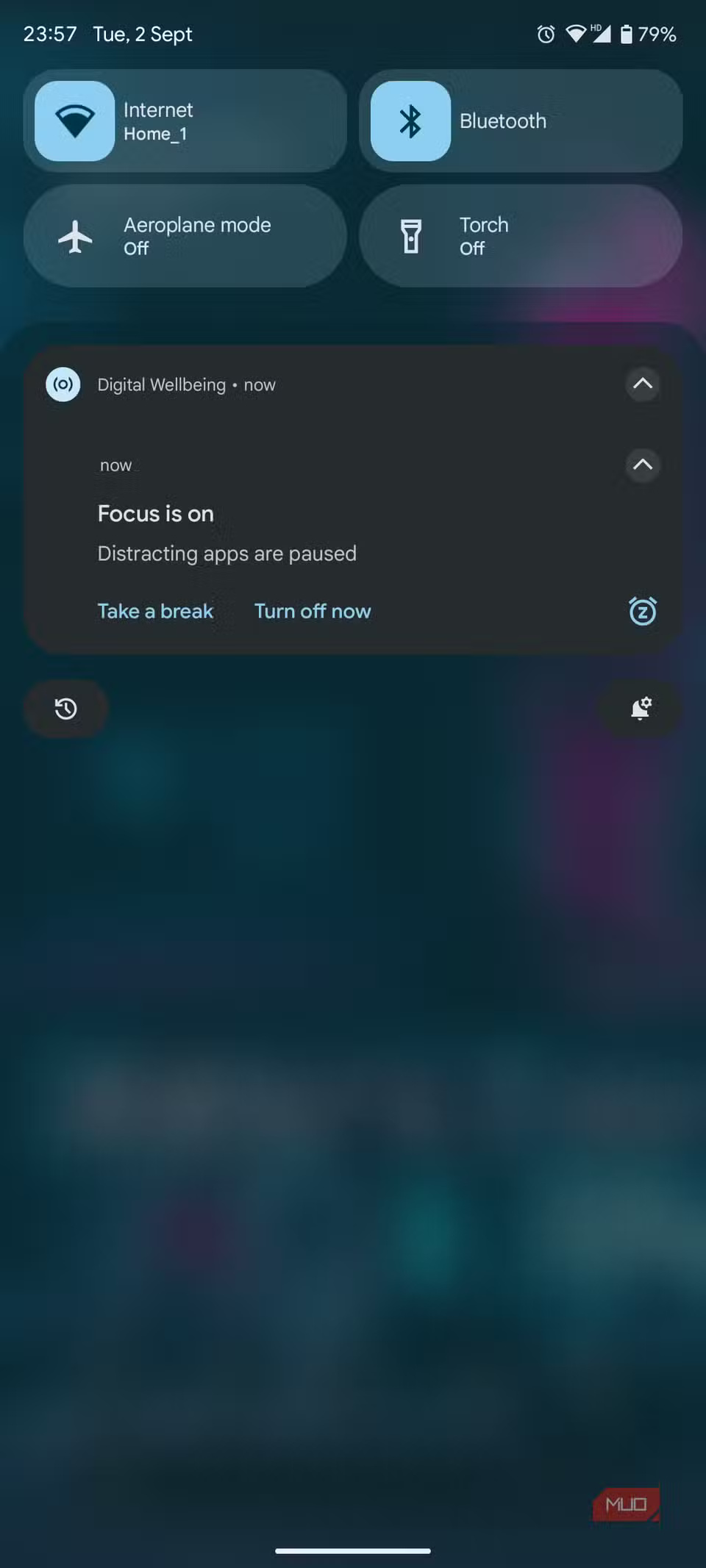
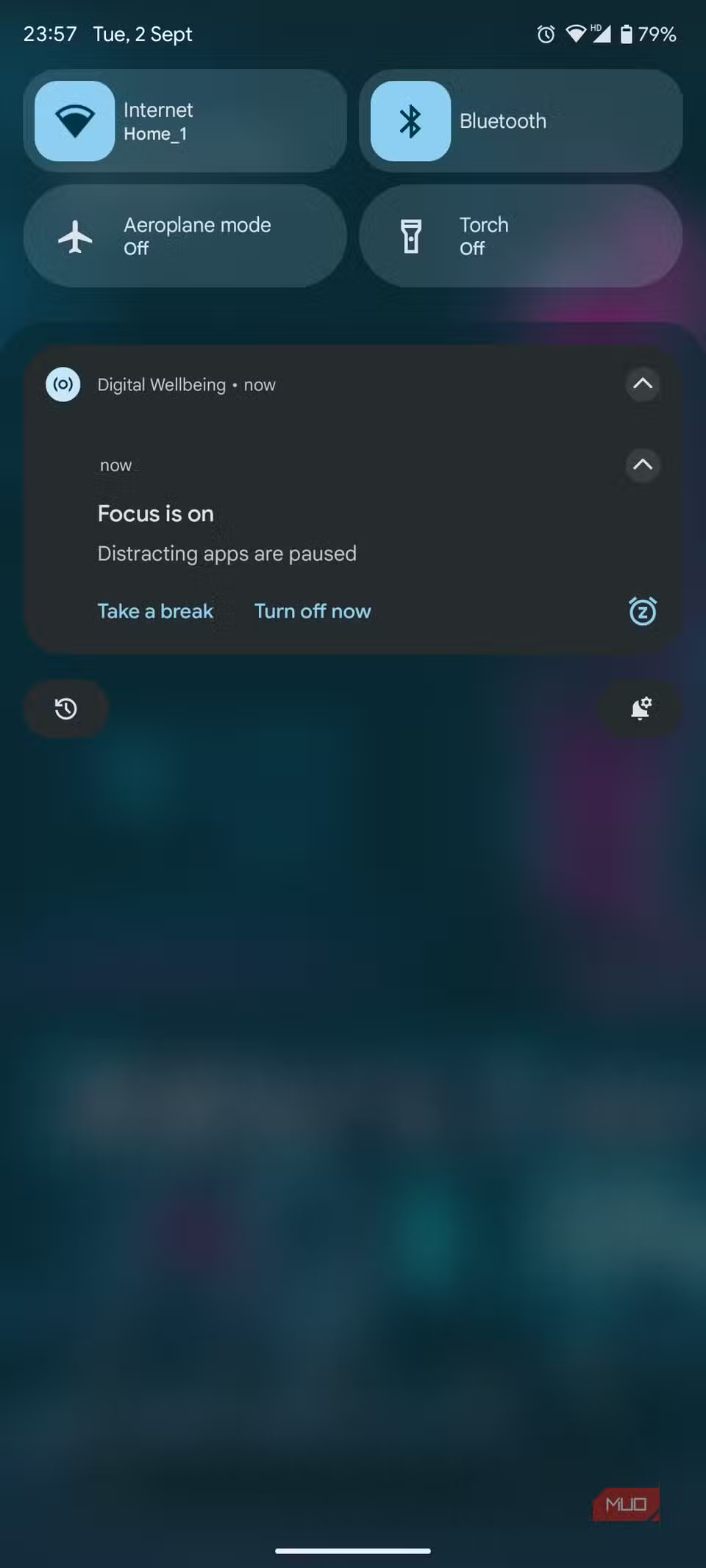
Android's Tile Focus mode offers a simple solution to the smartphone distraction problem. It pauses distracting apps until you choose to reactivate them, helping you regain control of your time and focus on the task at hand.
You can still launch the app and use it for 5 minutes, the app will automatically close after the specified time.
1. QR Code Scanner
Popular code, instant access
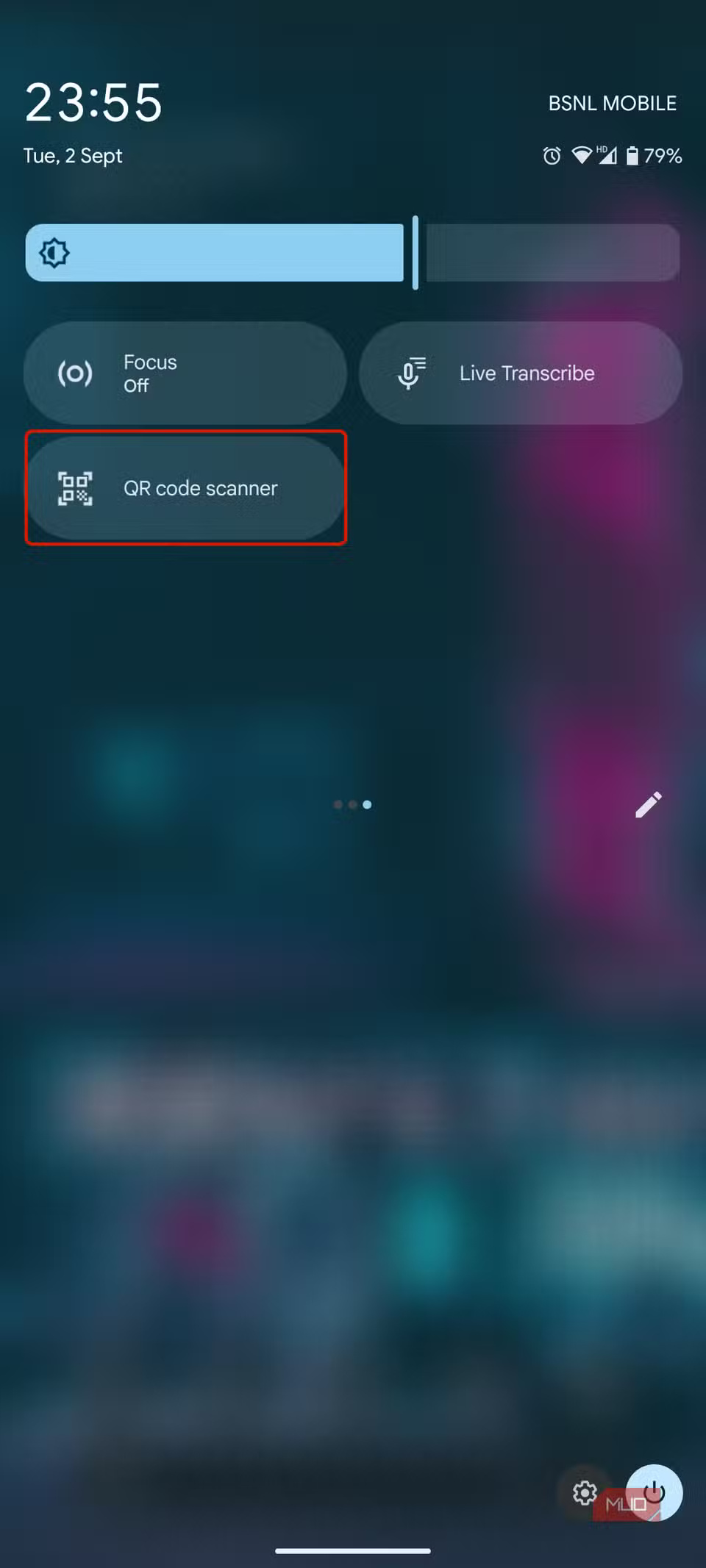
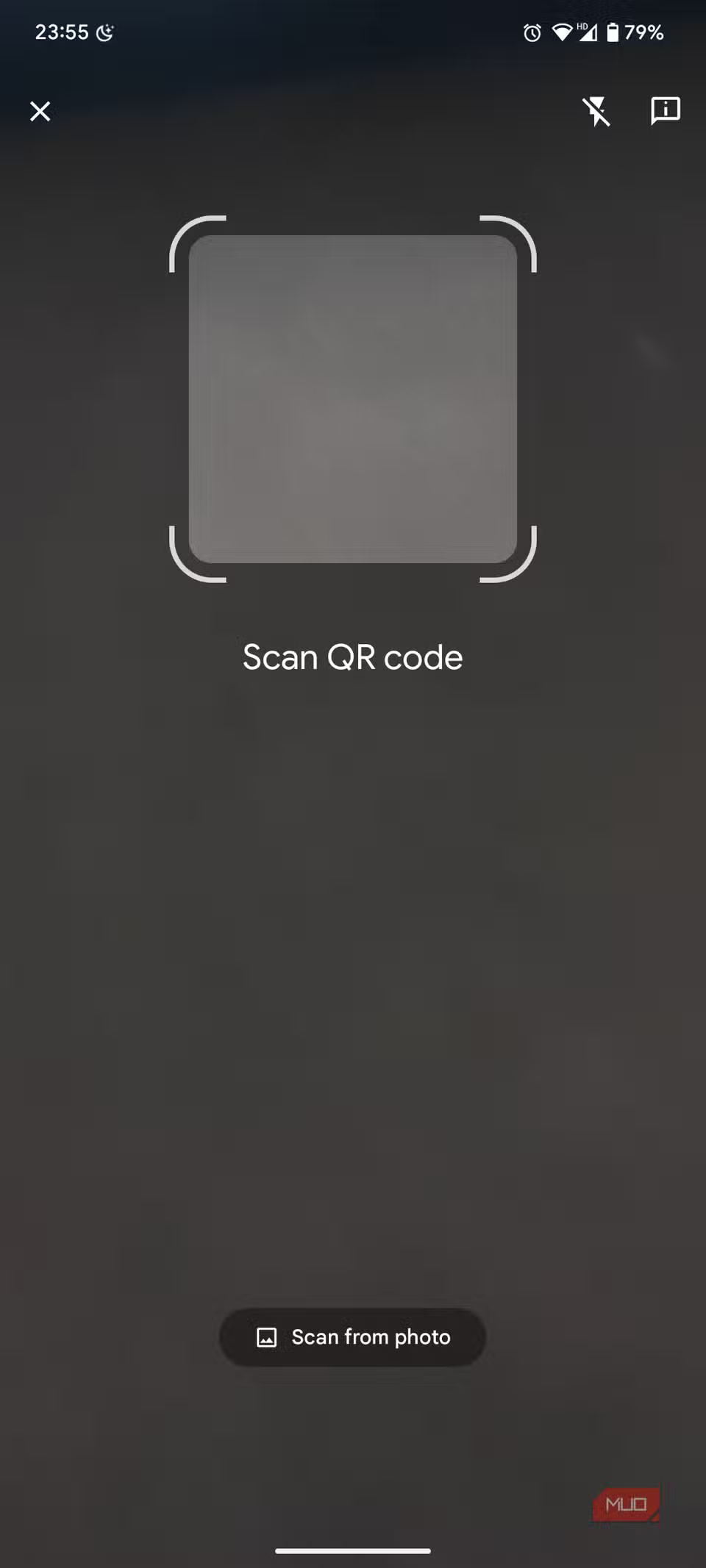

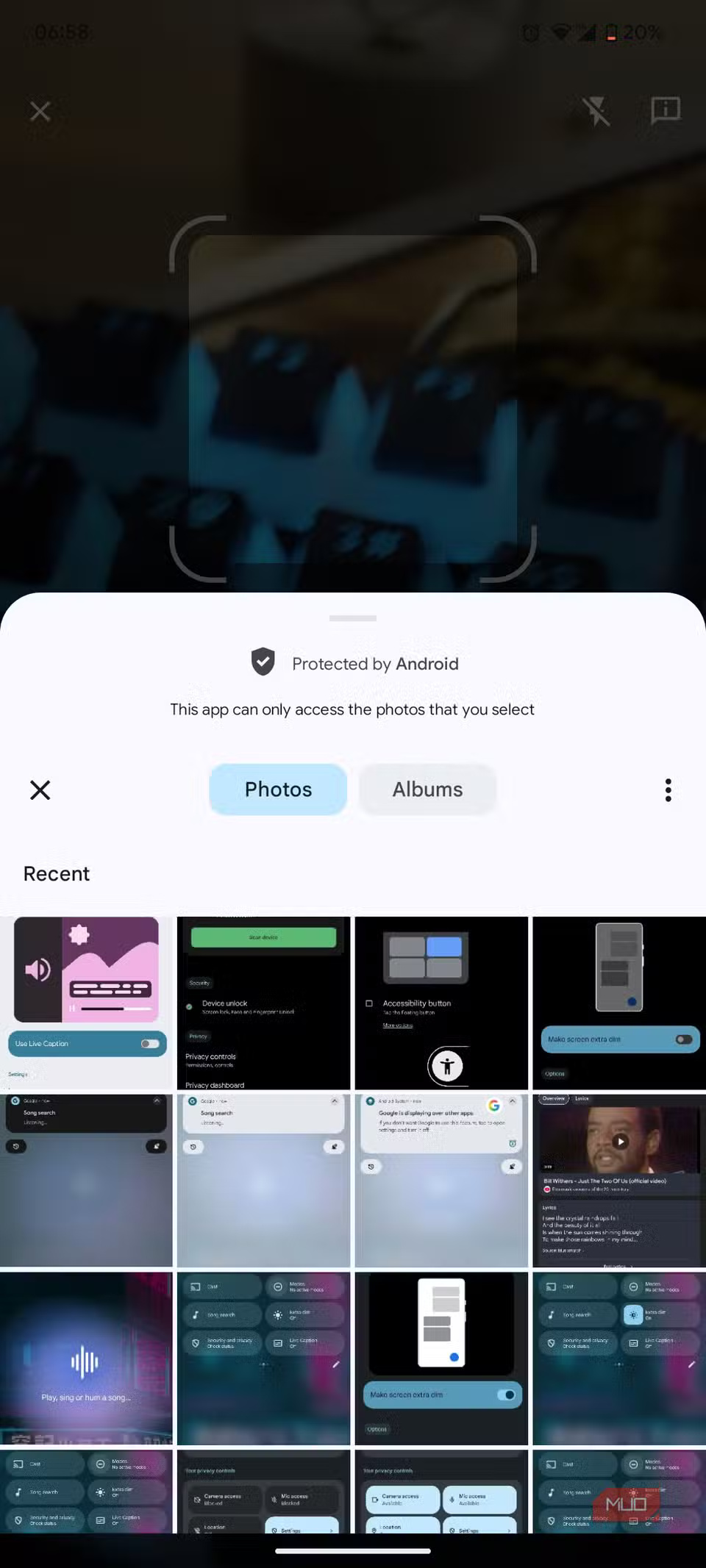
QR codes are everywhere. Having to switch between different apps to scan them can get tiring, to the point where you don't want to scan any more QR codes.
The QR Code Scanner tile offers a convenient solution. With just a tap, you can scan any QR code without having to open a separate app (even from the gallery). As part of the Google app, this tile reliably pulls details from any QR code you scan.
Final Thoughts
Overall, 7 Quick Settings Tiles on Android That Make Your Phone More Useful is best understood by considering the main facts, practical context, and limitations together. Use the details above as a clear starting point and confirm time-sensitive information when necessary.
FAQ
What does this article explain about 7 Quick Settings Tiles on Android That Make Your Phone More Useful?
Android has tons of features, but digging through menus can be a pain. Quick Settings has changed that. Now you can access the tools you use most with just a swipe, and it makes your phone instantly more productive.
What should you know about Two-tap solution for context switching?
Tile Modes help you quickly change the scene on your Android device. Whether you're driving, playing a game, or going to bed, there's a mode for every situation. Tile Modes lets you quickly choose from preset modes or create your own if needed.
Should time-sensitive details be verified?
Yes. Software features, game codes, product specifications, prices, and research findings can change. Confirm important details with an official or primary source when accuracy affects your decision.
Related Articles
 Why Is Tile Sensors Off the Best Security Feature on Android: Explained6 minutes read
 How to Add More Customizations to Quick Settings on Android5 minutes read
 How to Lock Quick Settings on Android3 minutes read
 How to Use Bottom Quick Settings to Change the Location to Open5 minutes read
 Change These 5 Settings to Make Your Smart TV More Private Instantly!6 minutes read
 How to Search for Settings Options in the Settings Menu on4 minutes read
Reader Comments 0
Sign in with email or Google to join the discussion.