Table of Contents
A Windows PC does not need a large collection of utilities. Start with the tools you actually use, keep Windows and apps updated, and download software only from a trusted developer or store. This revised list covers seven common needs and the products named in the original article; availability, pricing, and support change over time.
1. Vietnamese input: UniKey
UniKey is a Vietnamese input utility for Windows that supports common typing methods such as Telex and VNI. Download it from the official UniKey project source and follow its current compatibility instructions. You can also use the Vietnamese input options built into supported operating systems.

2. Web browsing: choose a maintained browser
Google Chrome is one browser option, alongside other maintained browsers. Choose based on compatibility, privacy controls, accessibility, and the extensions you need. Keep the browser updated and install extensions sparingly. Private browsing does not make activity anonymous to websites, network operators, or employers.

3. Cloud storage: Google Drive
Google Drive can store and synchronize files and support collaboration. Storage quotas and paid plans can change, so check your account’s current allocation and pricing. Sync is not the same as an independent backup: deleted or changed files may sync too. Keep another copy of important data.
4. PC cleanup: use Windows storage tools first
Windows includes storage-management features for reviewing temporary files and reclaiming space. Avoid registry cleaners or one-click “optimization” claims unless you have a clear need and understand the changes. CCleaner is named in the source, but its current features and installer options may differ; review them carefully and do not treat a cleaner as a security tool.
5. Malware protection: keep security protection on
Windows includes built-in security protections. Keep real-time protection and security updates enabled, and avoid running multiple real-time antivirus products unless their vendors explain how they coexist. Avira is another product named in the original article; check its current plans and features rather than relying on old “best free antivirus” rankings.

6. File archives: WinRAR
WinRAR can create and extract archive files. It is commercial software with trial and license terms; check the current terms. Windows also supports some common archive formats, while a separate utility may be needed for others. Do not open unexpected attachments just because you can extract them.

7. PDF documents: use a maintained reader
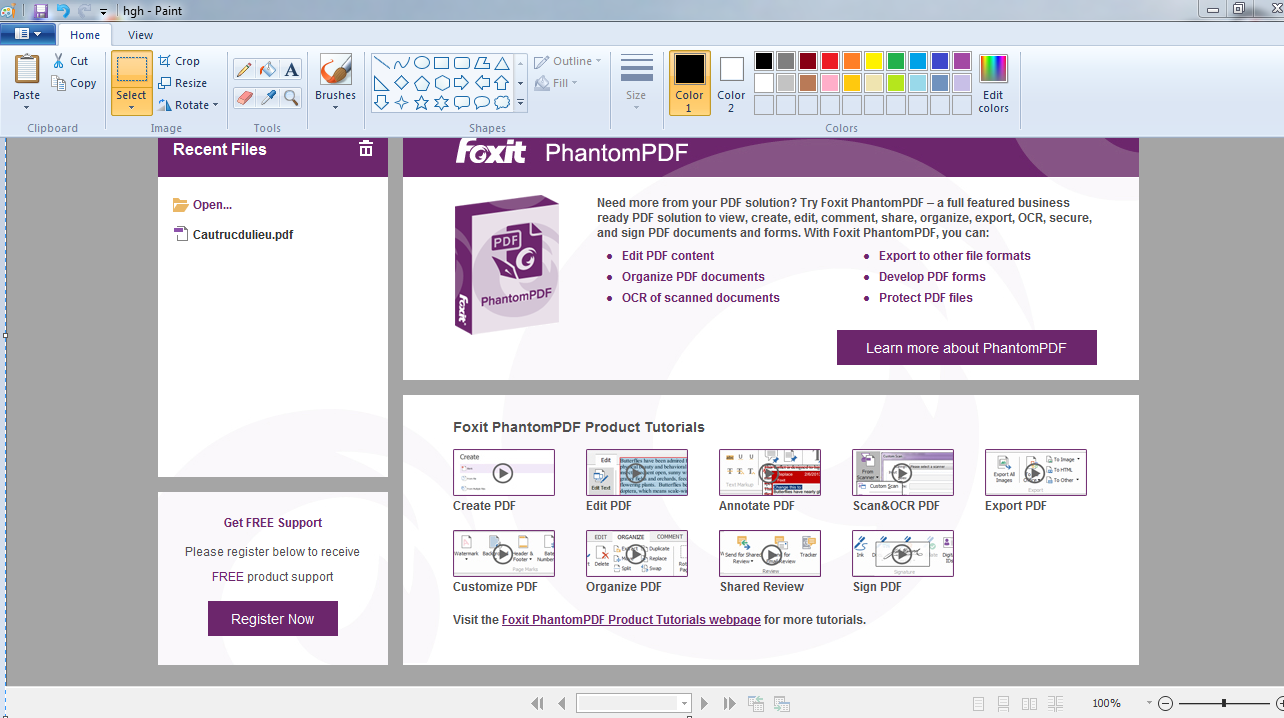
Foxit Reader was the product named in the source; Foxit’s product lineup and feature availability can change. Check the current official offering for viewing, commenting, signing, or editing PDFs. Windows browsers can also open many PDFs. Avoid installing extra software if your existing tool meets the need.
Install safely
- Check that the software supports your Windows version and is still maintained.
- Download from the developer’s official site or a trusted app store.
- Review license, privacy, and installer options before accepting them.
- Keep a separate backup of important files and avoid tools that promise guaranteed speed or security improvements.
Related Articles
 Top 20 essential software on computers you need to know 2020
 Download a software for processing professional DxO OpticsPro 11 Essential images worth 129 USD, being free
 Top 9 essential oils with effective bactericidal disinfectants
 The best software should be installed when purchasing a new PC
 Collection of essential software for the latest computers in 2023
 TotalAV Essential Antivirus
Reader Comments 0
Sign in with email or Google to join the discussion.