Table of Contents
The biggest space hogs on your Android phone aren't always the things you can see. If your storage is filling up faster than usual, hidden files you never touch could be the culprit.
6. Cache and application data
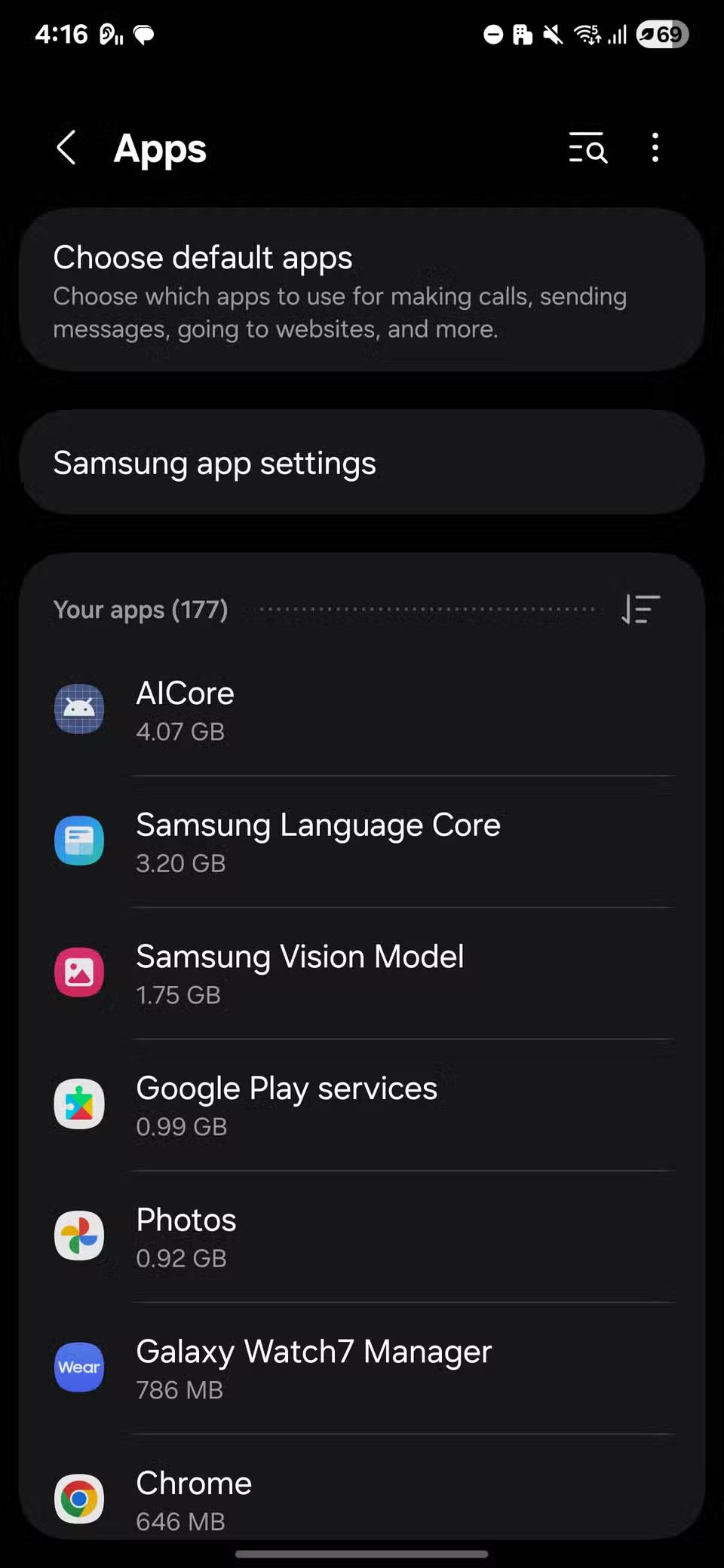
Every app you use stores temporary files, called caches, to speed up loading. Social media, browsers, and streaming apps often create the largest caches because they handle a lot of images and videos. Over time, these caches can become very large. Clearing the cache is a way to free up space immediately without deleting your saved logins or settings.
App data is different. It contains personal settings, saved accounts, and sometimes downloaded files from within the app. Clearing the cache will reset the app to its default state, meaning you'll need to sign in again and set your preferences. This can be useful for troubleshooting an app or freeing up space in apps you rarely use.



5. Old Downloads You Forgot About
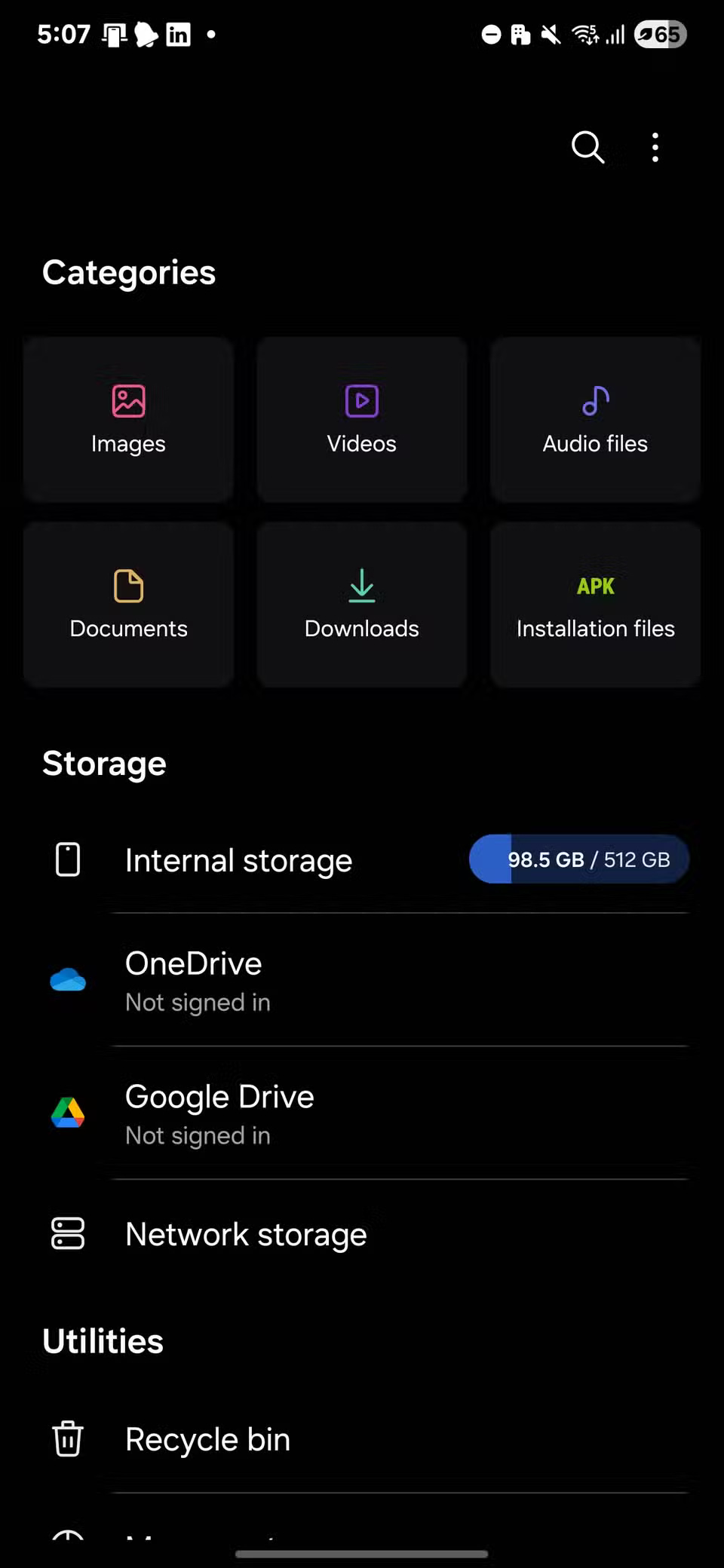
The Downloads folder often contains files you no longer need. These could be old PDFs, photos you saved somewhere else months ago, APK installers, or large videos you forgot about. If you've ever transferred files from another phone or received them over Bluetooth, they may still be there, taking up significant space. These files don't affect how your apps work, but they can quickly build up and waste space.
To delete them, open the Files by Google or My Files app and navigate to the Downloads folder.


4. Browser data piles up
Your web browser can be a huge waste of space on your phone. Every site you visit caches images, cookies, and other data, which helps pages load faster, but can also build up quickly. Outdated cookies can also cause some pages to not load properly.
To clear this data in Chrome, open the app and tap the three-dot menu in the upper-right corner. Select History , tap Privacy and security , then select Delete browsing data . Select Cached images and files to free up space while keeping most of your login information intact. Only select Cookies and site data if you want to refresh your entire browser or are having trouble with specific sites; note that this will log you out of most accounts.


3. Offline Maps You Don't Need Anymore
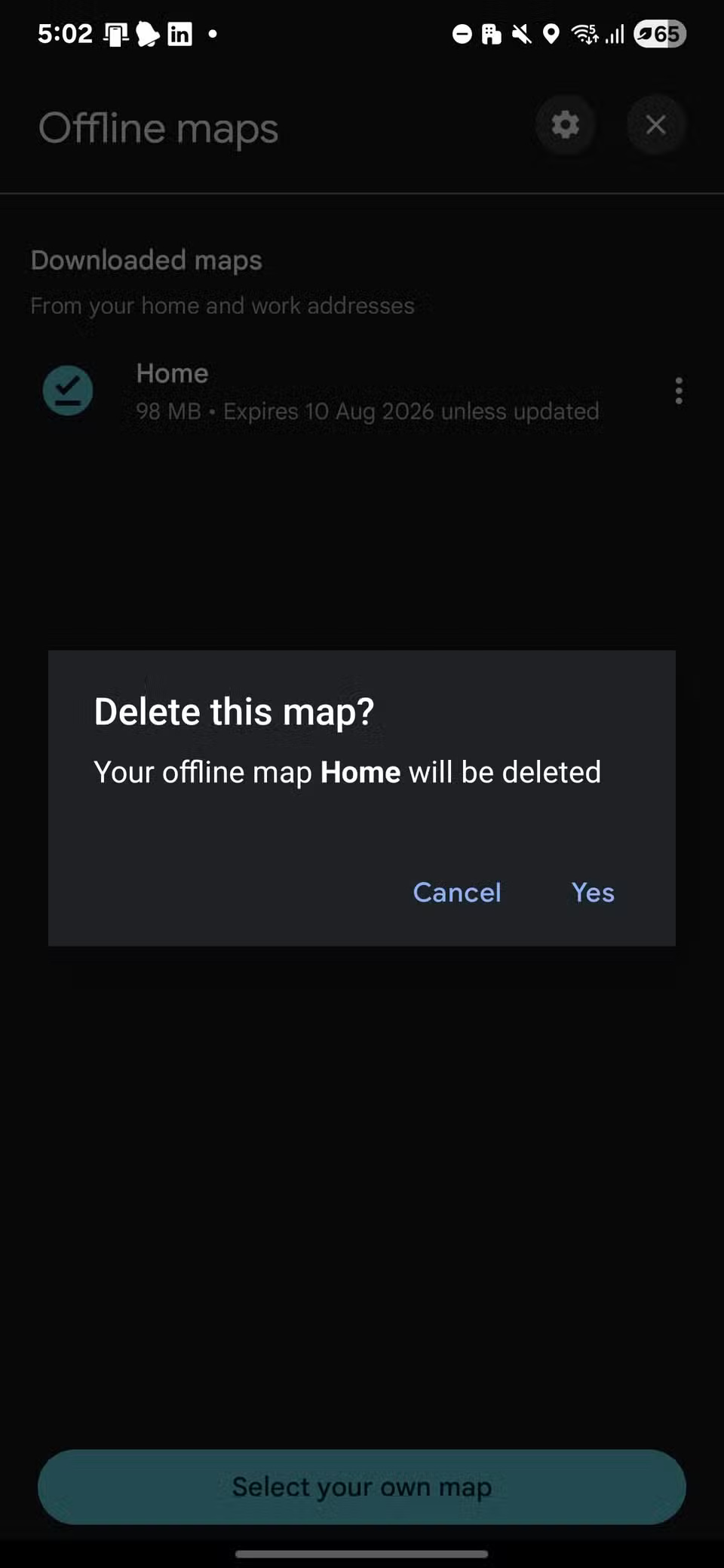
Navigation apps like Google Maps can store large amounts of offline map data for areas you've saved. This is useful when traveling without a reliable internet connection, but can also take up a significant amount of space, especially if you've downloaded large areas.
To delete them from Google Maps, open the app and tap your profile picture in the top right corner. Select Offline maps to see your saved areas, tap the three-dot icon for areas you no longer need, and select Delete . You can always reload the map before your next trip.


2. Remaining application data
When you uninstall an app, it doesn't always delete all the files it created. Some apps leave behind folders containing cached data, settings, or downloaded content. Over time, this leftover data can take up a significant amount of space, especially if you have a large game or an app with a lot of media.
On most Android phones, open the file manager, enable the option to show hidden files, then navigate to Internal storage > Android > obb .


1. Hidden data accumulates in messaging apps
By default, many messaging apps like WhatsApp, Telegram, and Messenger save every photo, video, and audio you receive, even after you delete them from the conversation. Over time, these files can take up a lot of space, especially in active groups or channels.
Most of these apps have storage management options that make it easy to review and delete old files. In WhatsApp, go to Settings > Storage and data > Manage storage to see which chats and media are taking up the most space, then select and delete what you no longer need.

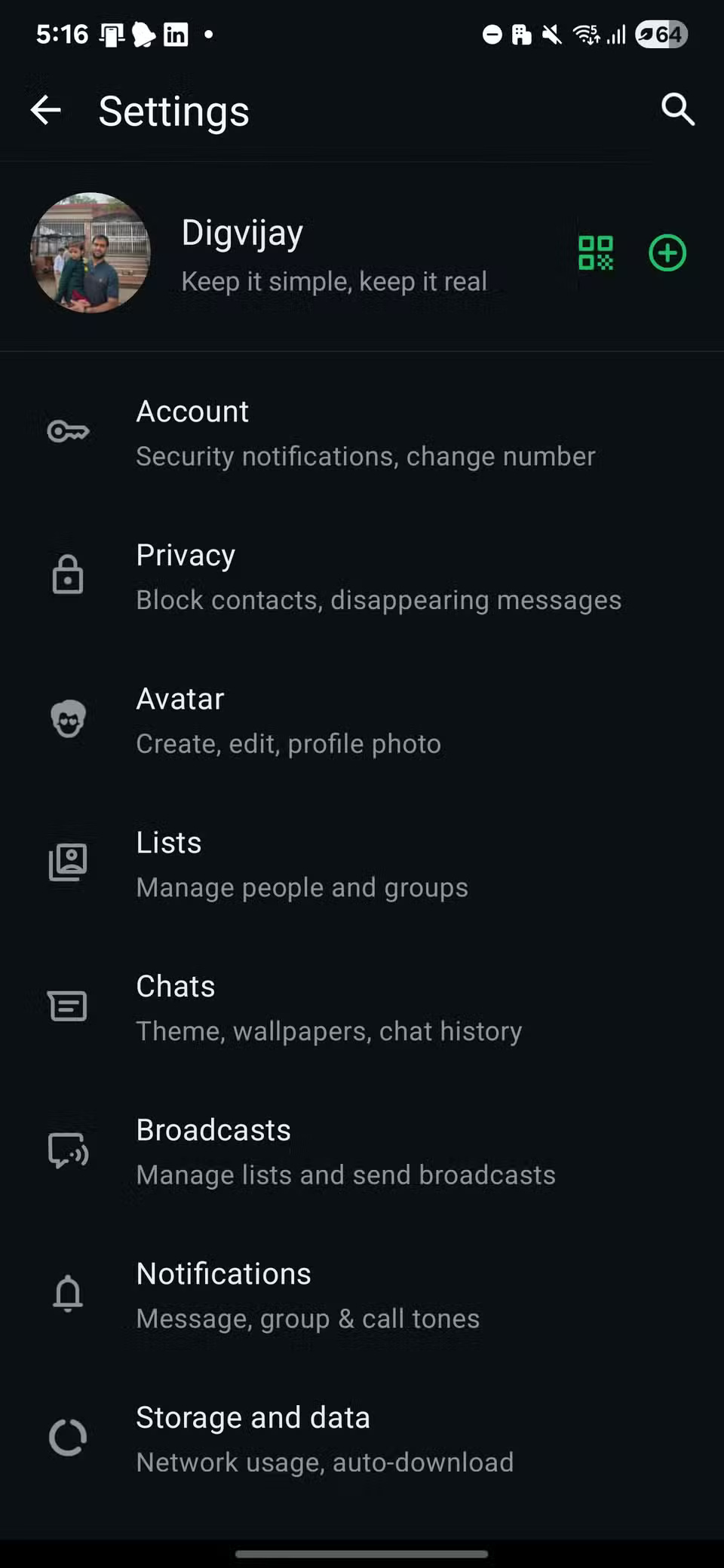


Telegram and Messenger have similar options under Data and storage , allowing you to quickly delete old or large files to reclaim space.
Final Thoughts
Overall, 6 Hidden Files That Are Wasting a Lot of Space on Android is best understood by considering the main facts, practical context, and limitations together. Use the details above as a clear starting point and confirm time-sensitive information when necessary.
FAQ
What does this article explain about 6 Hidden Files That Are Wasting a Lot of Space on Android?
The biggest space hogs on your Android phone aren't always the things you can see. If your storage is filling up faster than usual, hidden files you never touch could be the culprit.
What should you know about 6. Cache and application data?
Every app you use stores temporary files, called caches, to speed up loading. Social media, browsers, and streaming apps often create the largest caches because they handle a lot of images and videos. Over time, these caches can become very large.
Should time-sensitive details be verified?
Yes. Software features, game codes, product specifications, prices, and research findings can change. Confirm important details with an official or primary source when accuracy affects your decision.
Related Articles
 How to Use WizTree to Clean up 200GB of Hidden Junk Files: Step-by-Step Guide8 minutes read
 Here's How to Find Hidden Games on Android Phones4 minutes read
 How to Show or Hide Files in Windows 73 minutes read
 Quick Android Cleaning Tips to Reclaim Gigabytes of Space5 minutes read
 How to Show Hidden Files and Folders on Windows 10/8/74 minutes read
 How to Show Hidden Files on Windows 11: Practical Guide6 minutes read
Reader Comments 0
Sign in with email or Google to join the discussion.