Table of Contents
Try PlaylistAI if you want prompt-based playlists across several music services, Playlistable if you want a simple way to build a Spotify or Apple Music playlist, or Soundiiz if you also move playlists between services. Check your streaming service is supported before connecting an account.
PlaylistAI for prompts, photos, and listening history
PlaylistAI turns a prompt into a draft playlist. Its iOS app supports Spotify, Apple Music, Deezer, and Amazon Music. Features shown in the iOS app can differ from the web tool. Try a prompt with a time period and a clear constraint, such as “early 2000s electronic tracks for a morning run, with no slow ballads.” Remove tracks that miss the brief before saving.
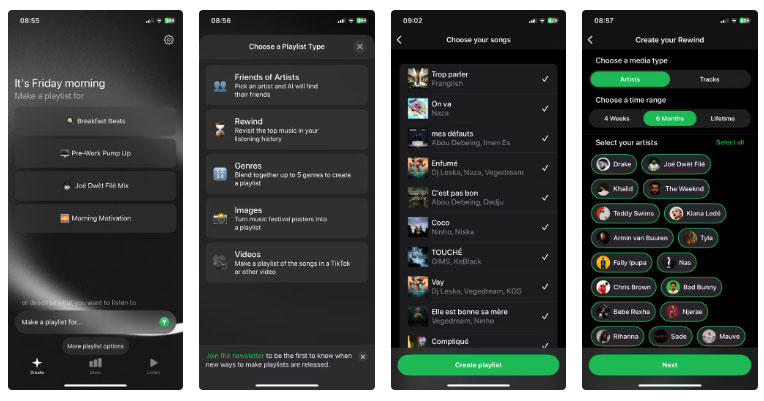
Playlistable for Spotify or Apple Music
Playlistable offers starting prompts and accepts your own text. Use a suggested mood if you’re stuck, or add reference artists and the occasion to narrow the choices. Review the resulting tracks in your library and check the current free limits before starting a series of playlists.
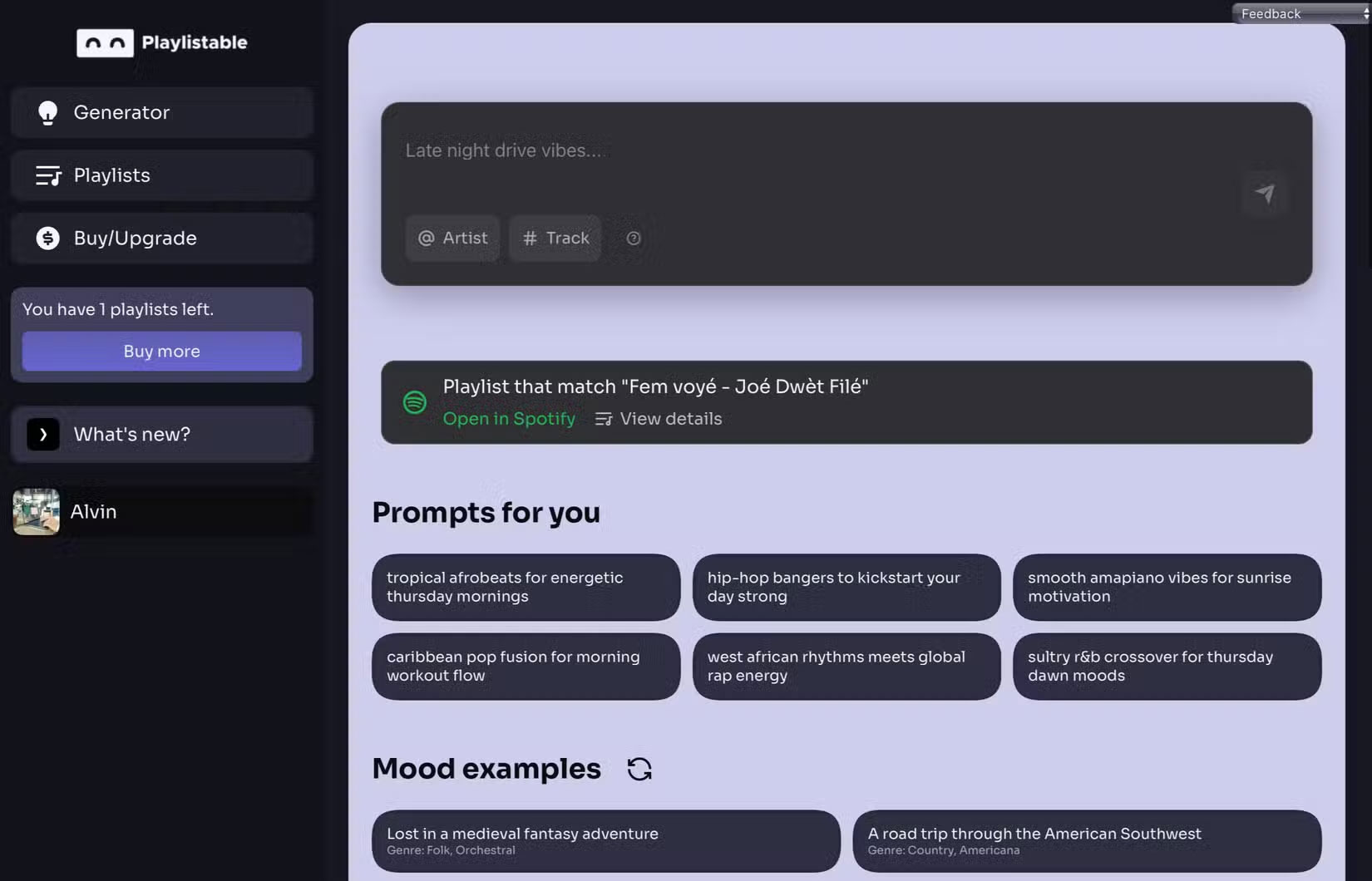
Soundiiz for generation and playlist transfers
Soundiiz accepts a text request or lets you combine tags for genres, moods, and eras. It also has separate tools for transferring existing playlists. When switching services, watch for missing tracks and wrong matches, such as a live performance in place of the original studio recording.
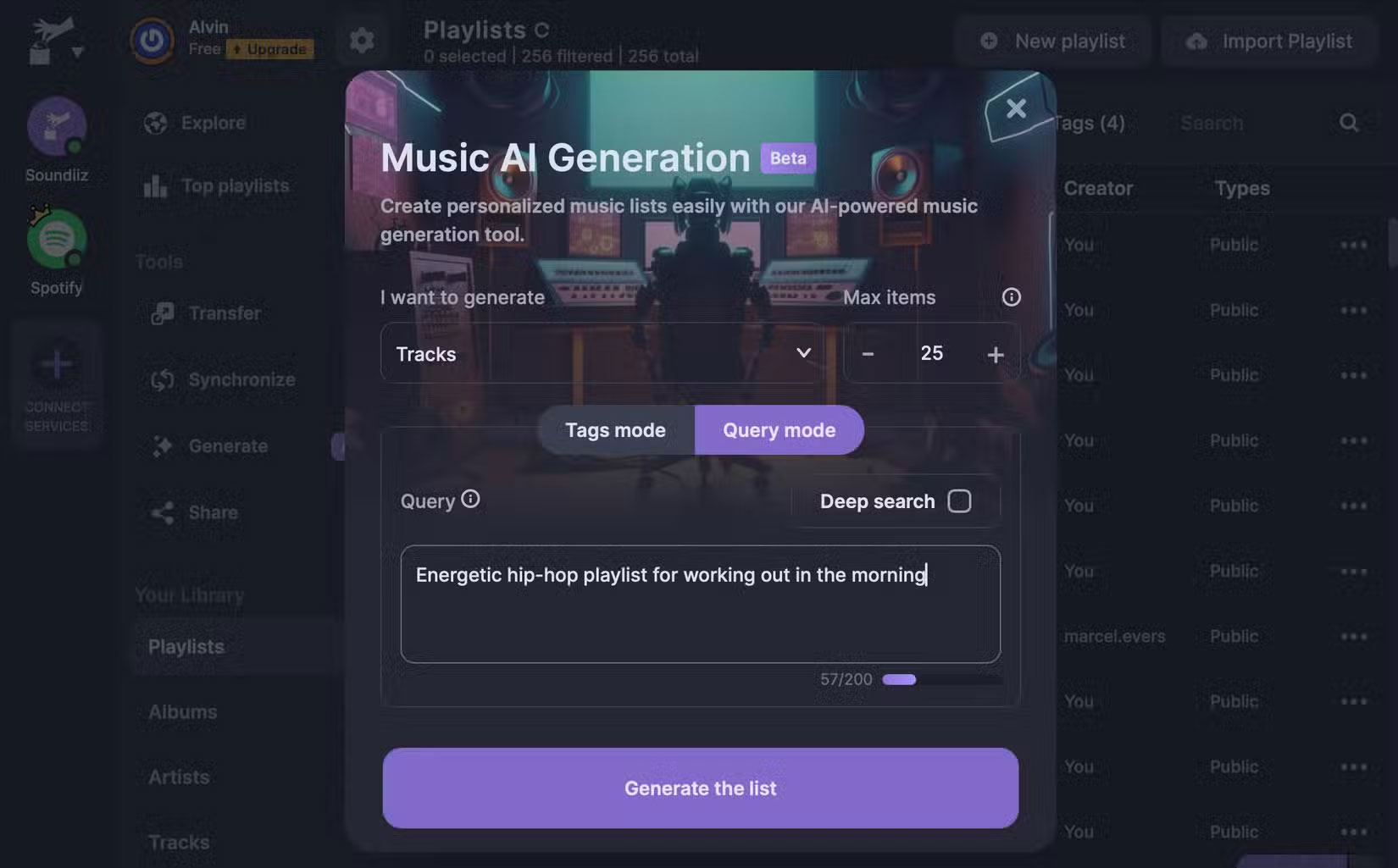
Test one prompt before choosing a tool
Try the same request in your current Spotify AI tool and one alternative. Compare how many tracks fit the prompt, how often the service chooses the wrong version, and whether editing the list is easy. Also review the account permissions each tool requests. A tool that gives you fewer tracks to replace is a better fit for that prompt.






Reader Comments 0
Sign in with email or Google to join the discussion.