Table of Contents
From January 26, a series of features will be removed from Google Assistant - the assistant, a smart tool that can be used by voice, on Google products due to not being used enough.
Key Takeaways About Smart Assistant
- From January 26, a series of features will be removed from Google Assistant - the assistant, a smart tool that can be used by voice, on Google products due to not being used enough.
- Google Assistant appeared and was advertised as one of the central features of Google devices, from phones to smart speakers and displays.
- Google said the removed features were "underutilized".
Key Details About Smart Assistant
Google Assistant appeared and was advertised as one of the central features of Google devices, from phones to smart speakers and displays.
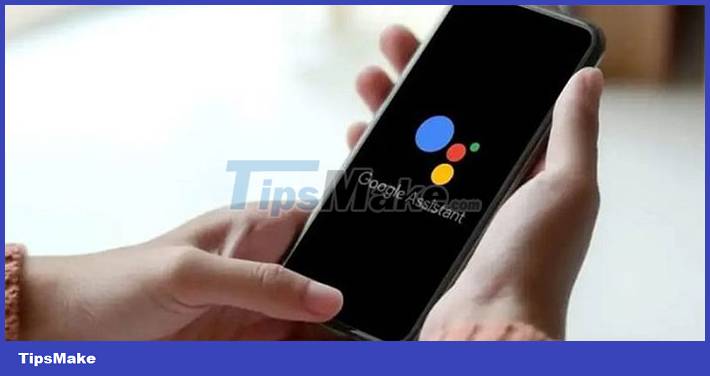
Google said the removed features were "underutilized". So this removal will allow them to focus on quality and reliability, ultimately making it easier to use the Assistant across devices. This announcement came shortly after Google said it would lay off about 1,000 employees.
Details of removed features
1. Feature to play/control audiobooks (talking books) by voice.
2. Google Assistant can no longer access or manage recipes.
3. Ability to set alarms with media/music/radio on Google Assistant enabled devices.
4. Your travel itinerary is no longer displayed.
5. Does not provide users with contact information but users can still make calls.
6. Stopwatch management feature on smart displays and smart speakers.
7. Voice feature to send audio, email or video messages.
8. Feature to notify the user or family's schedule using Google Assistant
9. Feature to start a meditation session in the Calm app using Google Assistant.
10. Voice control options for activities on FitBit Sense and FitBit Versa 3 devices.
11. Call/message transfer feature to Google Family Group.
12. Sleep summary feature on smart phone/speaker.
13. Smart display 'Commute to work' time estimator with Google Assistant built-in
14. No longer perform certain actions using voice commands including sending payments, making reservations, posting to social networks.
15. Reschedule feature in Google Calendar by voice
16. Calls made from smart displays/speakers will not be displayed with caller ID, unless Google Duo is being used.
17. Ability to control audio, make calls, or read/send messages using Google Maps in Google Assistant driving mode via the app launcher
FAQ
How do you choose the best Smart Assistant?
From January 26, a series of features will be removed from Google Assistant - the assistant, a smart tool that can be used by voice, on Google products due to not being used enough.
What features matter most when comparing Smart Assistant?
Google Assistant appeared and was advertised as one of the central features of Google devices, from phones to smart speakers and displays.
Who should consider the options in this guide?
Google said the removed features were "underutilized".
Related Articles
 Google Assistant Driving Mode Is Now Converted to a Voice Bar Explained5 minutes read
 What Can Google Photos Assistant Do for You?6 minutes read
 Is Google Assistant or Cortana a Better Virtual Assistant?16 minutes read
 5 Android Features That Google Has Quietly Removed7 minutes read
 How to Return to Google Now Virtual Assistant on Tap on Android5 minutes read
 Google I/O 2018: Google Introduces a Host of New Features Related to Android P, Assistant, Gmail9 minutes read
Reader Comments 0
Sign in with email or Google to join the discussion.