Table of Contents
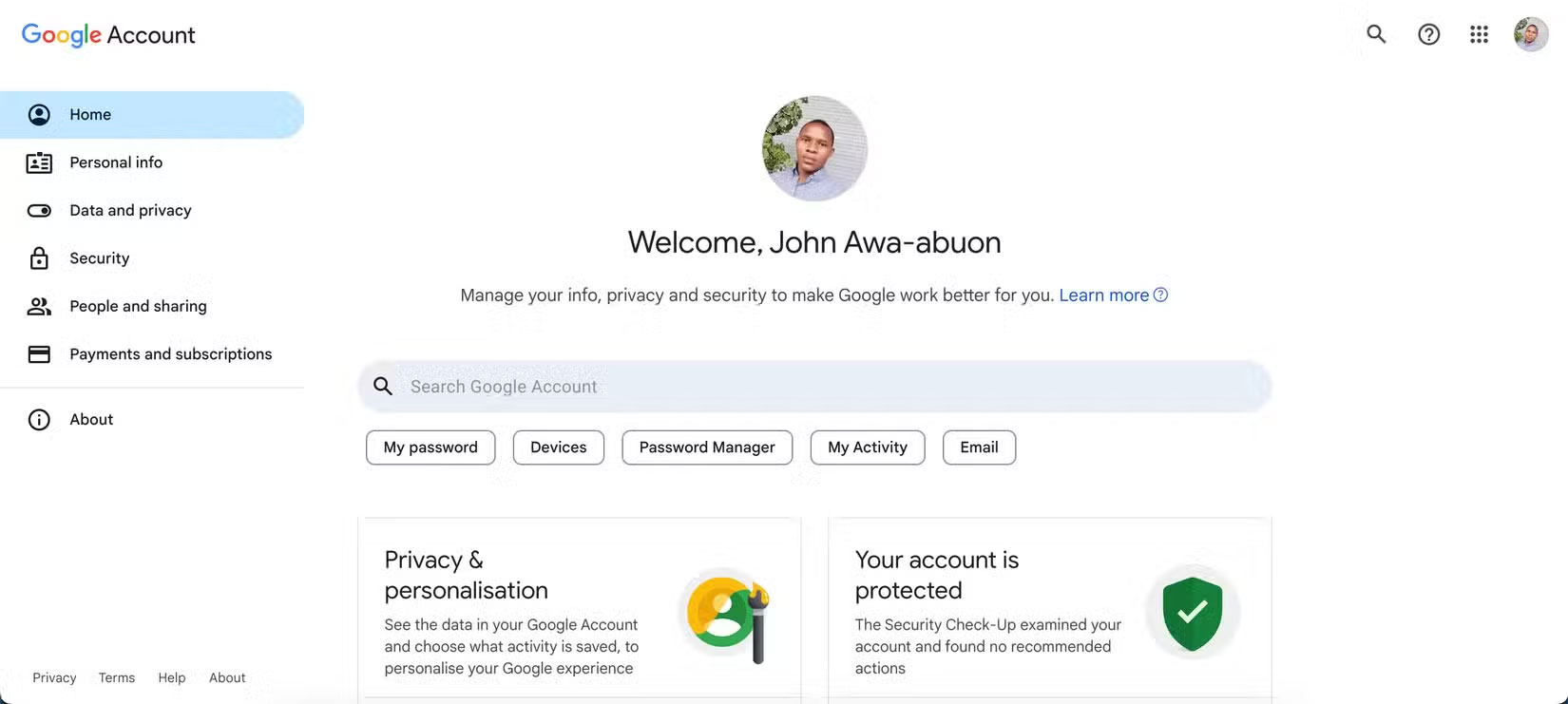
Start with Google Account → Data & privacy. Google divides your settings by service, so deleting search history won’t also remove your emails, photos, or Maps Timeline. Check which account is selected before making changes.
Where to look for different types of data
| Service | Where to check |
|---|---|
| Search and Assistant | My Activity and Web & App Activity. Check the separate option for saving voice and audio if available. |
| YouTube | YouTube History for saved searches and watch history. Likes and comments have their own controls. |
| Google Maps | Your Timeline in the phone app on devices that use on-device Timeline. |
| Gmail and Drive | Messages and files are managed in each service, separately from My Activity. |
| Chrome | Check browser history and settings for data saved to your account. |
| Android and Google Photos | Review app permissions, photo backup, and Photos features such as face grouping where available. |
| Ads on Google and partner sites | Check ad personalization settings. Third-party sites may have separate privacy controls. |
Review activity, ads, and Maps separately
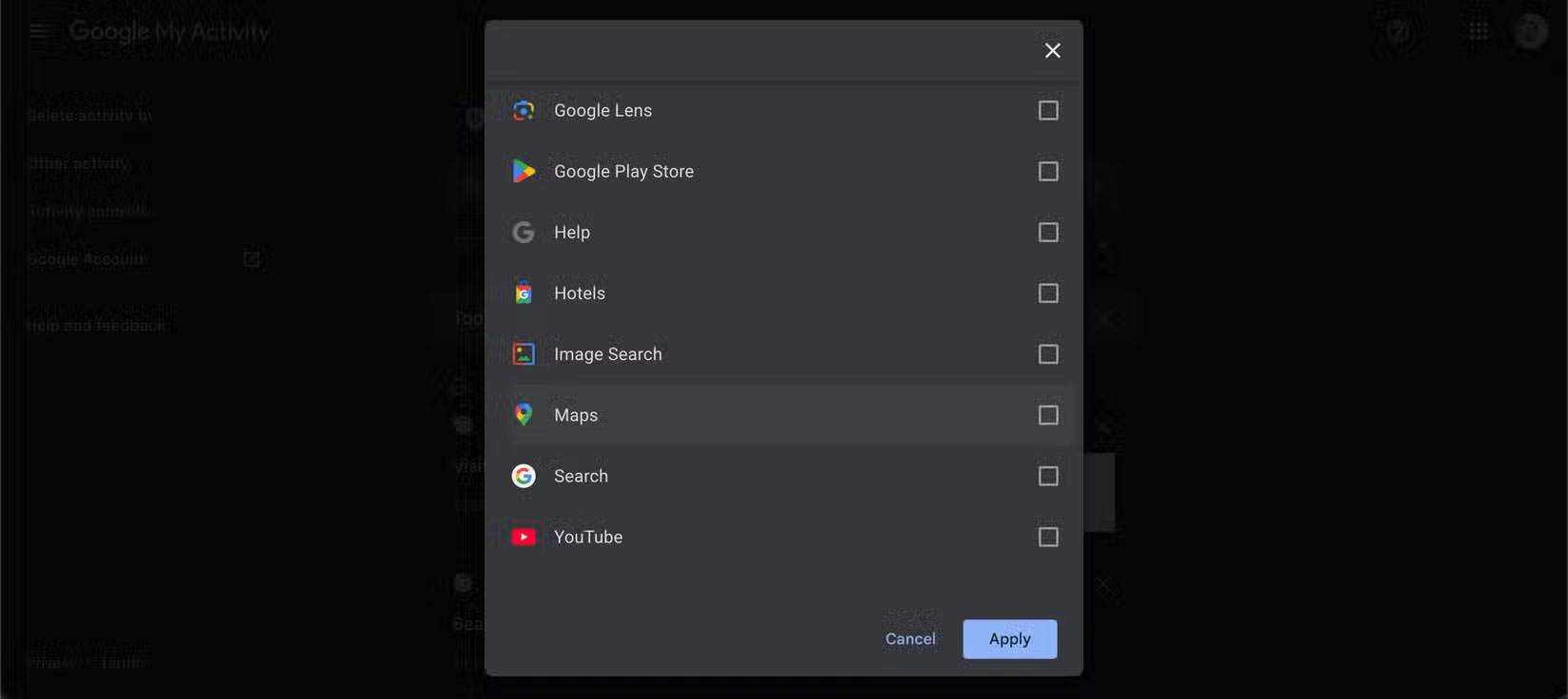
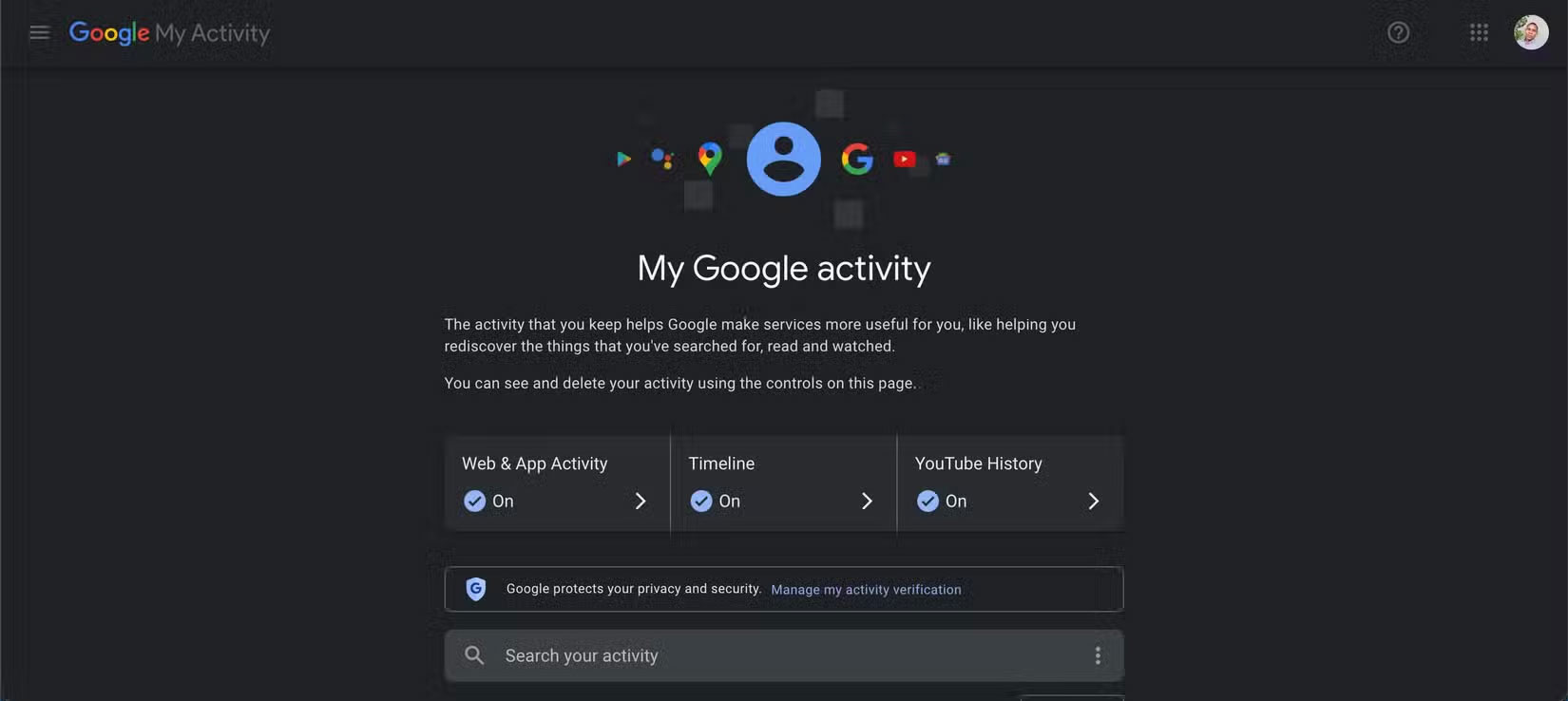
Open Google My Activity and filter by date or product to see entries that were saved.
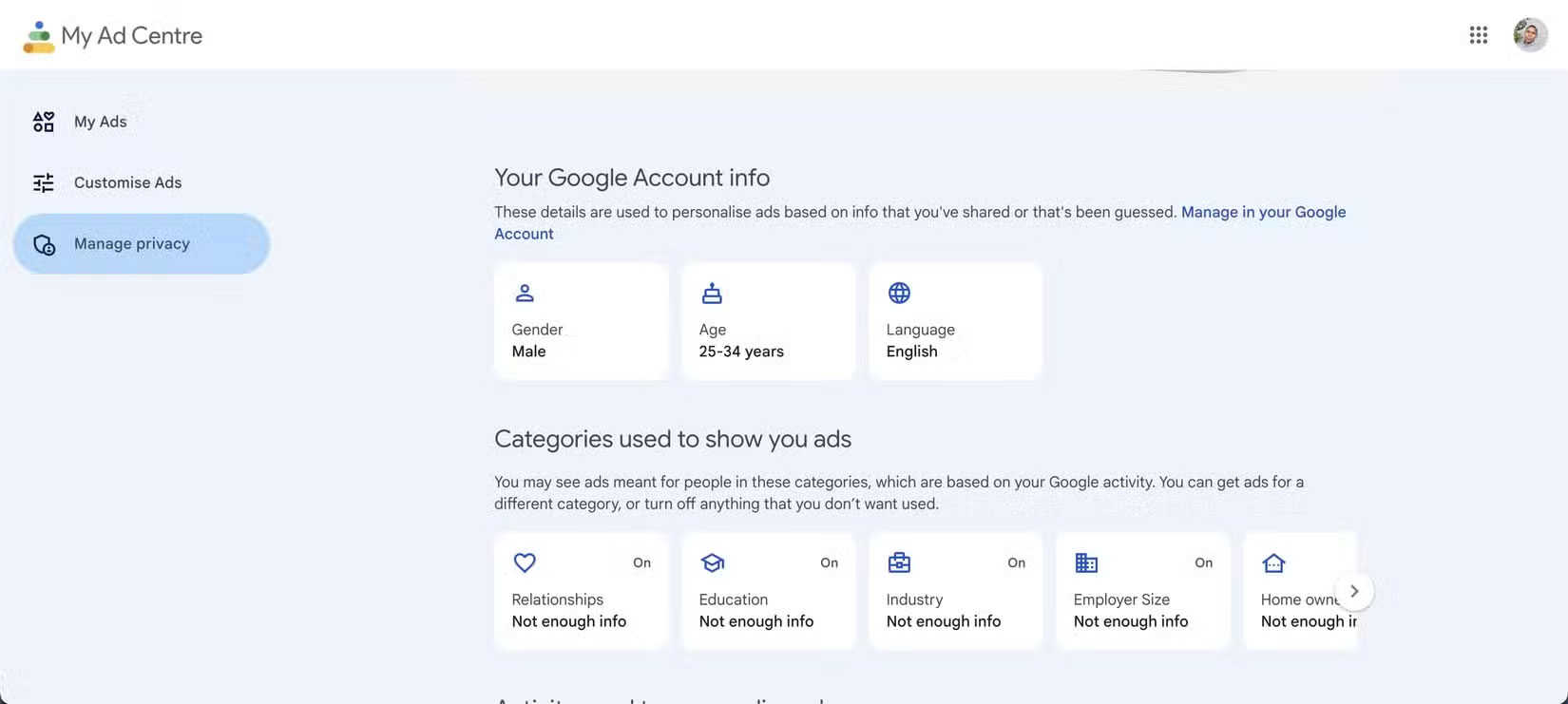
Use My Ad Center to review or turn off personalized ads. This changes how Google personalizes ads rather than removing advertising.
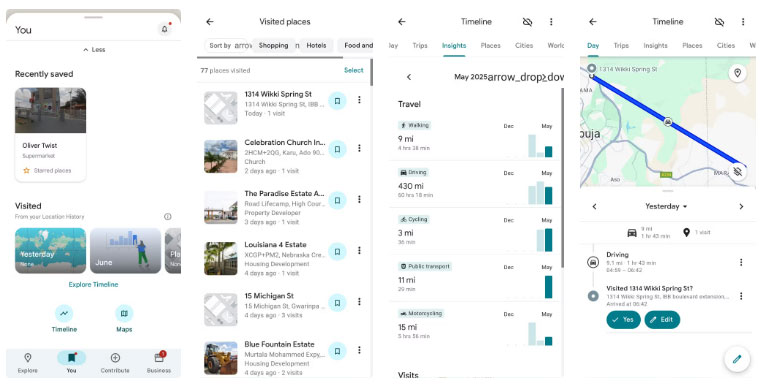
For visits and routes saved in Maps, open the Maps mobile app, tap your profile picture, and look for Your Timeline. If you enabled a Timeline backup or saved history on several devices, check the relevant device and backup settings before deleting.
Export, delete, or limit future activity
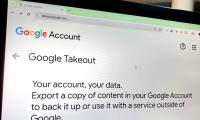
- If you want a copy, use Google Takeout for supported products and confirm you can open the export. Exporting keeps the account data in place.
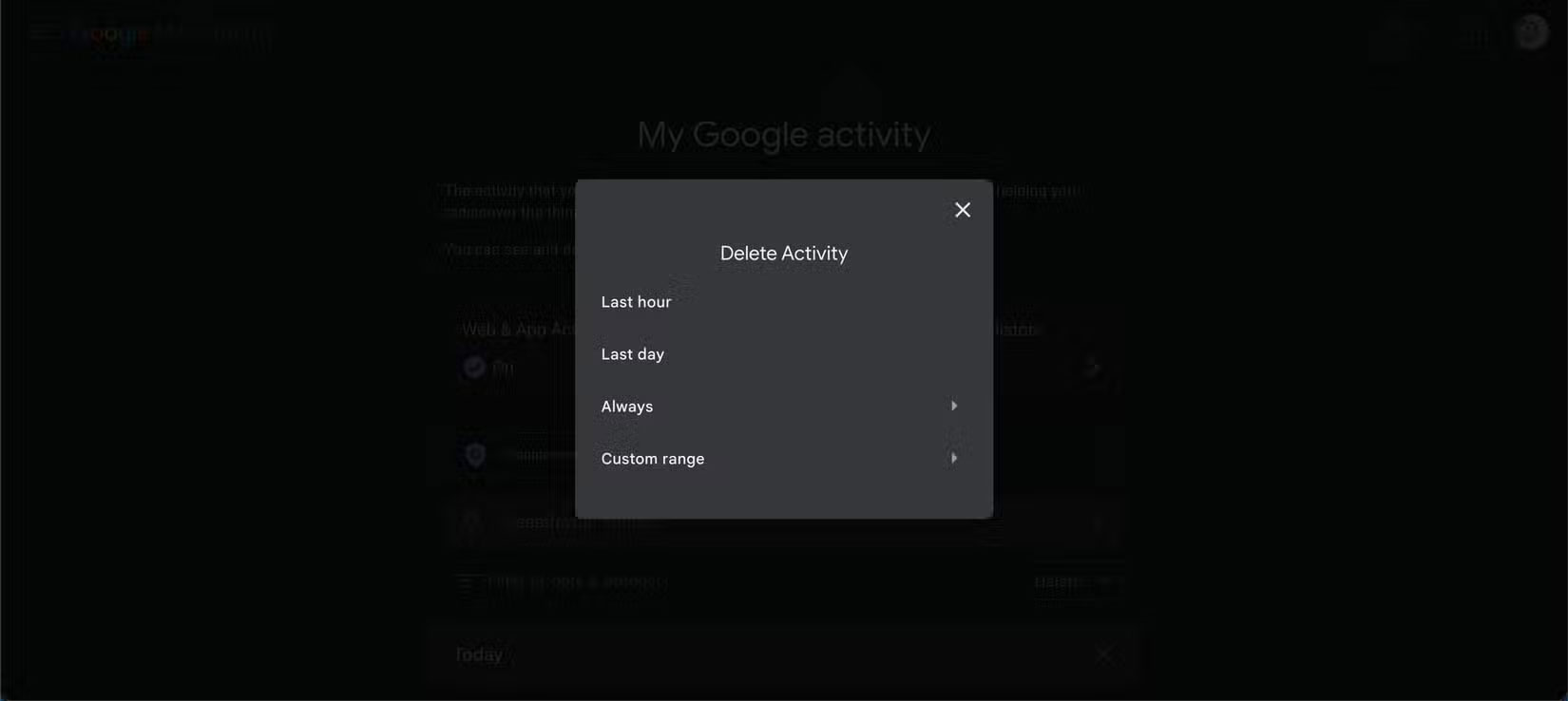
- In My Activity, use Delete and choose the date range or product. Review that selection carefully.
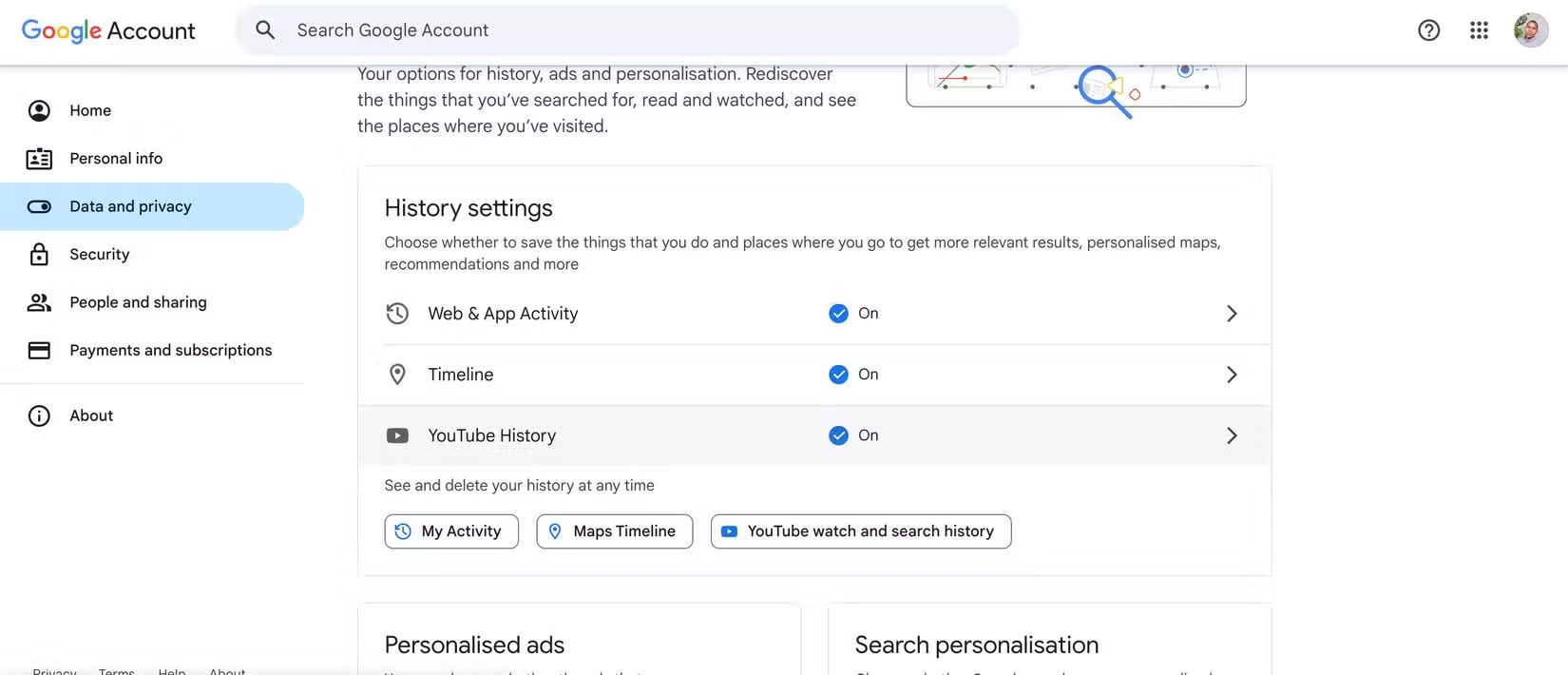
- Under Data & privacy → History settings, choose which types of activity Google should save in future. Use auto-delete if you want the history retained only for a set interval.
Check the data that has separate controls
Gmail, Drive, Photos, and other products have their own deletion settings. Browser history, cookies, and permissions can also be managed on the device. See how to review browser privacy settings if you want to limit local browsing data as well.
Related Articles
 Trick to protect personal information on Google+
 Top 10 tips useful when searching information from Google
 Do you want to know what information Google has collected from you?
 If you see your information using Google Search, you can use this tool to remove it
 How to Find Out What Google Knows About You
 How to use Google effectively
Reader Comments 0
Sign in with email or Google to join the discussion.