Table of Contents
Proton Lumo is an AI assistant for drafting, summarizing, and answering questions. Proton says it does not use chat content to train its models and protects saved chat history with zero-access encryption. If you want to use it for a sensitive task, check whether the conversation will be saved and whether it needs a web search or files.
What Proton’s privacy claims cover
Zero-access encryption applies to stored chat history. Proton says it cannot read that stored history. Lumo still processes the text you send to generate an answer. Consult Lumo’s privacy policy and Proton’s explanation of Lumo’s privacy features for details about processing and retention.

Try Lumo and choose how to handle history
Open Lumo on the web. Proton offers limited use without an account. A signed-in account can keep chat history within the limits of its plan. Proton also offers mobile apps. Check the current plan comparison if specific history limits or features matter to you.
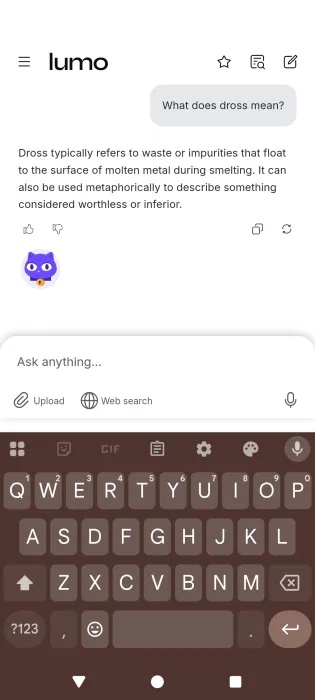
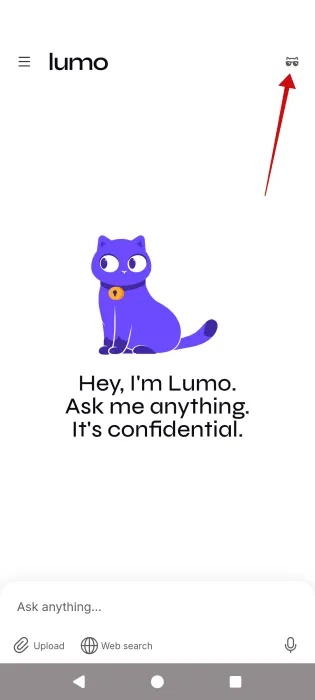
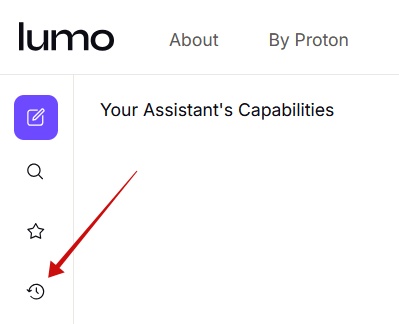
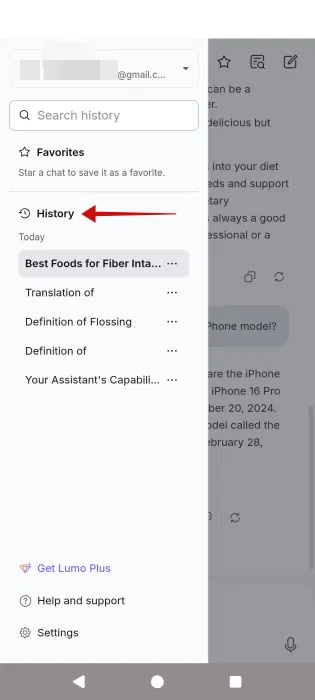
For a conversation you want to leave out of saved history, start a session in Ghost Mode using the icon shown in the example. For a conversation you want to return to, use a regular chat and look for it in the web sidebar or the mobile menu.
Use web search and attachments deliberately
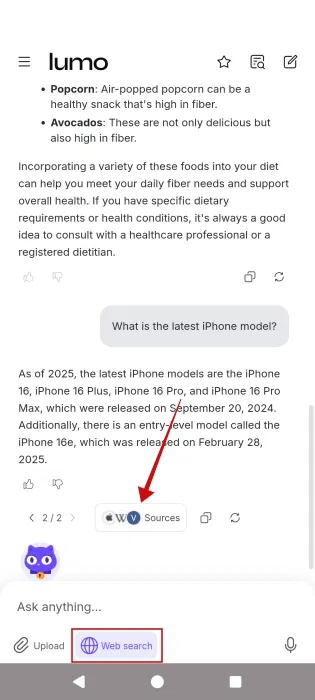
Try a short task such as summarizing non-sensitive notes or drafting a reply. Turn on web search when the answer needs current information, and open the cited pages to verify claims. If you need an attachment summarized, share only the parts relevant to the task. Remove personal identifiers and avoid uploading passwords or documents your organization hasn’t approved for the service.

For a repeatable workflow, see how to remove sensitive details before sharing data with an AI tool and verify claims in AI-generated answers.
Related Articles
 Hundreds of thousands of conversations with Grok exposed publicly on Google search results
 3 chatbot privacy risks you should know
 [Infographic] The trend of Chatbot will explode in the future
 A tool to help you control your privacy in Windows 10
 5 things not to be shared with AI chatbots
 Does ChatGPT have privacy issues?
Reader Comments 0
Sign in with email or Google to join the discussion.