Table of Contents
This guide provides a clear, practical overview of "Why Will So Many People Leave Windows Forever When Windows 10". It organizes the most useful details, explains important considerations, and highlights the steps or choices that matter most.
Why can't many people continue using Windows 10?
Windows 10 won't suddenly stop working after October 14, 2025, when support for the operating system ends. But with Microsoft ending support, there won't be any more updates. Sure, you can continue to use your PC without any updates. But if you plan on browsing the internet or using Microsoft apps, you'll start to run into a lot of dead ends.
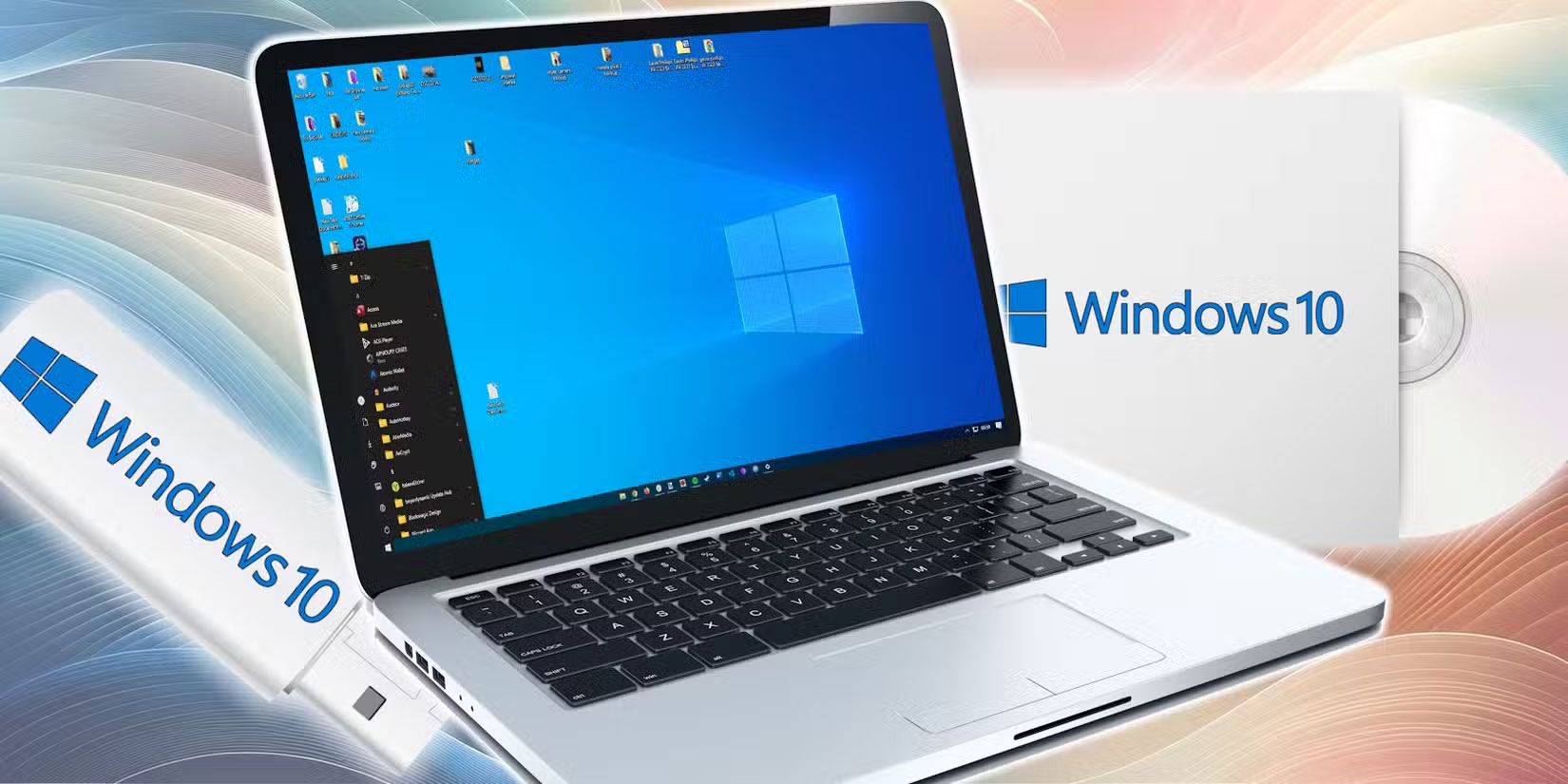
Microsoft has extended support for Office 365 apps on Windows 10 until October 10, 2028. But it's worth noting that you'll only get security updates, so while everyone else is running around trying to get things done with the latest and greatest AI and productivity features, you'll be stuck in the past.
If your software isn't up to date, performance will often degrade over time. As more and more programs start optimizing for Windows 11, you'll see performance decline on Windows 10. Some programs will even stop supporting Windows 10 altogether. This is especially true for hardware drivers—and if gaming is one of the main reasons you use Windows, you can't afford to do that.
Then there are the third-party support options for Windows 10. If you run a business that relies on Windows 10 or need it for a specific need, that's fine. There's no reason to pay for a subscription just to keep using an operating system you've already paid for, especially when there are better alternatives.
Windows 11 is not an option
If you're still using Windows 10, it might finally be time to upgrade to Windows 11. However, that's not really an option for many people.
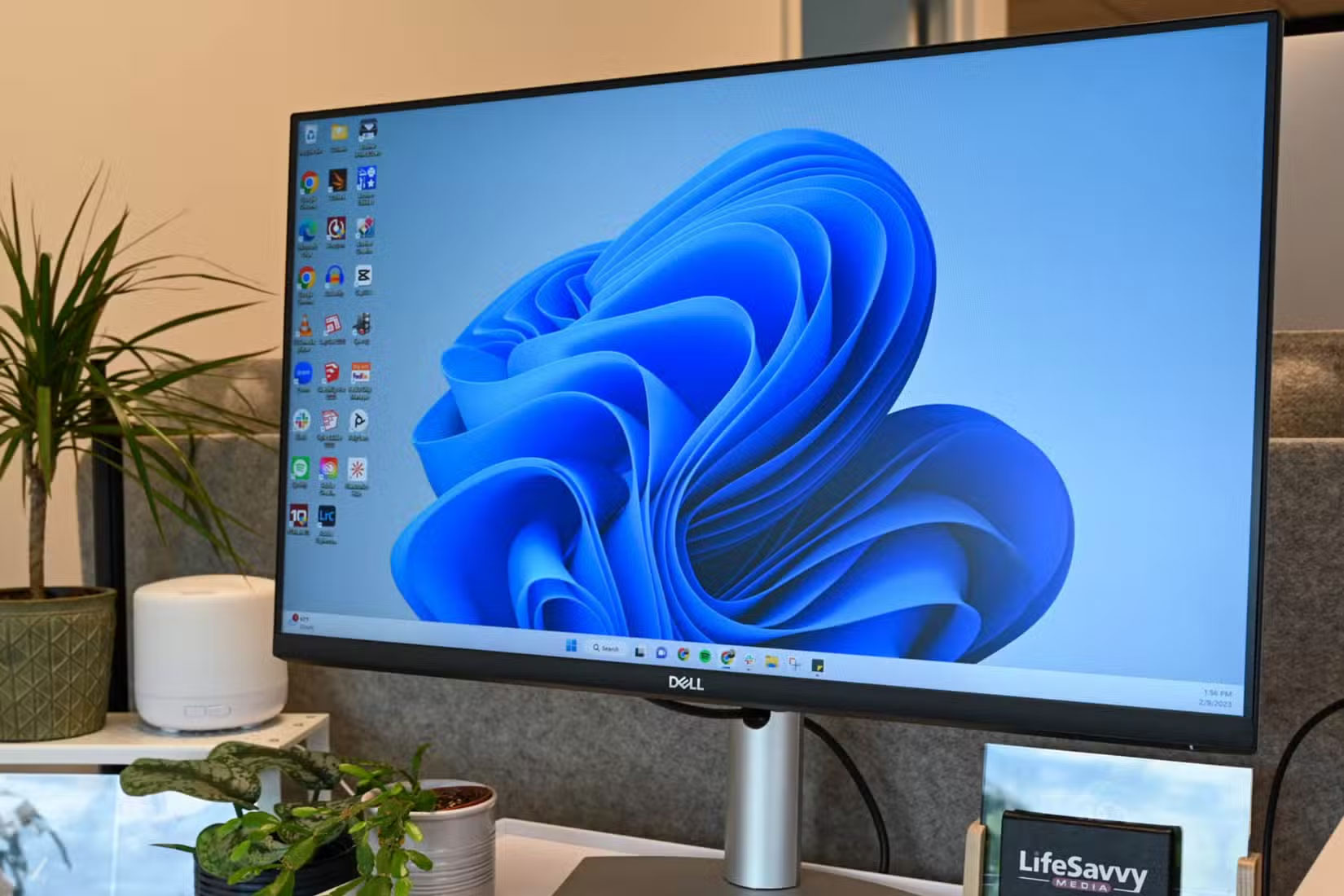
Microsoft has done a lot to improve Windows 11 since its launch, but it's still a mess of an AI-ridden operating system. There are too many unnecessary services, programs, bloatware, and AI features scattered throughout the interface. Not only do these make it difficult to access the features you actually want, but they also take up unnecessary hardware resources that could be used for better performance and a faster user experience.
You can make your Windows 11 installation faster and cleaner with a few tricks. But having to download and run a bloatware removal program on a brand new Windows 11 installation just to get it working is a pain for many people.
And then there are the privacy issues.
Setting up Windows 11 when you first install it is a minefield, with checkboxes and sliders to avoid that are designed to track as much of your activity as possible. This starts with the need for a Microsoft account to even complete the OS installation. There used to be a workaround that allowed you to skip signing in with a Microsoft account when you first set up Windows, but that has since been removed.
Microsoft's insistence on integrating AI into every corner of Windows is also a headache. Even Notepad now has built-in AI tools—arguably the most basic of all Windows utilities. Then there's the privacy nightmare that is Windows Recall.
The feature has been updated to the point where Microsoft wants you to try Recall again, but many people still can't trust it; they don't want their operating system capturing what they do on their computer.
Another big issue that many people can't get over is Windows Modern Standby; it's unclear why Microsoft can't figure out how to put a laptop to sleep when needed. Many people use their laptops on the go even more than their phones, and constantly wonder why their laptop can't hold 100% charge when they leave the house and head to their destination. A little battery drain is fine, but a laptop shouldn't lose 50% of its charge just sitting in a backpack.
The thing is, Windows 11 still feels like a work in progress. This constant development and evolution may even be what Microsoft was aiming for in the first place. It's not the wrong approach, but it's certainly not for everyone.
Linux offers a lot of interesting things.
With Windows 11 gone, Linux is the only real option for some people. Outside of Macs, many people have been using Linux alongside Windows for development and it suits their needs better.
First, Linux has several features that Windows should learn from. Such as better desktop customization, system snapshots, better software and driver management, and of course, complete control over privacy and security. Linux is also much lighter to run than Windows, so if you're about to throw away your old Windows 10 PC, it's time to make the switch.
The only downside to switching completely to Linux is that many everyday programs may not have native Linux versions. You can use emulators like Wine to get around this to some extent, and there are plenty of alternatives that may even be better than the Windows programs you're used to.
In any case, support for Linux is growing, meaning more and more developers are developing native apps for the operating system. With its performance, privacy, and cost benefits, it's a solid alternative to Windows, especially if you don't want to be forced to upgrade to Windows 11.
FAQ
Why can't many people continue using Windows 10?
Windows 10 won't suddenly stop working after October 14, 2025, when support for the operating system ends. But with Microsoft ending support, there won't be any more updates. Sure, you can continue to use your PC without any updates. But if you plan on browsing the internet or using Microsoft apps, you'll start to run into a.
What should you know about windows 11 is not an option?
If you're still using Windows 10, it might finally be time to upgrade to Windows 11. However, that's not really an option for many people.
What should you know about linux offers a lot of interesting things?
With Windows 11 gone, Linux is the only real option for some people. Outside of Macs, many people have been using Linux alongside Windows for development and it suits their needs better.
Related Articles
 How to Prepare for the Last Day of Support for Windows Xp3 minutes read
 Why Did Microsoft End Support for Windows 8.1?6 minutes read
 Microsoft Again Urges Users to Leave Windows 10 and Switch to Pcs Running Arm4 minutes read
 How to Use Windows XP Forever11 minutes read
 Windows 10 Officially 'upgraded to 10' Today, Let's Look Back at a3 minutes read
 Things You Should Not Leave in Your Car: Complete Guide7 minutes read
Reader Comments 0
Sign in with email or Google to join the discussion.