Table of Contents
This article explains Why Can't the Bot Check the 'I'm Not a Robot' Checkbox in clear American English, including how it works, why it matters, and the key details readers should understand.
Google invented a virtual machine, basically a simulated computer inside another computer, just to run that checkbox. That virtual machine uses Google's own language, then encrypts it twice.
But this is not a simple coding process. Usually, when the password protects something, you can use the key to decode it. The language of Google is decoded by a key, changes with the process of reading the language and the language itself also changes when read.
Google associates (or hashes) that key with the web address you are visiting, so you cannot use CAPTCHA from one website to bypass another. It works in conjunction with the fingerprint from the browser, capturing microscopic variations in the computer - which bots will struggle to copy (such as CSS rules).
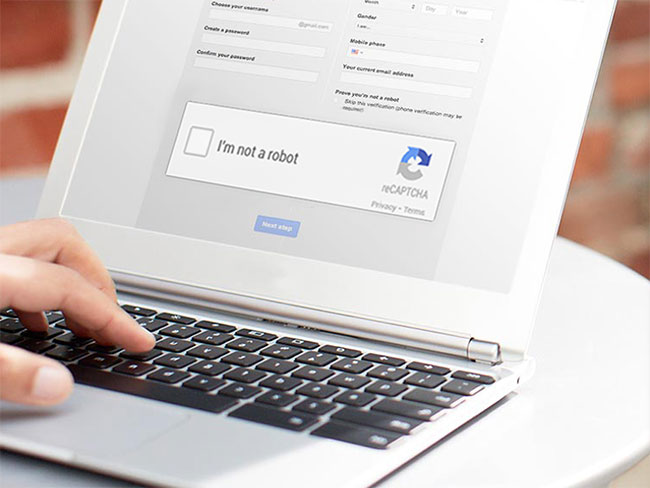
All this is done just to make it difficult for you to understand what Google is doing. You need to write down tools to analyze it (fortunately someone already does that).
It turns out that these checkboxes record and analyze a lot of data, including: Computer time and time, IP address and location, screen size and resolution, your browser and plugins. used, how long the page took to display, how many keystrokes, clicks and touches / scrolls were performed, along with some other things we couldn't understand.
These boxes require the browser to draw an invisible image and send it to Google for verification. Image contains things like a pointless font. The 3D image is then added to a special texture, to give different results between computers.
Finally, these seemingly simple little boxes combine all the data with their knowledge of computer users. Almost everyone on the Internet uses something owned by Google - search, mail, ads, maps - and as you know, Google keeps track of all your things. When you click that checkbox, Google will review your browser history to see if that is the real person.
This is very easy, because Google constantly observes the behavior of billions of real people.
How exactly Google checks all this information is unknown, but it is almost certain that Google uses machine learning (or AI) on its own server that outsiders cannot copy.
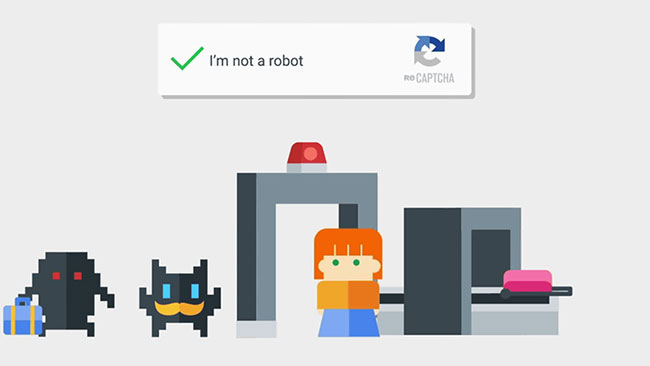
So why is all this so difficult for a bot? Because now, you have created a huge number of human, messy behaviors that are almost impossible to know and keep changing. If you may need to have this set of behaviors, the bot has to sign up for Google and use it convincingly on one computer, so that it is different from the computers of other bots, in a way you can't understand..
The bot should have a delay between keystrokes, scrolls and mouse movements just like a human. All of this is extremely hard to crack and teach a computer. This complexity leads to the cost of spammers. They may break it for a while, but if suppose to pay $ 1 for each successful attempt, it might not be worth it.
FAQ
What does Why Can't the Bot Check the 'I'm Not a Robot' Checkbox mean?
Why Can't the Bot Check the 'I'm Not a Robot' Checkbox refers to the main concept explained in this article, including how it works, why it matters, and the details users should understand.
Why is Why Can't the Bot Check the 'I'm Not a Robot' Checkbox important?
It can affect how users choose a tool, complete a task, solve a problem, or understand the topic more accurately.
Where can I find the most useful details?
Review the main sections, examples, images, and key notes in the article for the most practical information.
Related Articles
 Create Checkbox with CSS Grid: How to Create Checkboxes with CSS6 minutes read
 How to Create a Checkbox in Word: Insert Checkbox Word5 minutes read
 Amazon Is Building Its First In-house Robot4 minutes read
 Instructions for Inserting Checkboxes in Powerpoint3 minutes read
 The World's First Boxing Robot -- What's Special About Robot T8005 minutes read
 Robot MilliDelta Robot Is Set up with Roles in Production and Medicine3 minutes read
Reader Comments 0
Sign in with email or Google to join the discussion.