Table of Contents
A plug-in 4G LTE router can provide home internet where fixed broadband is unavailable or impractical. It uses a SIM card and mobile network, so real-world performance depends on local coverage, network congestion, the carrier’s supported frequency bands, and the router’s modem. Check those details before choosing a model; a “Cat” category or advertised maximum speed alone does not predict the speed you will get.
Plug-in router or portable hotspot?
A plug-in router is designed to stay connected to power in one place. It avoids charging a battery and may provide external antenna connections or Ethernet ports, depending on the model. A battery-powered hotspot is easier to carry but must be recharged and may have fewer wired-network options. Neither type guarantees a stable connection if mobile coverage is weak or congested.
What to check before buying
- Coverage and supported bands: Check the carrier’s coverage at the exact address and confirm that the router supports the LTE bands used there. If possible, test the carrier with a phone or SIM before committing.
- SIM and carrier compatibility: Confirm the device accepts the intended SIM, is not locked to another carrier, and supports the carrier’s APN settings and service plan. Some plans may restrict router or hotspot use.
- Wi-Fi and wired connections: Check the number and type of Wi-Fi bands, Ethernet ports, and the number of devices you plan to connect. A larger advertised device limit does not guarantee good performance for every connected device.
- External antennas: If signal is weak indoors, check whether the router supports external antennas and whether an appropriate antenna can be placed where reception is better.
- Power and placement: The router needs a suitable power outlet. Place it where it can receive a strong mobile signal, then test the connection at the times you usually use it.
Models pictured in the original review
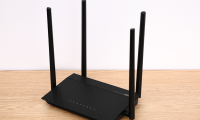
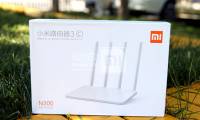
The following images show LTE routers covered by the source article. They are examples, not a current ranking or a claim that these models are still sold. Product versions and carrier support vary by region; confirm the exact model number, supported bands, firmware, warranty, and availability with the manufacturer or seller.
TP-Link MR100

TP-Link Archer MR400
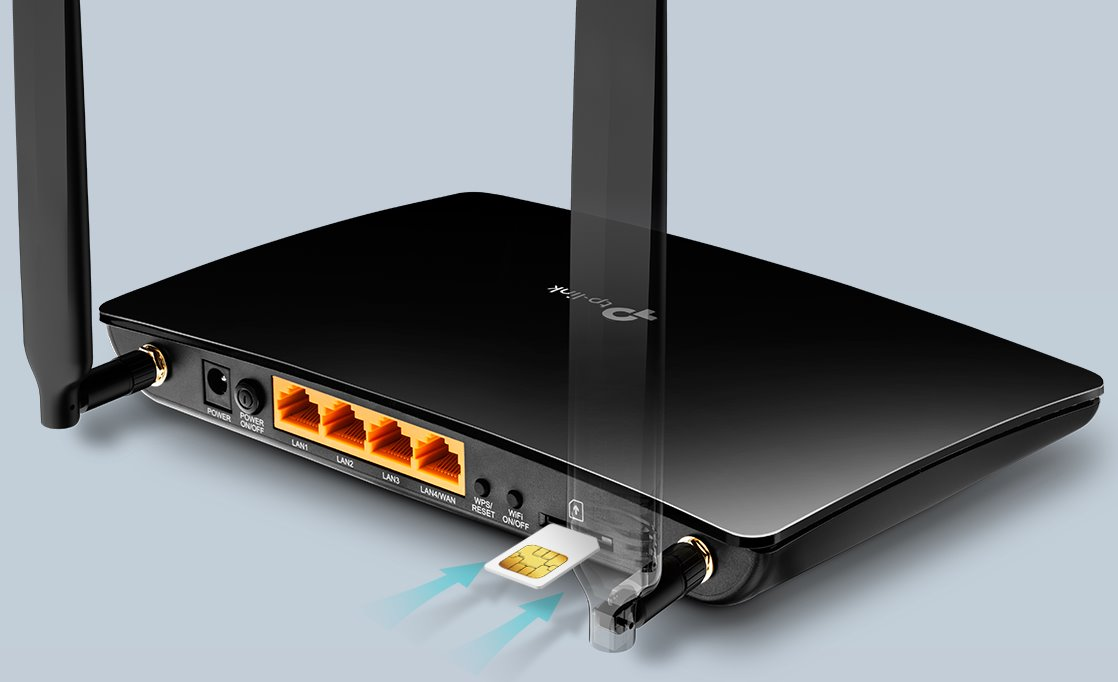
TP-Link Archer MR200
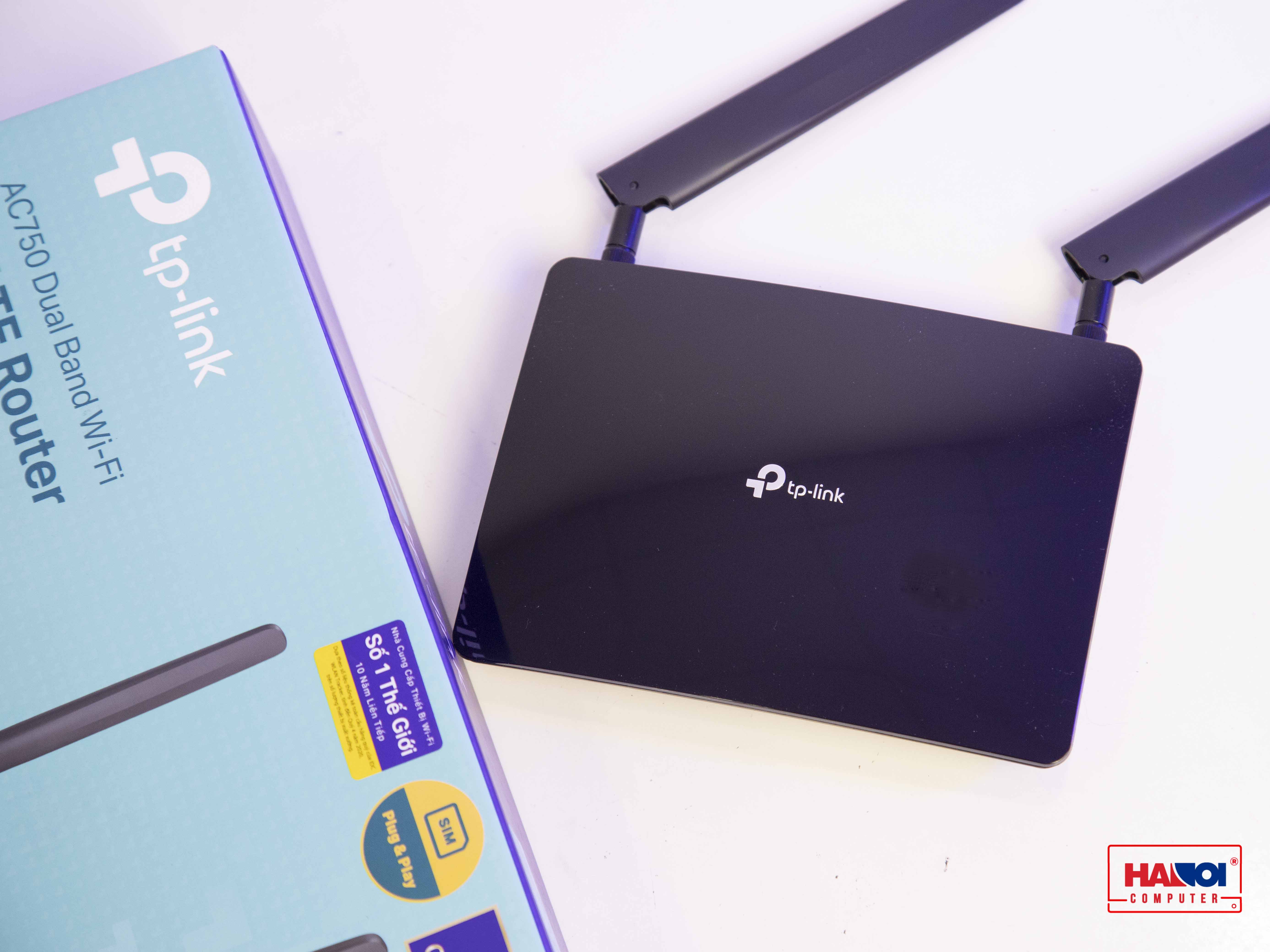
TP-Link TL-MR6400
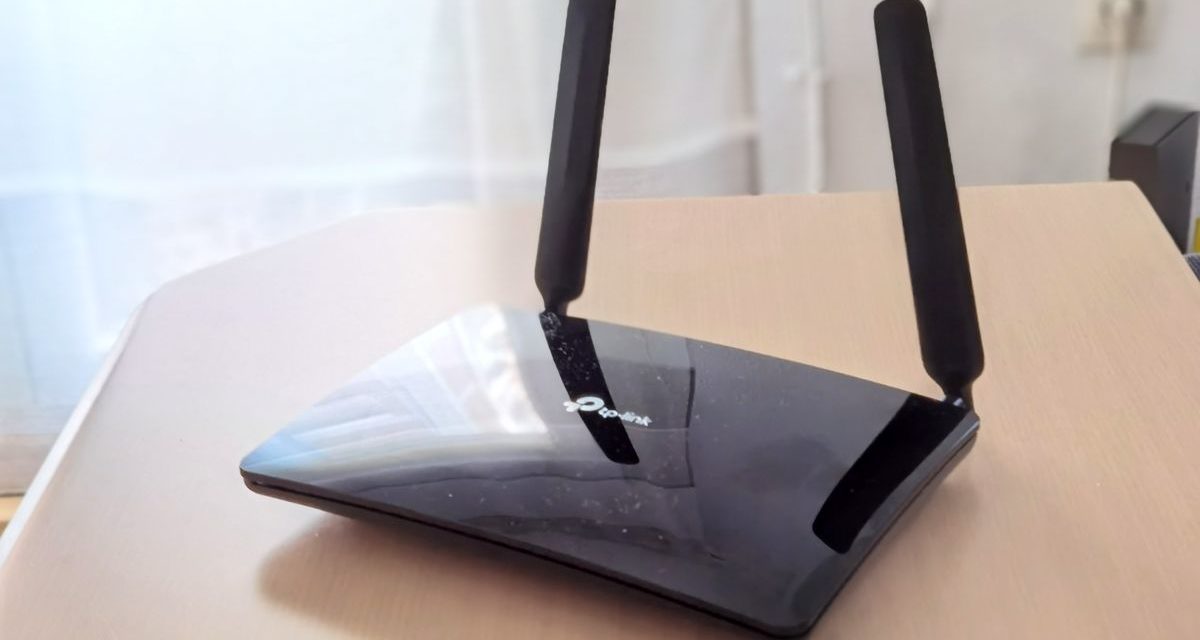
Choose based on the network available at your location and the features you need, then compare the total cost of the device and mobile-data plan. If the router performs poorly, test its placement and signal before assuming the advertised peak speed is achievable.



Reader Comments 0
Sign in with email or Google to join the discussion.