Table of Contents
A gaming PC is a desktop or laptop configured to run games at the performance and image quality its owner wants. For a desktop build, the graphics card, processor, memory, storage, power supply, cooling, and monitor all affect the experience. The best balance depends on the games you play, your target resolution and frame rate, and your budget.
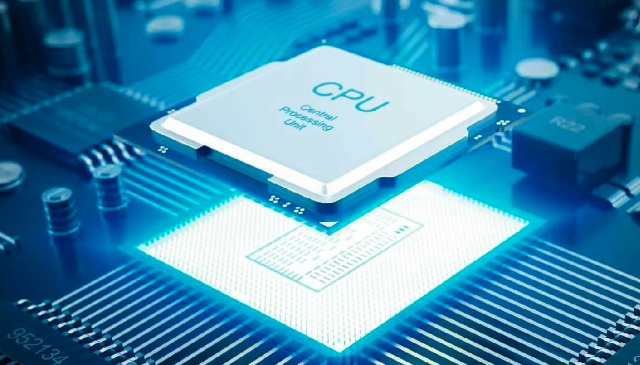
Parts to compare in a gaming desktop
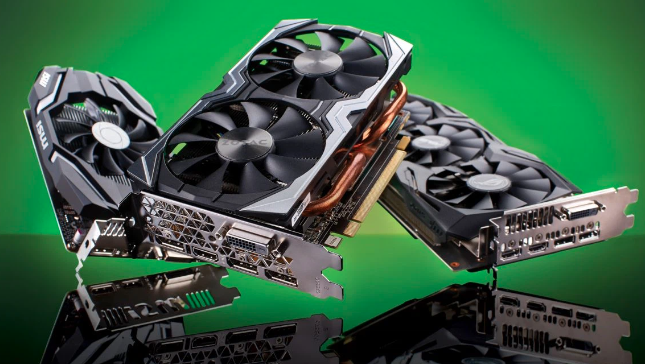
Processor and graphics card
The graphics card often has a major effect on game performance, especially at higher resolutions and graphics settings. The processor also matters, and some games rely on it more than others. Compare benchmarks for the specific games and resolution you care about, and avoid spending heavily on one part while the rest of the system cannot keep up.

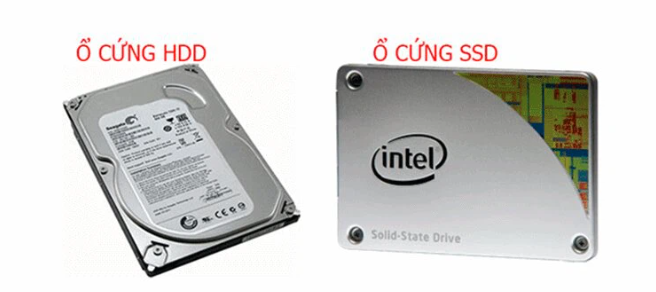
Memory and storage
Choose enough memory for the games and background apps you use. Check the motherboard’s supported memory and whether upgrades are possible. An SSD can reduce game and system loading times compared with a hard drive; choose capacity based on the size of your game library. A second drive can be added when the system supports it.
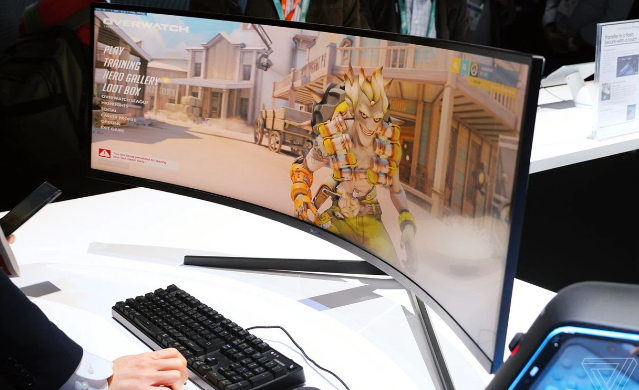
Monitor, power, and cooling
Match the monitor’s resolution and refresh rate to the graphics performance you expect. Also check that the power supply has the required connectors and capacity for the selected components, and that the case has adequate airflow and physical clearance. Good cooling helps the system manage heat, but it does not compensate for incompatible or poorly matched parts.
Plan a build around your budget
- List the games you want to play and the display resolution and frame rate you are targeting.
- Compare current benchmarks for a graphics card and processor in those games.
- Check motherboard, memory, case, power-supply, and cooling compatibility before ordering parts.
- Include the monitor and other peripherals in the budget, and leave room for future storage or memory upgrades if needed.
Component prices and availability change, so compare current complete-system specifications and reviews before buying. A balanced configuration that suits your games is usually a better choice than buying the newest part in every category.






Reader Comments 0
Sign in with email or Google to join the discussion.