Table of Contents
A red switch is usually a light linear mechanical keyboard switch: the stem travels smoothly without a tactile bump or an intentional click. “Red” is a family label, not a universal specification. Force, travel, smoothness, wobble, factory lubrication, and sound vary by manufacturer and model, so check the exact switch before buying.
How a red switch feels
With a linear switch, resistance generally increases through the spring without a distinct bump at the actuation point. You feel the key moving and bottoming out, but the switch does not provide a separate tactile signal that the press has registered.
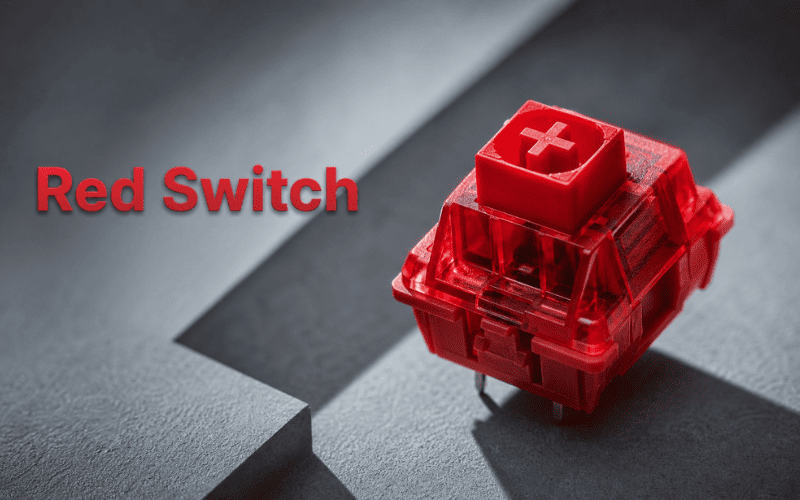
This produces the smooth feel associated with red switches. It can be comfortable for repeated inputs and for typists who dislike tactile interruptions. The tradeoff is that light accidental touches may register, and some people press every key to the bottom because there is no bump to guide them.
Do all red switches use the same force?
No. Many popular red models are positioned as light switches, and some well-known examples actuate around the mid-40 cN range. Other red-branded switches use different springs, travel, or measurement terms. Do not treat “45 g” as a standard that every red switch must follow.
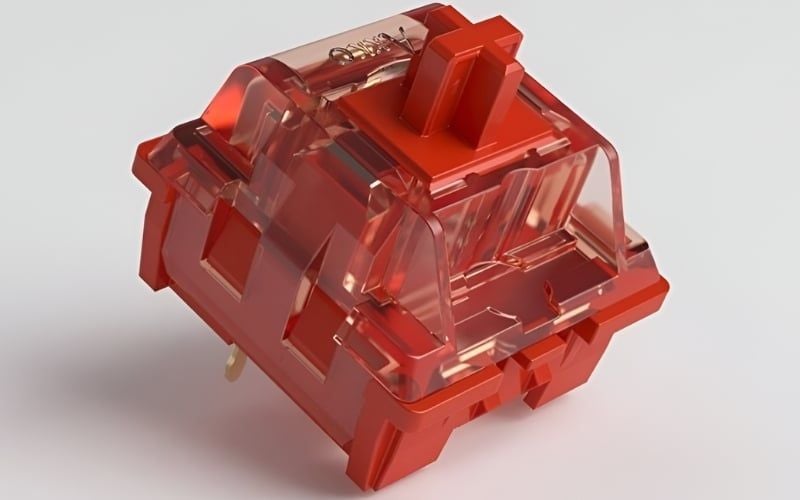
When comparing products, look for operating force, bottom-out force, pre-travel, total travel, and a force curve if the maker publishes one. Gram-force and centinewtons are often shown in keyboard specifications; they are close enough for broad comparison but are not identical units.
Typing and gaming with red switches
Red switches feel smooth from the start of the press to the bottom. A light spring can reduce effort, but “lighter” does not guarantee less fatigue. If it makes you bottom out hard or tense your fingers to avoid mistakes, a slightly heavier or tactile switch may be more comfortable.
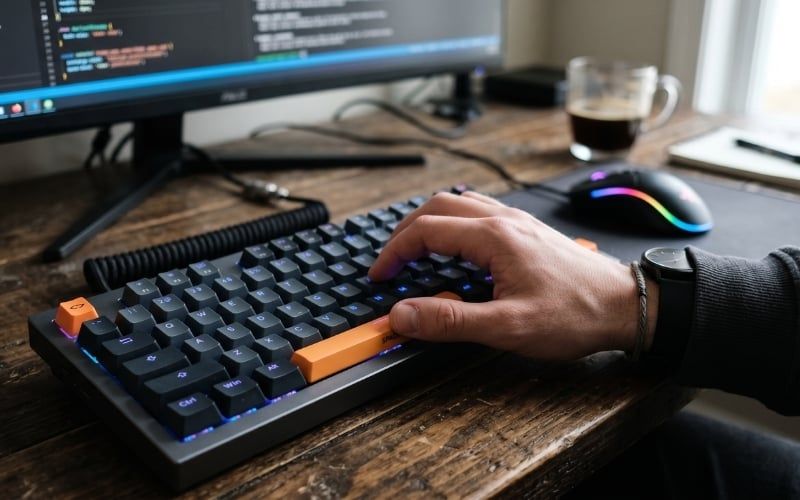
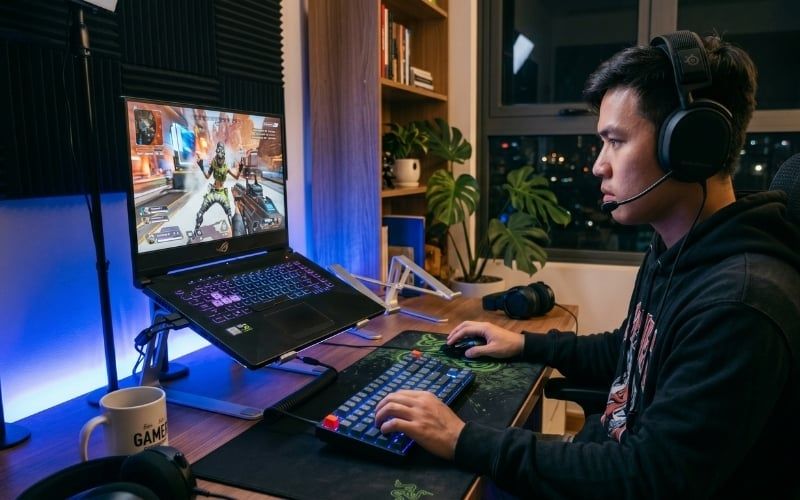
For games, linear travel is easy to repeat, which is why red switches are common on gaming keyboards. The switch alone does not make a player faster. Keyboard latency, firmware, connection, actuation distance, game settings, and familiarity all contribute. Consistent control matters more than switch color.
Advantages and tradeoffs
Reasons to choose red switches
- Smooth linear travel without a tactile bump.
- Commonly available in prebuilt and hot-swap keyboards.
- Easy to repeat when a task requires frequent presses.
- Usually less intentionally noisy than a clicky blue switch.
- Available from many manufacturers at different weights and price levels.
Reasons to choose something else
- You need a tactile event to confirm actuation.
- You rest heavily on the keys and trigger accidental presses.
- You want a deliberately clicky typing sound.
- A light spring causes you to bottom out uncomfortably.
- You need an especially quiet keyboard; a standard red switch is not a silent switch.

Red vs. brown vs. blue switches
| Typical category | Red | Brown | Blue |
|---|---|---|---|
| Movement | Linear | Tactile | Tactile and clicky |
| Actuation feedback | No distinct bump | Noticeable bump | Bump plus intentional click |
| Sound tendency | No click mechanism, but bottom-out remains audible | No click mechanism; case and typing still matter | Designed to produce an audible click |
| Common reason to choose | Smooth repeated presses | Tactile confirmation without a click mechanism | Strong audible and tactile feedback |
| Potential drawback | Accidental presses or no actuation cue | Bump may feel weak or scratchy on some models | Can disturb people nearby |
These color conventions originated with influential switch families but are not enforced across the industry. A red, brown, or blue model from one brand can differ noticeably from another. The exact product page is the source for its specifications.

Our overview of common mechanical keyboard switch families provides more category context, but use current manufacturer data when comparing a purchase.
Are red switches good for beginners?
They can be, but they are not the default answer for everyone. Red switches are easy to understand because the travel is smooth. A beginner with light hands may adapt immediately; someone who rests fingers on the home row heavily may make more mistakes. A typist who relies on physical confirmation may prefer a tactile switch.
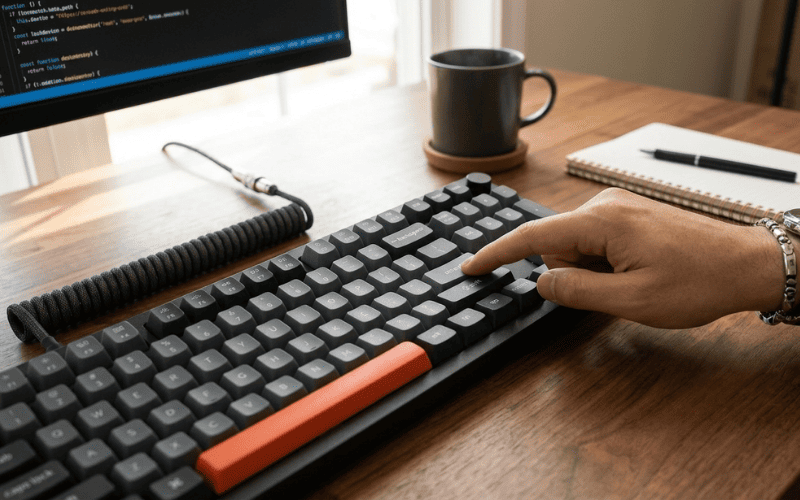
Test with ordinary sentences, keyboard shortcuts, and the games you actually play. Do not judge only by tapping one loose switch. The keycap, mounting plate, case, stabilizers, desk, and neighboring keys change the experience.
Are red switches quiet?
They lack the click mechanism of a blue switch, but a normal red switch can still be loud when the stem hits the bottom and returns to the top. To reduce noise:
- type with less force and avoid bottoming out when comfortable;
- place the keyboard on a desk mat to reduce transferred vibration;
- choose a board with well-tuned stabilizers and controlled case resonance;
- consider a purpose-built silent linear switch for both bottom-out and top-out damping;
- test the space bar and other stabilized keys separately.
O-rings under keycaps can soften bottom-out, but they do not address every noise source and they change travel and feel. Internal foam may reduce hollow resonance, yet too much modification can make a board feel or sound worse.
Red switches, speed switches, and silent reds
- Standard red: generally a light linear switch with conventional travel for its family.
- Speed switch: usually designed with shorter pre-travel and sometimes shorter total travel. It may feel more sensitive than a standard red.
- Silent red: a linear switch with internal damping intended to reduce top-out and bottom-out noise.
- Analog or magnetic switch: may offer adjustable actuation; it should not be judged by red-switch color conventions alone.
For the tradeoffs between early actuation and damping, read our silent-versus-speed switch guide in the hardware section. The official CHERRY switch catalog also illustrates how standard red, silent red, and speed models occupy separate categories.
What else to check before buying a red-switch keyboard
- Exact switch model: confirm manufacturer, force, pre-travel, total travel, and switch technology.
- Layout: full-size, TKL, 75%, 65%, and smaller boards change key access.
- Hot-swap sockets: useful for experimentation, but confirm 3-pin/5-pin and mechanical/optical compatibility.
- Stabilizers: they largely determine the quality of the space bar, Enter, Shift, and Backspace.
- Keycaps and profile: material, thickness, shape, and height affect feel and sound.
- Firmware and remapping: important when the layout removes dedicated keys.
- Connection and latency: verify the modes you will actually use rather than assuming every wireless mode behaves alike.
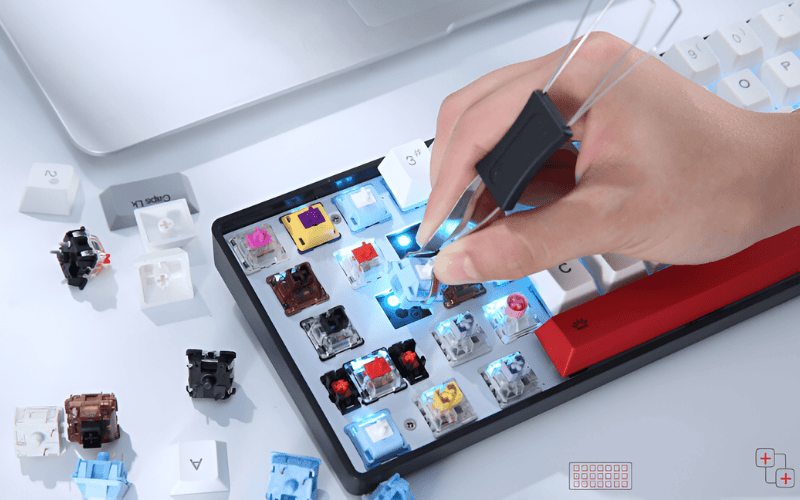
A hot-swap keyboard is valuable if you expect your preferences to change. It is not necessary when you have already tested the exact board and do not plan to replace switches. For a current product-oriented shortlist, see the red-switch mechanical keyboard buying guide.
Quick decision
Choose a red switch if you want smooth linear travel and do not need a tactile confirmation point. Test a brown or another tactile switch if accidental presses or lack of feedback bothers you. Choose a silent linear model if noise is the main concern, and compare speed or adjustable-actuation options only if shorter actuation is a deliberate preference.
Related Articles
 How to Download and Install Typing Master 104 minutes read
 How to Practicing Fast and Efficient 10-Finger Typing for Beginners7 minutes read
 Tux Typing - Free Typing Practice Tool for Kids: Main Insights6 minutes read
 Comparing Silent Switches and Speed Switches: Which Is Right for You?10 minutes read
 Simple Way to Learn to Type Fast without Looking at the Keys4 minutes read
 Link to Download Typing Master 10.1.1.8497 minutes read
Reader Comments 0
Sign in with email or Google to join the discussion.