Table of Contents
The right meeting microphone depends on who needs to speak and how large the room is. A headset or desktop USB microphone can work well for one person. A shared conference room usually needs a speakerphone or room system designed to capture several participants and play remote audio without echo.

Choose the right type
- Headset microphone: Keeps the mic close to one speaker and can reduce pickup of room noise. Useful when people take turns from separate computers.
- USB desktop microphone: Suits one person speaking at a desk, streaming or recording. Check its pickup pattern and whether it has a mute control or headphone monitoring.
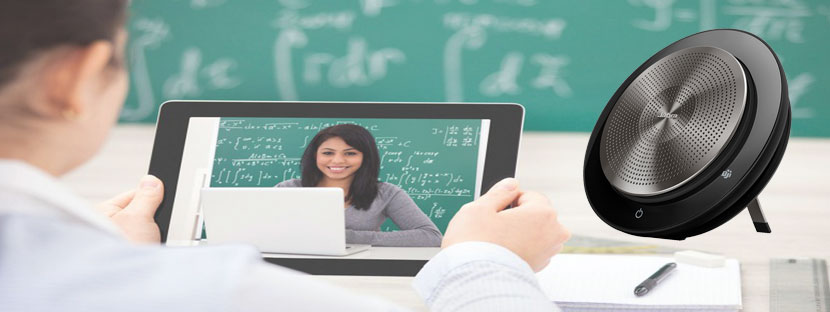
- Conference speakerphone: Combines a microphone and speaker for a small group around a table. Check the supported room size, microphone coverage and expansion options.
- Room audio system: For larger rooms, multiple seating areas or installed displays, use equipment designed for the room layout and meeting platform.

What to compare
- Coverage: Match the pickup area to the distance and number of participants. A single-speaker mic may not capture people seated across a room.
- Echo and background noise: Check for echo cancellation and test the mic in the actual room. Hard walls, fans and HVAC noise can affect call clarity.
- Connection: Confirm USB, Bluetooth or other connections work with the room computer and any adapters you need.
- Compatibility: Verify support for your operating system and meeting app. Test microphone and speaker selection before an important call.
- Placement: Put the mic near participants, away from laptop fans and speakers where possible. Ask people to speak toward the microphone.
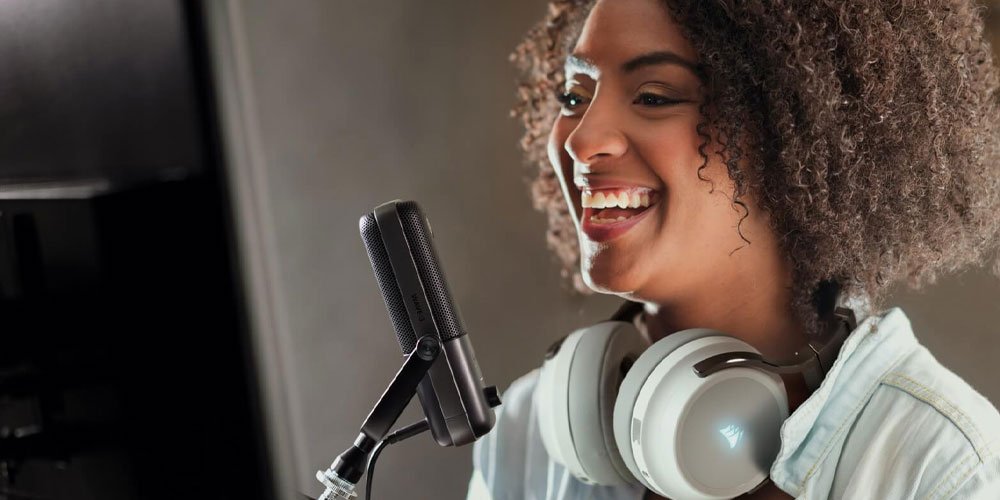
Archived product examples
The original article listed Elgato, Kingston, Razer, Salar and Thronmax products. These product cards are retained as historical examples, not as a current top-five ranking. Several listed models may be intended for an individual desk or gaming setup rather than a shared conference room. Verify the exact model, microphone type, availability, compatibility and return terms before buying.
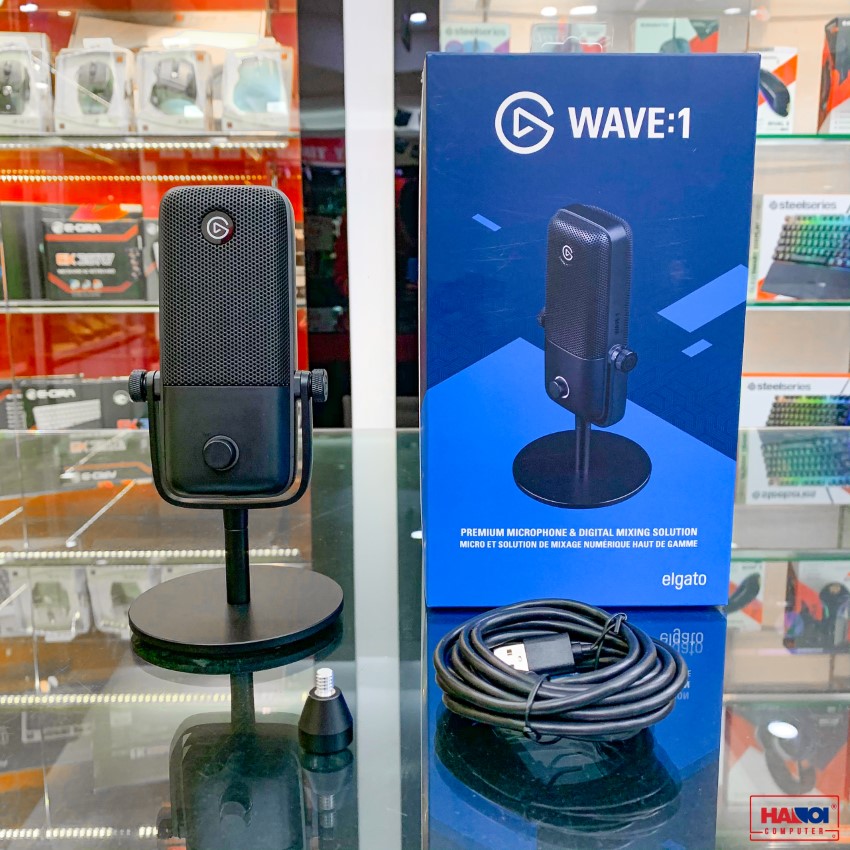
Elgato
The original list included Wave 1 and Wave 3 models. Check whether the exact USB microphone fits a single-speaker workflow and whether you need a separate speaker for calls.
[Products:55563,55856]
Kingston
The source also listed Kingston audio products. Confirm that the exact product is a microphone or headset suitable for your call setup.
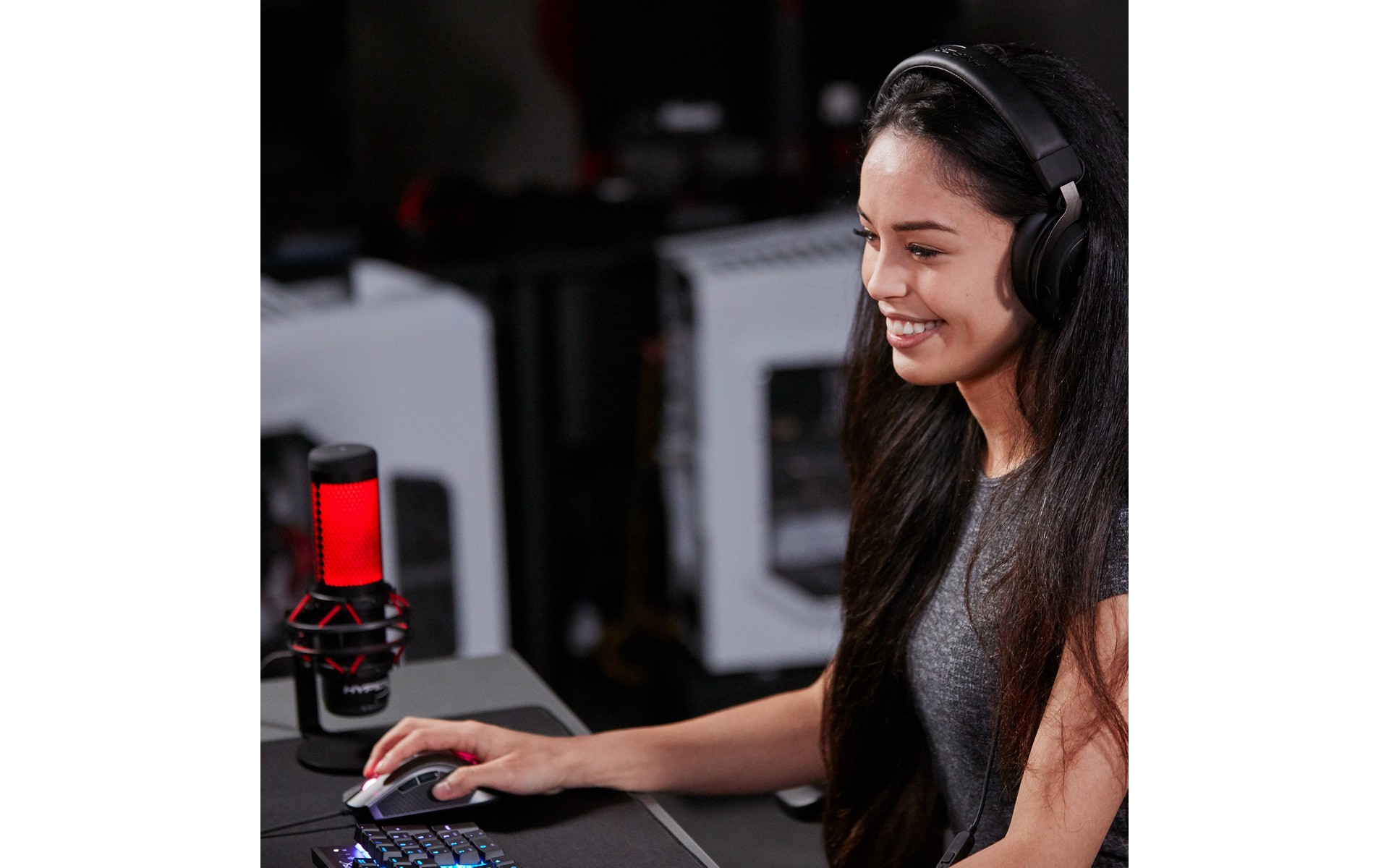
[Products:56121,49599,56473]
Razer and Salar
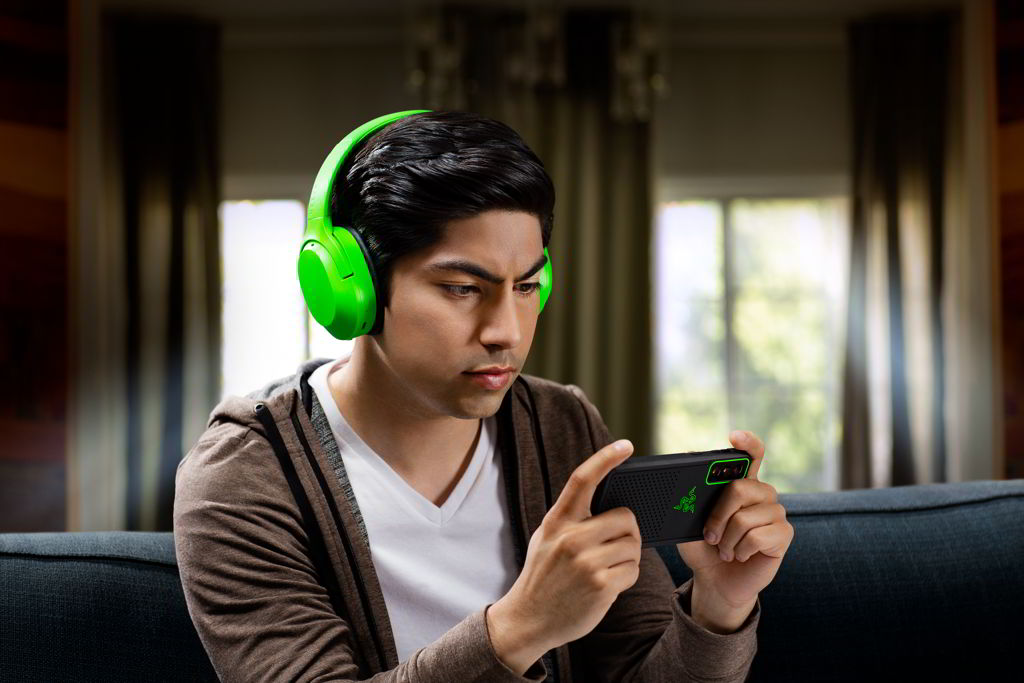
These brands appeared in the original product list, but the source does not establish that every listed item is a conference microphone. Check the full product name and intended use.
[Products:56873,56875,56874,46323]
[Products:4826,5725]
Thronmax
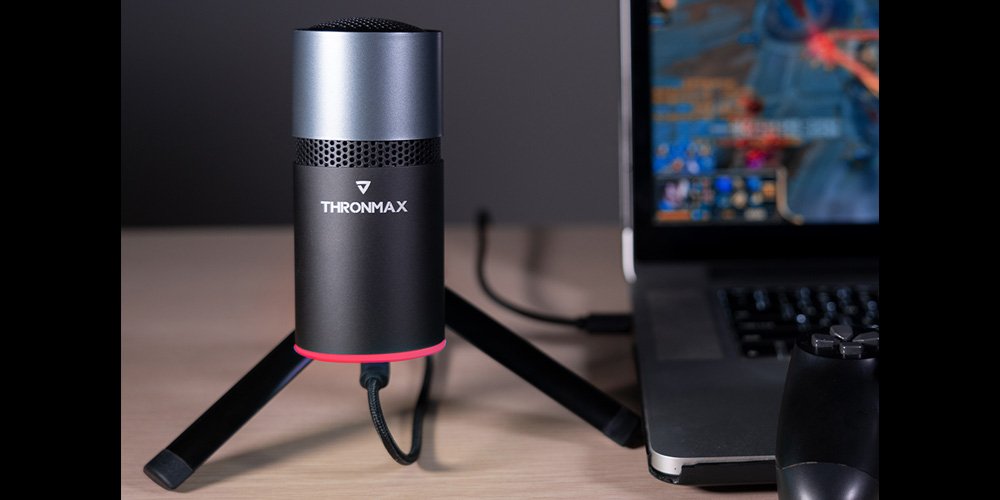
The original list included several Mdrill microphones. Compare their pickup patterns and controls with your room and call use; a desktop recording mic is not automatically a room speakerphone.
[Products:57032,57031,57029,57028]
[Products:57037,57040,57036,57035]
[Products:57034,57041,57038,57033]
Before purchasing, test a sample call from the seats where people will speak. Clear placement and the right microphone type usually matter more than a long feature list.





Reader Comments 0
Sign in with email or Google to join the discussion.