Table of Contents
For most homes, the easiest way to hide visible cords is to route them behind furniture with removable clips or along a wall with a surface cover designed for the cable. Keep plugs accessible and leave enough slack so moving a chair, desk, or TV doesn’t pull on them.
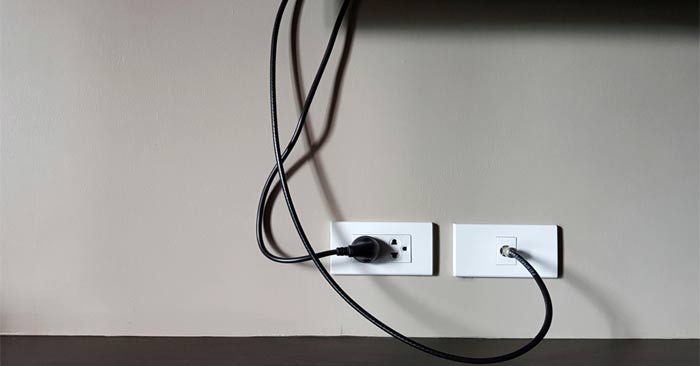
Use clips and sleeves behind furniture
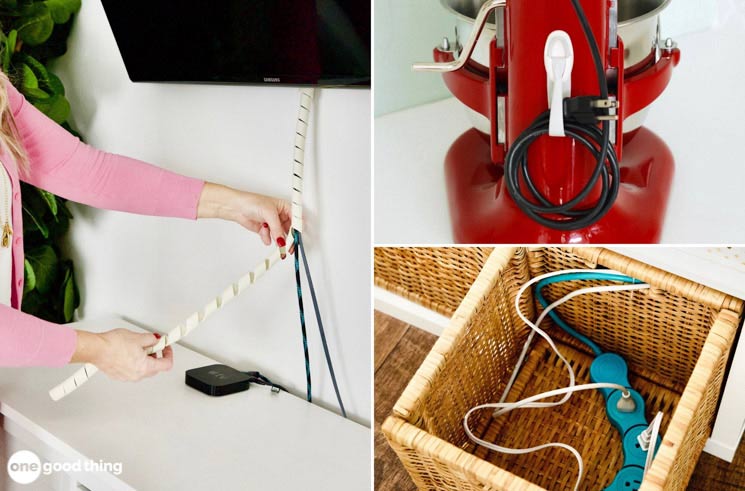
Attach clips to the back of a desk or along a leg. Use loose reusable ties to keep the cables together, and keep cords clear of furniture feet, moving parts, and paths people walk through. A sleeve can gather several signal cables where they drop from a desk. See other cable management supplies for common setups.
Manage the cords around a power strip
Use a box only if it’s designed for the equipment you plan to place inside and allows enough ventilation. Keep the strip’s switch and plugs reachable. Follow the device and strip ratings, avoid chaining strips, and keep high-load appliances connected as their manufacturers specify.
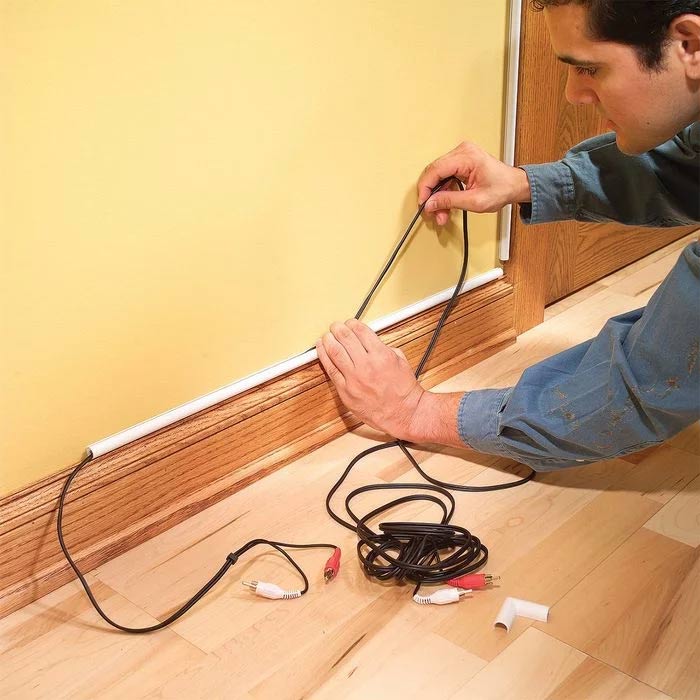
Choose a cover that matches the cables
A removable surface channel can hide Ethernet, coaxial, or other signal cables along a wall. Check the manufacturer’s instructions before putting a power cord in any cover. Keep flexible appliance cords and extension cords out of walls, permanent panel cavities, beneath rugs, and away from door pinch points. The CPSC extension cord guidance covers cord safety.
For a wall-mounted TV, run signal cables in an appropriate channel or use in-wall-rated cables where allowed. If you need a power outlet behind the TV, have a qualified electrician install one according to local requirements instead of threading a removable TV power cord through the wall.



Reader Comments 0
Sign in with email or Google to join the discussion.