Table of Contents
AI website tools now range from no-code business builders to full-stack app generators and design-to-code systems. They are not interchangeable. A local-service site needs reliable forms and easy editing; a custom web app needs authentication, data rules, testing, and version control; a design team may only need a sitemap, wireframe, or component implementation.
This comparison focuses on those differences. An AI-generated preview is a starting point, not a finished production site. You still need to review the content, accessibility, mobile behavior, security, privacy, performance, search setup, analytics, and legal requirements before launch.
Quick comparison
| Tool | Best fit | What it produces | Hosting and ownership | Main caution |
|---|---|---|---|---|
| Replit Agent | Prompt-to-app projects in one browser workspace | Full-stack apps, sites, dashboards, and other artifacts | Replit publishing, infrastructure, and downloadable/versioned code options | Review generated architecture, dependencies, data access, and deployment cost |
| Lovable | Full-stack web apps for founders and product teams | Frontend plus built-in or connected backend features | Lovable hosting, Git sync, and external deployment paths | Authentication and database rules require real security review |
| Bolt | Browser-based websites and apps with flexible integrations | Working code across supported web and mobile stacks | Bolt hosting by default; GitHub, Netlify, and other options | Token use and generated complexity can grow during repeated iteration |
| v0 | Full-stack apps aligned with the Vercel ecosystem | Real code, live previews, integrations, and deployed apps | One-click deployment to Vercel and GitHub workflows | Teams outside the ecosystem should test portability and operational fit |
| Durable | Small service businesses that need a site and basic business tools quickly | Hosted business website, lead capture, CRM, and marketing tools | Managed Durable platform | Fast generation still needs unique copy, design, and policy review |
| Relume | Planning and designing marketing websites | Sitemaps, wireframes, copy drafts, and components | Exports to Figma, Webflow, or React | It is not a complete app backend or hosting platform |
| Builder.io | Design-to-code and visual editing for existing development teams | Code from Figma and visual content tied to a codebase | Designed to integrate with existing repositories and deployment systems | Requires engineering ownership and design-system discipline |
| Wix AI Website Builder | Hosted websites, stores, bookings, blogs, and small-business sites | Generated site with visual editing and built-in business features | Managed Wix platform and hosting | Confirm data portability, app dependencies, and long-term plan requirements |
1. Replit Agent: build and publish in one workspace
Replit Agent turns a plain-language description into a project, helps refine requirements, writes code, checks its work, and supports publishing from the same browser environment. Replit's current web-app workflow is full-stack by default when the project needs API routes, a database, or server-side logic.
Choose Replit when
- you want idea, code, preview, database, secrets, and deployment in one environment;
- a working prototype needs to become a shareable app quickly;
- developers and non-developers will collaborate in a browser; or
- the project may expand beyond a static marketing website.
Do not treat one-click publishing as one-click production readiness. Review dependency versions, secret handling, database permissions, error states, logs, rate limits, backups, and the deployment type. Add version control before substantial iteration so a plausible but damaging agent change can be reviewed or reverted.
2. Lovable: full-stack product building with backend choices
The correct product name is Lovable, not “Loveable.” It builds full-stack web applications from natural-language instructions. New projects can use Lovable Cloud, which includes database, authentication, storage, realtime features, and functions, or connect a Supabase project when direct backend ownership is preferred.
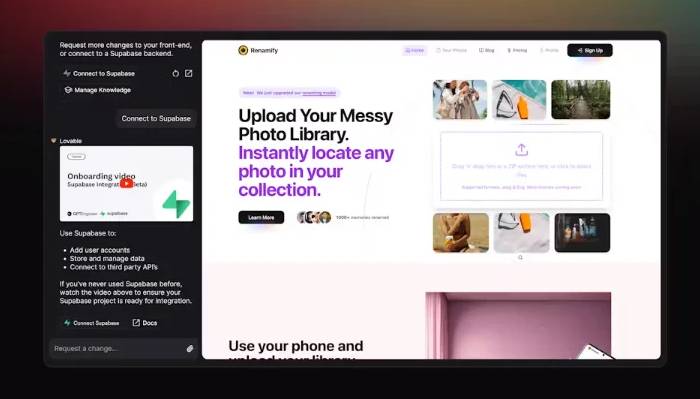
Lovable can publish to a hosted URL and sync code with GitHub or GitLab for backup, review, local development, and external deployment. That makes it more suitable for a product that may eventually need developer ownership than a closed visual builder with no code path.
Choose Lovable when
- authentication, storage, database tables, and edge functions are part of the idea;
- the team wants a prompt-driven workflow but still needs code sync;
- a founder is prototyping a SaaS or data-backed product; or
- Supabase compatibility fits the long-term backend plan.
Generated database policies are security-sensitive code. Test row-level access with multiple roles, prevent users from reading or changing other users' data, validate all server-side input, and review authentication redirects, email flows, storage rules, and secrets before accepting real customers.
3. Bolt: browser-based apps with Git and hosting options
Bolt creates websites, web apps, and supported mobile projects from a conversation. It can import a Figma design, connect to GitHub for version history and collaboration, and work with supported databases and deployment services.
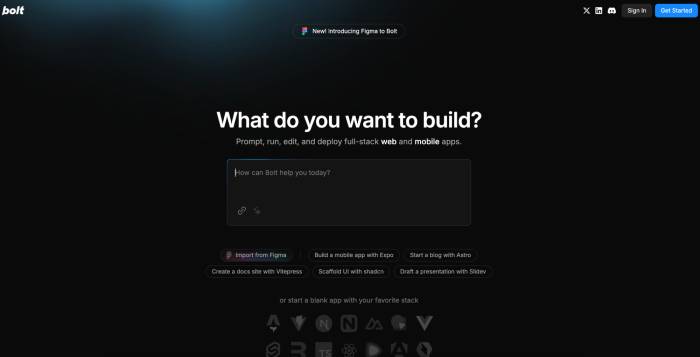
The source says Bolt relies on Netlify for deployment. That is outdated: new projects now use Bolt's built-in hosting by default, with Netlify available as an alternative for an unpublished project. GitHub also allows teams to move between Bolt and conventional development workflows.
Choose Bolt when
- the project must be built and previewed entirely in a browser;
- Figma or GitHub is already part of the workflow;
- you want a choice between managed publishing and external deployment; or
- the team wants to experiment with several supported frameworks.
Repeated “fix it” prompts can add duplicate components, unnecessary packages, and fragile patches. Pause after major milestones, inspect the file tree and dependency list, run tests, and ask the system to explain the architecture before continuing.
4. v0: full-stack generation for Vercel workflows
v0 is an AI agent for creating real code, full-stack applications, and agents. It provides live previews, integrations, project management, database connections, GitHub workflows, and one-click deployment to Vercel.
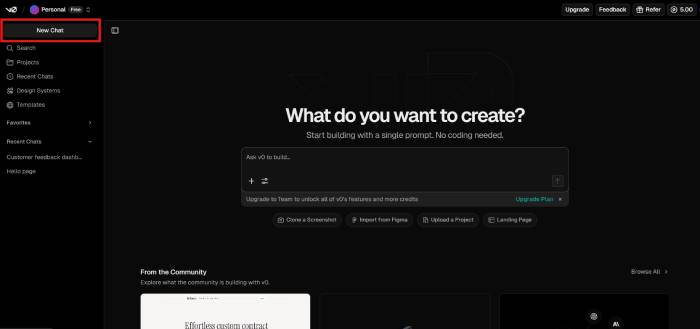
The original claim that backend logic must still be implemented manually is no longer generally accurate. v0 supports full-stack work and one-click database integrations with providers such as Neon, Supabase, Upstash, and Vercel Blob. Some applications still require custom backend architecture, but the product is not limited to frontend mockups.
Choose v0 when
- the project will be deployed on Vercel;
- the team wants generated UI and backend integrations in one loop;
- design-system alignment and reusable components matter; or
- developers want code and GitHub review rather than only a visual editor.
Confirm environment variables, server-versus-client boundaries, database migrations, caching, authentication, and Vercel usage assumptions. A preview that works for one user can still fail under concurrency, cold starts, or production data.
5. Durable: a fast business site with operational tools
Durable is designed for service businesses that want a hosted website, lead capture, CRM, marketing assistance, and related business tools in one platform. It advertises a first site in about 30 seconds after the user supplies basic business information.
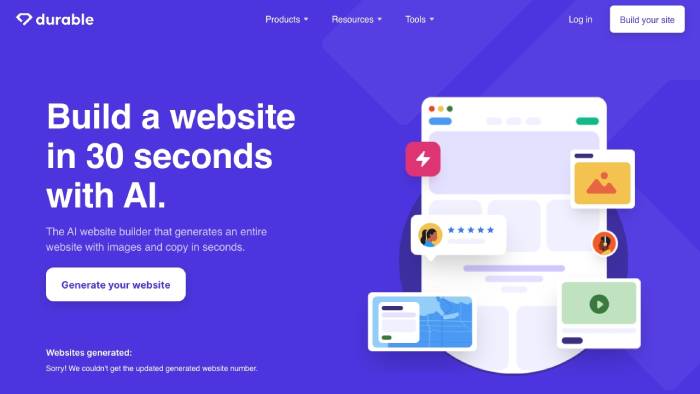
That time describes generation, not a responsible launch. Replace placeholder claims, generic service descriptions, synthetic testimonials, and unsuitable images. Add the real service area, hours, contact details, policies, pricing approach, accessibility information, and evidence that helps a customer decide.
Choose Durable when
- a local or solo service business needs a straightforward online presence;
- lead management matters more than custom application logic;
- the owner wants managed hosting and editing; or
- CRM and marketing tools should be bundled with the site.
6. Relume: sitemap and wireframe planning
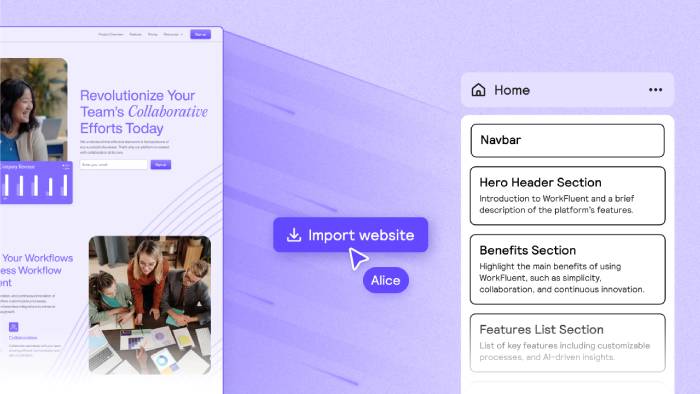
Relume is not a complete website builder. It generates sitemaps and low-fidelity wireframes for marketing sites, proposes copy, and uses a large library of human-designed components. Work can be exported to Figma, Webflow, or React for design and implementation.
Choose Relume when
- the team needs to agree on pages and hierarchy before visual design;
- a designer will continue the work in Figma or Webflow;
- marketing-site structure is the problem, not backend development; or
- real components are preferable to an unstructured AI mockup.
Validate the sitemap against user tasks, not just internal departments. Every page should have an audience, purpose, primary action, owner, and source of approved content. Remove pages added only because a generated template usually includes them.
7. Builder.io: connect Figma, code, and visual editing
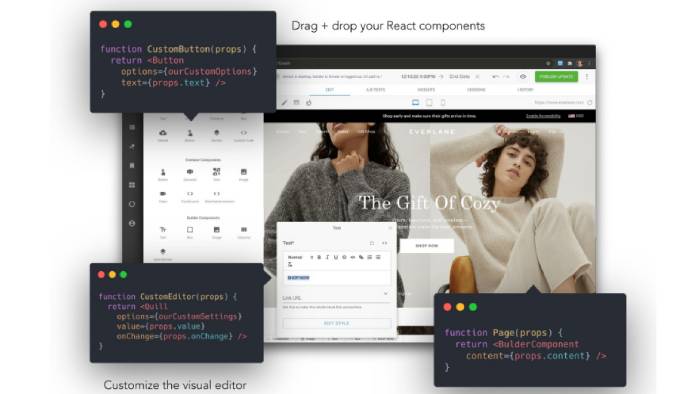
Builder.io targets product and development teams. Visual Copilot can convert Figma designs into code for supported frameworks, account for an existing codebase and design system, reuse components, and help update implementations as designs change. Builder's visual editing tools can also let non-developers manage approved page content without rebuilding the application.
Choose Builder.io when
- an engineering team already owns a codebase;
- Figma-to-code handoff is a recurring bottleneck;
- generated output should follow existing components and conventions; or
- marketers need controlled visual editing on top of a developer-managed site.
Generated code still requires pull-request review, accessibility checks, responsive testing, and performance measurement. Component mapping only helps if the design system is documented, maintained, and used consistently.
8. Wix AI Website Builder: hosted sites with visual control
Wix AI Website Builder creates a site from a description, then lets the owner refine pages, sections, content, and styling with AI or visual tools. Wix also provides managed hosting and business features for stores, bookings, restaurants, blogs, marketing, and other common site types.
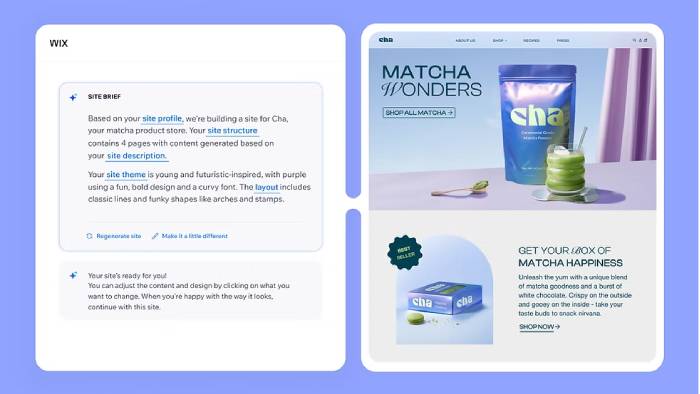
The source emphasizes an old ADI label and a large template count. The useful current distinction is the workflow: Wix can generate a business-ready starting structure and still allows manual visual editing on a managed platform. Avoid choosing it because of a template number that may change.
Choose Wix when
- a non-developer will maintain the site after launch;
- commerce, bookings, events, restaurant, or marketing features are needed;
- managed hosting and an app marketplace are preferable to owning a custom stack; or
- visual editing matters more than framework-level control.
Before committing, confirm which plan supports the custom domain, storage, collaborators, payments, analytics, and business features. Also test data export, URL control, redirects, app dependencies, and the process for moving away later.
How to choose by project type
- Simple service-business site: Durable or Wix.
- Custom full-stack web app: Replit, Lovable, Bolt, or v0.
- Marketing-site planning before design: Relume.
- Figma-to-code work in an existing product: Builder.io.
- Online store: compare the actual catalog, checkout, payment, tax, shipping, and inventory requirements; TipsMake's guide to AI tools for e-commerce websites covers that narrower decision.
- Internal business application: consider the alternatives in TipsMake's comparison of AI app-building tools.
Developers evaluating broader coding assistance can also review TipsMake's list of AI tools for programming.
Production checklist before publishing
- Replace generated facts. Verify prices, addresses, qualifications, service claims, testimonials, product details, and images. Never publish invented customer quotes or certifications.
- Test every path. Check navigation, forms, email delivery, password reset, checkout, empty states, errors, and confirmation messages.
- Review mobile and accessibility. Use a keyboard, inspect focus order, label form fields, provide useful alt text, preserve zoom, check contrast, and test common screen sizes.
- Secure data. Validate on the server, use least-privilege access, protect secrets, configure database policies, apply rate limits, and test authorization with different accounts.
- Improve performance. Compress images, avoid unnecessary scripts, measure Core Web Vitals, and test on a slower phone and connection.
- Set up search basics. Use descriptive titles and headings, canonical URLs, crawlable links, sensible metadata, a sitemap, redirects, and accurate structured data where appropriate.
- Add required policies. Publish privacy, cookie, returns, terms, accessibility, and other notices that apply to the business and jurisdiction.
- Own the operations. Configure the domain, DNS, analytics, backups, monitoring, logs, support contacts, billing alerts, and a recovery plan.
- Keep a recoverable copy. Use Git or the strongest export available, document integrations, and test whether the site can be restored or moved.
A successful AI website is not the one generated fastest. It is the one a real owner can maintain, users can navigate, search engines can understand, and the business can operate safely after the demo ends.
Related Articles
 TOP AI tools for creating the best e-commerce websites15 minutes read
 How to Create a Free Website with Google Sites5 minutes read
 How to Creating Websites with Dreamweaver Cc Part 118 minutes read
 The Most Effective YouTube Video Editing Websites6 minutes read
 11 Free Tools That Support Creating Simple Infographic13 minutes read
 A Beginner's Guide for Creating WordPress Websites7 minutes read
Reader Comments 0
Sign in with email or Google to join the discussion.