Table of Contents
An auto-clicker repeats mouse clicks at a chosen interval. The right tool depends on whether you need one fixed click location, a sequence of positions, or a recorded keyboard-and-mouse workflow. Start with those requirements rather than a claimed maximum click speed.
The tools below appeared in this collection's original screenshots. Check the exact developer, supported operating system, and license before downloading: similarly named auto-clickers are not necessarily the same application. MurGaa is a trial product, so this is not an exclusively free-software list.
Choose the controls you need
- Repeated single clicks: look for an interval, click-count limit, and an easily reached stop shortcut.
- Several screen positions: use a tool with point selection or recording.
- Keyboard actions as well: look for explicit keyboard recording or automation support.
- Mac or Android: verify that the specific app supports your device; a Windows download will not work there.
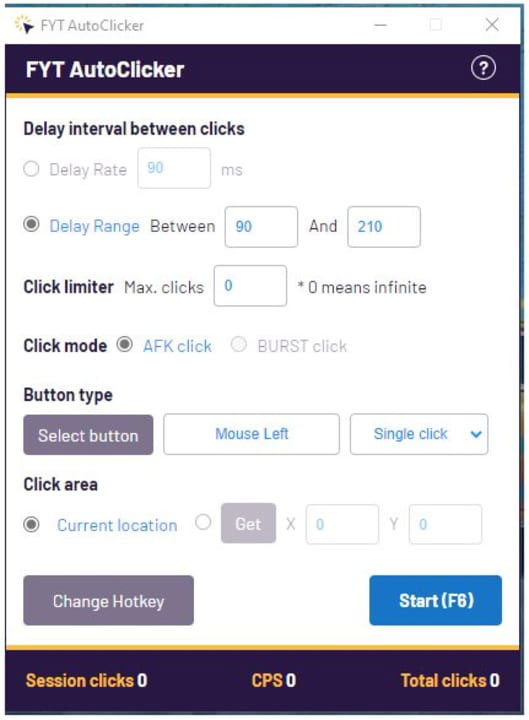
FYT Auto Clicker
The FYT interface shown here focuses on basic automatic clicking. It is an option to investigate if you need a small set of controls rather than a full macro editor. Confirm current availability and licensing with FindYourTools before downloading.
GS Auto Clicker
GS Auto Clicker provides settings for click behavior, repetition, and keyboard shortcuts. Its straightforward interface suits repeated clicking without a large workflow editor. Check the shortcut displayed in your own copy before starting.
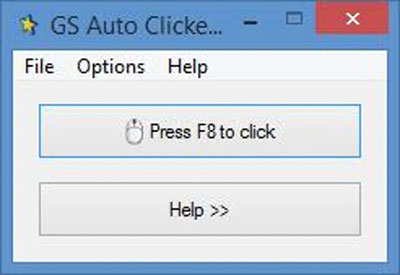
See our GS Auto Clicker walkthrough for the basic controls.
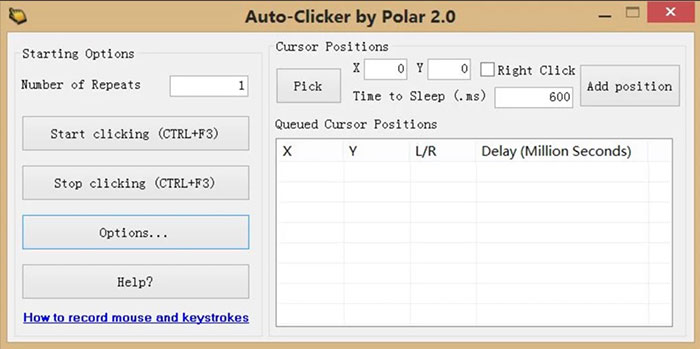
Auto-Clicker
The version pictured below offers click counts, mouse-button selection, and position controls. A point sequence can help with a task that moves between several buttons. Because Auto-Clicker is a generic name, match the interface and publisher rather than assuming every download has the same features.
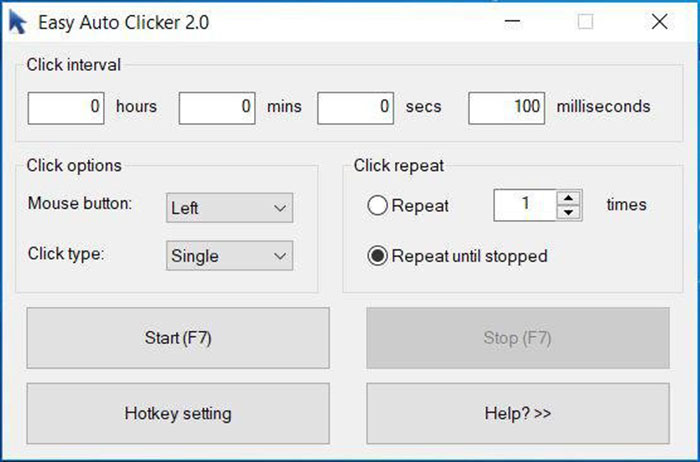
E Auto Clicker
The E Auto Clicker interface includes click intervals and start/stop controls. Before choosing it, verify the current publisher and platform support. Do not assume that a similarly named Android app shares the Windows program's code or license.
Mouse Clicker
This interface offers timing and click-action settings for simple repetition. Pay attention to the interval units: milliseconds, seconds, minutes, and hours produce very different results. If start and stop use separate shortcuts, configure both before a test.
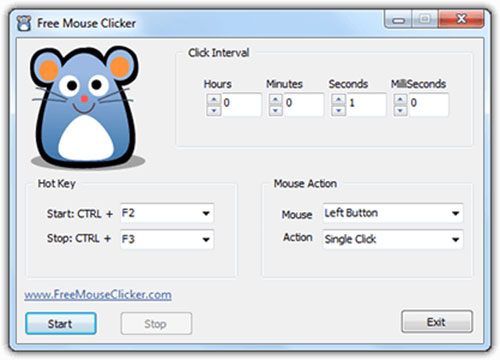
MurGaa Auto Clicker for Mac
MurGaa provides a Mac utility for left- and right-click automation with configurable timing and controls. The developer describes it as free to try, with payment required to unlock trial limitations. Check its product page for the current trial terms and supported macOS versions; it is not compatible with every historical macOS release.
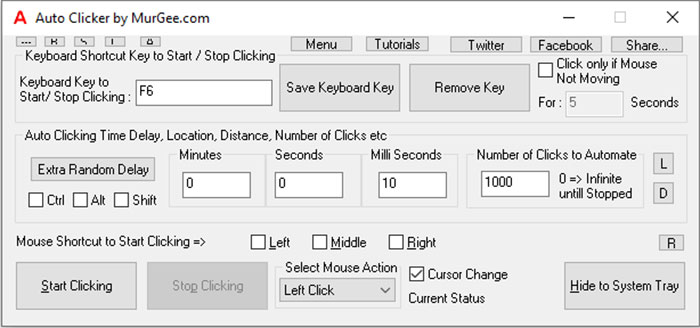
Fast Auto Clicker
The version shown includes a Record option for repeatable tasks. If your workflow needs keyboard actions as well as clicks, inspect its recording options and test playback on a harmless example. Confirm the displayed start and stop keys rather than relying on shortcuts from another release.
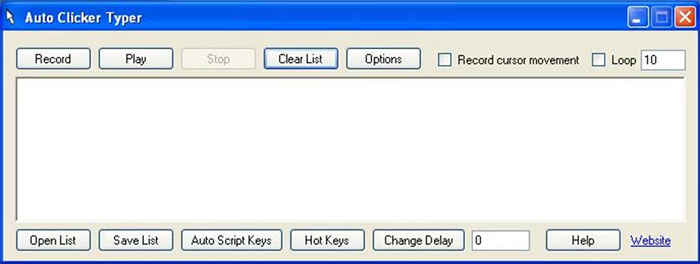
OP AutoClicker
For basic repetition, check the click interval, repeat count, mouse button, and target-position settings. Do not assume a particular OP AutoClicker release can record complete mouse movements: fixed-position clicking and recording an entire sequence are different capabilities.
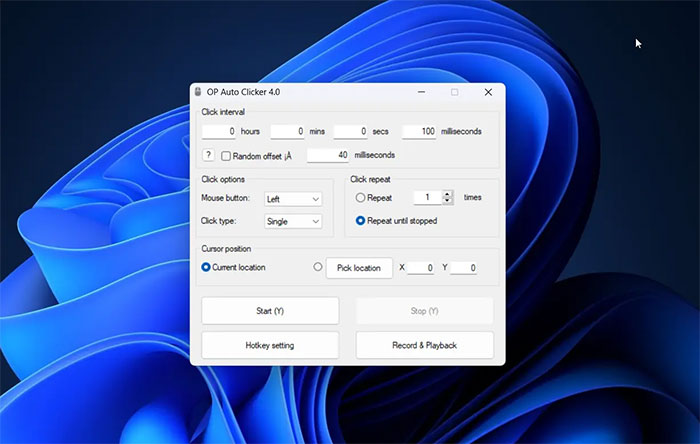
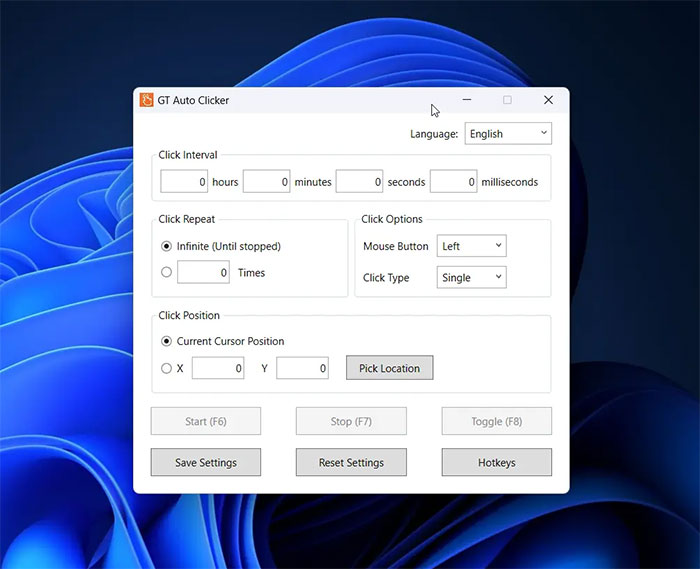
GT Auto Clicker
The pictured interface supports a current-cursor or coordinate-based target, repeat settings, and hotkey controls. A fixed target is useful only while the window and button remain in the expected position. Recheck coordinates after changing display scaling or moving a window.
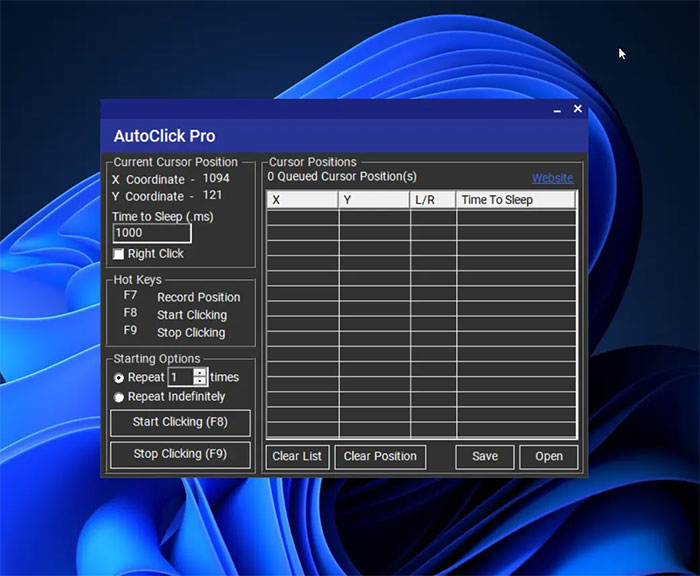
AutoClick Pro
AutoClick Pro's pictured coordinate display can help identify a click location. Check its start, stop, and repeat controls before running a sequence. The product name alone does not establish whether a particular version is free or which features it includes.
Test a setup before leaving it running
- Choose a harmless target and set a slow interval.
- Limit the first test to a few clicks.
- Start playback and immediately test the stop control.
- Check that the correct mouse button and location were used.
- Increase the count only after the result is predictable.
For a worked example of these settings, see using Auto Clicker Assist. Check an app or game's automation rules before using repeated clicks there. Never leave a clicker running over purchase, delete, or account controls.
No utility can be declared safe solely because it is free or comes from a familiar-looking page. Check the publisher and download source, review requested permissions, and avoid repackaged installers with unrelated software.




Reader Comments 0
Sign in with email or Google to join the discussion.