Table of Contents
Choose Google Slides for browser-based co-editing, PowerPoint when someone needs a PowerPoint file, or LibreOffice Impress for free offline editing. Use a template or animation tool if your deliverable is a designed pitch or a video. Before committing to a tool, make sure it can export the file or link your audience needs.

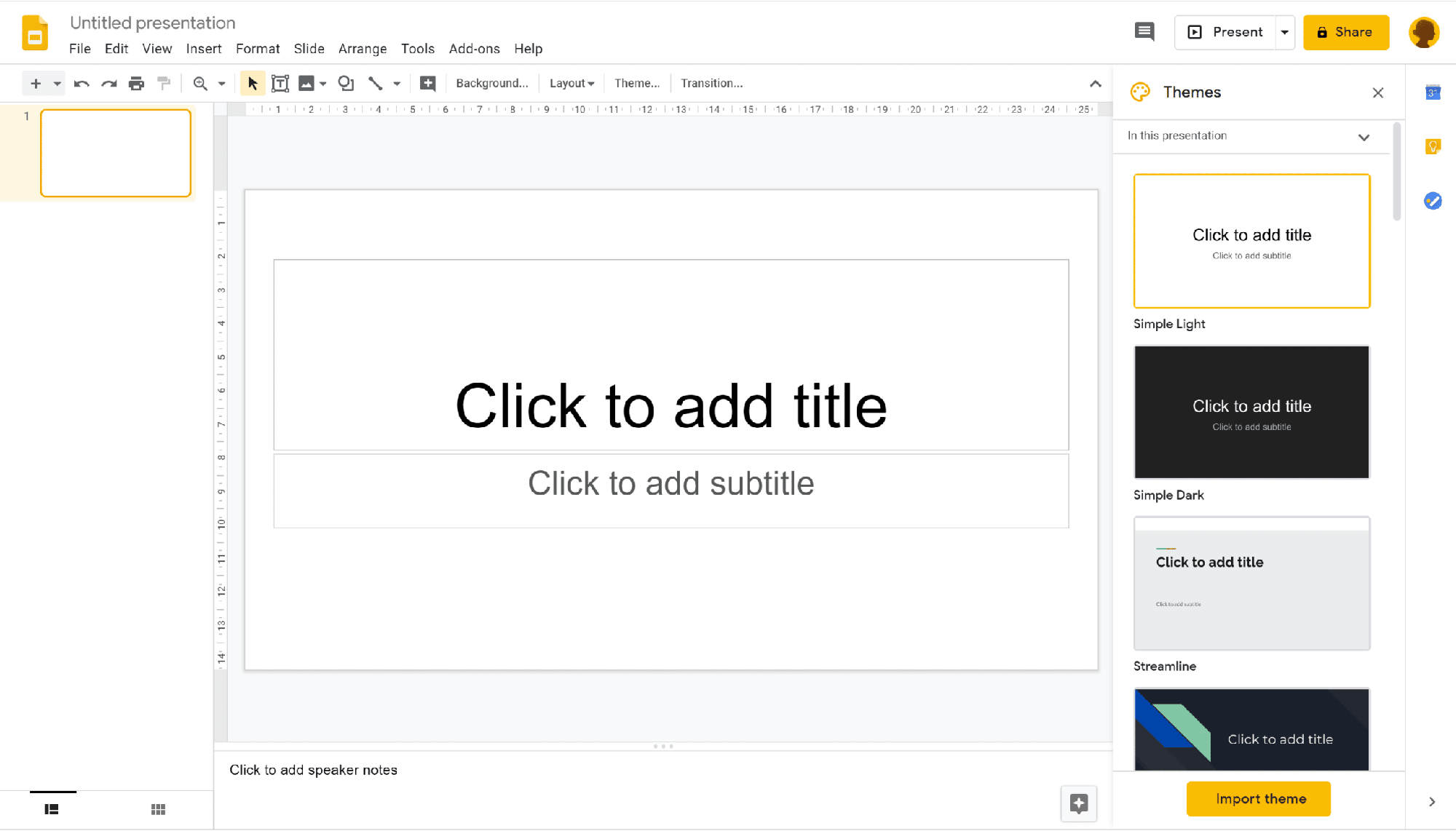
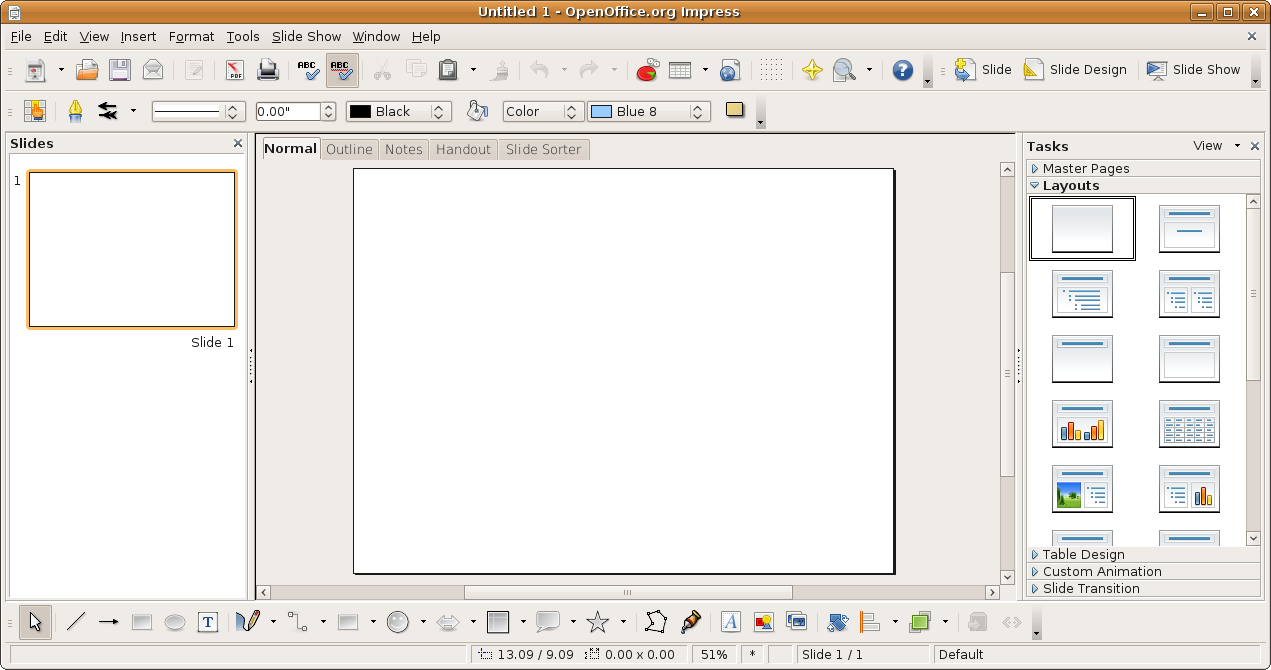
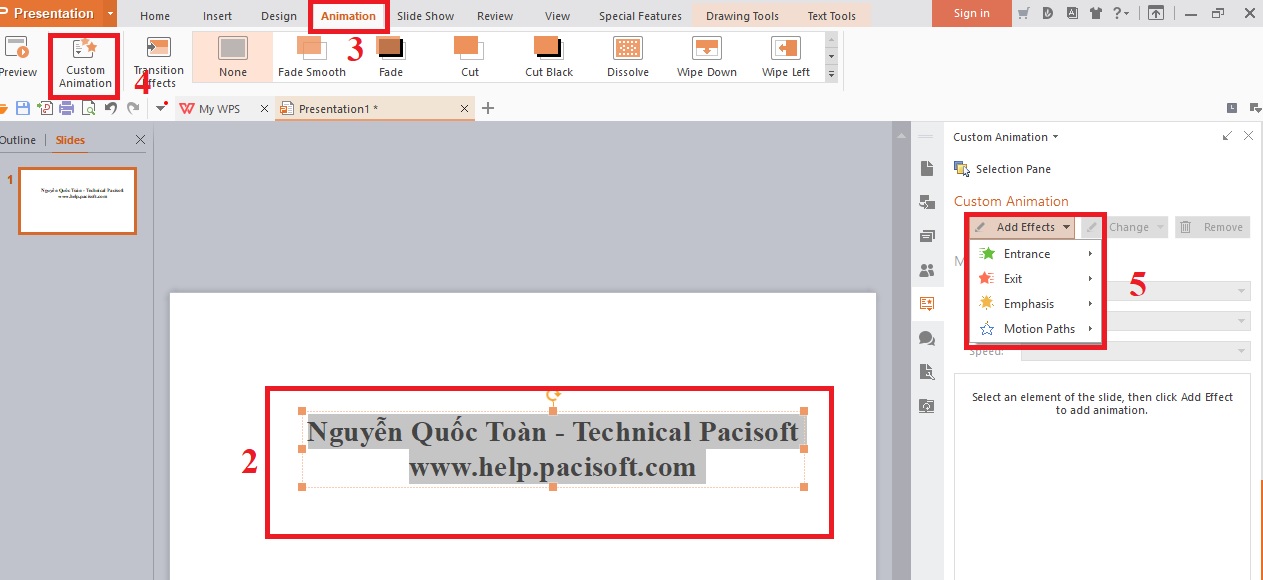
Compare everyday presentation editors
| Editor | Good fit | What to test |
|---|---|---|
| PowerPoint | Editable PPTX files and an established presentation workflow. | PowerPoint for the web has a free option. Confirm that it has the desktop features you need. |
| Google Slides | Drafts that several people need to edit and comment on. | Test sharing permissions and review the slides after exporting to PPTX. |
| LibreOffice Impress | Free desktop editing and offline presentation. | Use ODP as your working file and test any PPTX copy in the recipient's app. |
| WPS Presentation | A desktop alternative when you regularly receive Office-format files. | Check font substitution and animations on a representative imported file. |

Consider a visual editor for a specific format
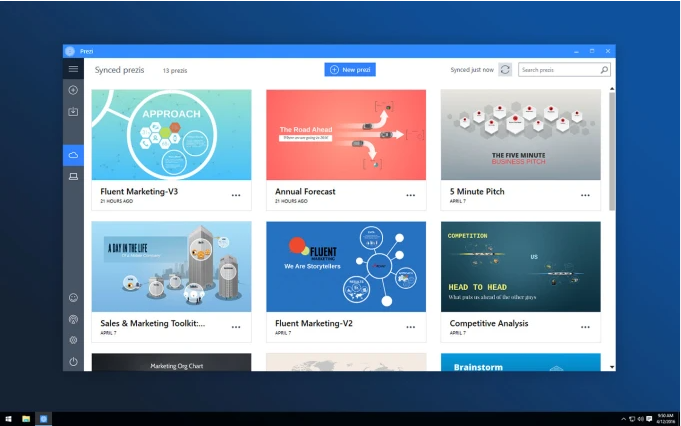
- Prezi suits a presentation that moves between parts of a larger visual. Rehearse the transitions and check offline availability if the venue lacks reliable internet.
- Visme offers presentation and visual templates. Check whether your plan includes the download format you need.
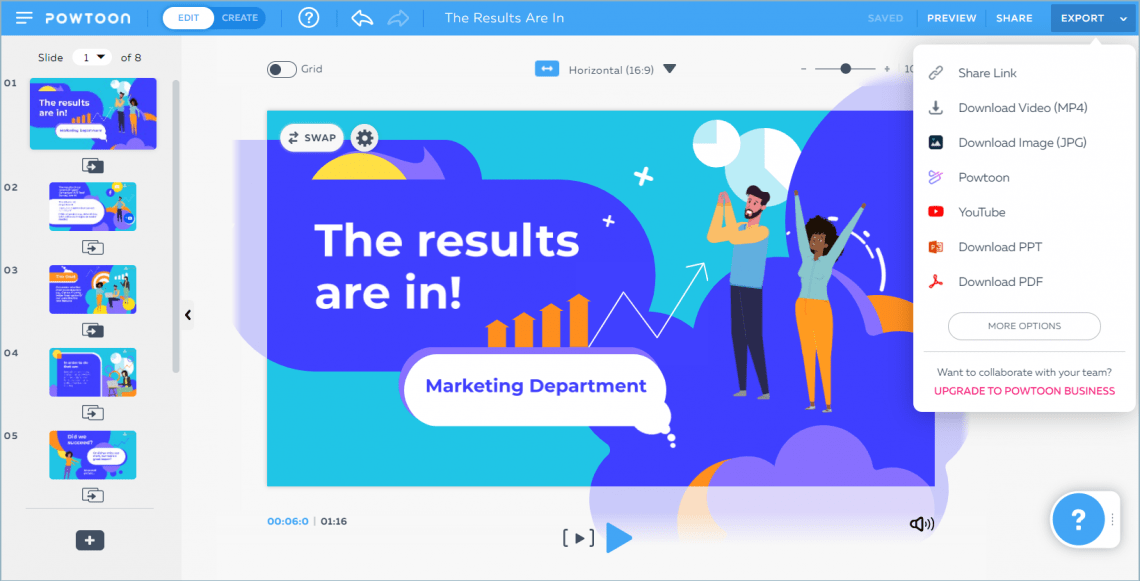
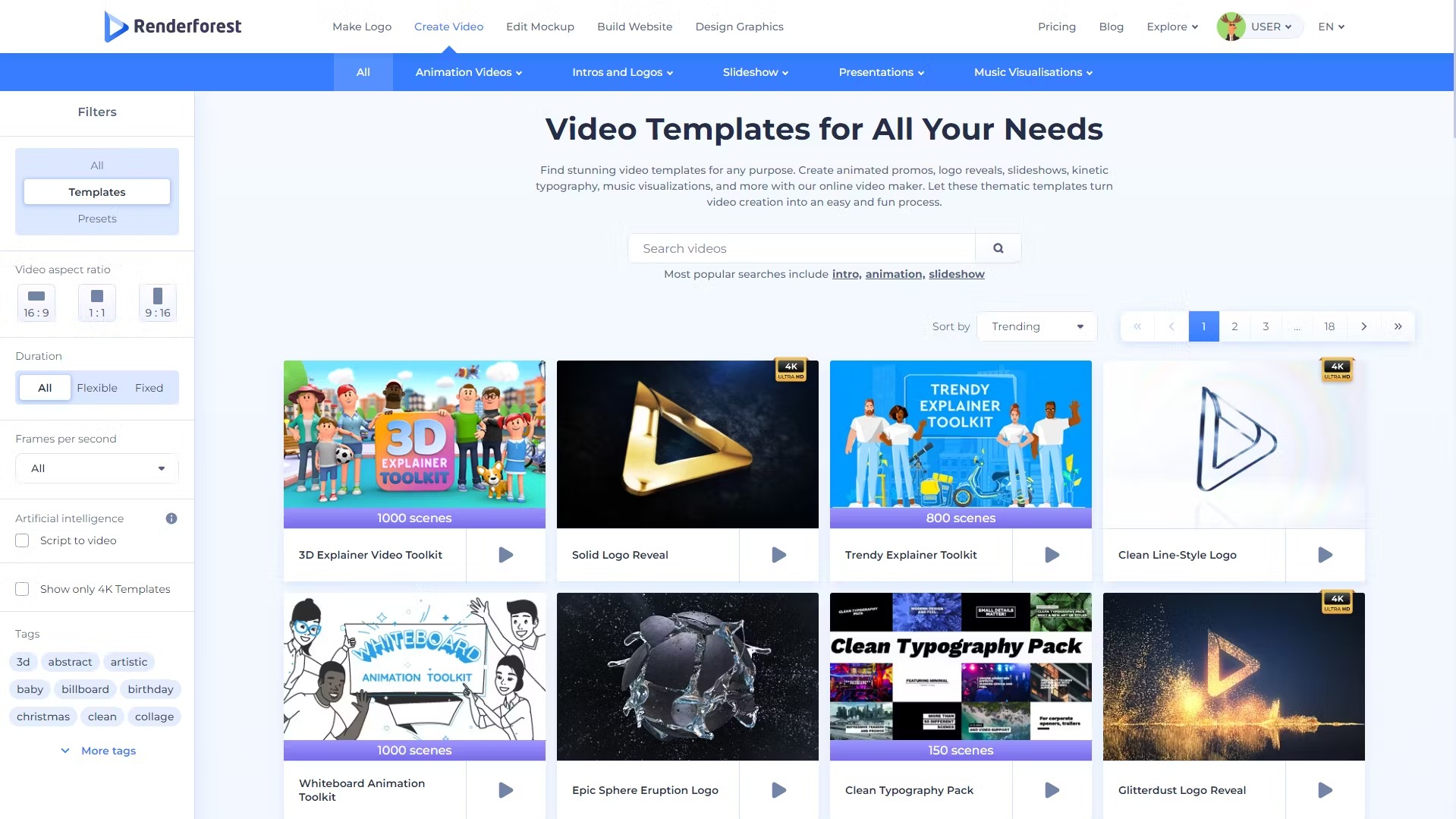
- Powtoon and Renderforest are worth considering if your finished presentation will be an animated video. Preview audio timing and check branding on your test export.
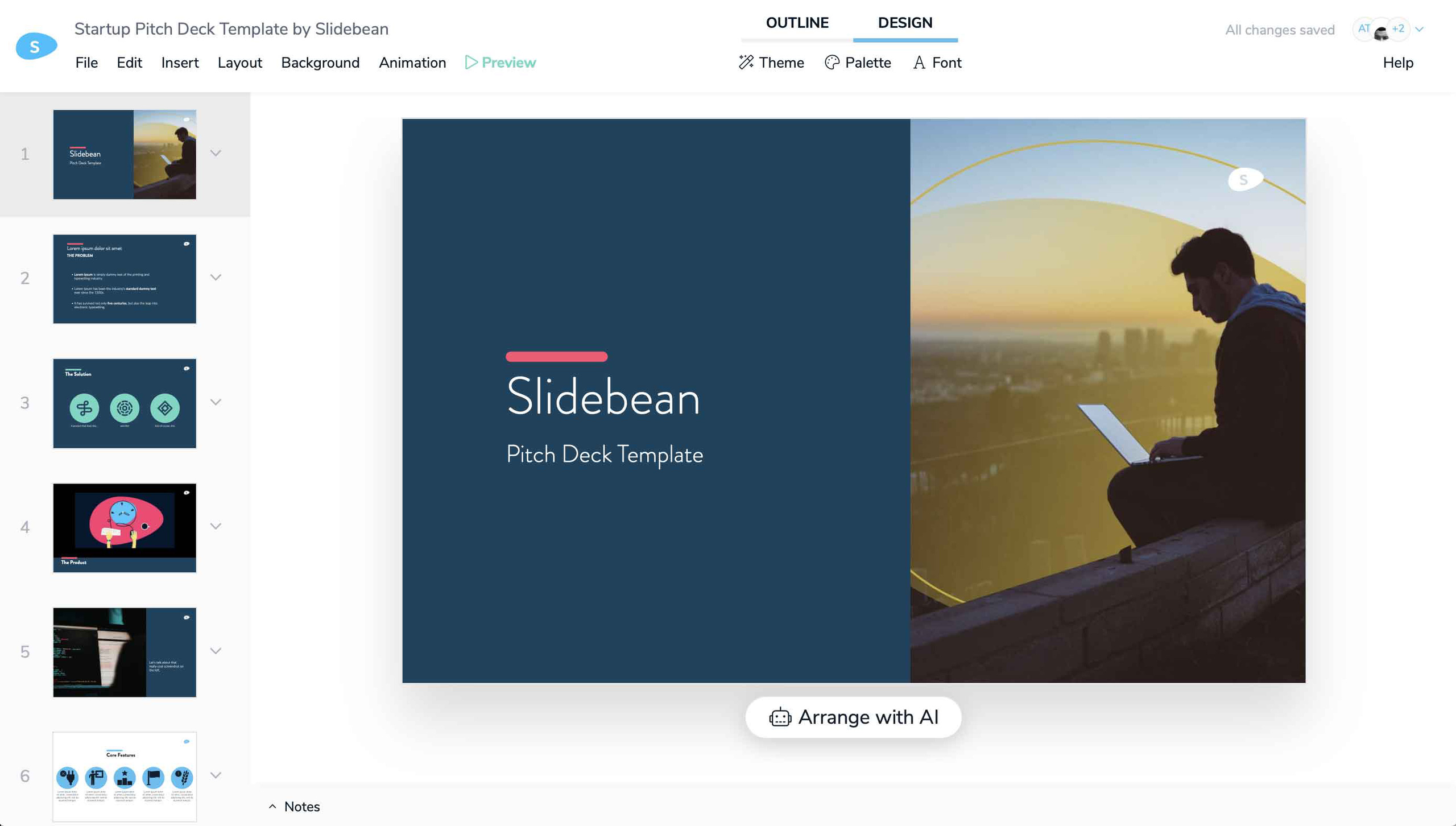
- Slidebean focuses on pitch decks. Check the format and level of editability available before building the whole deck.

Test your slides on the presentation device
- Open the deck in the app and on the device you will use. Check fonts, line breaks, animations, speaker notes, and embedded media.
- Bring a local copy if the internet connection may be unreliable. Export a PDF backup if your slides can be shown without animation or audio.
- For a shared link, open it in a signed-out session to verify what attendees can access.
See how to open a PowerPoint file in Google Slides or export slide content as a PDF.
Recognize older presentation tools
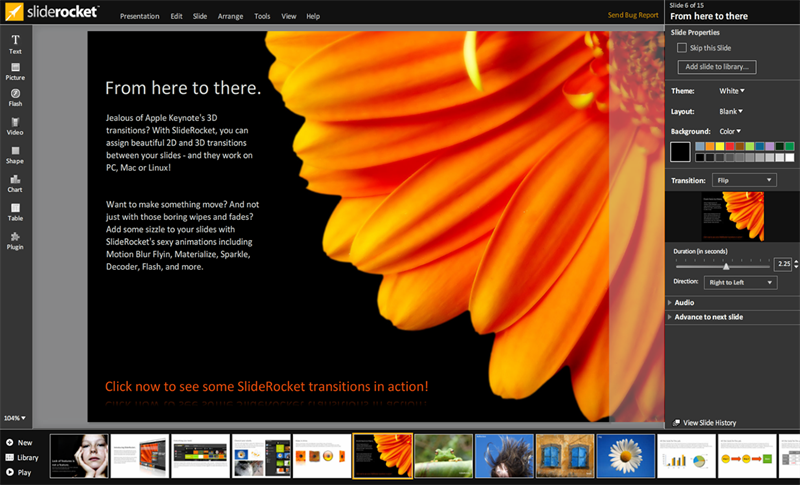
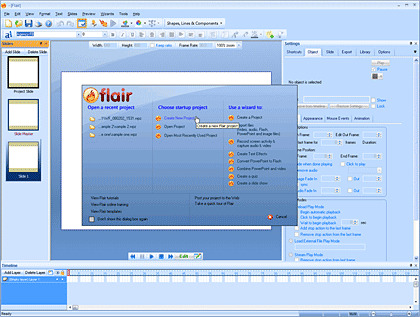
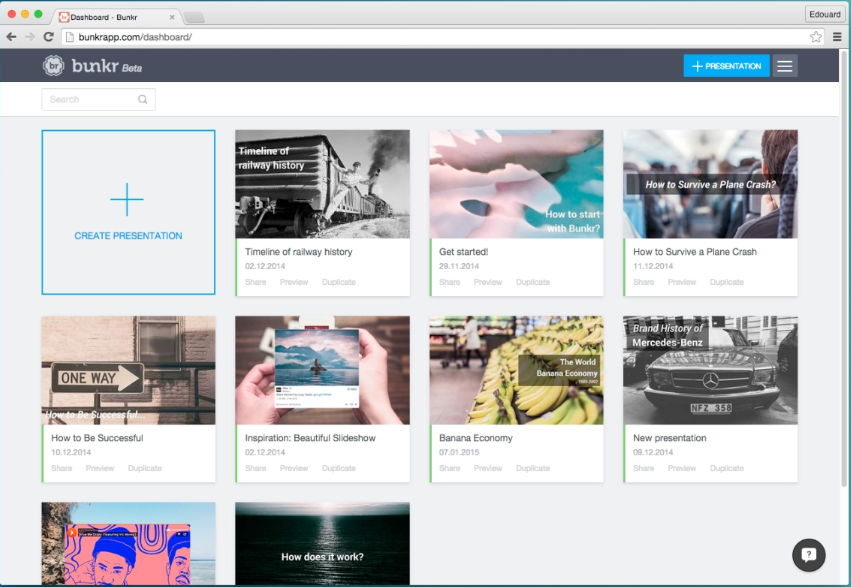
SlideRocket, Flair, and Bunkr appeared in earlier presentation software roundups. These images identify their interfaces for readers looking up an old deck. For a new project, pick a supported editor and save a copy in a format others can open.
Related Articles
 Top 10 most professional presentation software today
 How to Add an Object to a Presentation
 How to Make a PowerPoint Presentation Without PowerPoint
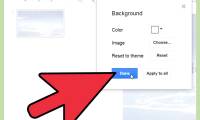 How to Change the Background on a Google Presentation
 How to use PowerPoint to create professional presentation slides
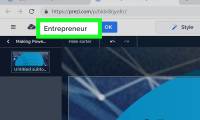 How to Create a New Prezi Presentation
Reader Comments 0
Sign in with email or Google to join the discussion.