Table of Contents
The most reliable Grok prompts state the task, provide the necessary context, define the output, and explain what must be verified. You do not need elaborate “prompt engineering” language or a fictional expert role for every request. Clear requirements usually matter more.
A five-part framework for Grok prompts
1. State the goal
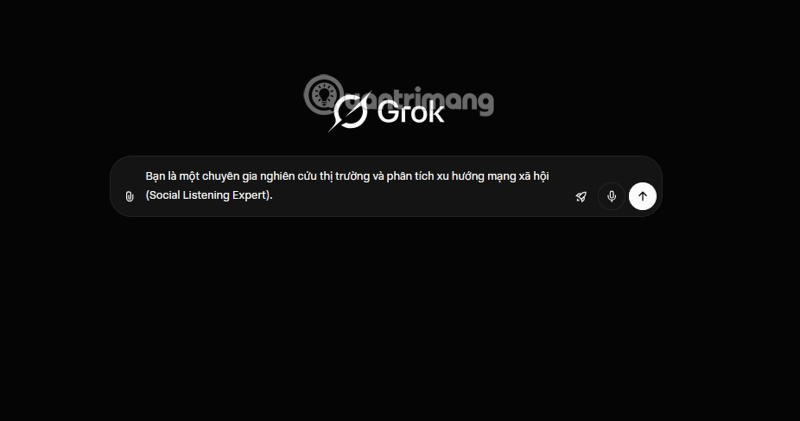
Begin with the action you want: summarize, compare, draft, calculate, explain, or critique. Include a role only when it changes the expected method or audience. “Review this contract clause for a small-business owner” is more useful than simply saying “Act as an expert.”
2. Supply the context Grok cannot infer
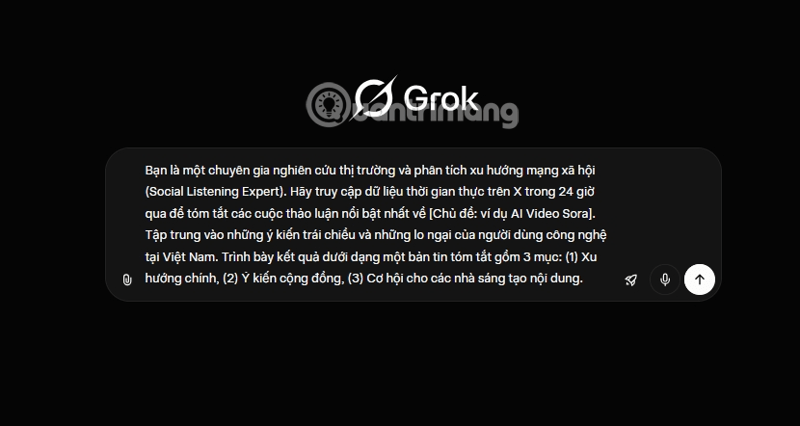
Identify the audience, purpose, background, geographic market, and source material. Paste only the information needed for the task and label it clearly. Do not include passwords, confidential records, or personal data that you are not authorized to share.
3. Define success and constraints
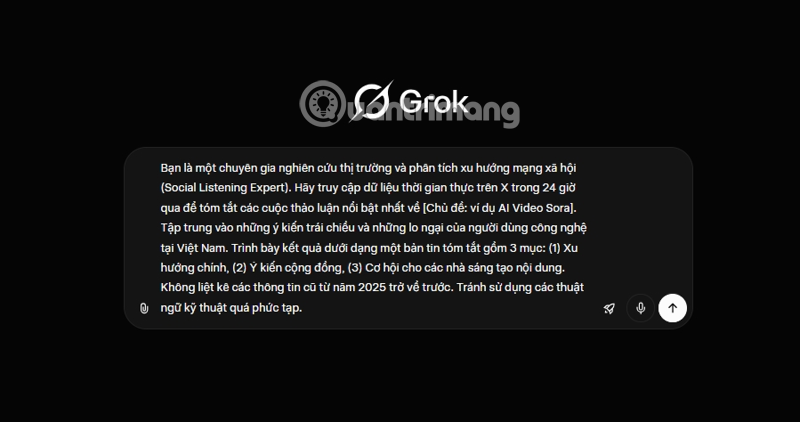
Tell Grok what a good answer must contain. Examples include a word range, reading level, required sections, supported file format, or a rule to distinguish facts from recommendations. Relevant detail reduces ambiguity, but it does not guarantee factual accuracy.
4. Request a usable format
Specify whether you want a table, checklist, code block, email, brief, or social post. Name the columns or headings when structure matters. For example: Return a table with Claim, Evidence, Source URL, and Confidence columns.
5. Add exclusions only when they matter
Avoid a long list of “negative prompts.” State the few boundaries that would materially change the result, such as Do not invent missing figures, Do not use sources older than 2024, or Exclude the US market. Too many overlapping restrictions can make the task harder to follow.
Use Grok's web and X search carefully
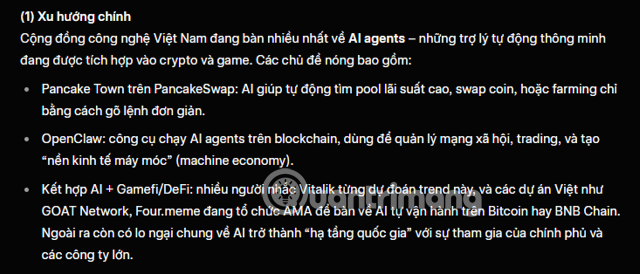
When current information is necessary, define the time window and ask for direct source links. Posts on X can reveal emerging discussion, but popularity is not evidence of accuracy. Ask Grok to separate firsthand statements, reputable reporting, and unverified social claims.
A stronger research prompt is:
Find material published in the last seven days about [topic].
Separate:
1. confirmed developments from primary sources;
2. reporting from established outlets;
3. unverified claims circulating on X.
For every factual statement, include a direct source URL and publication date.
State what could not be verified.
Open the cited pages and confirm that they actually support the answer. For financial, medical, legal, or safety decisions, use qualified sources rather than treating a chatbot summary as advice.
Use Projects for repeat work when available
If your Grok account offers Projects, create one for a recurring campaign or research area and add only the relevant reference files. Project context can reduce repetition, but it is not guaranteed memory and should not be used as the sole record of important decisions. Keep the authoritative version of your documents outside the chat service.
A complete prompt template
Task: [what Grok should do]
Audience and purpose: [who will use the result and why]
Context: [essential facts or attached sources]
Requirements:
- [required point]
- [required point]
Output: [format, headings, and length]
Verification: Cite direct sources for current facts and mark anything uncertain.
Exclusions: [only the boundaries that matter]
Review the answer, not just the prompt
Check whether the response answered the actual question, followed the requested format, and supported its claims. Verify names, dates, figures, quotations, and links independently. If the result is weak, identify the specific failure—missing evidence, wrong audience, excessive length, or unsupported inference—and ask for a targeted revision instead of rewriting the entire prompt.
Related Articles
 How to Write Basic Code with Grok: Step-by-Step Guide11 minutes read
 How to Create Tasks in Grok: What You Need to Know5 minutes read
 A 'Universal' Prompt for AI Beginners5 minutes read
 Experience the Hilarious Grok AI Chatbot on X3 minutes read
 How to Export a PDF File in Grok: Step-by-Step Guide5 minutes read
 Guide to Writing Prompts for Creating Professional-quality AI Music6 minutes read
Reader Comments 0
Sign in with email or Google to join the discussion.