Table of Contents
MeiGen is a gallery of AI image prompts that you can browse for inspiration and adapt to your own subject. A strong reference prompt gives you a starting point; the most useful step is changing the subject, composition, and constraints to match the image you actually need.
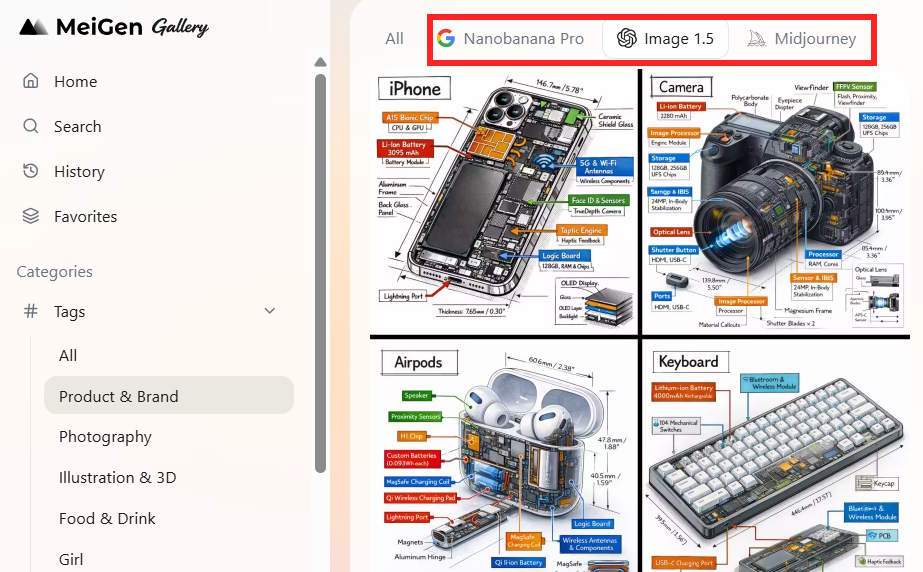
Find a prompt in the gallery
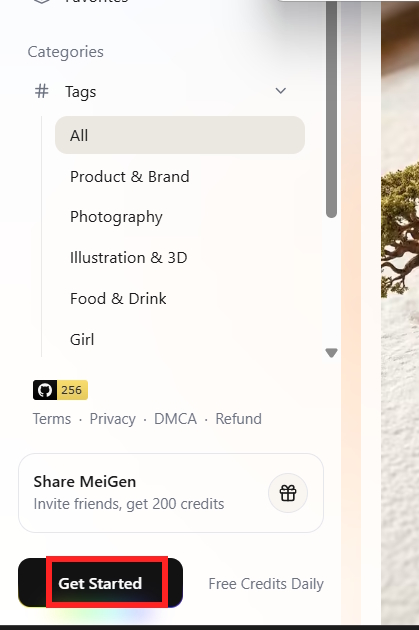
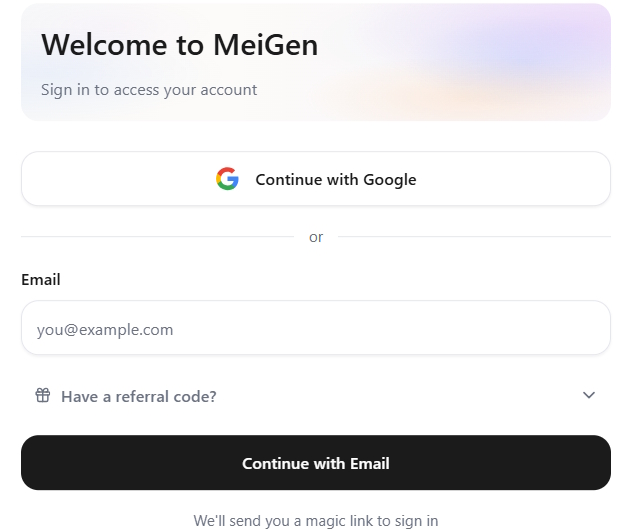
- Open MeiGen and browse the public examples. If a sign-in screen appears for the action you want, follow the options shown on the site.
- Filter or search by subject and, where available, the image model. Look at the resulting image as well as its text: a prompt's style may fit while its subject does not.
- Open an example and inspect the prompt before using it. Keep the parts that describe lighting, framing, materials, or mood, and replace details that do not fit your project.
Adapt and generate
An example page may offer a Use as prompt action. Select it if present, review the copied text in the creation interface, and choose the available model and output settings. Interfaces and model names may change, so treat the screenshots as a visual guide rather than a promise about the current controls.
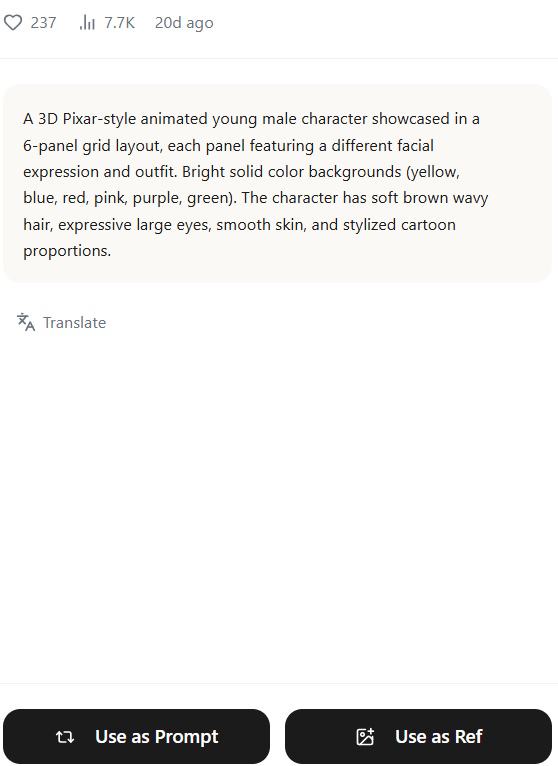
Before generating, check any displayed credit cost and whether the output will be public or private. If you use someone else's shared prompt, make a meaningful adaptation and respect the creator's attribution and the site's terms. Do not upload a private reference image unless you are comfortable with the service's handling of it.
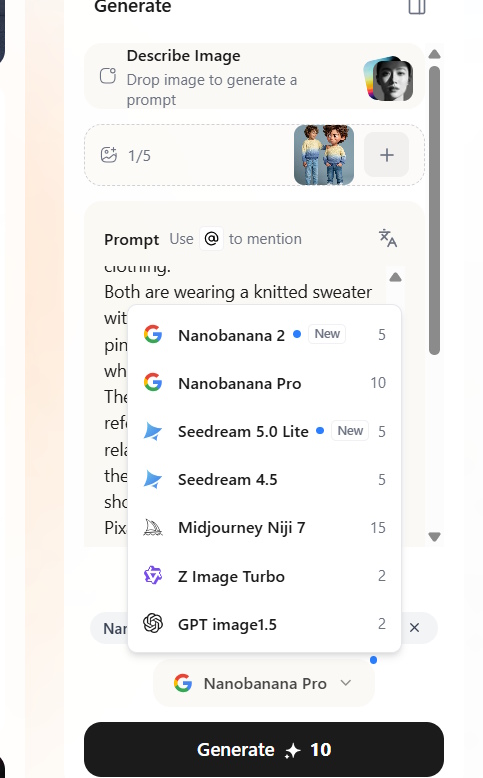
After generation, inspect hands, text, faces, and object details. Revise one or two prompt elements at a time rather than adding a long list of competing instructions. Save the result only after checking that it fits your intended use.
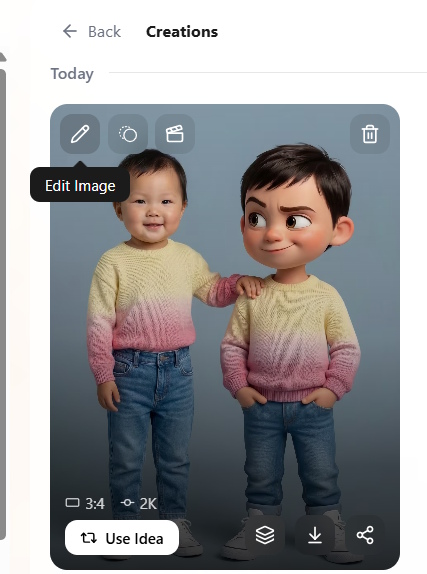
Write a better prompt from the reference
A practical prompt names the main subject, action, setting, viewpoint, light, and any constraints that matter. For example: “A ceramic coffee mug on a wooden desk by a window, soft morning light, eye-level product photo, plain background, no text.” Change the subject and composition to make the reference your own. See our beginner's prompt-writing guide and Nano Banana prompt examples for more ideas.
Related Articles
 Guide to creating better AI images: 4 steps to writing8 minutes read
 Experience Lexica.art with its vast library of image2 minutes read
 15 Tools to Help Build a Website for Beginners (No Code Required)9 minutes read
 How to find AI prompts for creating photos and videos3 minutes read
 TOP best AI tools for website design9 minutes read
 Icon Creation Software: The Best Free Icon Creation Tools13 minutes read
Reader Comments 0
Sign in with email or Google to join the discussion.