Table of Contents
Pay extra for a smart device when it solves a problem you have regularly. Before buying, check whether the feature works without internet access, how long the maker supports the app, and what replacement parts or consumables cost.
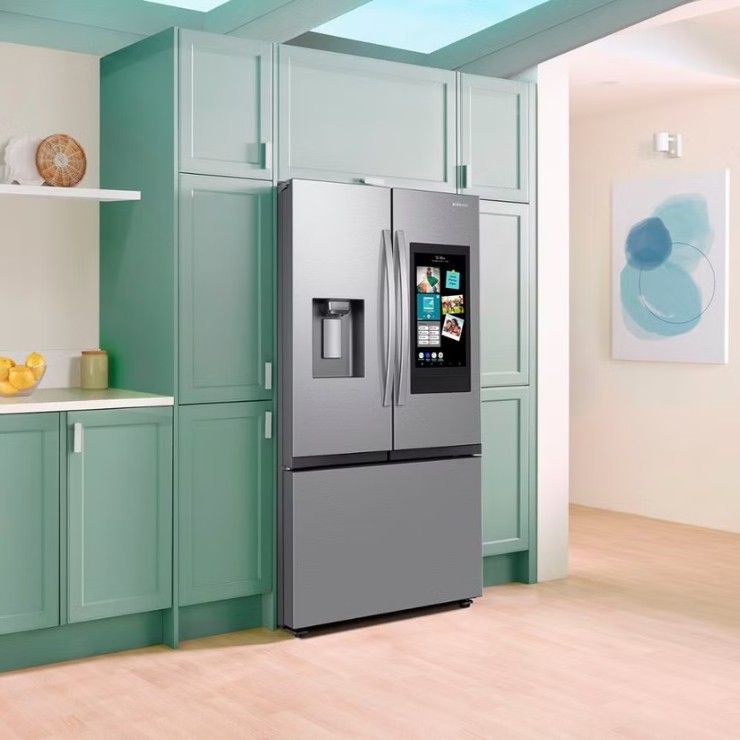
Smart refrigerators
A door-open or temperature alert can be useful while you are away. If you mainly want recipes or a shared shopping list, a tablet or phone can handle that. Check whether the refrigerator’s temperature controls work when the app is offline.
Connected toys
Check what a toy records, where the data goes, and whether you can delete recordings. A toy that works offline is a simpler option when the online feature adds little to play.
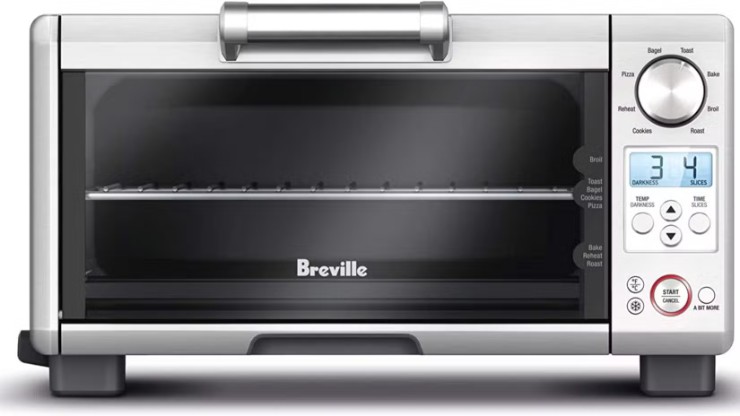
Smart ovens
Remote status alerts can be useful. For routine cooking, look first at how consistently the oven heats, how its timer works, and whether the controls are easy to use. A kitchen thermometer can help you check food directly.
Smart lights
A plug-in lamp with a replaceable smart bulb can give you scheduling without locking you into one fixture. Verify which features your voice assistant can actually control, including color temperature and dimming.
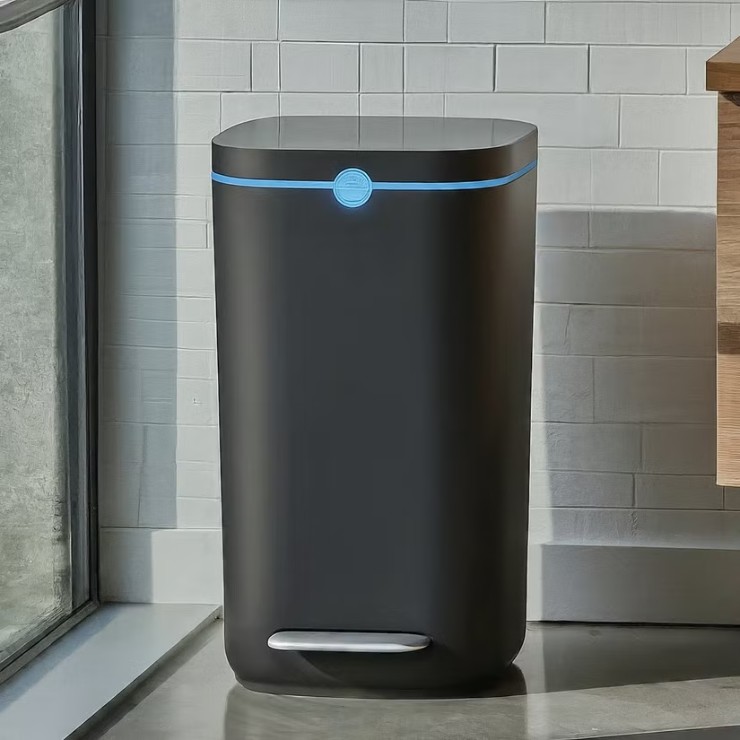
Hands-free trash cans
A motion lid can help when your hands are occupied. Check whether it opens manually when the batteries run out and whether it accepts ordinary liners. A foot-pedal model offers hands-free opening without batteries.
Smart water bottles
If you mainly want to keep drinks hot or cold, compare insulation, lid design, and how easy the bottle is to wash. Pay for tracking or reminders only if you expect to use them.
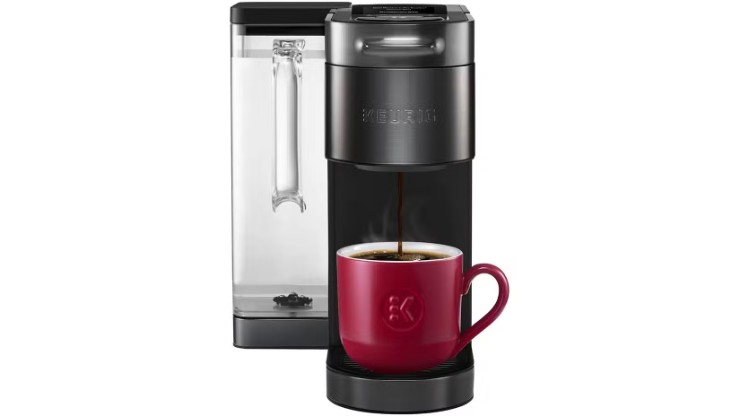
Smart coffee makers
A programmable timer may cover the same morning routine as an app. If remote brewing matters to you, check what still needs to be set up by hand, whether the machine works without an account, and what the app can do when the device is away from Wi-Fi.





Reader Comments 0
Sign in with email or Google to join the discussion.