Table of Contents
You can add streaming features to an existing TV with an external player, a computer or a compatible console. If you mainly watch alone, a phone or tablet may be enough. The right choice depends on whether you need a shared large screen, which services you use and what equipment you already own.
1. Connect a laptop or desktop
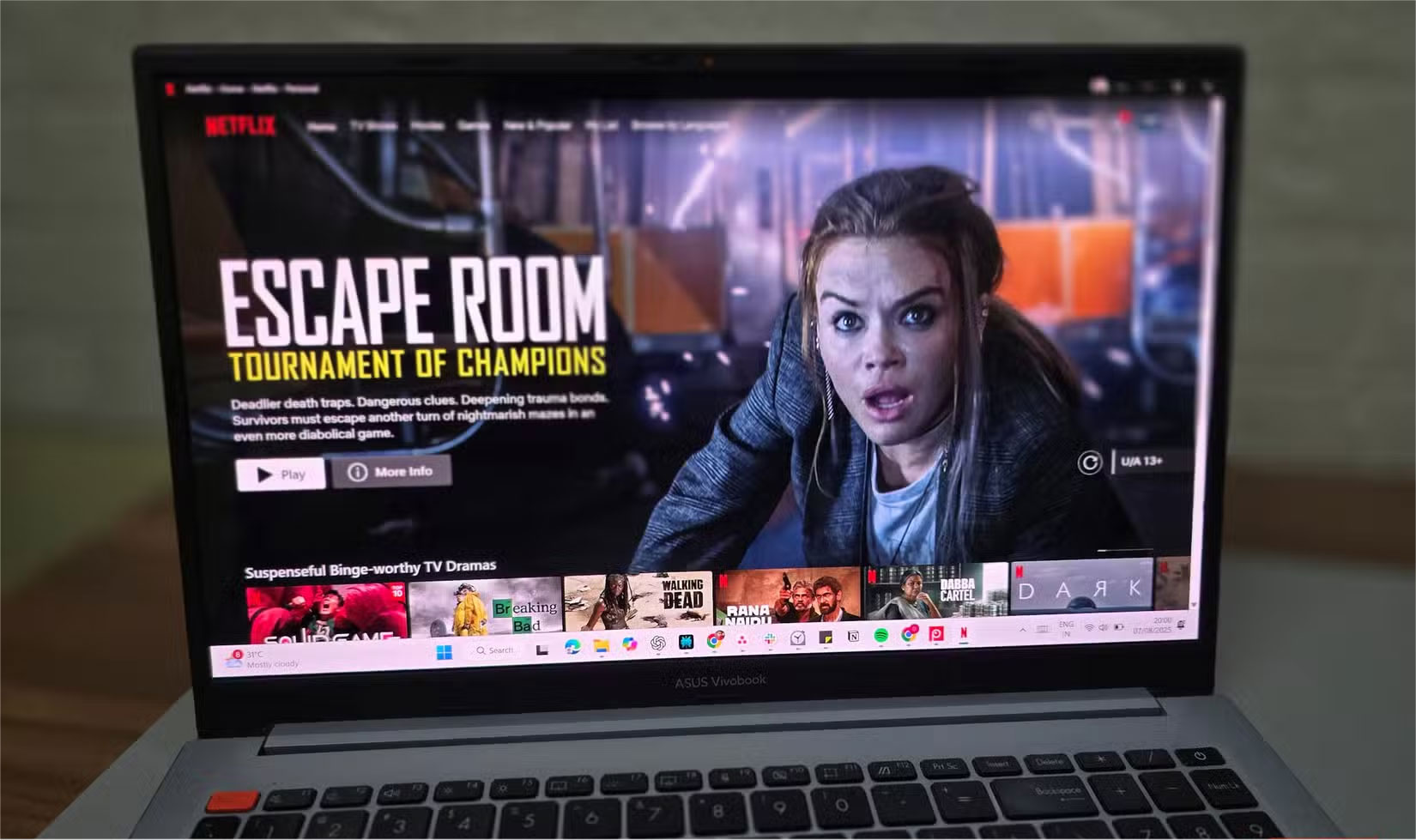
A computer can play supported streaming services in a browser or app, as well as local media. Connect it to an existing TV or monitor through a compatible video output, select that input on the display, and choose the correct audio output on the computer.
Check ports before buying an adapter: not every USB-C port carries video, and an adapter's direction and resolution limits matter. Some protected streaming content also requires a compatible display path. See laptop-to-TV connection options, then verify the details for your devices.
2. Add a dedicated streaming player
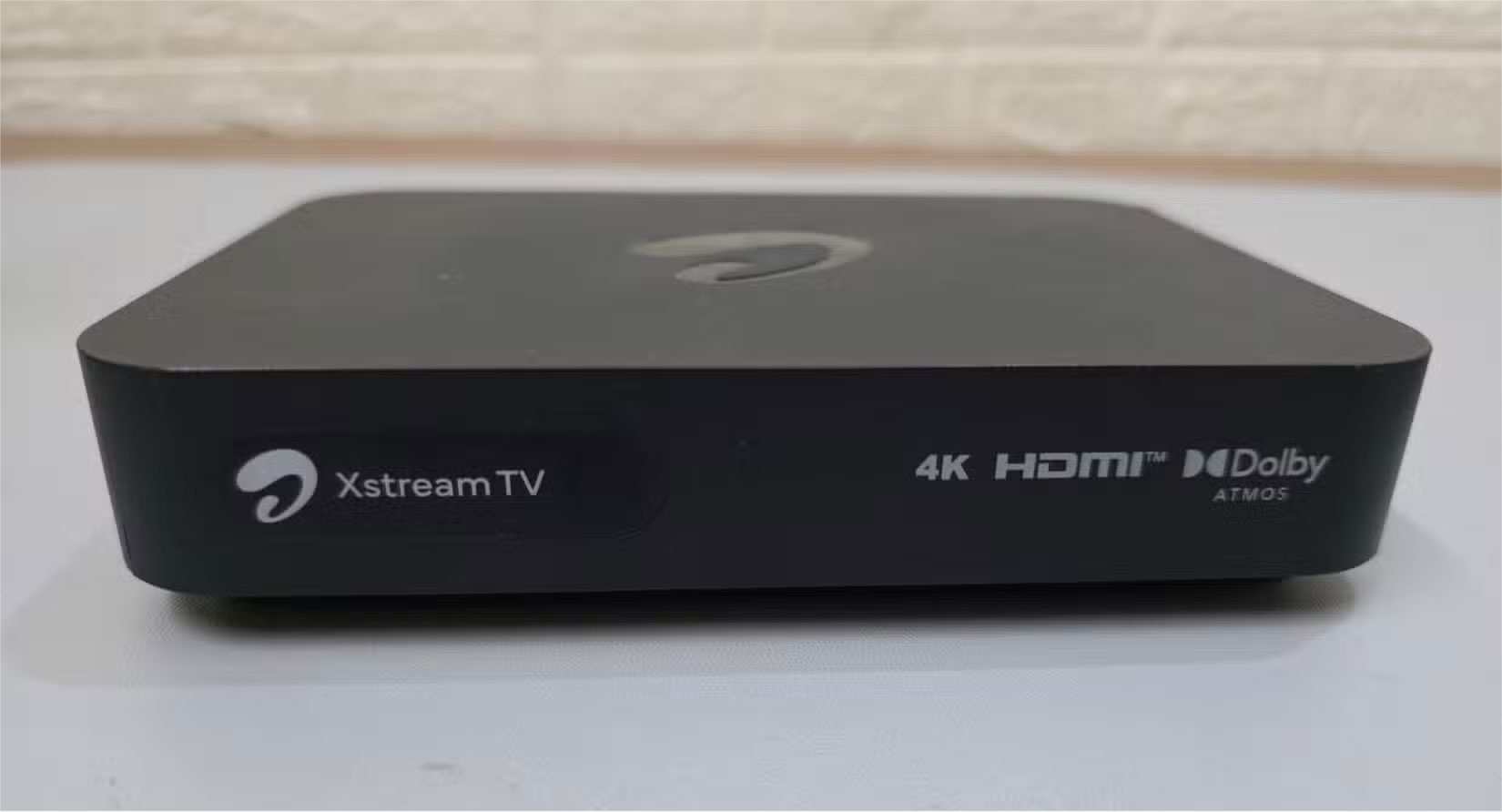
A streaming stick or box is often the most convenient way to keep a working screen while replacing its outdated app interface. It provides a remote-friendly experience, but check the exact model's app catalog, regional availability and support policy.
HDMI alone does not guarantee 4K or HDR playback. The player, display, connection and subscription tier all need to support the desired format. A player also needs power and a reliable network connection. Compare when an external player adds value to a smart TV before paying for features your current setup already supplies.
3. Use a phone or tablet for personal viewing
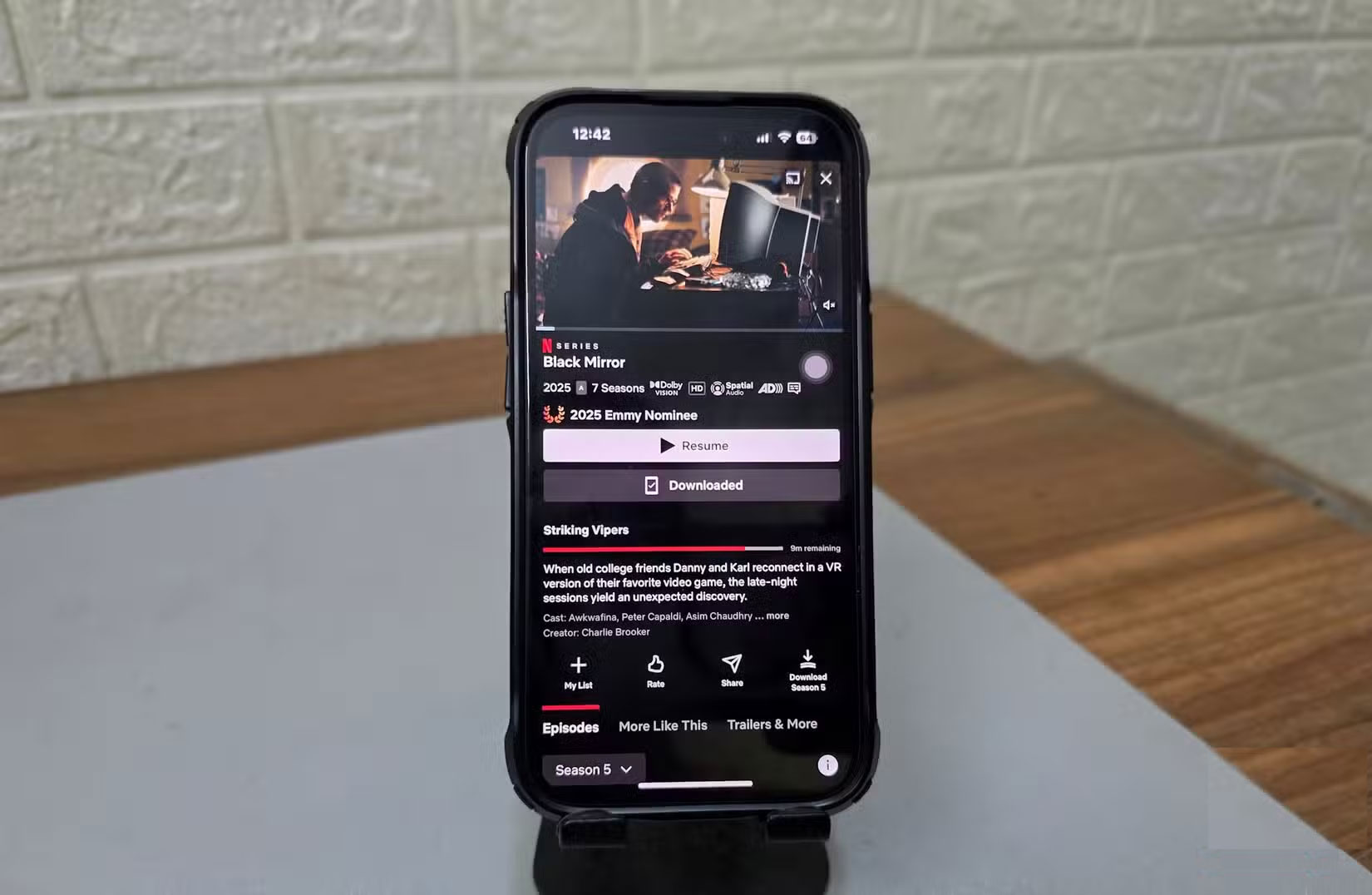
A tablet on a stable stand with headphones can be a simple option for one viewer. It avoids buying another screen, but the smaller picture may be unsuitable for a group or for viewing across a room.
Casting and mirroring are separate capabilities. The receiving display or connected player must support the method used by the app and phone. Protected content may restrict mirroring. Samsung DeX is available only on supported models and configurations; check Samsung's compatibility guidance rather than assuming any Galaxy phone or USB-C cable will work.
4. Check the console you already own
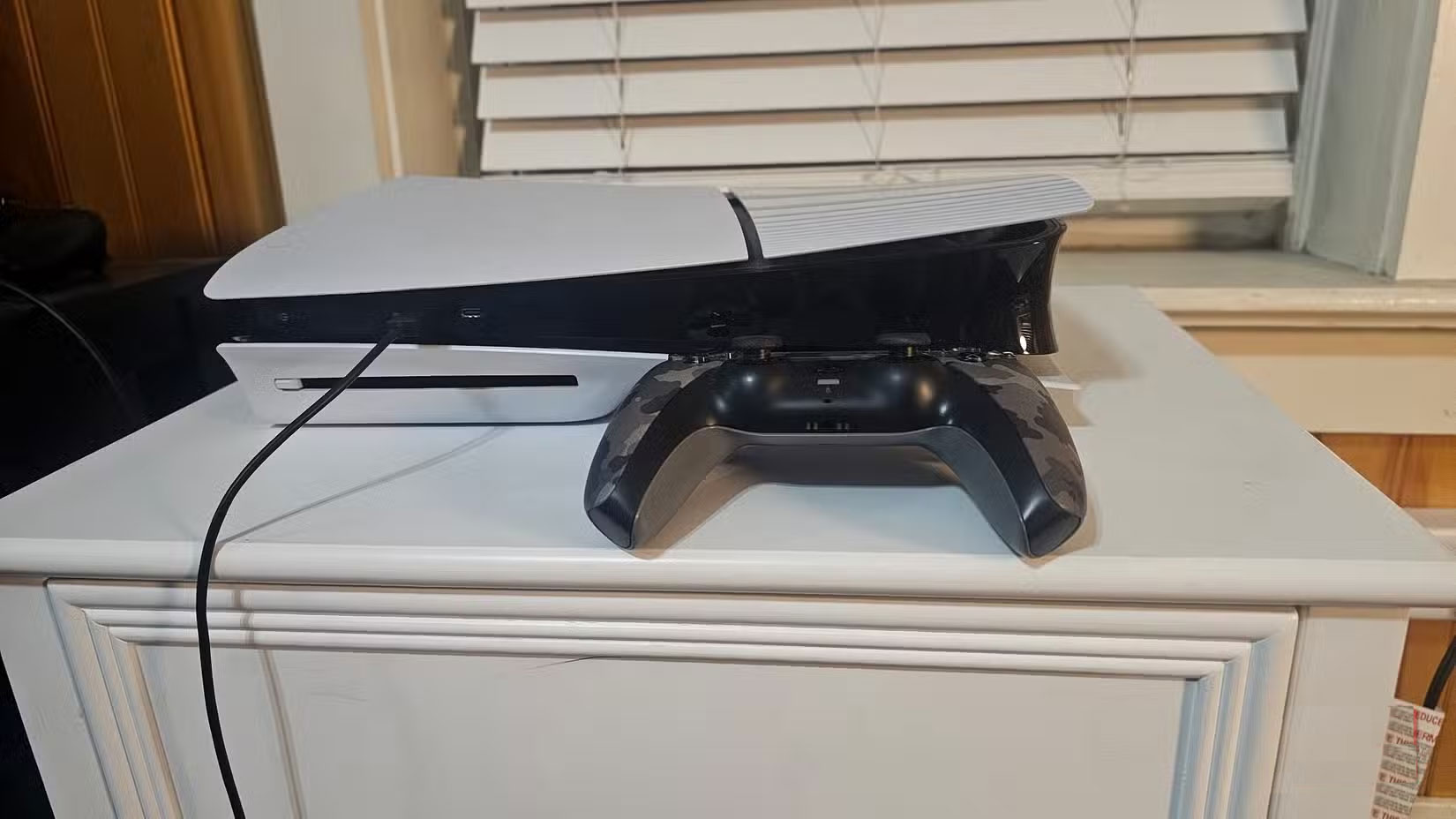
A home console may have the streaming apps you need, making another player unnecessary. Confirm the app on the exact console and in your region, and consider controller convenience, fan noise and power use.
Handheld systems are not universal streaming devices. Their app selections differ substantially. In particular, older recommendations to use Hulu on Nintendo Switch are obsolete: Nintendo says that service ended February 5, 2026. Check current support rather than buying a gaming device for an assumed video app.
5. Use a projector when the room suits it
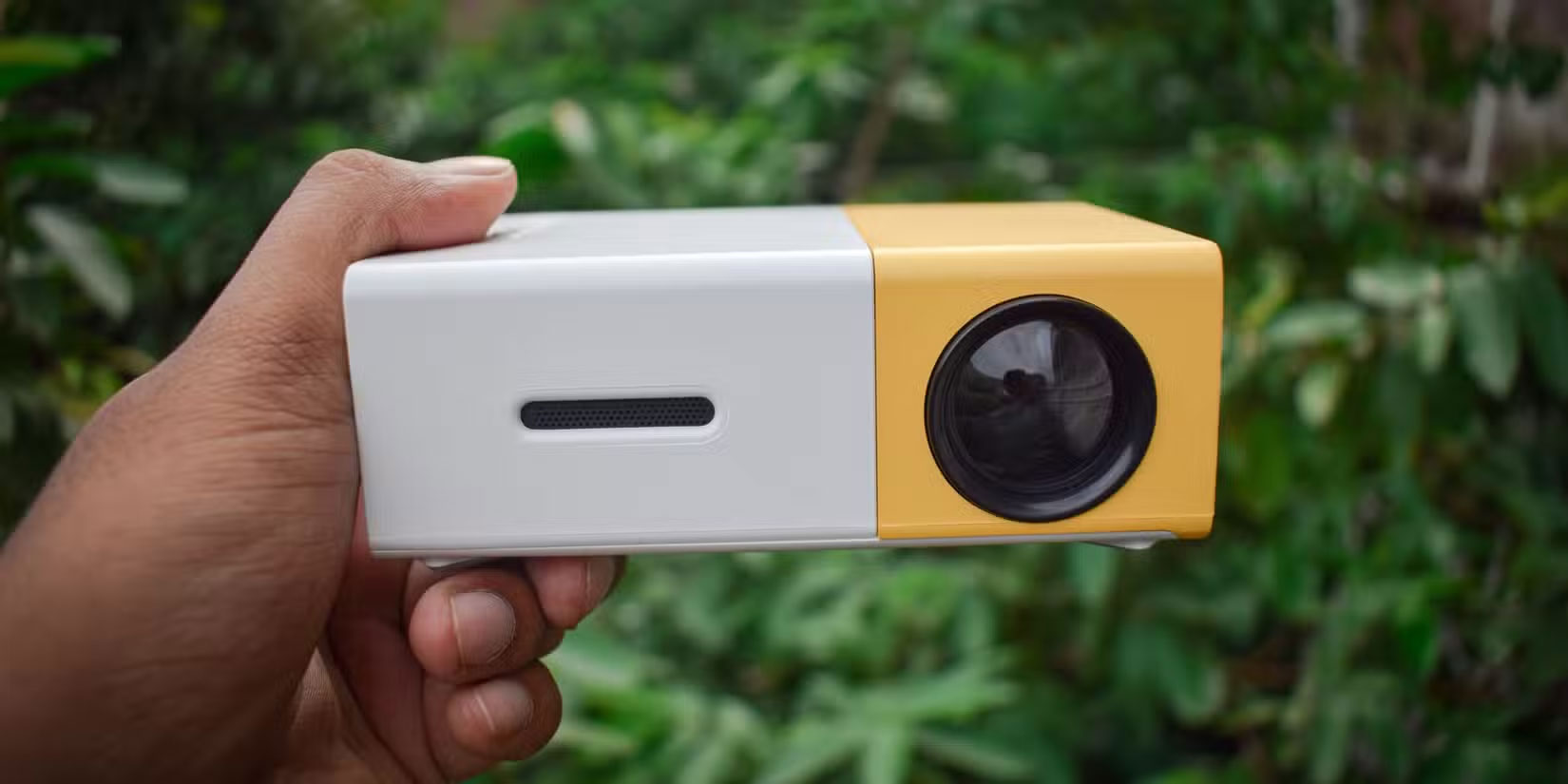
A projector can provide a large image, but it is a display choice rather than automatically a streaming solution. Some include supported apps; others need an external source. Check native resolution, brightness for your room, throw distance, screen surface, fan noise and audio.
Do not assume an Android-based projector has certified support for every streaming service. Test the required service or plan to connect a supported player. A projector may cost more overall once a screen, mount and speakers are included.
Decide what actually needs replacing
If the picture is still good and only the apps are slow, add a suitable source device. If you need a larger or better panel, an external player cannot fix the screen itself. Before buying, test your must-have service, remote or controller, sound path and connection using the equipment you already have.



Reader Comments 0
Sign in with email or Google to join the discussion.