Table of Contents
This guide covers Samsung out of corby netbook with practical context and easy-to-follow details. Use it to understand the subject and apply the information confidently.
N150 was introduced by Samsung at the CES 2010 technology show earlier this year with its compact design and impressive battery life. Not only that, recently, the company also included many color options for the same name machine like the phone line, Corby. Samsung Corby N150 has color options that are red, pink, yellow, blue, navy, glossy black, black and gray.
 Corby N150 is equipped with Intel Atom N450 processor speed of 1. 66 GHz, 1GB RAM, 250 GB hard drive, Intel GMA 3150 graphics chip.
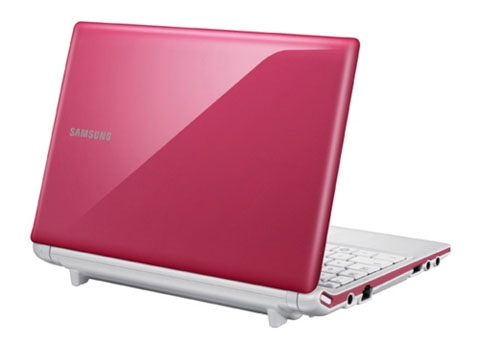 The machine has a lot of colors to choose from.
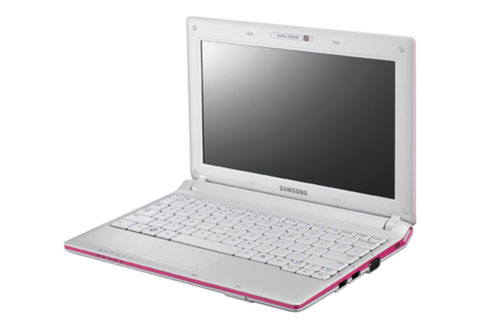 N150 has anti-glare screen of 10. 1 inches, WSVGA standard resolution 1, 024 x 600 pixels.
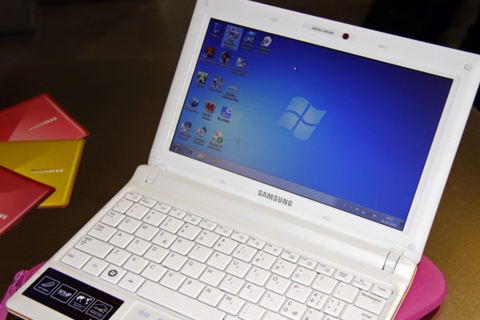 It has theoretical battery life of up to 8. 5 hours continuously.
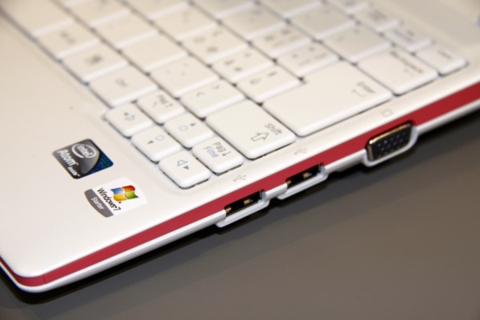 USB port can be charged for mobile devices even when the device is turned off.
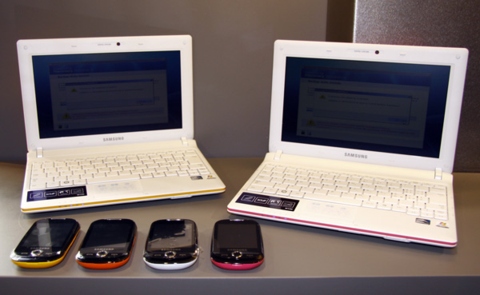
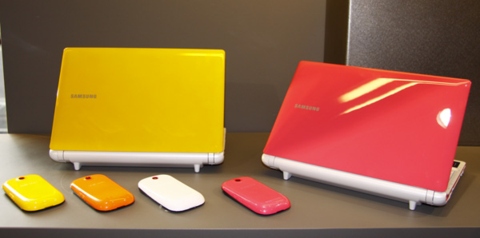 Corby is also the name of a Samsung phone line.
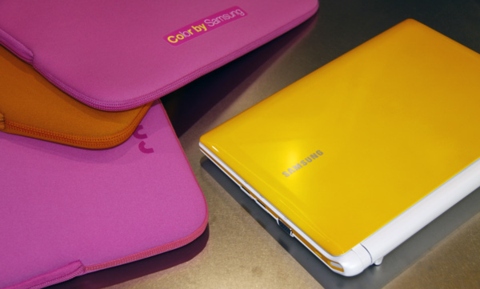 Both are aimed at users who are dynamic young.
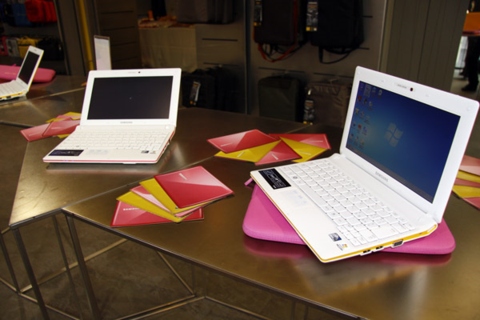 Samsung N150 costs about 10 million VND.
FAQ
What should I check before following these steps?
Confirm device and software compatibility, save important data, and make sure you have the required permissions, files, and account access.
Why might the process not work?
Common causes include outdated software, missing permissions, incompatible hardware, an unstable connection, or completing a step in the wrong order.
Can I undo the changes if necessary?
That depends on the tool or setting. Use built-in restore options when available, keep a backup, and record the original configuration first.
Related Articles
 N148 Plus, Samsung's Beautiful Small Netbook3 minutes read
 Samsung Launched Dual-core Atom Processor Netbook3 minutes read
 Samsung NC 10 - Silent Warrior6 minutes read
 Samsung's 10. 5-hour Battery Netbook3 minutes read
 Farewell Legend Fernando 'Corby' Corbató, the Father of Computer9 minutes read
 Samsung's Nearly 14-hour Battery Netbook3 minutes read
Reader Comments 0
Sign in with email or Google to join the discussion.