Table of Contents
This step-by-step guide explains how to open genuine iPad air in vietnam. It covers the required setup, the main actions, and the checks that help prevent common problems.
 IPad Air with genuine iPad Mini Retina starts selling today but is only a Wi-Fi version, while a 4G-connected version will last about one to two weeks. (See detailed pricing for genuine versions)
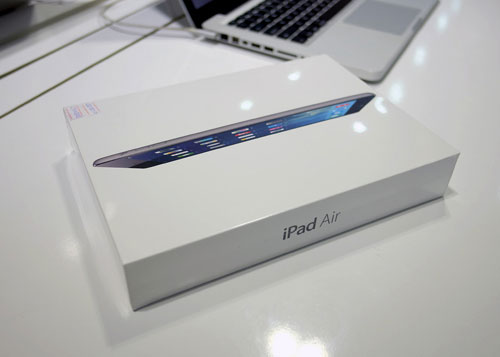 The case is quite thin.
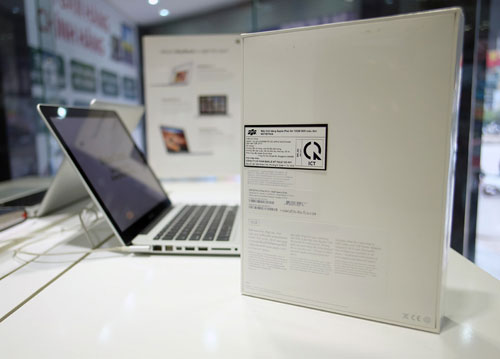 There are imported stickers on each machine.
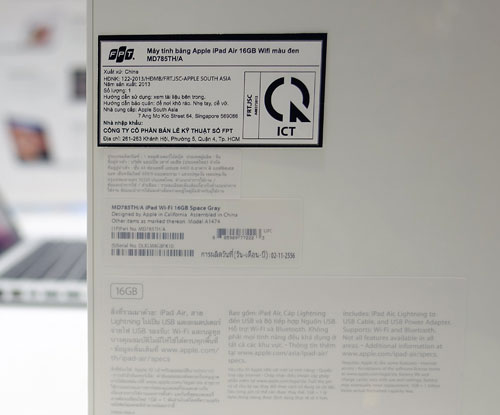 Genuine machines in Vietnam are imported from Thailand and have a TH / A code.
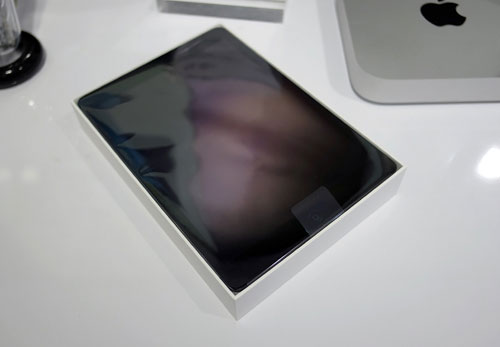 IPad Air occupies the upper part of the case.
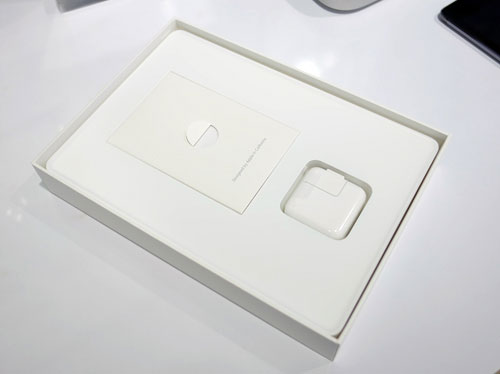 Below are the accessories that are similar to the version for the Thai market.
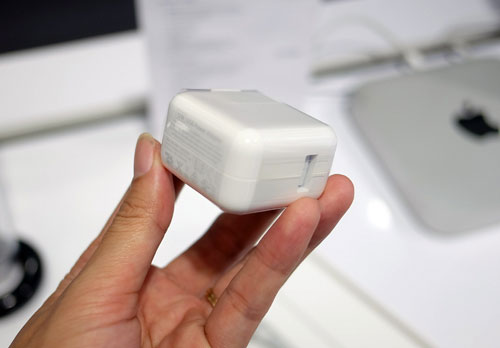 Round cube charger.
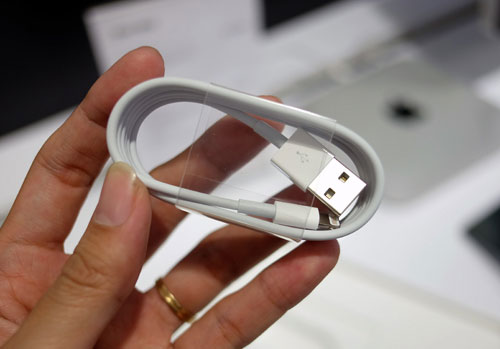 Lightning cable.
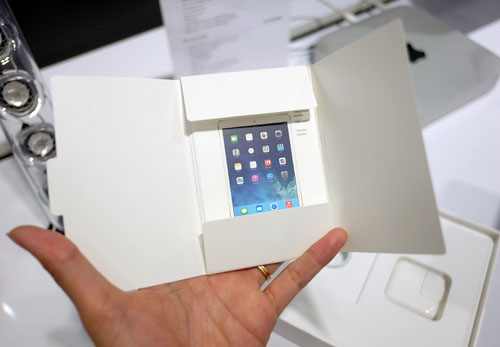 The manual and no sim sticks due to the version only has Wi-Fi connection.
 IPad Air preinstalled iOS 7 operating system.
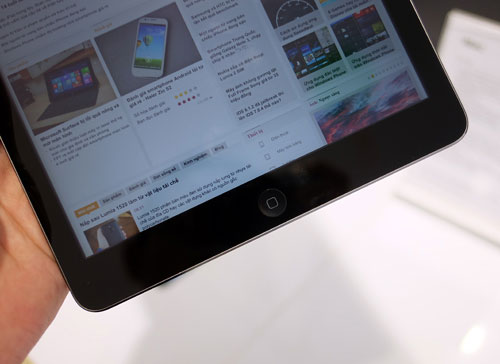 It uses the Home key instead of the fingerprint recognition as on the iPhone 5S.
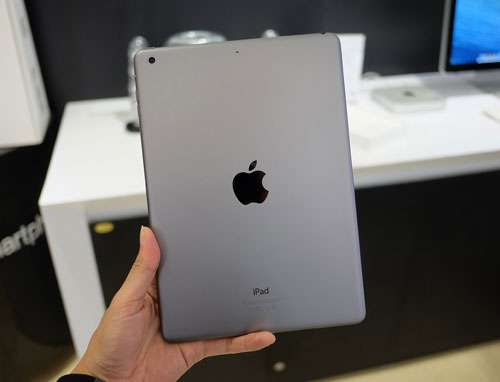 Last year's black version was replaced by gray.
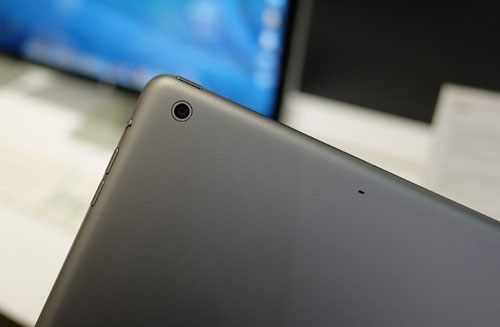 Rear camera.
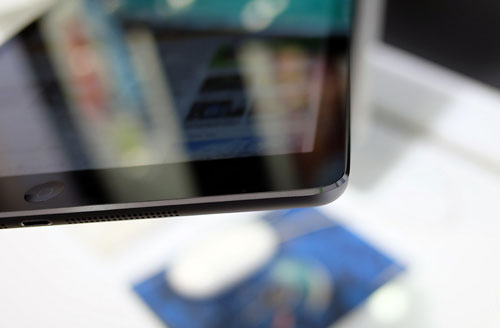 The rim is plated with metal.
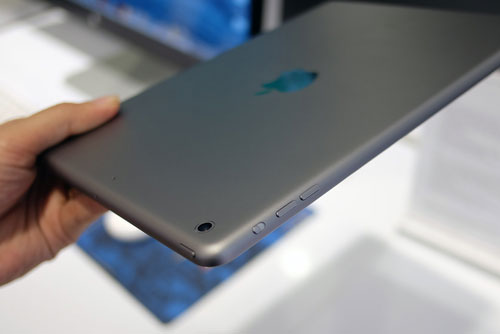 Volume up / down key and turn on / off screen rotation mode or silent.
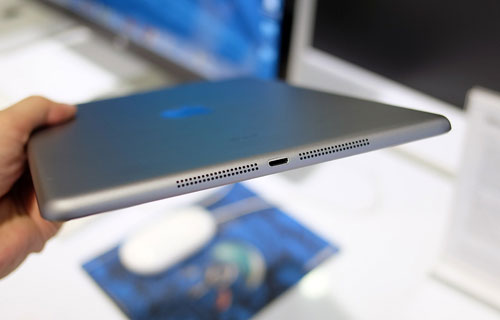 On the bottom side are stereo speakers and Lightning port.
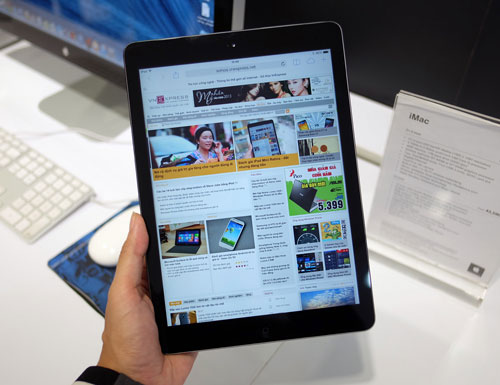 IPad Air surf smoothly and fast.
FAQ
What should I check before following these steps?
Confirm device and software compatibility, save important data, and make sure you have the required permissions, files, and account access.
Why might the process not work?
Common causes include outdated software, missing permissions, incompatible hardware, an unstable connection, or completing a step in the wrong order.
Can I undo the changes if necessary?
That depends on the tool or setting. Use built-in restore options when available, keep a backup, and record the original configuration first.
Related Articles
 Genuine Iphone X Is About to Be Killed in Vietnam3 minutes read
 How to Recognize iPhone / iPad in 4 Steps4 minutes read
 iPad in Vietnam Started to Drop Prices5 minutes read
 'Portable' iPhone Iphones Began to Be Officially Warranted in5 minutes read
 Next Time Your iPad Breaks, You Can Fix It Yourself!5 minutes read
 Distinguish Real and Fake Goods When Buying 'Apple Flaws'4 minutes read
Reader Comments 0
Sign in with email or Google to join the discussion.