Table of Contents
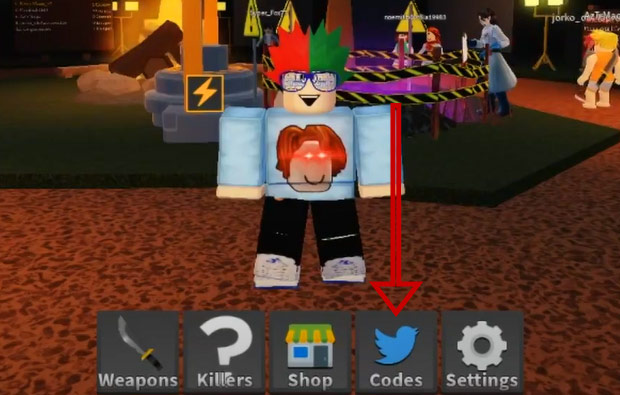
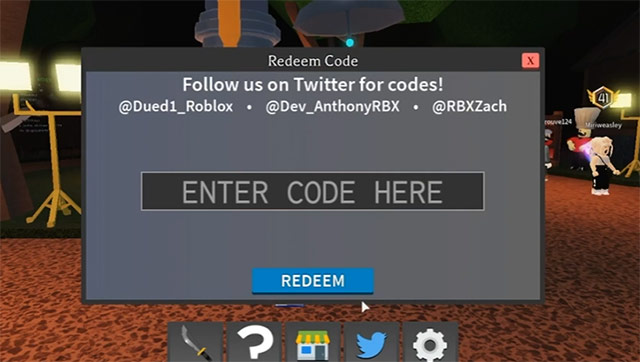
In Slyce Entertainment’s Survive the Killer! on Roblox, promo codes are redeemed through Cody in the lobby when he is available. Old guides may show a toolbar button instead. Toy codes use a separate redemption option.
Recently reported codes
Code trackers disagree on which rewards can still be claimed. The game’s response is the final check.
| Code | Reported reward | Status |
|---|---|---|
MINING | Charcoal Slycer | Current redemption unverified |
vote1m | Millionth Slycer | Current redemption unverified |
How to redeem a promo code
- Open the Survive the Killer experience by Slyce Entertainment.
- Look for Cody in the lobby and interact with him to open the promo-code box.
- Paste one code, remove extra spaces, and submit. Check the confirmation and your inventory.
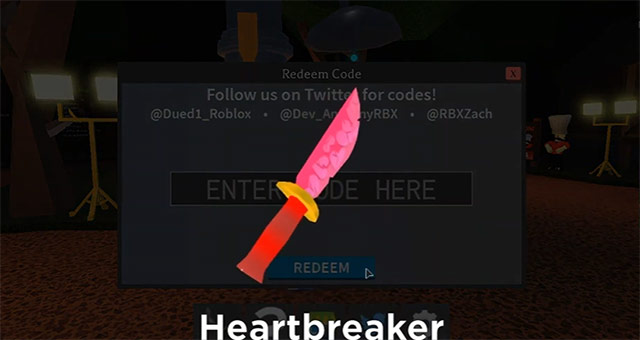
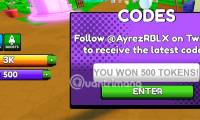
The images below show the older toolbar-based workflow. Use Cody if your version has that interface.
If Cody is missing or the code fails
Cody may be absent when no promo code is available. If he is there but the code fails, it may be expired or already claimed. Check the announcements linked from the Roblox game page before trying archived seasonal codes. See the community code archive for earlier rewards and the distinction between promo and toy codes.




Reader Comments 0
Sign in with email or Google to join the discussion.