Table of Contents
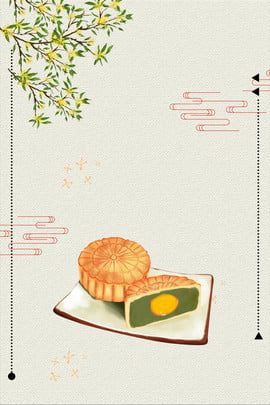
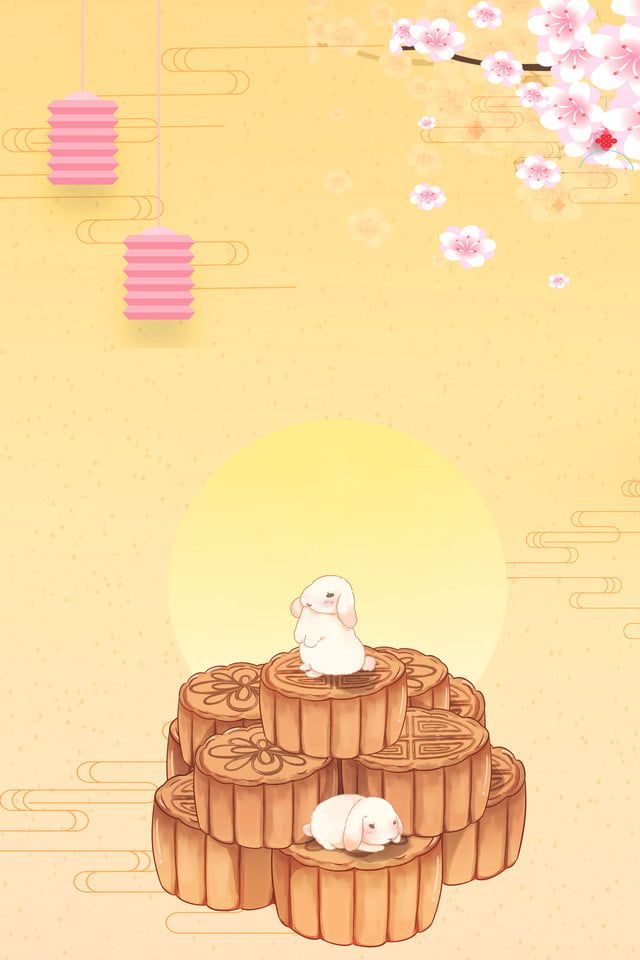
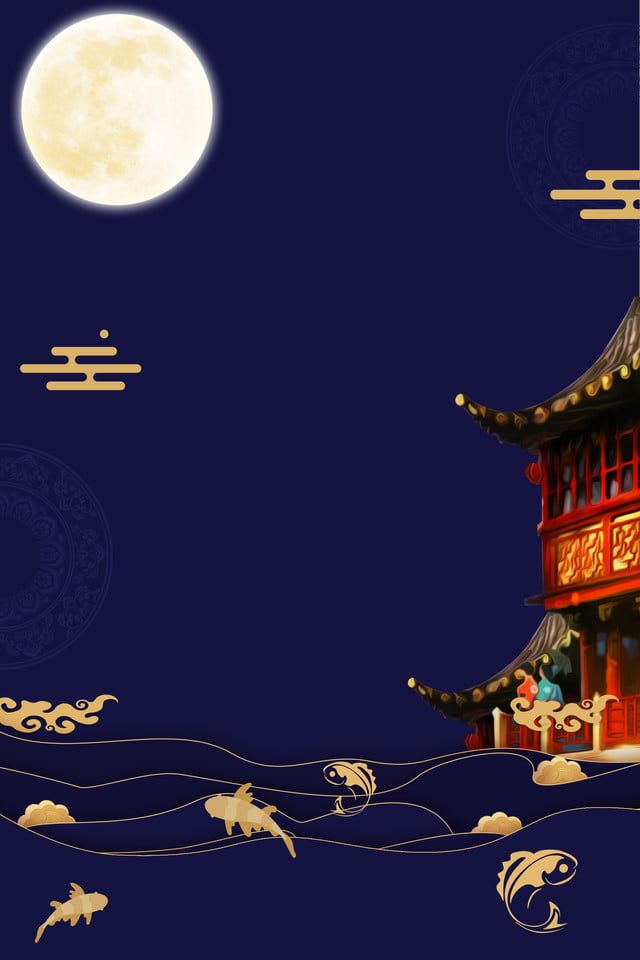
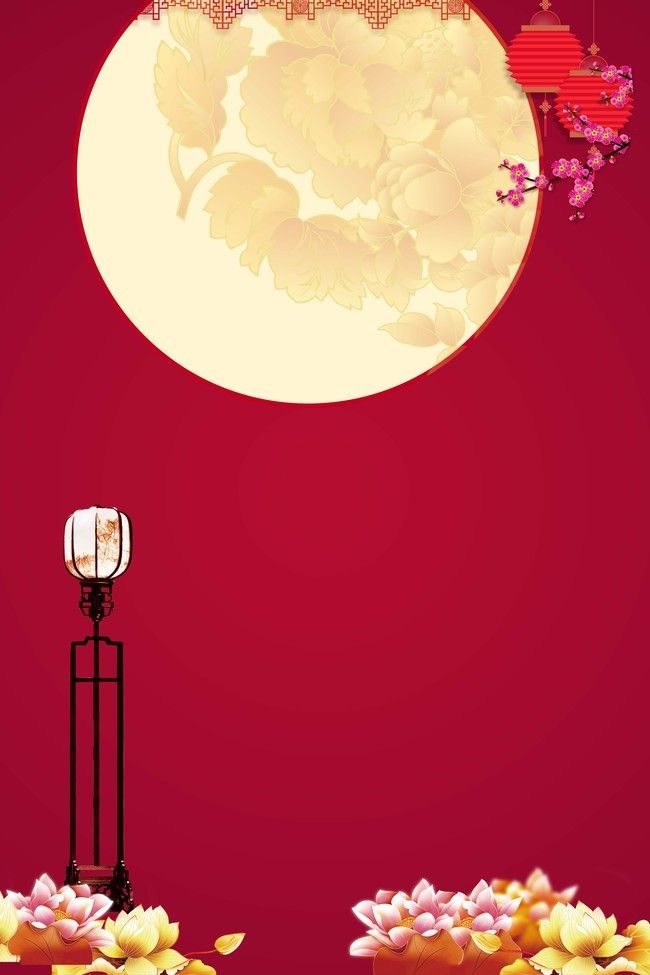
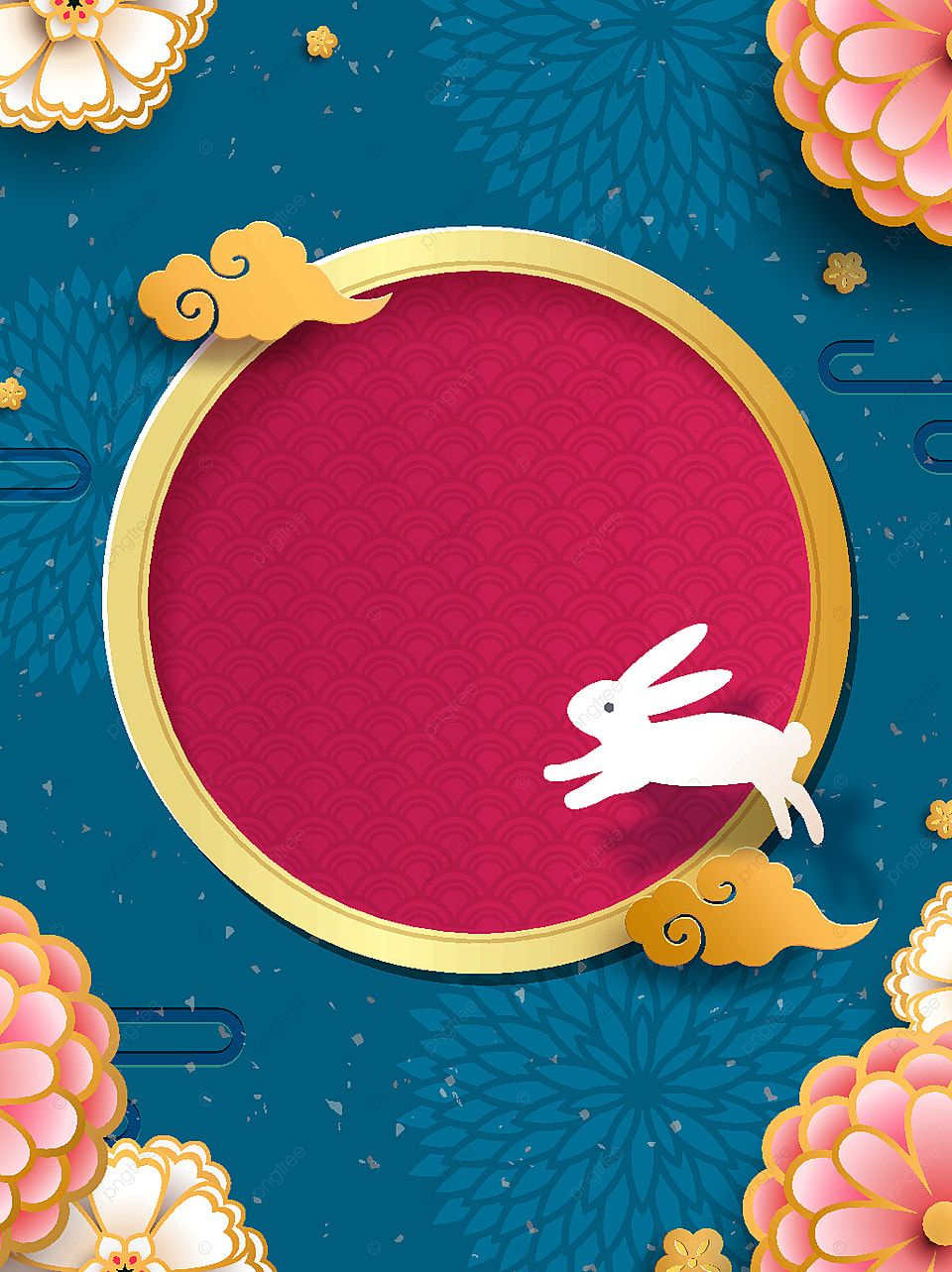
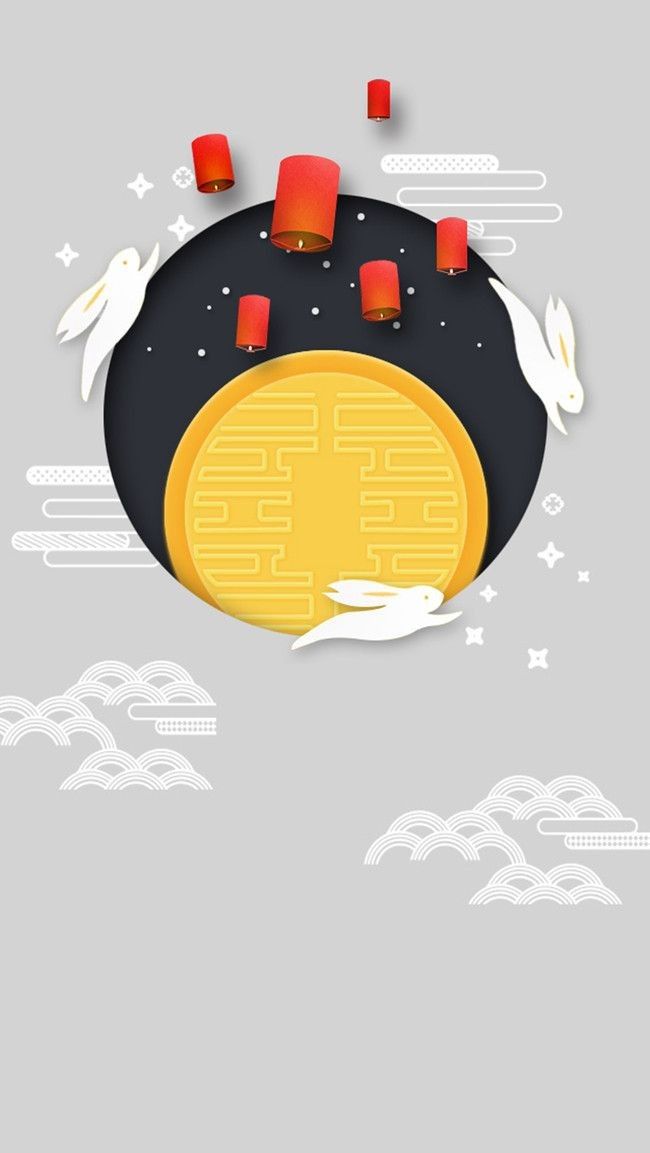
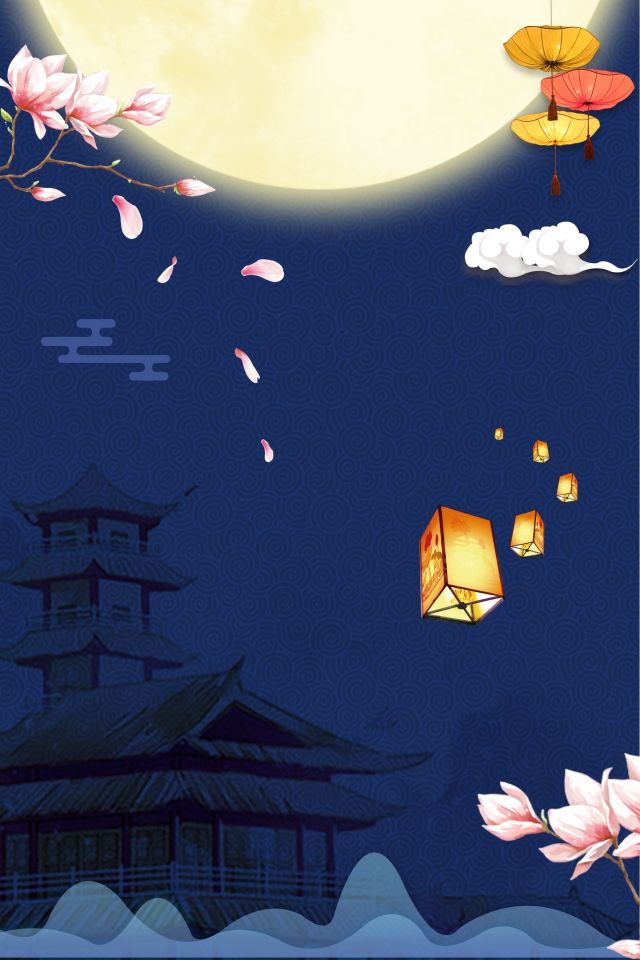
This collection contains 22 Mid-Autumn Festival wallpapers for phones. The designs draw on familiar festival imagery such as the full moon, lanterns, mooncakes, rabbits, moonlit landscapes, and colorful celebrations.
Mid-Autumn Festival is observed in Vietnam, China, and other parts of Asia, with traditions that vary by country and community. Rather than treating every symbol as universal, choose an image that reflects the celebration or style you recognize.
Mid-Autumn Festival phone wallpaper gallery
Open a wallpaper to view it at the largest available size before saving. The gallery layout may show reduced previews for faster loading.
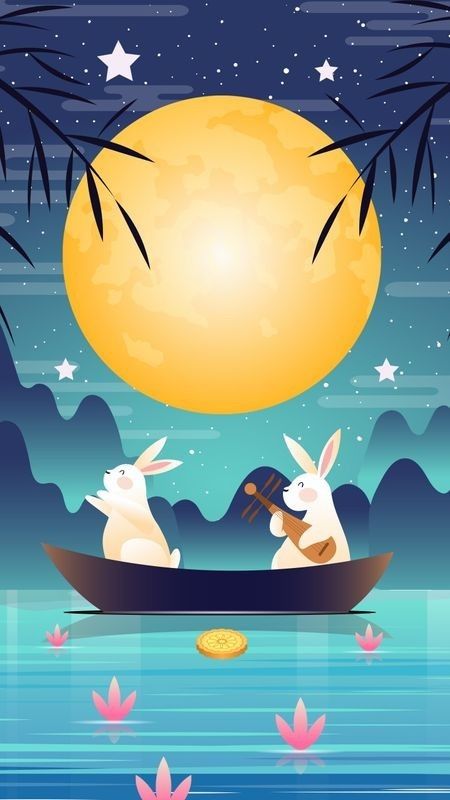
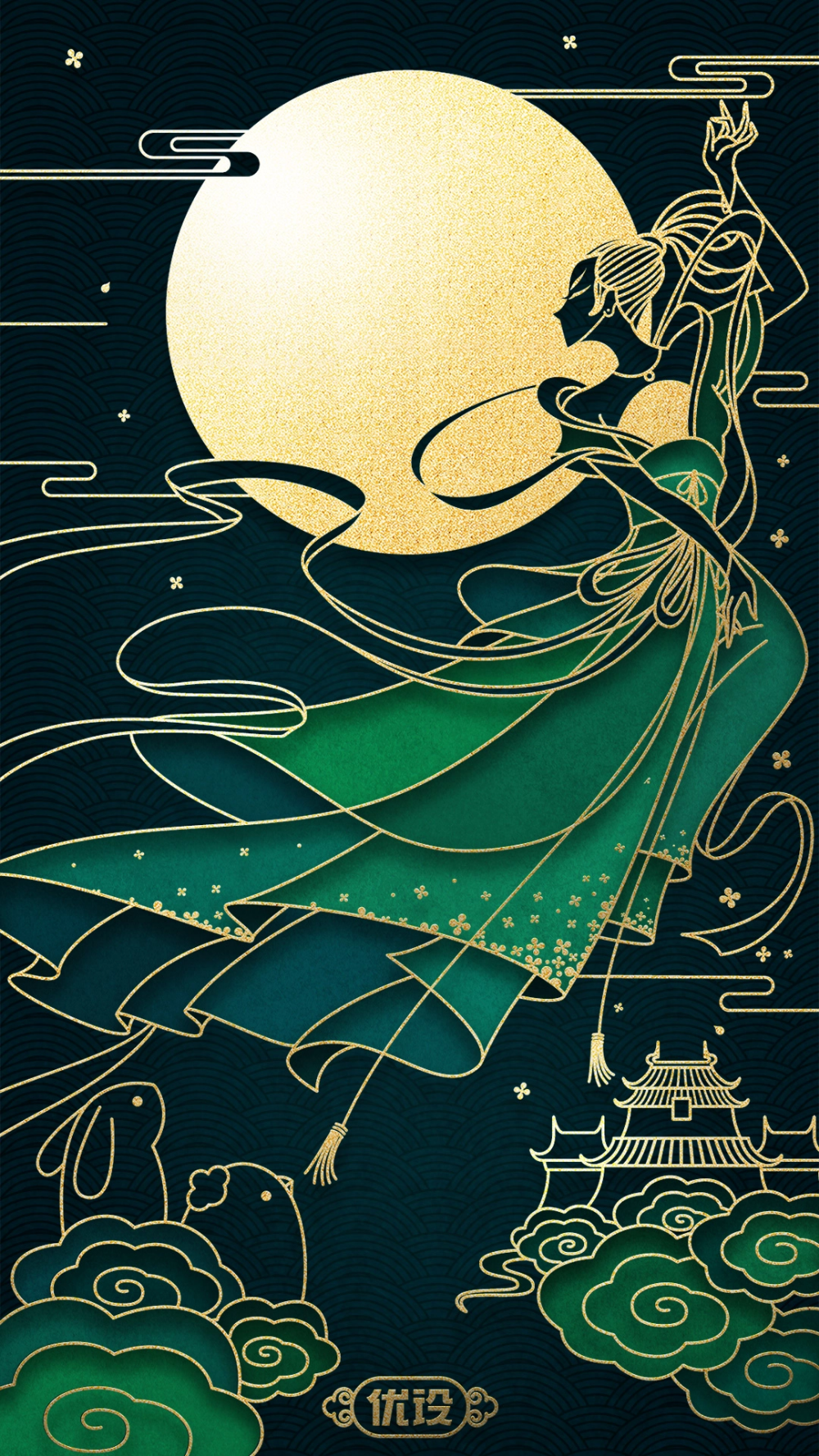

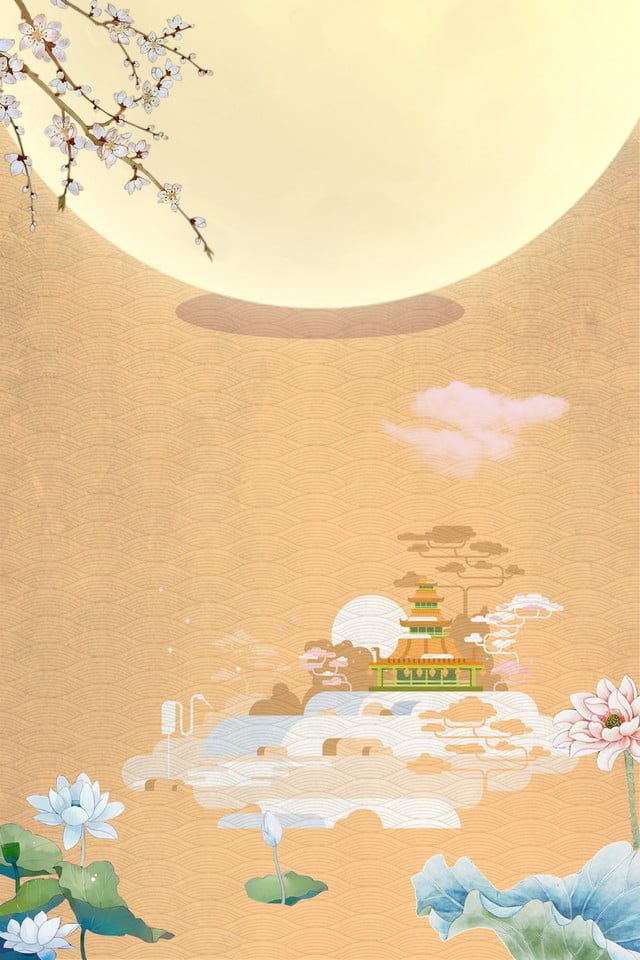
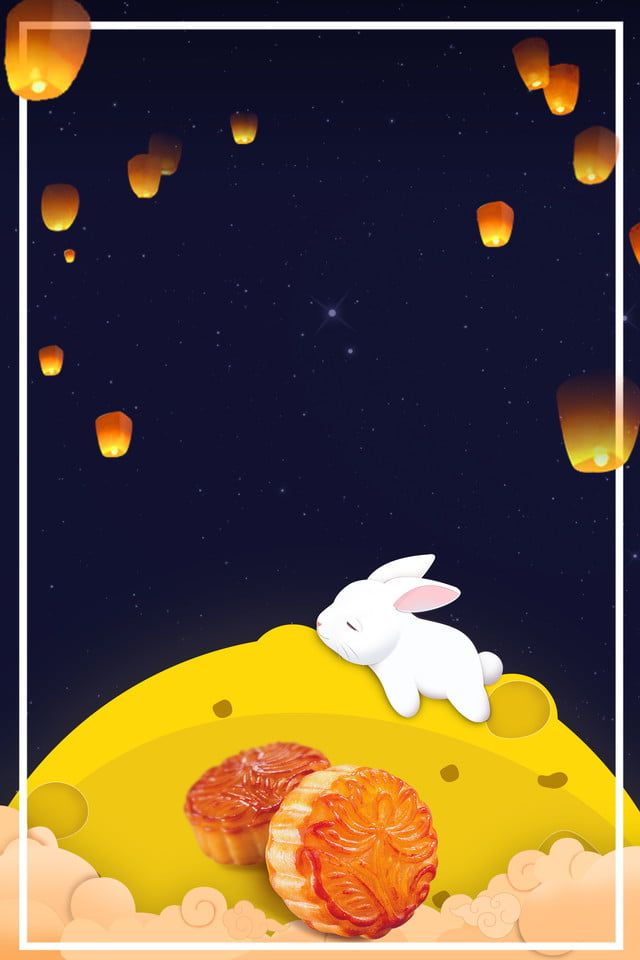
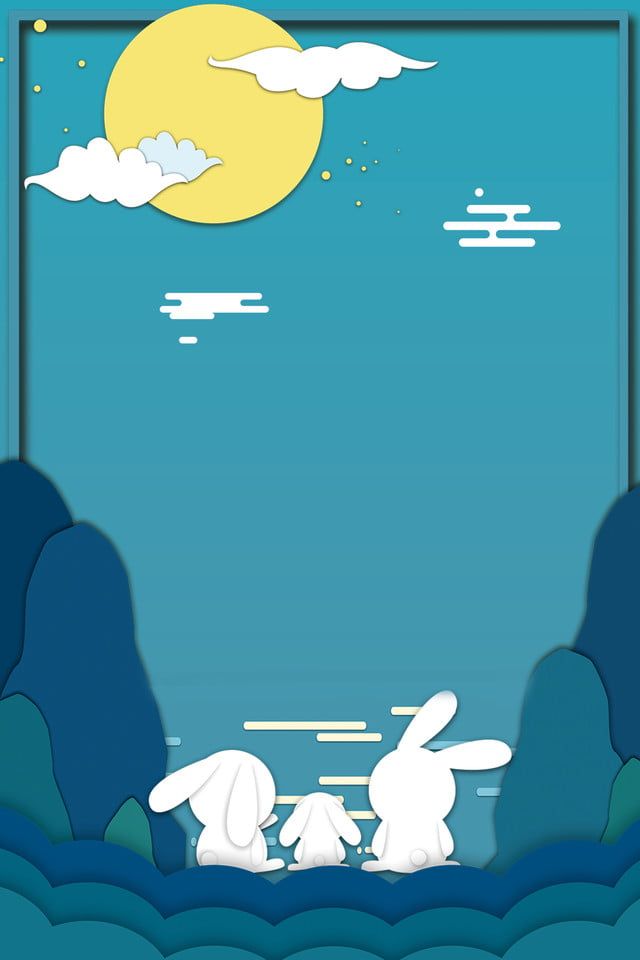
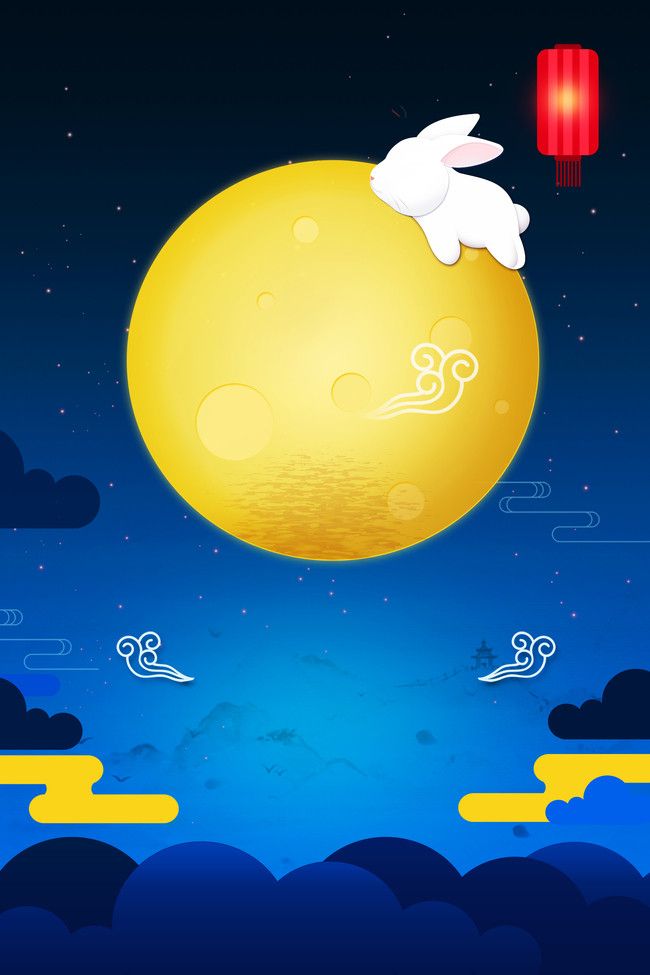

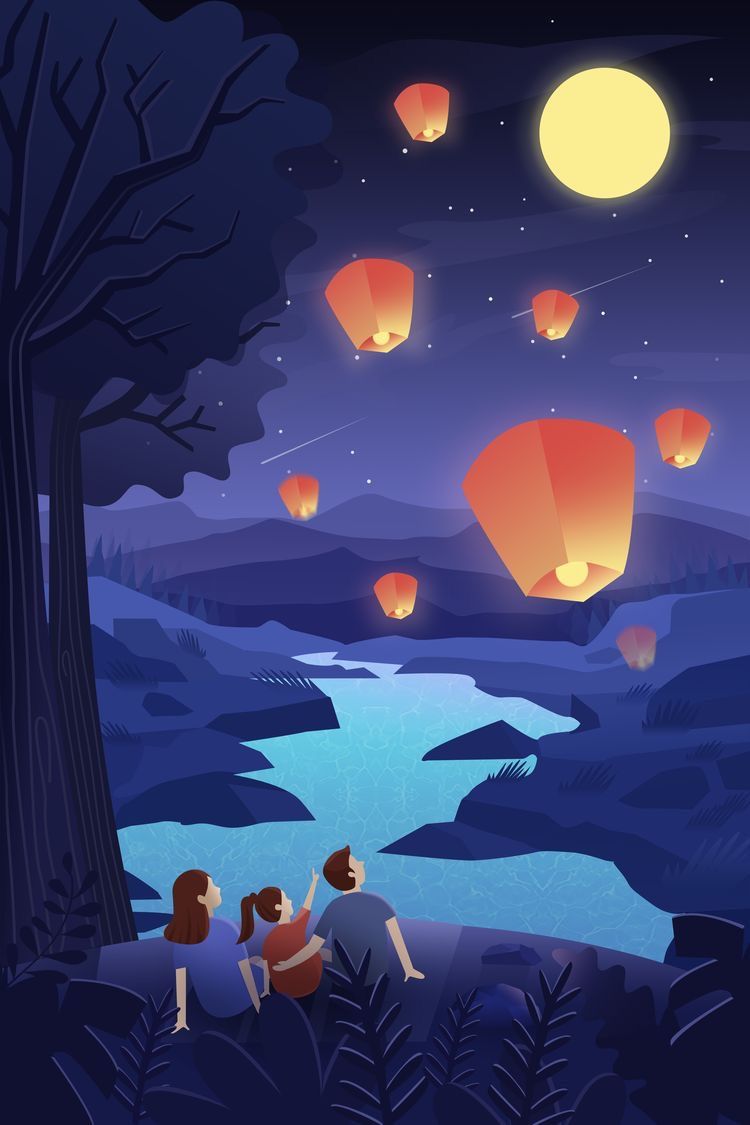
How to choose a wallpaper
- For a Lock Screen: leave a relatively calm area behind the clock, widgets, and notifications.
- For a Home Screen: avoid dense details directly behind app icons and labels.
- For a dark theme: moonlit blue, purple, or black backgrounds usually blend naturally with darker interface elements.
- For a festive look: red, gold, orange, and bright lantern illustrations create a stronger celebratory effect.
- For a simpler screen: choose a design with one main subject and ample negative space.
A wallpaper that looks best as a standalone illustration may not be the easiest to read under a phone interface. Always check the actual preview before confirming it.
Save and apply the image
- Tap the chosen wallpaper to open the image.
- Touch and hold it, then choose the browser's save or download command. On a computer, use the image context menu.
- Open the wallpaper settings on your phone and select the saved file.
- Drag and pinch to adjust the crop. Keep the moon, lantern, character, or other focal point away from camera cutouts and interface text.
- Preview the Lock Screen and Home Screen separately. Use different crops or different images if one version becomes too busy.
Save the source image directly when possible. A screenshot can add browser controls, reduce quality, and make later cropping more difficult.
Crop and readability tips
- Portrait-oriented artwork normally requires less cropping on a phone.
- Check the image at normal brightness as well as in a dim environment.
- Leave enough contrast behind white or dark clock text.
- Do not enlarge a small image so far that it becomes visibly soft.
- Keep an unedited copy so you can create a different crop later.
For additional styles, browse these Full HD, 2K, and 4K phone wallpapers. iPhone users can also coordinate the image with Lock Screen widgets or explore Home Screen customization apps.
Related Articles
 The Best Mid-Autumn Photos for Facebook: Facebook Cover Photo4 minutes read
 Collection of the Best Fun Puzzles to Play in the Mid-autumn7 minutes read
 Places of Entertainment During the Mid-autumn Festival in Hanoi4 minutes read
 How to Organize Games for Children Happy Mid-autumn Festival7 minutes read
 What Do Countries Do on Mid-autumn Festival10 minutes read
 Origin, Customs and Meaning of the Mid-autumn Festival8 minutes read
Reader Comments 0
Sign in with email or Google to join the discussion.