Table of Contents
This updated guide explores Microsoft authenticator removes password manager to boost edge users with practical details, clear explanations, and useful takeaways. Microsoft Authenticator is a very convenient app for generating two-factor authentication codes, storing and autofilling passwords, keeping users' payment information safe, and more. Unfortunately, next month the app will lose one of its best features.
Microsoft has a new plan for the Password Manager in the Authenticator app, which is to remove it so you can switch to the Edge browser. Specifically, from June 2025, Microsoft Authenticator will no longer be able to save new passwords. In July 2025, the app will stop automatically filling in personal information on websites or apps, as well as your payment information. Finally, in August 2025, all saved passwords, including those you have created, will disappear completely.
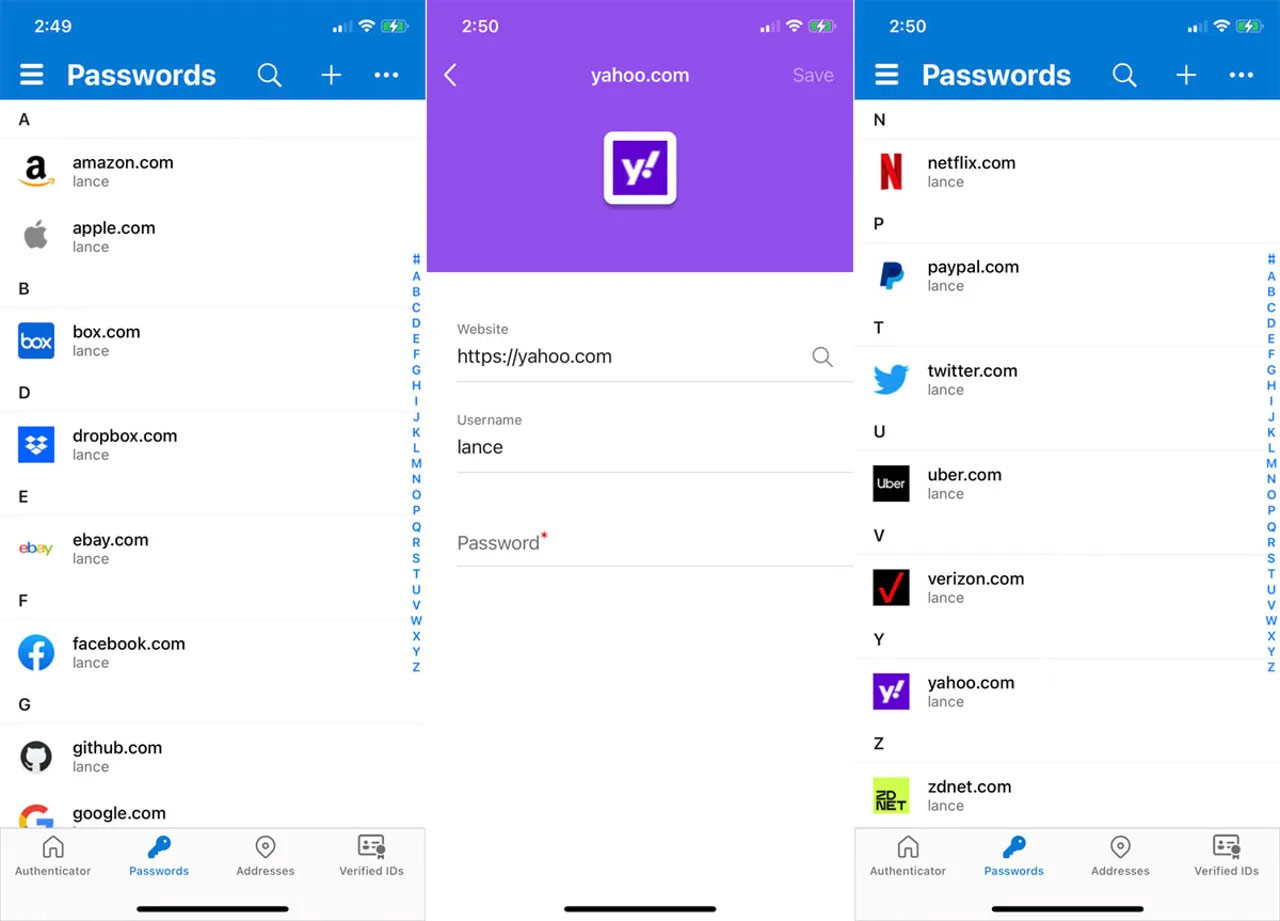
In explaining this big change, Microsoft said that removing the password manager in Authenticator was just to simplify the autofill feature so you can easily use saved passwords across multiple devices. The company also added that Authenticator is not going away and you will still use it to generate two-factor authentication codes and store passkeys. it is just that the app is becoming less useful, forcing people to use Edge or switch to another password manager.
Authenticator's password manager replacement is divided into two options:
- One is to use the AI feature of the Edge browser on your phone to automatically fill in information through the password manager.
- Second is to export all data from Authenticator to another password manager.
Microsoft notes that all data must be exported by August 1, 2025. After that date, passwords and other information will be automatically deleted.
FAQ
What is the main takeaway about Microsoft Authenticator Removes Password Manager to Boost Edge Users?
The key is to understand the core idea, compare the available options, and apply the practical guidance that matches your situation.
What should beginners know about Microsoft Authenticator Removes Password Manager to Boost Edge Users?
Start with the essential steps and terminology. Avoid changing advanced settings until you understand how they affect performance, privacy, cost, or compatibility.
How can I use this information in practice?
Follow the relevant section in order, test one change at a time, and confirm the result before moving to the next step or recommendation.
Related Articles
 Microsoft Authenticator Password Manager Is Shutting Down7 minutes read
 How to Use the Microsoft Authenticator App5 minutes read
 How to Manage Passwords on Microsoft Edge: Avira Password Manager3 minutes read
 How to Use Microsoft Authenticator as a Password Manager8 minutes read
 How to Login to a Microsoft Account Without a Password6 minutes read
 Microsoft Authenticator No Longer Saves Your Passwords: Export Them Now!5 minutes read
Reader Comments 0
Sign in with email or Google to join the discussion.