Table of Contents
The October 2025 Windows 11 bug that disabled USB keyboards and mice inside Windows Recovery Environment (WinRE) was fixed. Microsoft released KB5070773 on October 20, 2025, and says later updates include the resolution. The old advice to skip security updates while waiting for a fix is no longer appropriate.
What the incident affected
After KB5066835, released October 14, 2025, affected systems could lose USB keyboard and mouse input in WinRE. Microsoft noted that those devices continued working in normal Windows. This was not a general claim that every USB device had become incompatible with the PC.
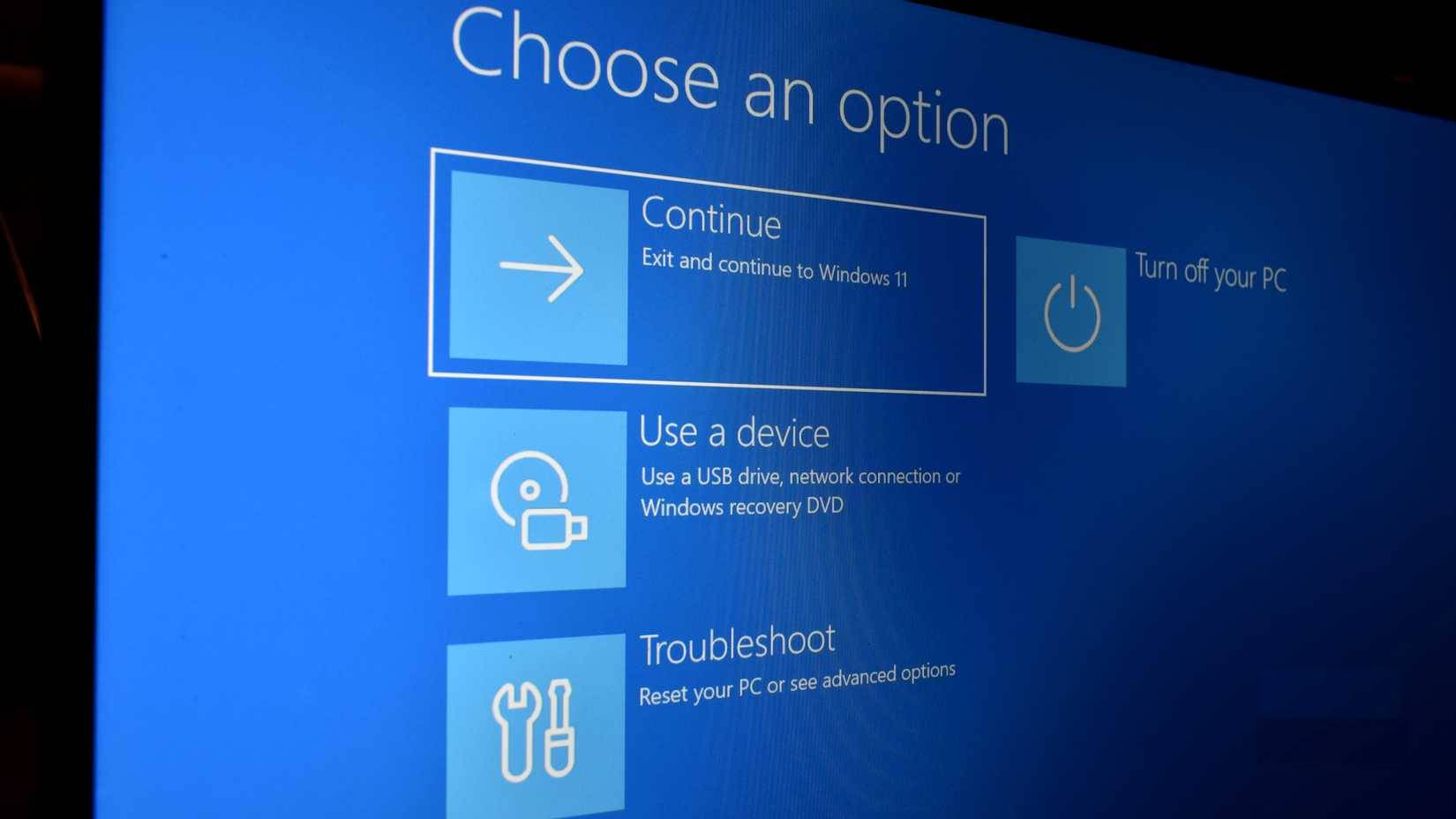
WinRE contains repair and recovery tools, so losing input there could prevent navigation. It did not establish that every recovery component was broken or that the same cause explains every later keyboard problem.
Install the current fix through Windows Update
If Windows starts normally, save your work and open Settings > Windows Update. Install the applicable current cumulative update and restart when required. Microsoft recommends the latest update for the device rather than installing an obsolete package just because it was the first fix.
The KB5070773 release note identifies the corrected behavior. Its cumulative package included the earlier security improvements as well as the USB fix.
If an affected system cannot start Windows
Microsoft's resolved-issue record listed temporary routes for affected devices:
- Use supported touchscreen input and the touch keyboard where available.
- Use a PS/2 keyboard or mouse if the PC actually has a compatible port.
- Boot a previously created USB recovery drive with functioning recovery input.
These depend on the hardware and recovery media. They are not reasons to buy an old keyboard without checking compatibility, nor do they guarantee a solution to an unrelated boot failure. On managed devices, contact IT for its recovery procedure.
Keep the earlier video in context
The embedded video is background material from the earlier coverage. Use Microsoft's current resolution and your device's support instructions for repair decisions.
If the symptom remains after updating
Record the Windows version and build, whether input works in normal Windows, and whether the failure occurs in built-in WinRE or separate recovery media. Try a known-working wired keyboard and port where practical. Then use the PC manufacturer's support route or your administrator.
Do not reset or reinstall Windows solely because this old incident sounds similar. Recovery operations can affect data; identify the current problem and preserve needed files before choosing a repair.
Related Articles
 What is Windows Recovery Environment? How does WinRE work?
 How to remove updates from Windows Recovery Environment (WinRE)
 Enable / disable Windows Recovery Environment (WinRE) in Windows 10
 Notable security features on the latest Windows 10
 How to update Win 7, update Windows 7 to the latest version
 How to update Skype to the latest version
Reader Comments 0
Sign in with email or Google to join the discussion.