Table of Contents
This guide covers laptop swivel screen of acer with practical context and easy-to-follow details. Use it to understand the subject and apply the information confidently.
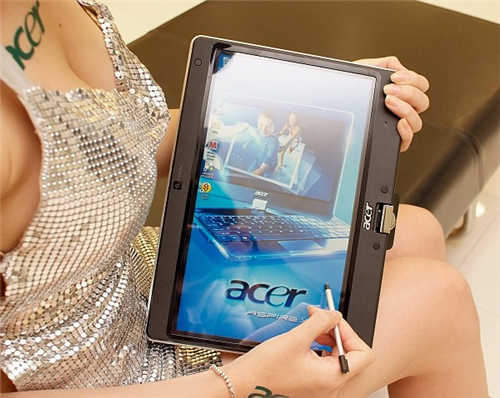
 Acer Aspire 1420P has a tap-screen design like the tablet PC Photo of Cnet.
Aspire 1420P has a tap screen design like tablet PC tablet and owns a configuration of energy-saving ultraportable laptop with Intel CULV processor, 4 GB RAM, HDD 250 hard drive GB, full Bluetooth connectivity, Wi-Fi 802. 11b / g / n, additional mobile connectivity options include UMTS / HSPA / HSDPA / GSM / GPRS / EDGE, besides 3 USB ports, video outputs HDMI, VGA, integrated webcam, and 6-cell 5, 600 mAh battery.
It weighs 1. 5 kg with 3 colors black, red and blue with multi-tap screen 11. 6 inches resolution 1366 x 768. According to Engadget , Acer Aspire 1420P will be sold in Asia early this month. 11 to and preinstalled Windows 7 operating system.
Actual image of Acer Aspire 1420P during the launch of Acer computer running Windows 7 took place last weekend in Taiwan.
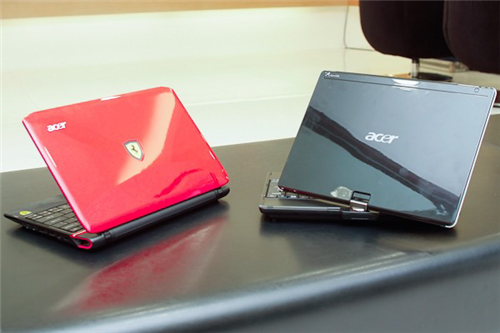 Acer Aspire 1420P next to Acer Ferrari One.
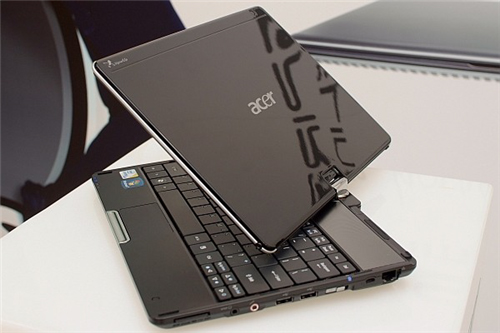 Rotating screen design of tablet PC.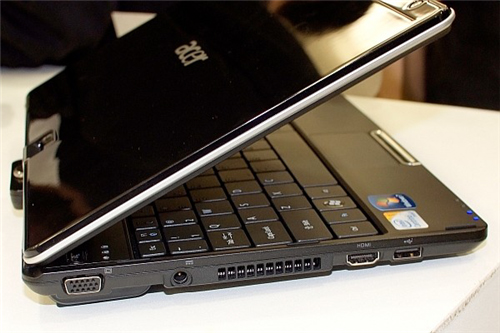
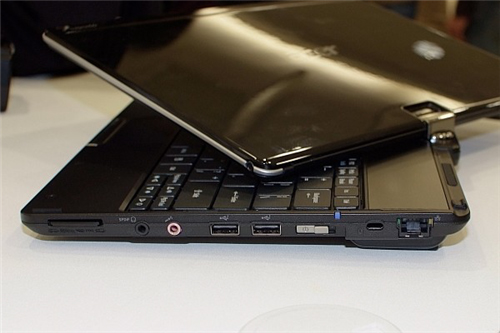 It has 3 USB ports, including both HDMI and VGA video outputs.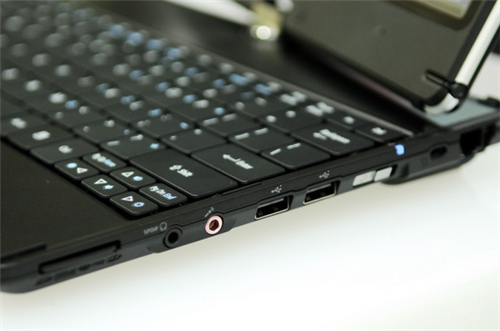
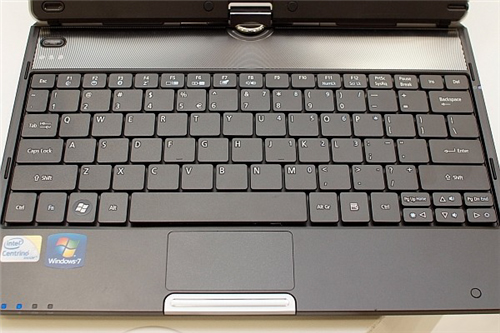 Chiclet keyboard "hybrid", floating keys but not wide spacing.
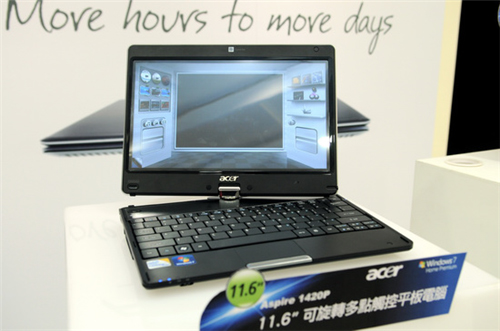 Multi-tap screen touches 11. 6 inches resolution of 1366 x 768 pixels.
 On the hands of pretty models on launch.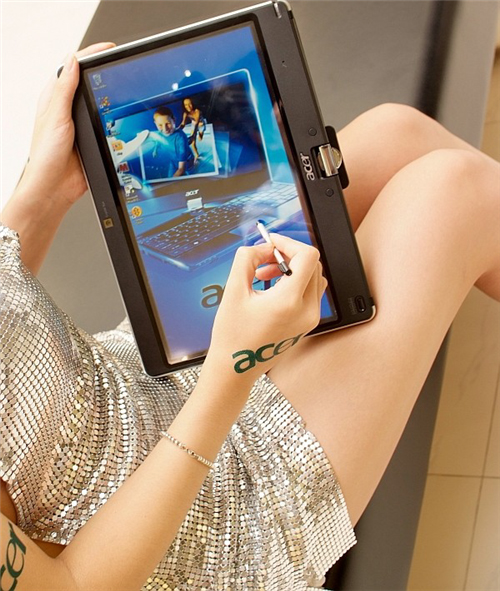
FAQ
What should I check before following these steps?
Confirm device and software compatibility, save important data, and make sure you have the required permissions, files, and account access.
Why might the process not work?
Common causes include outdated software, missing permissions, incompatible hardware, an unstable connection, or completing a step in the wrong order.
Can I undo the changes if necessary?
That depends on the tool or setting. Use built-in restore options when available, keep a backup, and record the original configuration first.
Related Articles
 12 Quick and Simple Ways to Take Screenshots of Acer Computers9 minutes read
 Close Up of Acer Iconia Two-screen Laptop3 minutes read
 Acer Leads the Touch Screen Trend5 minutes read
 Acer Will Release the 3D Laptop in October3 minutes read
 5 Popular Laptop Models from Acer: Best Options Compared8 minutes read
 Acer Launches Aspire V5 and M5 Touch Version3 minutes read
Reader Comments 0
Sign in with email or Google to join the discussion.