Table of Contents
This updated guide explains how to Prevent Telephone Cramming through clear steps, practical examples, and important checks that help prevent common errors.
Method 1 of 2:
Prevention
-
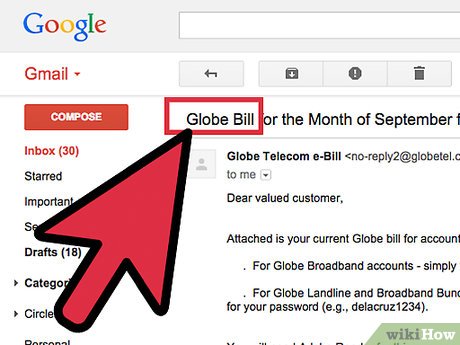 Read your telephone bill monthly. Check for mysterious charges. Contact your local telephone company to check to see if the charges are legitimate.
 -
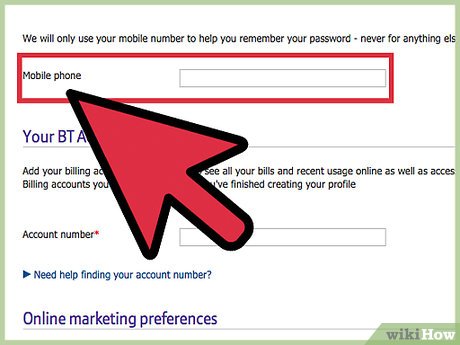 Be wary of web sites requesting your telephone number. Once access is gained for your telephone number, your telephone bill may be billed for unordered or nonexistent services.
 -
 Use caution when dialing 800 numbers. Call only familiar or known 800 telephone numbers. Use caution when asked to leave personal information such as your name or other personal information, if requested.
 -
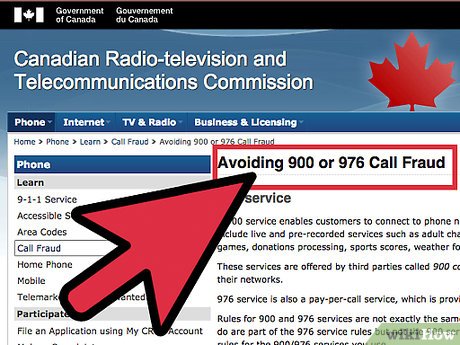 Use caution when dialing 900 telephone numbers. All 900 telephone numbers which cost more than $2 for their service are required to give a brief message stating the service offered, the name of the service provider, and the cost of the telephone call. The caller has three seconds to end the telephone call before being charged for the 900 telephone service.
 -
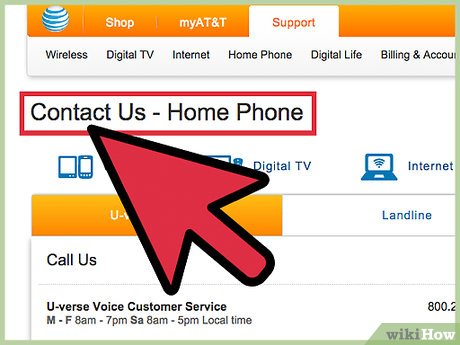 Contact your local telephone company to have telephone calls blocked. Telephone companies may be able to block 900 telephone numbers, international, long distance and local toll calls.
 -
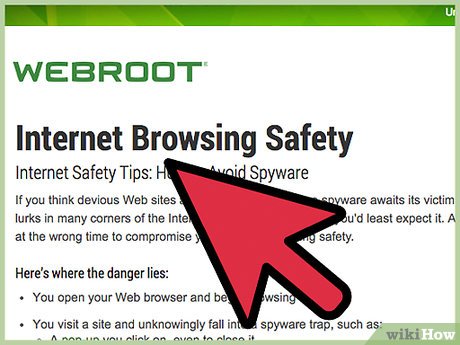 Use caution when providing personal information at unfamiliar web sites. Only give personal information to known, established web sites.
 -
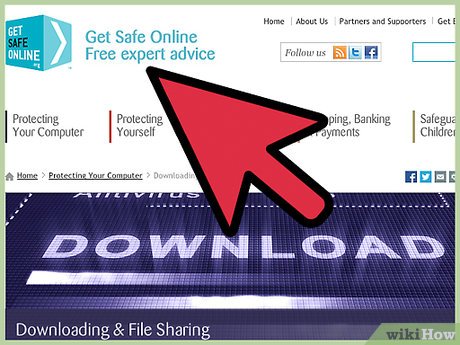 Use care when providing information to web sites offering free services such as music downloads or other forms of free services. Mom is usually right: If it sounds to good to be true, it probably is.
 -
 Monitor your child's access to the Internet. Children and young adults may "fall" for the lure of free stuff from web sites waiting to garner personal information.
Method 2 of 2:
Action
-
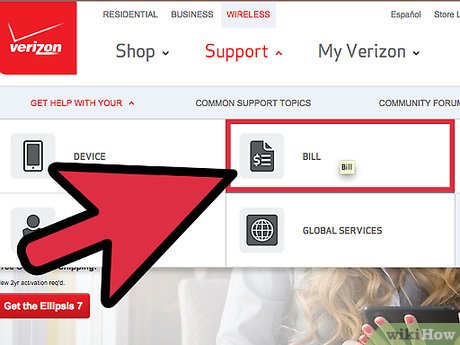 Contact your local telephone company immediately if you discover billing for unauthorized services. The services may be hidden in the fine print and may use such terms as "enhanced voice mail" or paging.
 -
 File a complaint with the Federal Trade Commission, if suspicious telephone charges are discovered on your bill. Some of the telephone charges may be for long distance telephone calls, information or entertainment services accessed through 900 numbers or non-basic telecommunications services like voice mail or paging, according to the Federal Trade Commission web site.
 -
 File a complaint with your public utilities commission, if the telephone company is unable to reverse the unauthorized telephone charges.
FAQ
What is the easiest way to Prevent Telephone Cramming?
Start with the requirements in this guide, then follow each step in order. Check the result after every major change so problems are easier to identify.
Can beginners follow these instructions?
Yes. The process is organized into practical steps, and you can repeat any step before moving forward.
What should I check if the method does not work?
Confirm your software or device version, permissions, settings, file format, and internet connection when the task depends on online services.






Reader Comments 0
Sign in with email or Google to join the discussion.