Table of Contents
The Chinese mobile title commonly called “TFT China” is Battle of Golden Spatula (金铲铲之战), an officially licensed Teamfight Tactics auto-battler published by Tencent. It is a separate service from the global Teamfight Tactics client and from the international Golden Spatula app. Accounts, purchases, modes, and season content should not be assumed to transfer between them.
Before downloading the Chinese version
- The interface and support are primarily intended for players in mainland China.
- Sign-in normally uses a supported QQ or WeChat account.
- The service may request identity or age verification under local requirements.
- Availability in an app store depends on the store region and device.
- Game files and updates can require substantial free storage; check the size shown by the official installer before continuing.
Do not download an old APK from a file mirror merely because it is labelled “TFT China.” A modified or obsolete package can expose your device or fail to update.
Download Battle of Golden Spatula on Android
- On the Android device, visit the official Battle of Golden Spatula website.
- Select the Android download option shown by the publisher.
- Review the browser and Android installation warning carefully. Confirm that the package came from the official jcc.qq.com page before allowing installation.
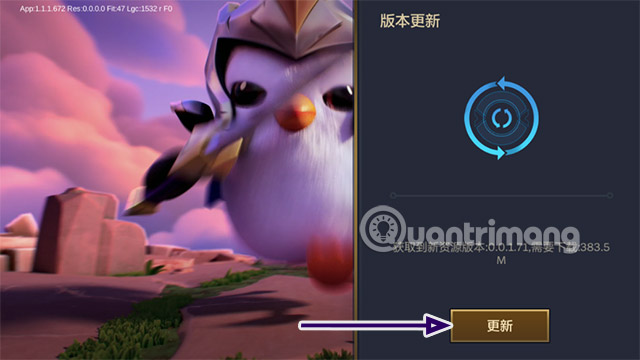
- Open the installed game and allow it to download current resources.
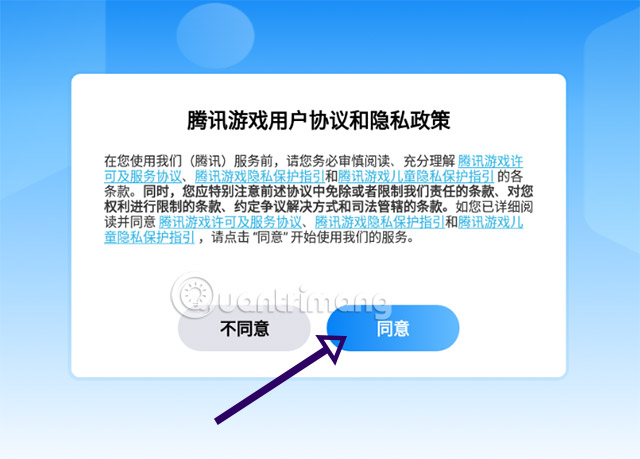
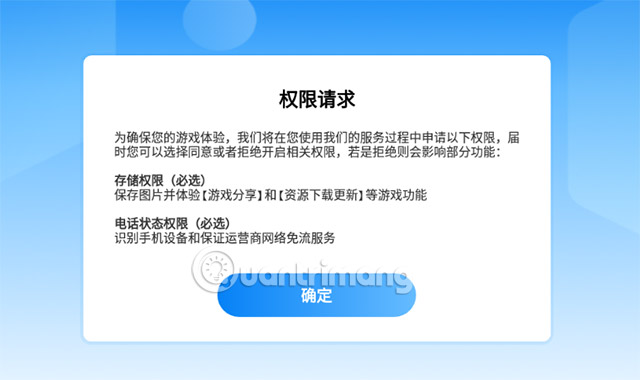
- Read the privacy and permission prompts instead of accepting permissions that are unrelated to game operation.
If Android blocks the installer, do not disable security protections permanently. Enable installation for the specific browser only when you have verified the official source, complete the install, and turn that permission off again.
Download the Chinese version on iPhone or iPad
The official iOS listing is available in Apple's mainland China App Store as 金铲铲之战. If the listing is unavailable in your current store region, Apple may not offer that edition for the region tied to your Apple Account.
Changing an Apple Account region can affect subscriptions, store credit, payment methods, and family sharing. Review Apple's current requirements before changing it, and do not use purchased or shared accounts from strangers.
Sign in with QQ or WeChat
- Launch the game after all resource updates finish.
- Select the QQ or WeChat sign-in option that belongs to you.
- If a QR code appears, open the official QQ or WeChat app on your phone and use its scan function.
- Review the account-authorisation screen, then approve access only for the correct game.
- Complete any age or identity requirement shown by the official service.
Never send a login QR code to another person. Scanning or approving a code can authorise access to your account.
Older setup screenshots
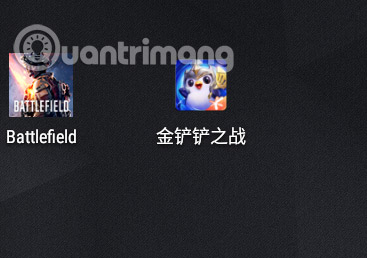
The following screenshots are retained from the original guide. They show an earlier Android build and may not match the current button layout, download size, season, or permission prompts.
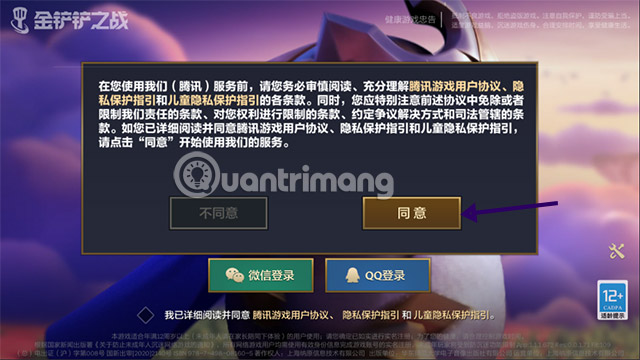


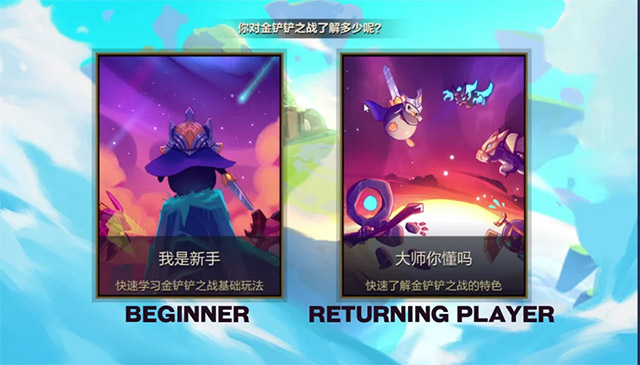
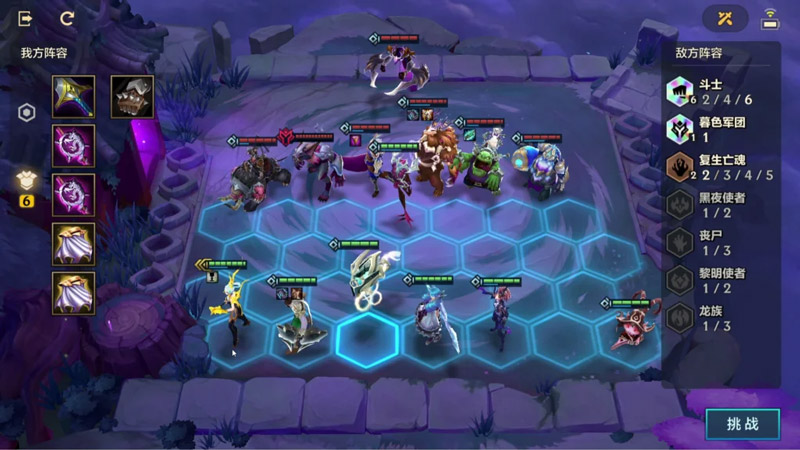
Is this the same as global Teamfight Tactics?
No. The Chinese Battle of Golden Spatula service can include different schedules, modes, cosmetics, social systems, and classic-set content. It should be treated as a distinct game service even though it is officially licensed from the TFT franchise.
Players outside mainland China may find the globally distributed Teamfight Tactics or Golden Spatula apps easier to install and support. For other games in the genre, see TipsMake's guide to mobile auto-battlers.
Installation and account safety
- Use only Tencent's official site or Apple's official App Store listing.
- Do not install “unlocked,” translated, or modified APK files.
- Keep enough storage for later resource packs and updates.
- Use your own QQ, WeChat, or Apple Account.
- Do not pay a third party to bypass region or identity checks.
- Expect menus and game data to change with patches.
This route gives you the official Chinese client without relying on the obsolete Season 5.5 download link referenced in the original article.
Related Articles
 How to Download and Play Clash of Clans China on iPhone and Android4 minutes read
 How to Download and Play Free Fire Chinese Version4 minutes read
 How to Download and Install the Chinese Kwai App9 minutes read
 How to Download and Install the Bilibili China APK for Android and iOS5 minutes read
 The Chinese Government Will Replace the Entire Current Windows4 minutes read
 How to Download Douyin (Chinese TikTok)5 minutes read
Reader Comments 0
Sign in with email or Google to join the discussion.