Table of Contents
You can legally download high-quality music for free when the artist or rights holder explicitly offers it. Good places to look include artist websites, Bandcamp releases marked free or “name your price,” Free Music Archive tracks with a clear license, and selected Internet Archive items whose rights information permits downloading.

Do not assume that a site is legitimate because it offers a popular commercial song in FLAC. File size, a “lossless” label, or a high bitrate does not prove that the file came from a lossless master or that the distributor has permission.
What “high-quality” and “lossless” mean
| Format | Compression | Typical use |
|---|---|---|
| MP3 | Lossy | Small files and broad device compatibility |
| AAC/M4A | Usually lossy | Efficient streaming and mobile playback |
| FLAC | Lossless | Smaller than uncompressed audio while preserving decoded audio data |
| ALAC | Lossless | Apple-oriented libraries and devices |
| WAV/AIFF | Usually uncompressed PCM | Editing, production, and archival workflows |
Lossless describes the encoding process, not the recording quality. A low-quality MP3 converted to FLAC remains low quality; it merely becomes a larger file. A 320 kbps MP3 can sound excellent, while a poorly mastered lossless file can still sound bad. Your headphones, speakers, listening environment, and hearing matter as much as the format.
Reliable sources for authorized free downloads
1. Artist and label websites
The most direct source is the creator. Look for a clearly labeled Download, Free Download, or pay-what-you-want link on the artist's official site, mailing list, or verified profile. Read the terms: permission to listen does not automatically permit reuse in a video, podcast, game, or commercial project.
2. Bandcamp name-your-price releases
Browse Bandcamp's name-your-price releases. Some artists allow a price of zero; others set a minimum. When a download is offered, Bandcamp may provide several formats, often including MP3, FLAC, ALAC, AAC, Ogg Vorbis, WAV, and AIFF. Paying even when zero is allowed helps the artist.
3. Free Music Archive
Free Music Archive provides downloadable music with track-specific terms. Check the license badge and artist notes before reuse. A Creative Commons license can require attribution, prohibit commercial use, or require derivative works to use the same license.
4. Internet Archive audio collections
The Internet Archive audio collection includes live recordings, netlabel releases, public-domain audio, and user uploads in various formats. Rights differ by item. Download only when the item page, collection policy, and applicable law permit it; the presence of a download menu alone is not a rights guarantee.
How to download and verify a track
- Open the artist-authorized release page rather than a search result that imitates a music service.
- Read the license, price, attribution requirements, and permitted uses.
- Select the offered format:
- Choose FLAC or ALAC for a lossless library.
- Choose MP3 or AAC when storage and compatibility matter more.
- Choose WAV or AIFF for editing if the artist provides it.
- Save the file or ZIP archive and scan it with your security software.
- Extract the archive, check the file extension and metadata, and play the track before deleting the download package.
- Save a text copy or screenshot of the license if you plan to reuse the music in a project.
Why the old download-site method should not be used
The original article directed readers to an unnamed site offering a current commercial song at 128 kbps, 320 kbps, and “Lossless.” The source and licensing could not be verified, so that recommendation has been removed. These screenshots are retained only to help identify the obsolete workflow.
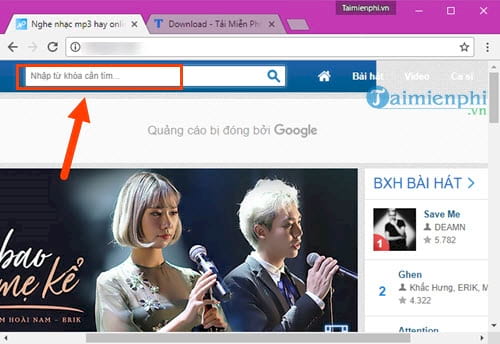
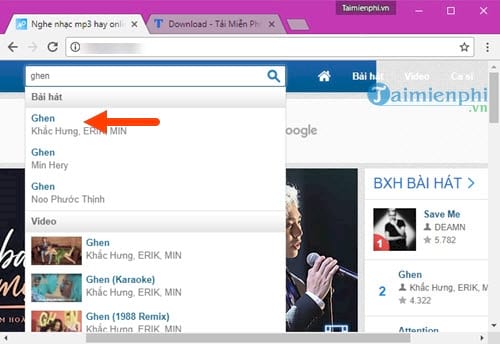
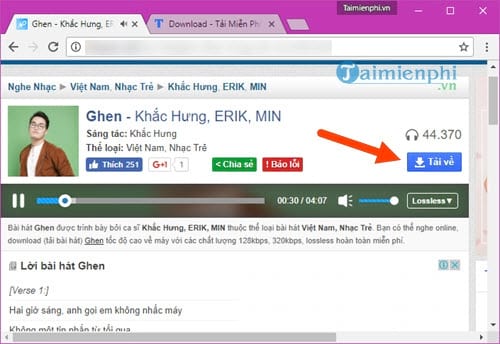
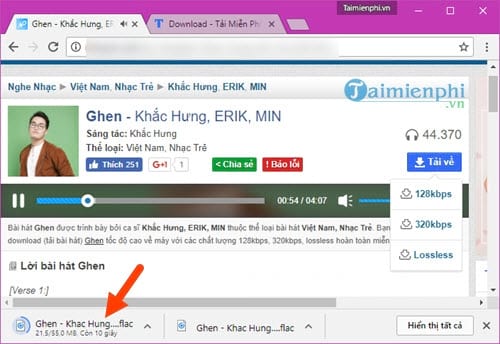
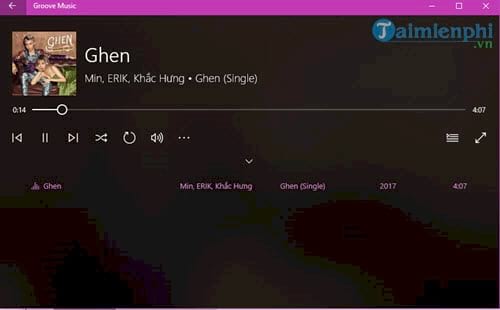
A large .flac file can still be an MP3 transcoded to FLAC. Conversely, a legitimate FLAC release may have a smaller or larger size depending on track length, sample rate, bit depth, channels, and how compressible the audio is.
Security and licensing checks
- A music download should not require a browser extension, “codec,” or antivirus exception.
- Do not enter a streaming-service password into a third-party download page.
- Reject unexpected notification permissions and close pop-up download buttons.
- Check whether “royalty-free” still requires a paid license or attribution.
- Keep receipts and license terms for music used in public or monetized work.
Play and organize lossless files
Current Windows, macOS, and many phones can play FLAC, but support varies by app and older device. If a file does not open, use one of the FLAC-compatible music players. For a clearer explanation of storage and compatibility, compare WAV, FLAC, and MP3.
For personal listening, download the format that fits your storage and devices. For creative reuse, the license is more important than the bitrate.
Related Articles
 60 Best Free Commons Music Download Sites: Download Free Music8 minutes read
 Instructions for Downloading High Quality Music on iPhone Without6 minutes read
 How to Downloading Music on YouTube, Downloading MP3 Files of YouTube Videos4 minutes read
 Software and Applications Download High Quality Wallpapers7 minutes read
 How to Sign up for a Zing Account VIP Downloads High Quality Music6 minutes read
 How to Download Free Music for Itunes and iPhone7 minutes read
Reader Comments 0
Sign in with email or Google to join the discussion.