Table of Contents
Learning how to download free music for itunes and iPhone is easier when the steps are completed in the correct order. Use this guide to prepare, make the changes, and verify the result.
There is nothing better than discovering your favorite band, then downloading their music legally, for free and filling the iPhone with these tracks. Downloading free music on the Internet has become easy since the arrival of Napster in 1999. Downloading music without losing artists' effort is not easy. However, in the last few years, tons of websites and applications authorized to provide free music have appeared. Here are 10 ways to download free music for iTunes and iPhone.
The websites and applications listed below can only download music in mp3 format and are free but offer many free songs that you cannot find on other websites.
- 3 ways to download MP3 from YouTube online
1. Amazon
Hidden in Amazon's huge online music store is the free download. You can find tens of thousands of free songs here from big names to anonymous people even though it's a bit hard to find, but if you spend a bit of time you will surely find a love song. like her.

2. Application
The website is not the only place to download music for free. There are many great apps that offer free music for iPhone. Some apps have a large music library, others offer a few selected songs every day.
3. Apple Music
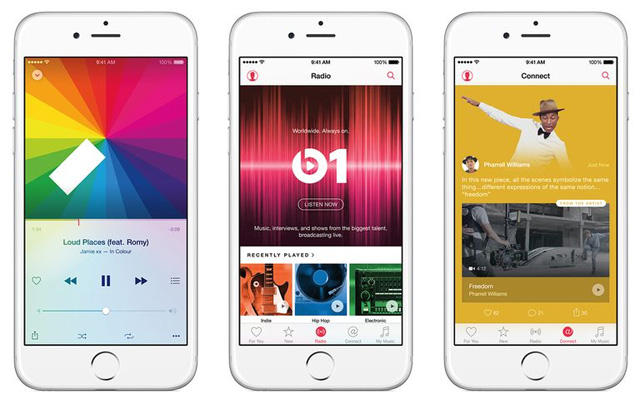
Apple's music service comes pre-installed in the Music app and on every iPhone. However it is not free, you will have to pay at least $ 9.99 a month but you can try a 90-day free trial that allows you to listen to an unlimited number of songs and download it for offline listening.
4. Freemusicarchive. org

This huge free music collection is provided by WFMU, one of the leading free-form radio stations in the United States. All tracks are contributed by WFMU and those invited to participate in the project. The songs here are allowed by musicians to use. In addition, you can also use licensed music for other projects.
5. Google Play Music
As Google's alternative to Apple Music, Google Play Music Unlimited offers 2 months of free music from the huge Google Play catalog before paying. Like Apple Music, after the trial period expires, you will have to pay $ 9.99 a month.
6. Jamendo. com
Jamendo contains many songs, half of which are copyrighted songs by music producers looking for fans and it's free. But if it's advertisers, filmmakers and others, you'll have to pay to download music.
7. Last. fm
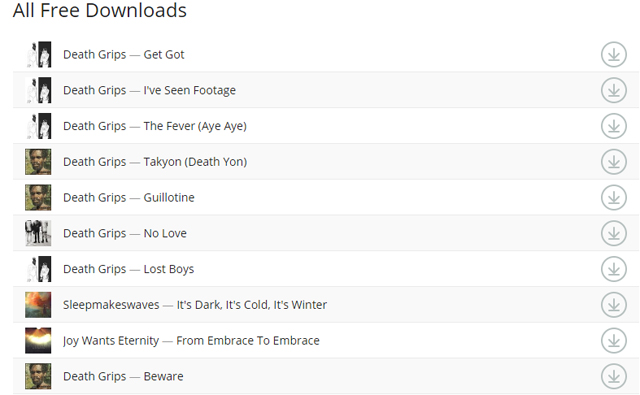
Last. fm provides hundreds of free songs with a variety of downloads.
8. Live Music Archive
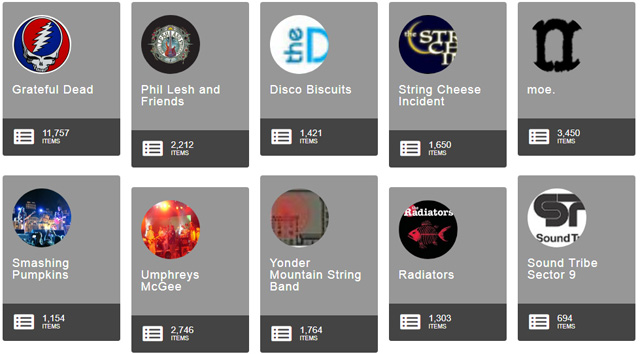
While it has a similar name, Live Music Archive has nothing to do with Free Music Archive. Live Music Archive is an archive of live concert recordings, it also has many other types of audio, such as podcasts, old radio programs, etc.
9. NoiseTrade. com
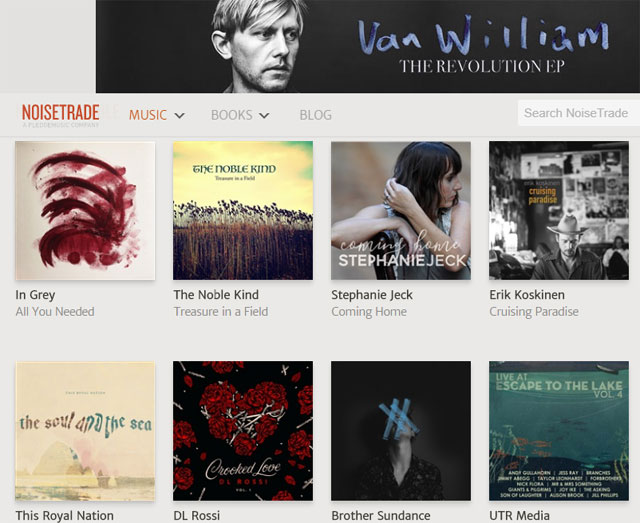
Designed to help indie bands and musicians and upcoming bands find fans, NoiseTrade offers thousands of free EPs including many exclusive EPs you can't find anywhere. where. The site also has books for you to download for free and read while listening to music.
10. SoundCloud. com
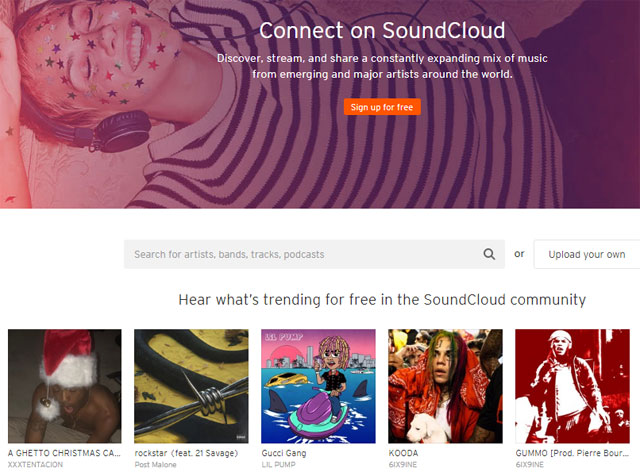
Although SoundCloud is the place to sell new albums, you can still find free songs to download. This is also a great choice if you are a musician, distribute your music to a large audience.
- The best free music download apps on Android
- Top 5 best free ringtone download websites
- How to copy music to iPhone, iPad from computer?
FAQ
What should I prepare before I download free music for itunes and iPhone?
Review the requirements in the guide, confirm that your device or software is compatible, and save important work before changing settings related to download free music for itunes and iPhone.
Why might download free music for itunes and iPhone not work as expected?
The most common causes are incompatible versions, missing permissions, incorrect settings, or an interrupted internet connection. Recheck each step and restart the app or device when appropriate.
Can beginners follow these download free music for itunes and iPhone steps?
Yes. Follow the steps in order, avoid skipping confirmation screens, and compare your interface with the screenshots because labels may differ slightly between versions.
Related Articles
 How to Copy Music to iPhone Without Itunes8 minutes read
 How to Download Free Music to Itunes8 minutes read
 3 Steps to Add Downloaded Mp3 Files to Itunes5 minutes read
 How to Set up iTunes14 minutes read
 Instructions on How to Download Music to iPhone Library Without iTunes Explained7 minutes read
 How to Change the File Download Folder on Itunes3 minutes read
Reader Comments 0
Sign in with email or Google to join the discussion.