Table of Contents
Overview
This guide explains how to download and play league of legends wild rift on PC in clear, practical terms. It covers the key concepts, recommended steps, common limitations, and useful checks so you can make a better-informed decision.
Although not officially launched, League of Legends: Wild Rift (Wild War) is an extremely hot name in recent days in the gaming community. In addition to playing Wild Rift on mobile devices, we can download and play Wild Rift on PC and Mac with Android emulator software. In this guide, Let's explore how to play Wild Rift with Android emulator software!
How to download and play League of Legends Wild Rift PC
To play League of Legends: Wild Rift on your computer, you need to own an emulator. You can use one of the following Android emulators:
- Download link: BlueStacks / LDPlayer / MEmu
In fact, using an emulator to play League of Legends: Wild Rift will be a need for those who are using low-configuration smartphones and do not have a complete experience when playing on mobile.
For BlueStacks
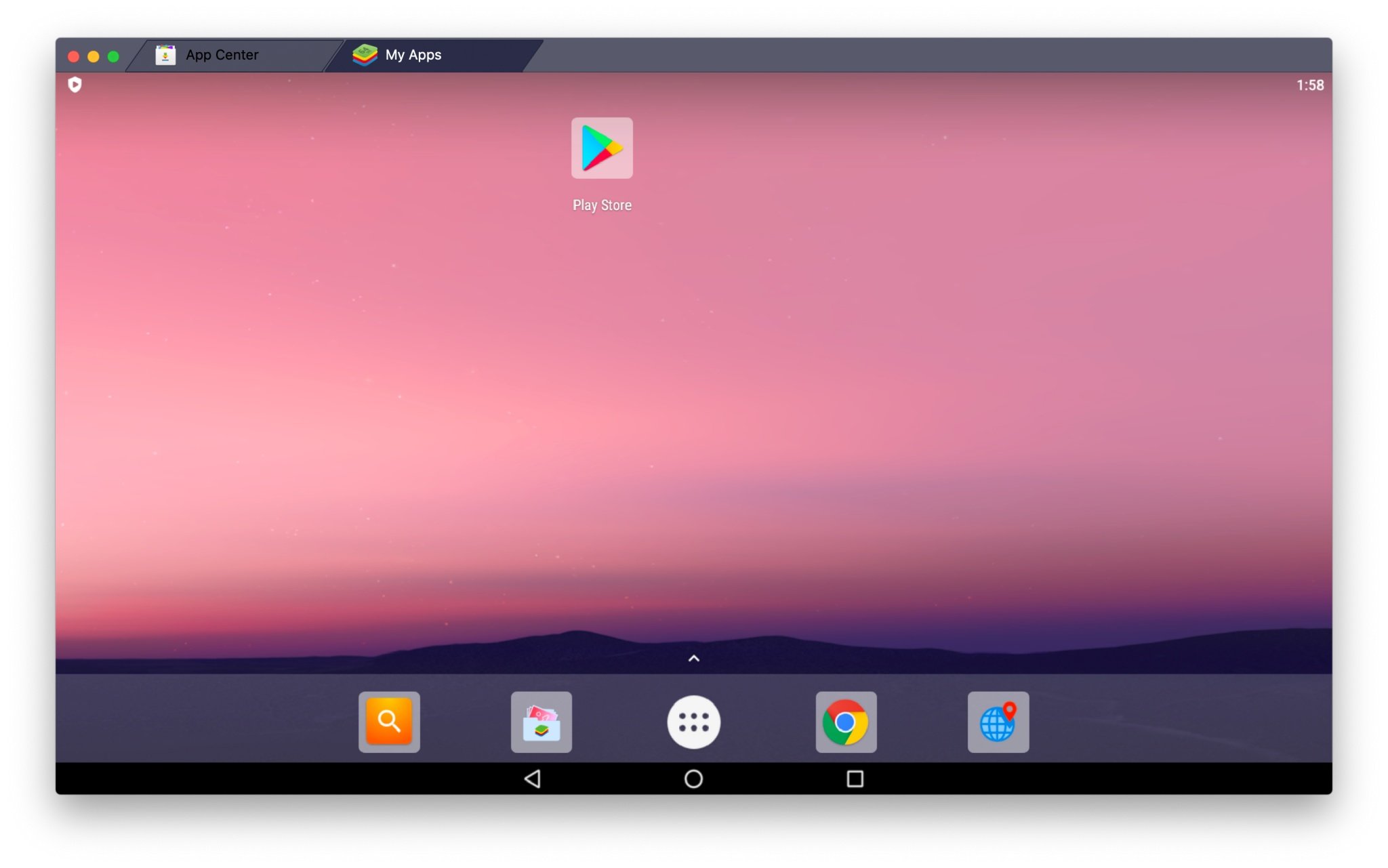
After downloading BlueStacks, you log in to Google Play Store to download the game. If you are using a Vietnamese account, you cannot download League of Legends: Wild Rift, unless you register for a Singapore or Malaysia account,.
How to create an account to play League of Legends: Wild Rift, you can see the instructions in the clip below:
Because it is an independent Android platform, you can go to Chrome to download LMHT Toc Chien through a third-party app market application. I recommend using Tap. io to download.
Note: APKPure and APKMirror files of League of Legends: Wild Rift cannot be played on BlueStacks.
Link to download League of Legends: Wild Rift: Tap. io Wait for the download and installation to finish, then open League of Legends: Wild Rift and play.
For LD Player
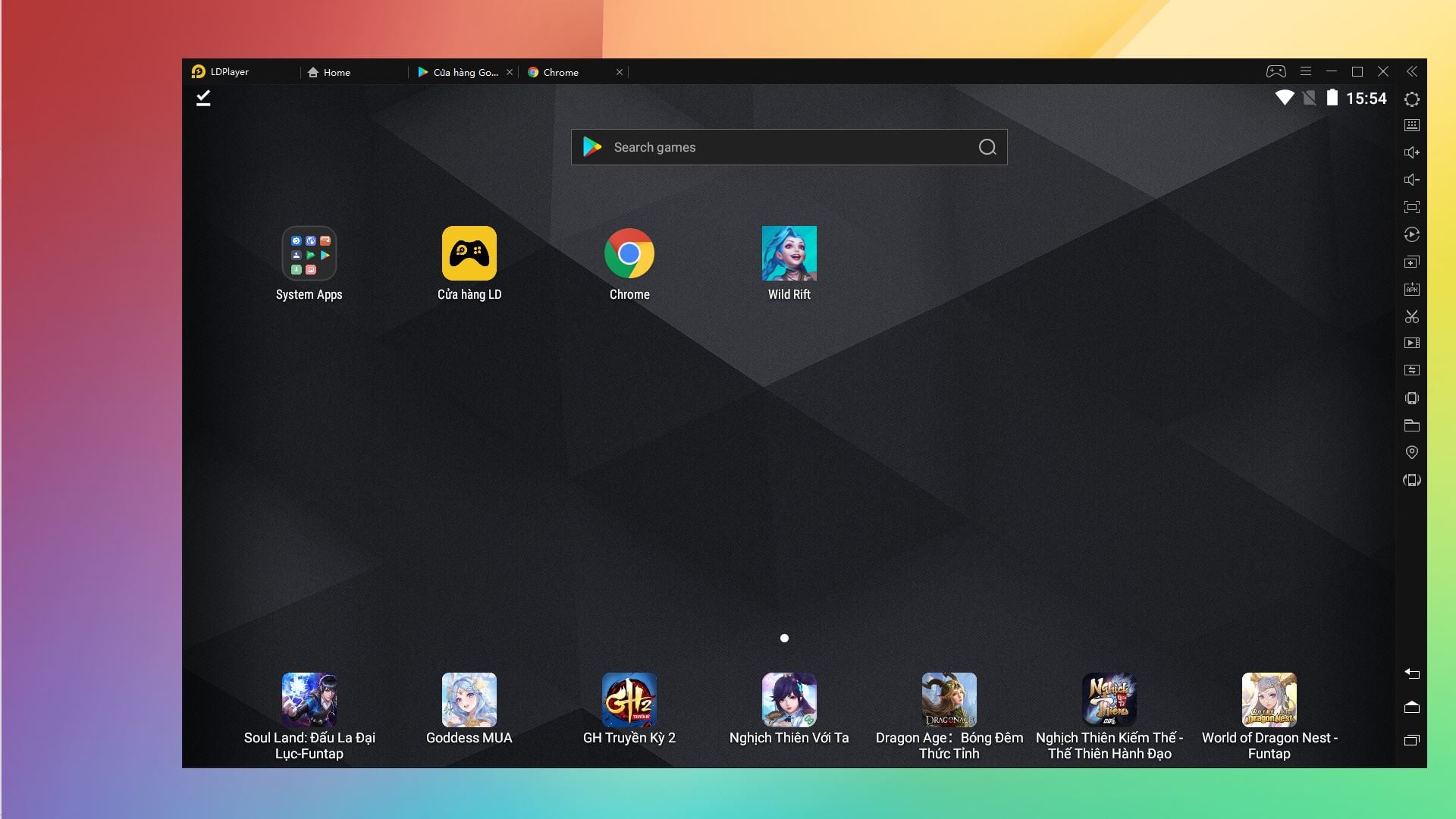
LDPlayer is similar to BlueStacks with an easy-to-use interface, you also log in to your Play Store account to download other games on Android in general. You should download Chrome first because LDPlayer does not have Chrome by default.
With League of Legends: Wild Rift, LDPlayer allows downloading and installing APK files, you can download from APKPure and APKMirror.
Wild Rift APK download link: APKPure / APKMirror
For MEmu Play
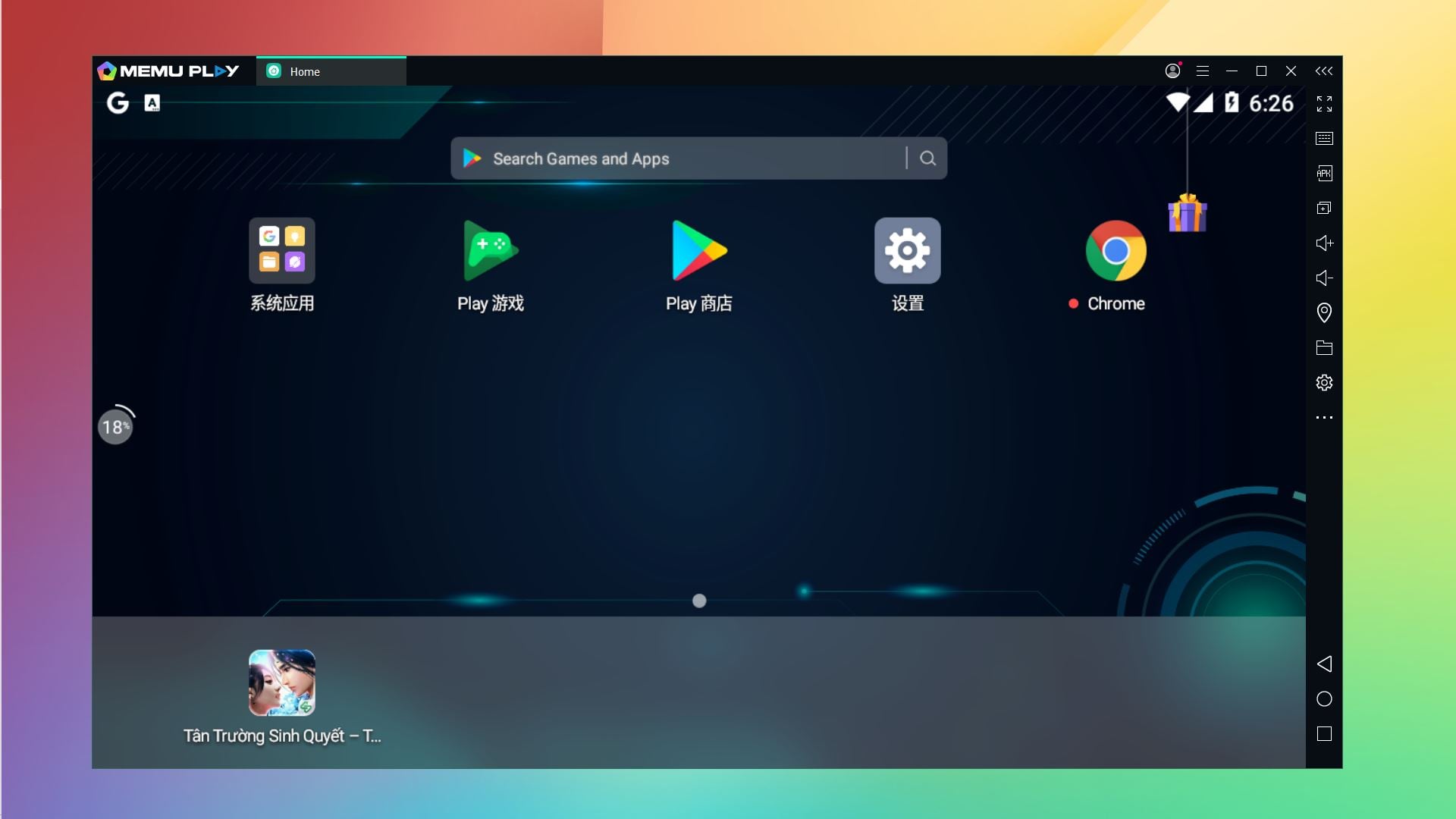
Similar to LDPlay, MEmu allows you to read and install APK files easily. You can download League of Legends: Wild Rift from the link I inserted above via the APK file to apply to play on MEmu. You also need to download Chrome first to make it easier to download the file.
Key setup
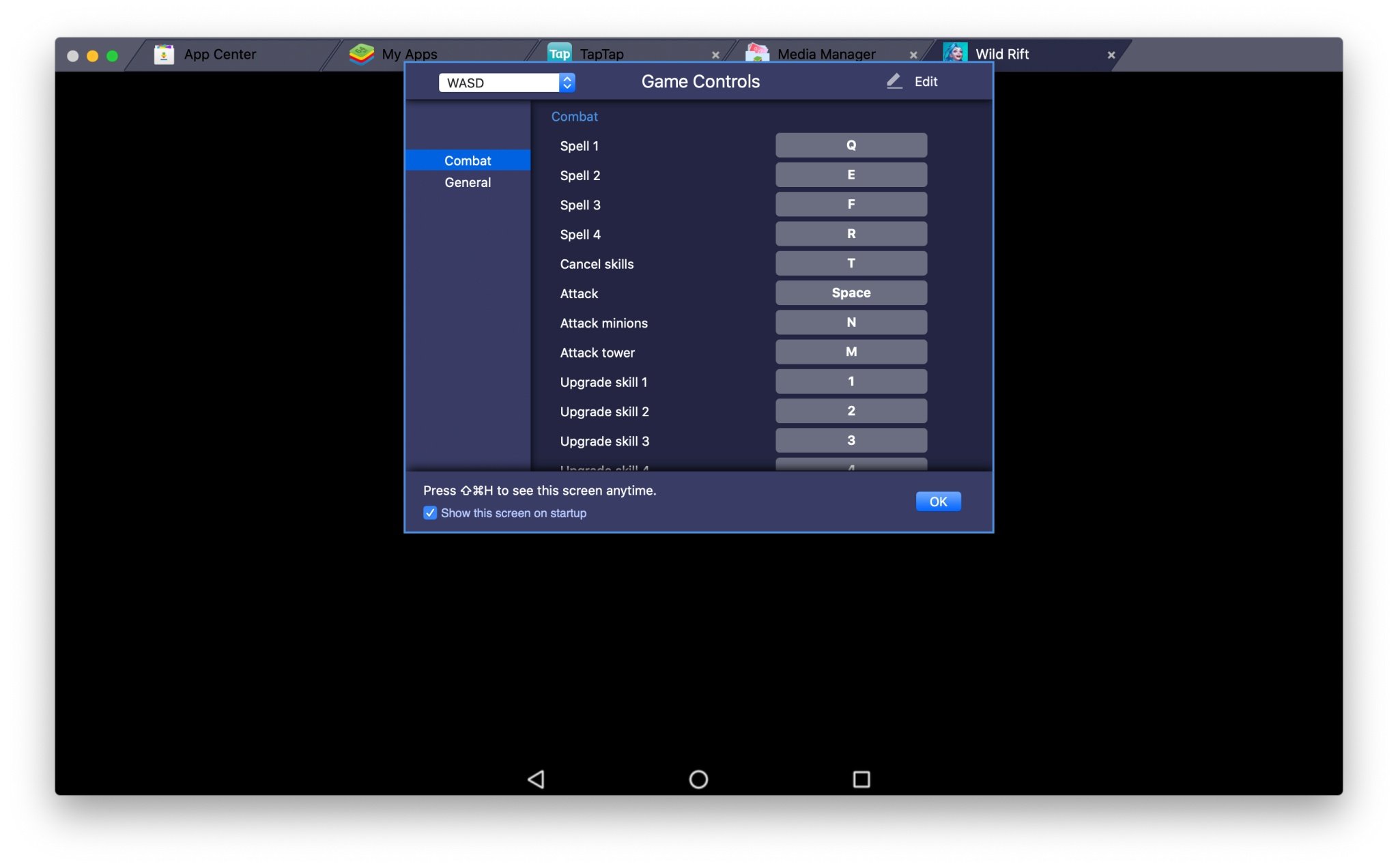
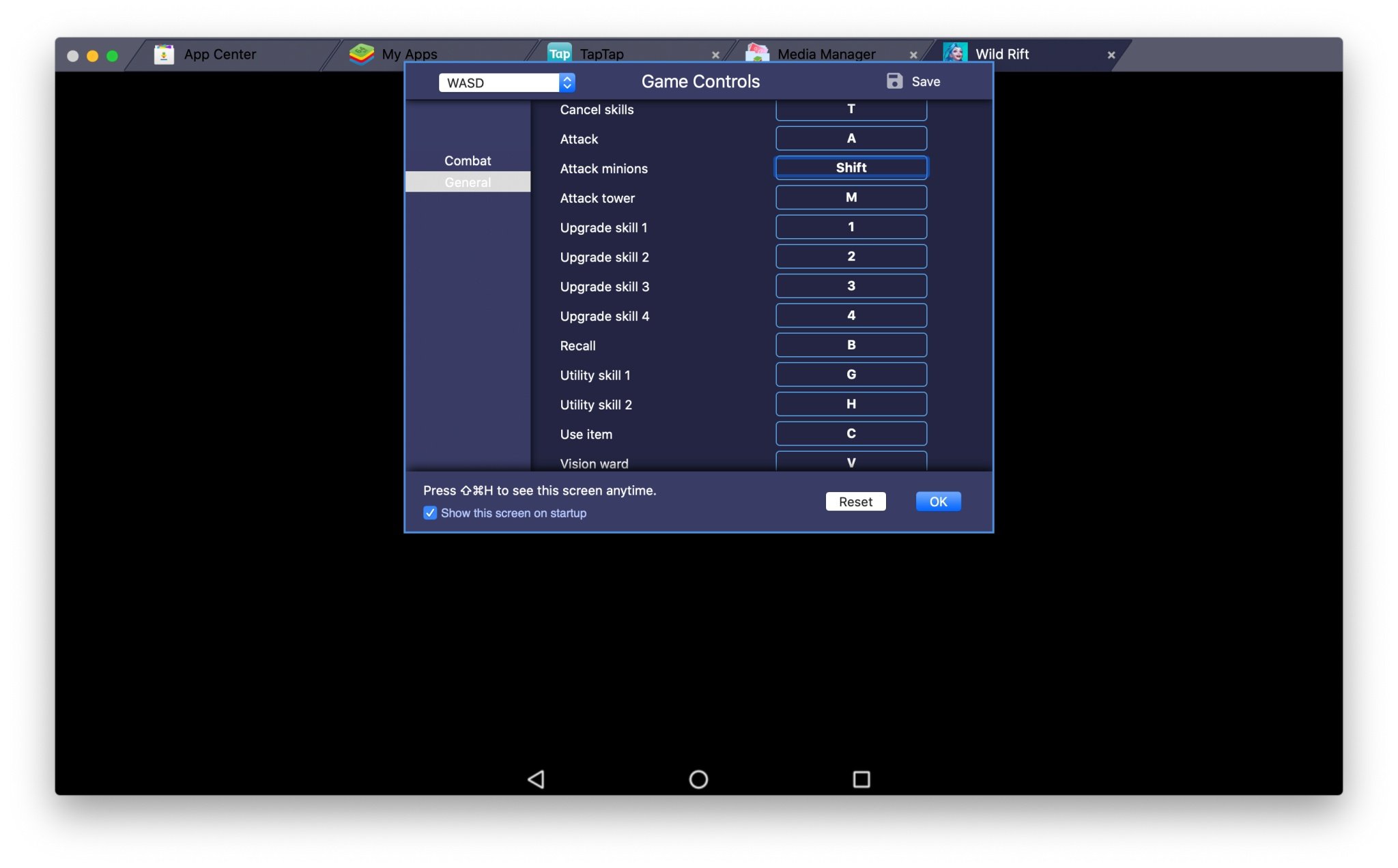
This is the button setup corresponding to your keyboard, you need to read clearly and set up the buttons in the game that you need to pay attention to. If you have played LMHT on PC, the 4 skills of the general correspond to the buttons Q - W - E - R. Normal attack uses the A button. Upgrade the thiif skill corresponds to 1 - 2 - 3 - 4.
Note that attacking towers and fighting monsters in League of Legends: Wild Rift will be separate, so you also need to pay attention to distinguish the two buttons appropriately.
Just use the mouse to control. Have fun!
Key Takeaways
Use the guidance above as a practical reference for download and play league of legends wild rift. Check compatibility, follow the steps carefully, and verify important details with official documentation when software, security, accounts, health, or purchases are involved.
FAQ
How do I download and play league of legends wild rift on PC?
Follow the steps in this guide in order, confirm each setting before continuing, and save, restart, or reconnect the device when the instructions require it.
What should I check before I begin?
Confirm the correct device, account access, software version, compatibility, and a current backup whenever the process could affect files, settings, or security.
What should I do if the process does not work?
Repeat the steps carefully, check for model or version differences, install available updates, and consult the manufacturer's official support documentation.
Related Articles
 How to Play Wild Rift League of Legends5 minutes read
 Top 5 Strongest General Combination Wild Rift League of7 minutes read
 Guide to Play Support in Wild Rift League of Legends5 minutes read
 Guide to Play Gunner in Wild Rift League6 minutes read
 Overview of Wild Rift Game - the Most Detailed Instructions for Downloading the12 minutes read
 Guide to Playing Mid Lane in Wild Rift League5 minutes read
Reader Comments 0
Sign in with email or Google to join the discussion.