Table of Contents
iPhone users can now create polls in messages to ask for opinions from group chat members. This feature allows you to create polls in your iMessage group. Thanks to that, you can ask your friends about different issues, consult information through the poll board. Here is a guide to create polls in iPhone messages.
Instructions for creating polls in iPhone messages
Step 1:
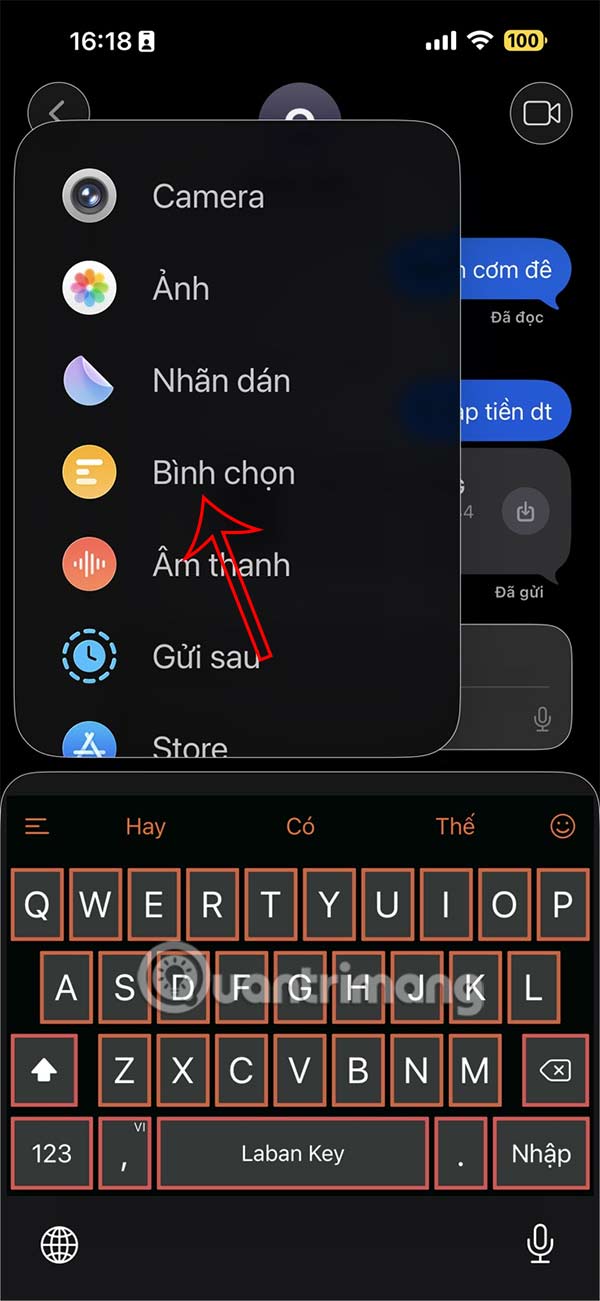
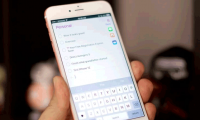
You open the messaging application on your iPhone, then tap on the message group you want to create a poll for. In the messaging interface, tap on the plus icon in the text input box. Then tap on Vote to create.
Step 2:
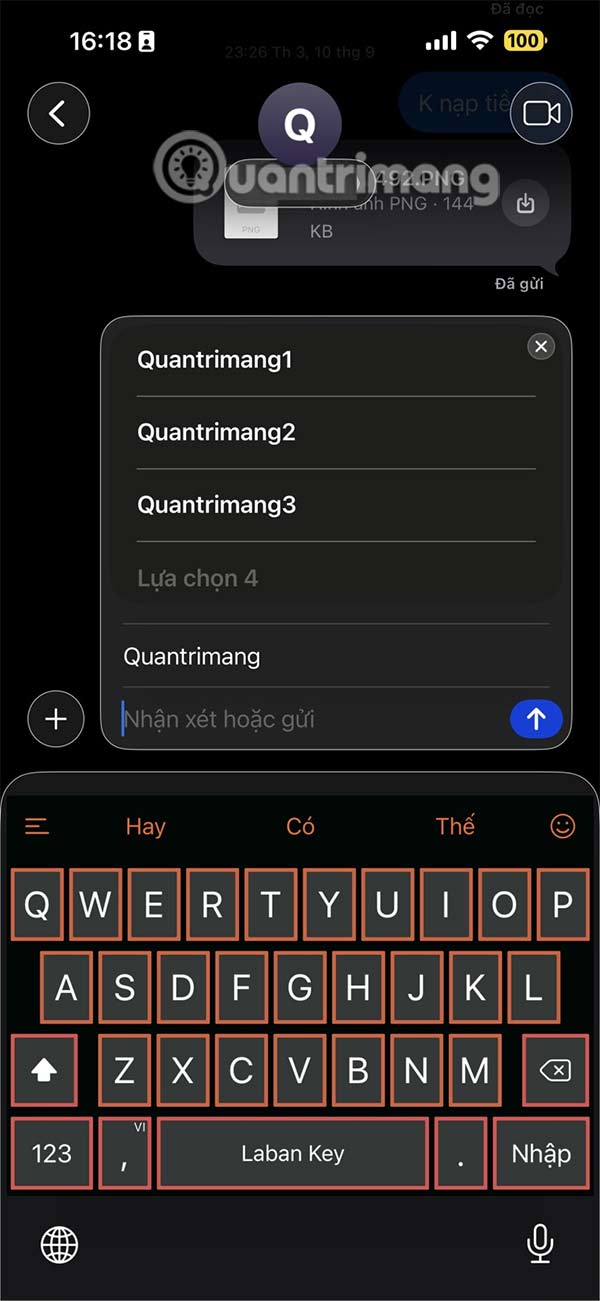
Now you will enter your comments and suggestions to create a poll in the message group on iPhone. Users are not limited to the number of comments in the poll. Once created, press send to send in the iPhone message group.
Step 3:
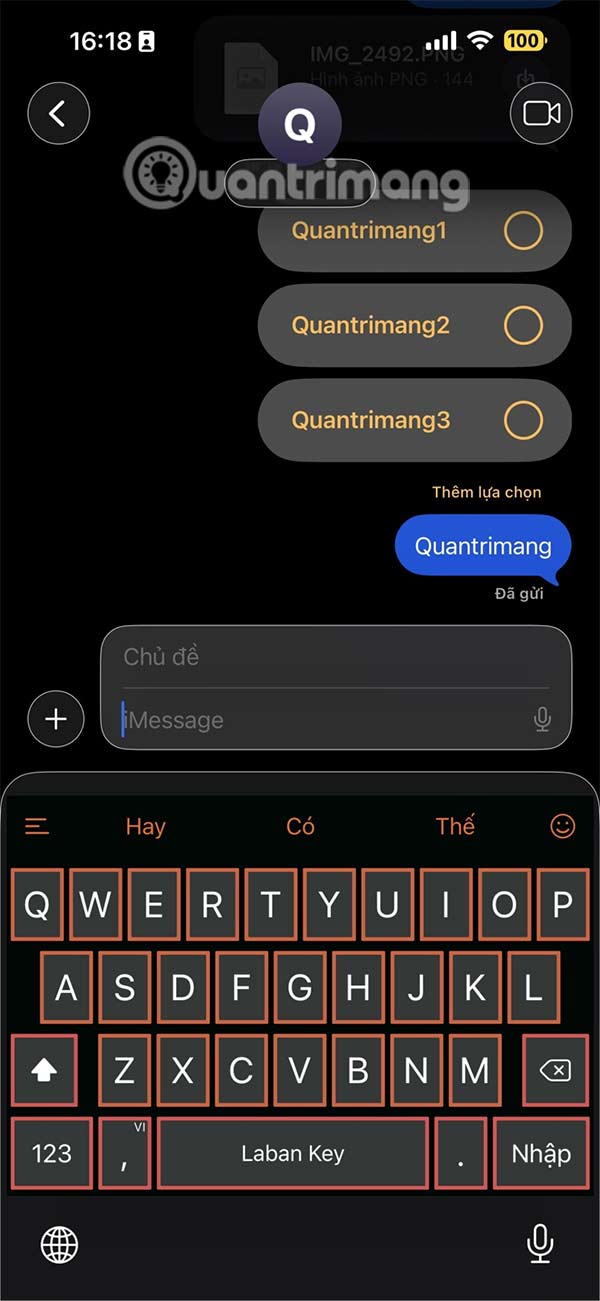
At this time, users will see a voting board in iPhone messages as shown. Group members will participate in voting for the opinions they want.
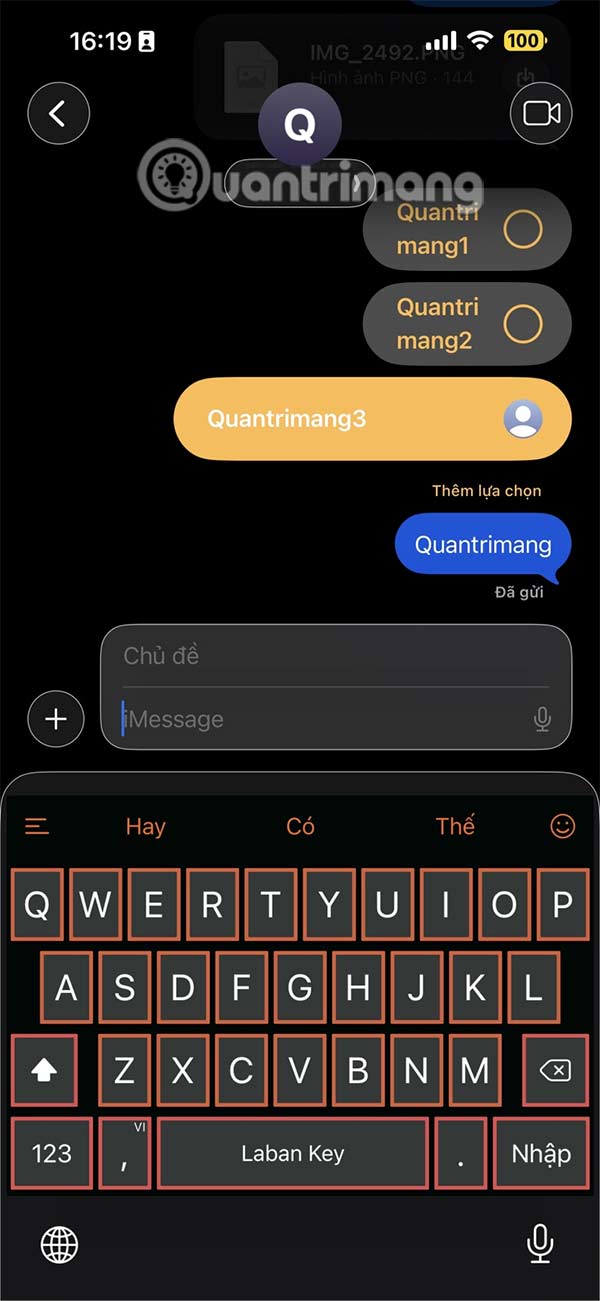
Those who vote will have their name and avatar displayed next to their opinion.
Final Thoughts
Following the steps in order and checking version-specific settings should make it easier to Create a Poll in iPhone Messages - Even While Texting Each Other. If an option looks different, verify the device, app, or operating-system version before changing additional settings.
FAQ
What is the best way to Create a Poll in iPhone Messages - Even While Texting Each Other?
Start with the requirements described in the article and follow the steps in order. iPhone users can now create polls in messages to ask for opinions from group chat members. This feature allows you to create polls in your iMessage group.
What should you know about Instructions for creating polls in iPhone messages?
You open the messaging application on your iPhone, then tap on the message group you want to create a poll for. In the messaging interface, tap on the plus icon in the text input box. Then tap on Vote to create.
What should you do if the instructions do not match your screen?
Check the device, software version, account permissions, and regional settings. Interfaces can change after updates, so use the closest matching option and consult the official support documentation when necessary.
Related Articles
 How to Create Poll on Zalo Computer: Create Zalo PC Poll4 minutes read
 How to Create a Poll on Facebook: Create Facebook Poll4 minutes read
 How to Create Poll Vote on Facebook Messenger4 minutes read
 How to Create Reminders Based on Messages on Iphone3 minutes read
 How to Manually Create Stickers in Messages on iPhone3 minutes read
 How to Create a Vote on the Chat Group Zalo Phone: Create Zalo Vote4 minutes read
Reader Comments 0
Sign in with email or Google to join the discussion.