Table of Contents
Choose a streaming service by testing the music and devices you already use. Make a list of ten must-have tracks or albums, then try two services with the same headphones or speakers. Check the real price in your country and the features included in the plan before subscribing.
1. Check regional availability
Visit each service while using your normal region and payment setup. The app, subscription and catalog can vary by location. A service’s worldwide reach matters less than what it offers where you live.

2. Match sound quality to your equipment
Check the options your plan and app actually show. Spotify documents lossless on supported Premium apps, and Apple Music supports lossless with compatible equipment. Many Bluetooth setups won’t preserve the full lossless signal. Test on your own equipment and check how much storage high-quality downloads use.

3. Compare the plans you can buy
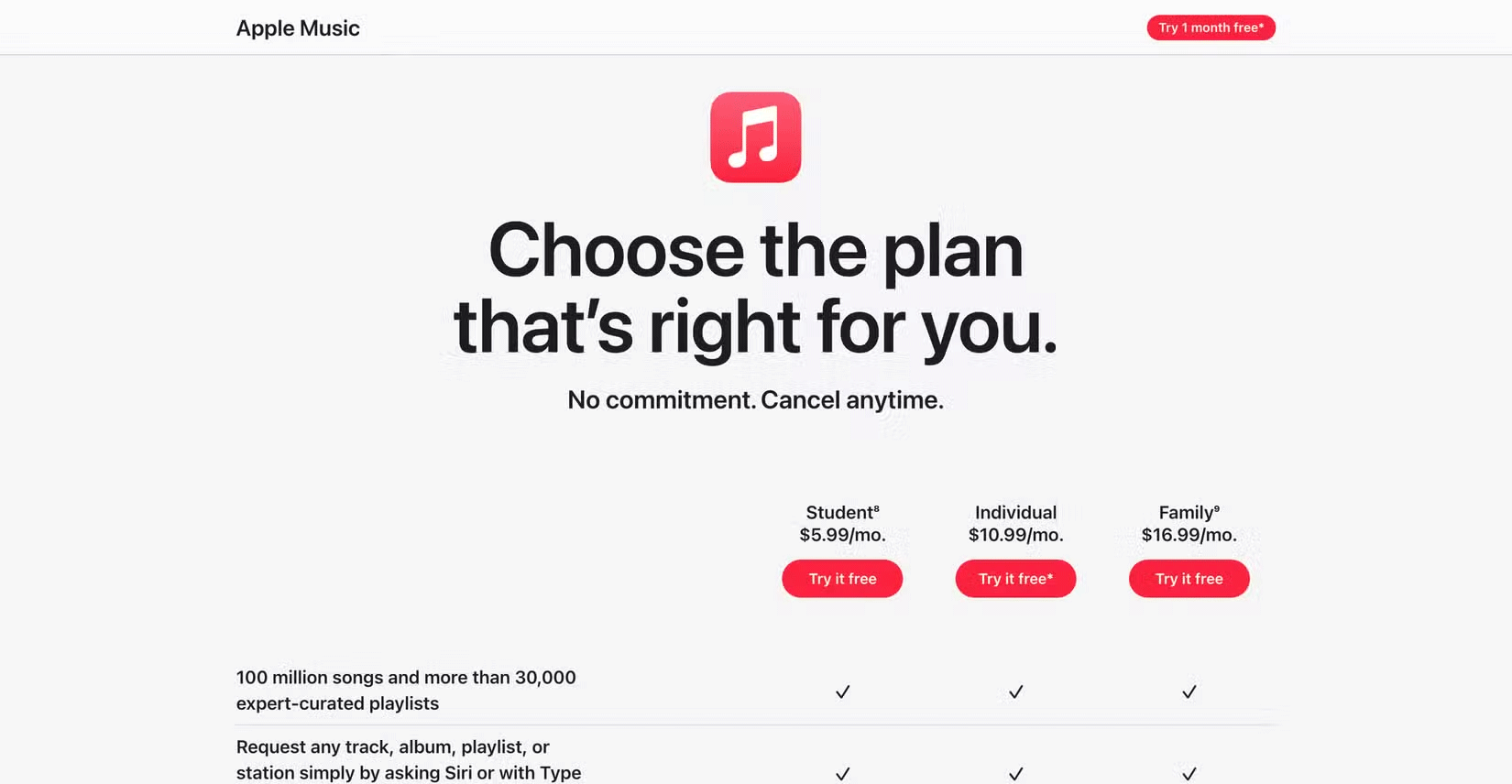
Check the regular renewal price, student or household eligibility, advertisements, offline downloads, and limits on playing a specific track. If you already pay for a bundle, see which music plan it includes before adding a new subscription.
4. Test the catalog with your own library
Search for albums you know, including local artists, live versions and remasters. A headline track count can’t tell you whether the versions you want are available. Test a small playlist before relying on a library transfer.
5. Try discovery and everyday controls
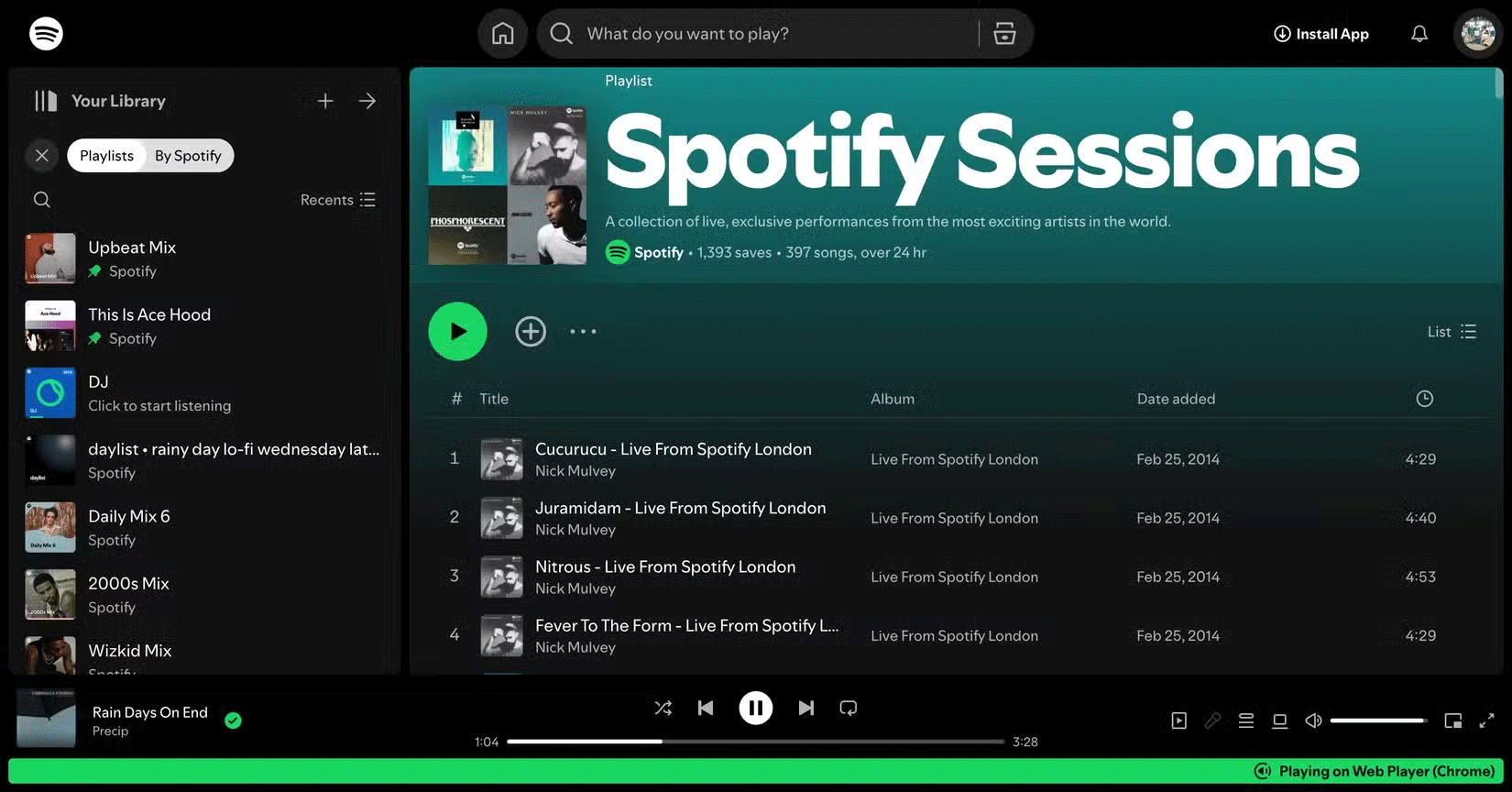
Play a few favorites and see how clearly you can find the artist, related tracks and new releases. Try building a queue and check how quickly you can resume it later.
6. Test every device that matters
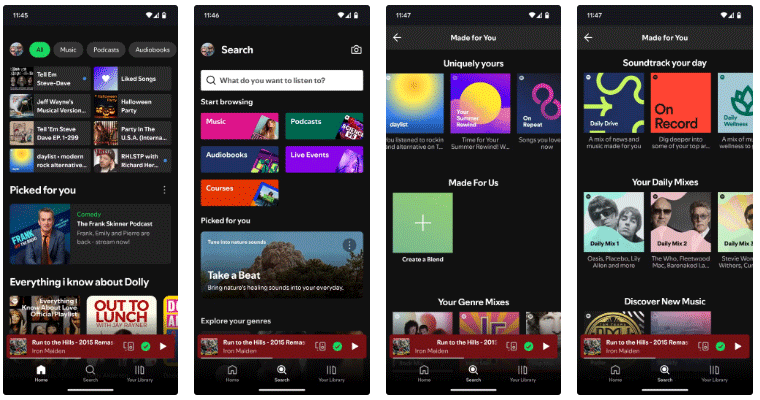
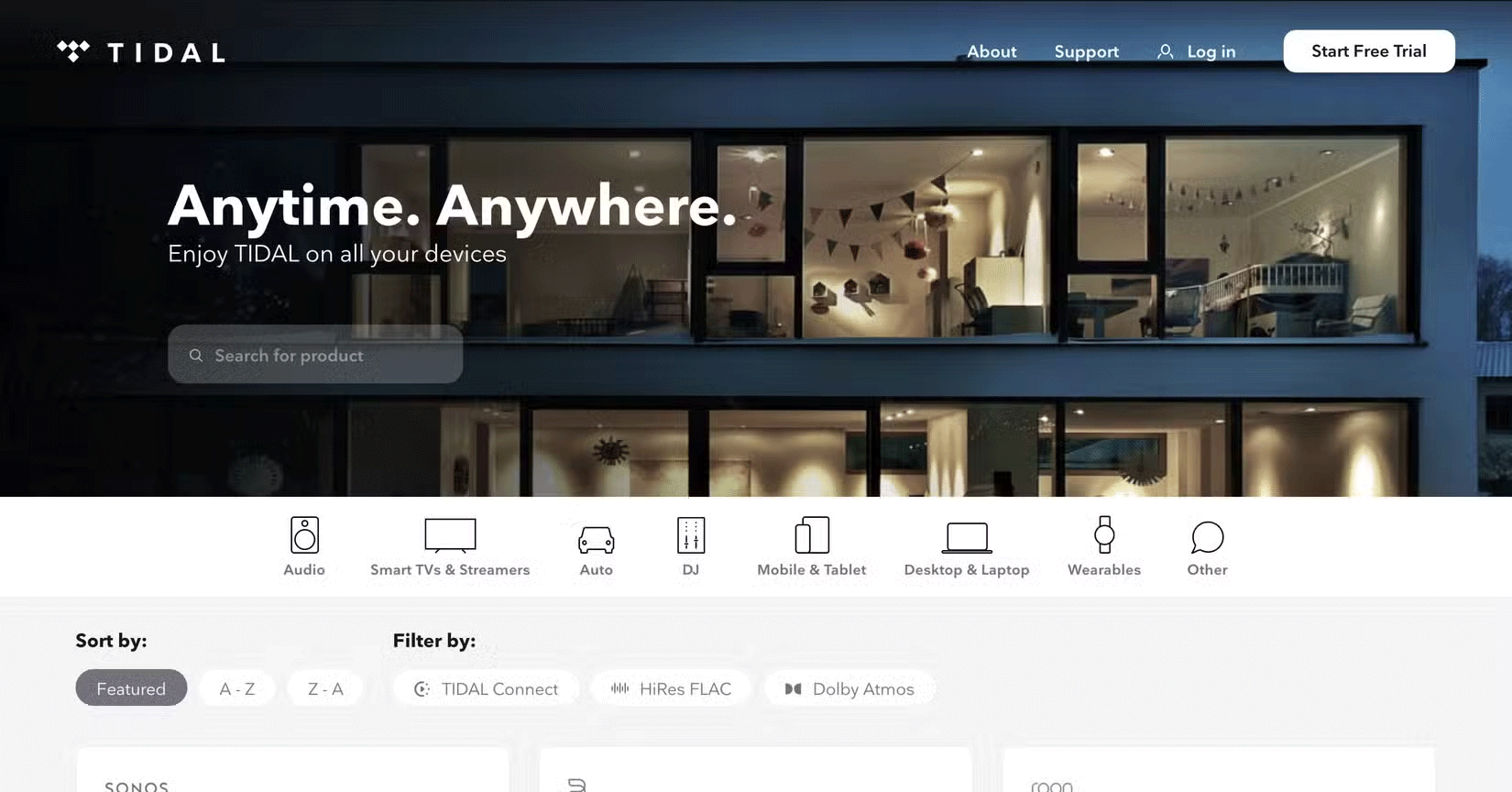
Play a track on your phone, computer, car or smart speaker before paying. If you travel, download a playlist and verify that it plays offline with cellular data and Wi‑Fi off.
7. Check podcasts or audiobooks only if you want them
Confirm that your specific shows or titles are available, and check whether audiobook listening time is capped or sold separately. For a closer look at the common choices, see our Spotify, Apple Music, and YouTube Music comparison.
Related Articles
 How to find songs on 7 music streaming services at the same time
 YouTube introduces Music Key streaming service for $ 10 per month
 Why YouTube Music Premium is the best music streaming service out there
 5 free music streaming apps better than Spotify
 AI Music Is Taking Over Your Favorite Streaming Platforms: Here Are 3 Ways to Avoid It!
 How to link music streaming services to Google Maps
Reader Comments 0
Sign in with email or Google to join the discussion.