Table of Contents
This updated guide explains how to check if your intel mac is still getting any updates with clear steps, practical tips, and useful context. Since Apple switched to its own silicon, support for Intel Macs has been slowly phased out. With macOS 26 on the horizon, more and more Intel-powered Macs are being discontinued, so if you're still using one, it is time to consider upgrading.
Many Intel Macs Are Being Phased Out
AppleInsider reports that the latest version of macOS, now known as macOS 26, will drop support for the 2017 iMac Pro, 2018 Mac mini, 2018 MacBook Pro models, and 2020 MacBook Air. So if you're still using an older Intel-powered Mac, chances are you'll miss out on the next major macOS update.
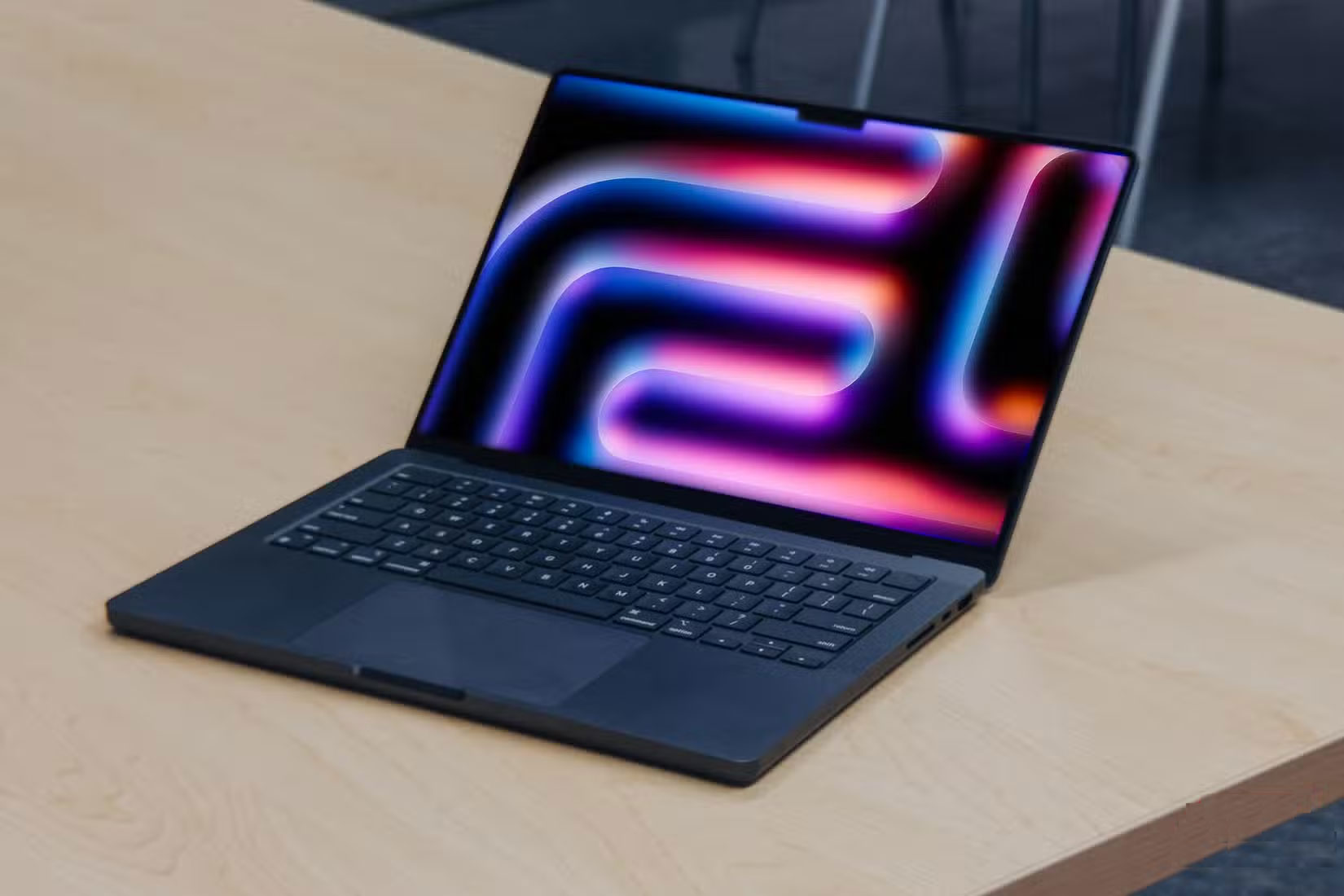
Specifically, the pre-release version of macOS 26 supports these devices:
- MacBook Pro 2019 or later
- MacBook Air M1 or later
- iMac 2020 or later
- Mac Pro 2019 or later
- Mac mini M1 or later
- All Mac Studio models
If you have an older Mac, you'll likely miss out on all the new visual changes and Apple Intelligence features that come with macOS 26 — a similar strategy to what Apple did with the iPhone, limiting the latest AI features and UI improvements to newer devices. it is possible the company will end support for remaining Intel Macs in 2026.
macOS 26 is set to be the biggest software update for Macs since at least Big Sur, with a key goal being to achieve more cohesion between Apple's various operating systems. Bloomberg reports that the iPhone maker plans to unify the interfaces of iOS, iPadOS, and macOS for a more streamlined experience.
All those new features and visuals will cost you some storage, though. The first developer beta of macOS 26 is expected to be over 17GB, nearly 2GB larger than its predecessor, macOS Sequoia. You can expect the final name for the upcoming macOS version and other details to be revealed at WWDC 2025 on June 9.
It Is Time to Upgrade to Apple Silicon!
The move is clearly aimed at phasing out older Macs running Intel chips and moving to an environment where both software and hardware are entirely made by Apple.

The devices that are being dropped from macOS 26 aren't bad hardware-wise, and you'll likely be able to use them for at least a couple of years before feeling the need to upgrade. Still, without new software updates, you'll be exposed to security vulnerabilities, meaning you'll have no choice but to upgrade to a newer M-series Mac to stay in the Apple ecosystem.
Some macOS features might tempt you to ditch your Windows PC, but unless you buy an M-series Mac, it will not last long. There are also some macOS Sequoia features that Windows 11 already has, so to stick with Intel, switching to Windows or Linux might be your best bet.
FAQ
What should I prepare before I check if your intel mac is still getting any updates?
Review the requirements and options in the guide first. Having the correct device, app version, account access, or materials ready helps prevent avoidable errors.
How long does it take to check if your intel mac is still getting any updates?
The time depends on the task and your setup. Most basic steps can be completed quickly, while downloads, updates, scans, or troubleshooting may take longer.
What should I do if the steps do not work?
Repeat the instructions in order, confirm that your software or device is supported, and check permissions, connectivity, and available updates before trying again.
Related Articles
 Microsoft and Intel Cooperated to Provide Microcode Updates for the CPU via Windows Updates3 minutes read
 How to Check for Updates on Android Phone: Complete Guide7 minutes read
 How to Check for and Install Updates on a Mac Computer9 minutes read
 Instructions for Adding 'Check for Updates' Option to Windows2 minutes read
 Microsoft Warns, Clicking Check for Updates Will Make the New6 minutes read
 Intel Cpus Continue to Get Stuck, Microsoft Is Forced to Release3 minutes read
Reader Comments 0
Sign in with email or Google to join the discussion.