1. Hearing Protection Feature
The first hearing-focused feature for AirPods Pro 2 that Apple announced at its iPhone event "It's Glowtime" is Hearing Protection. Thanks to the H2 chip, AirPods Pro 2 will actively reduce loud, intermittent noises at a rate of 48,000 times per second.
The feature will be enabled by default in all AirPods Pro listening modes. A special algorithm will also allow the sound at live events to remain natural and lively.
2. Hearing Test

To better understand hearing loss, Apple is also introducing a clinical-grade hearing test using AirPods Pro 2 and any compatible iPhone or iPad.
The entire hearing test takes about 5 minutes and uses pure tone measurements. You'll tap the screen of your iPhone or iPad when you hear a tone.
After the test, you'll see a summary of your results, including your hearing loss in each ear, a classification, and recommendations. All of this information is stored securely in the Health app, and you can share it with your doctor.
3. Hearing Aid Feature
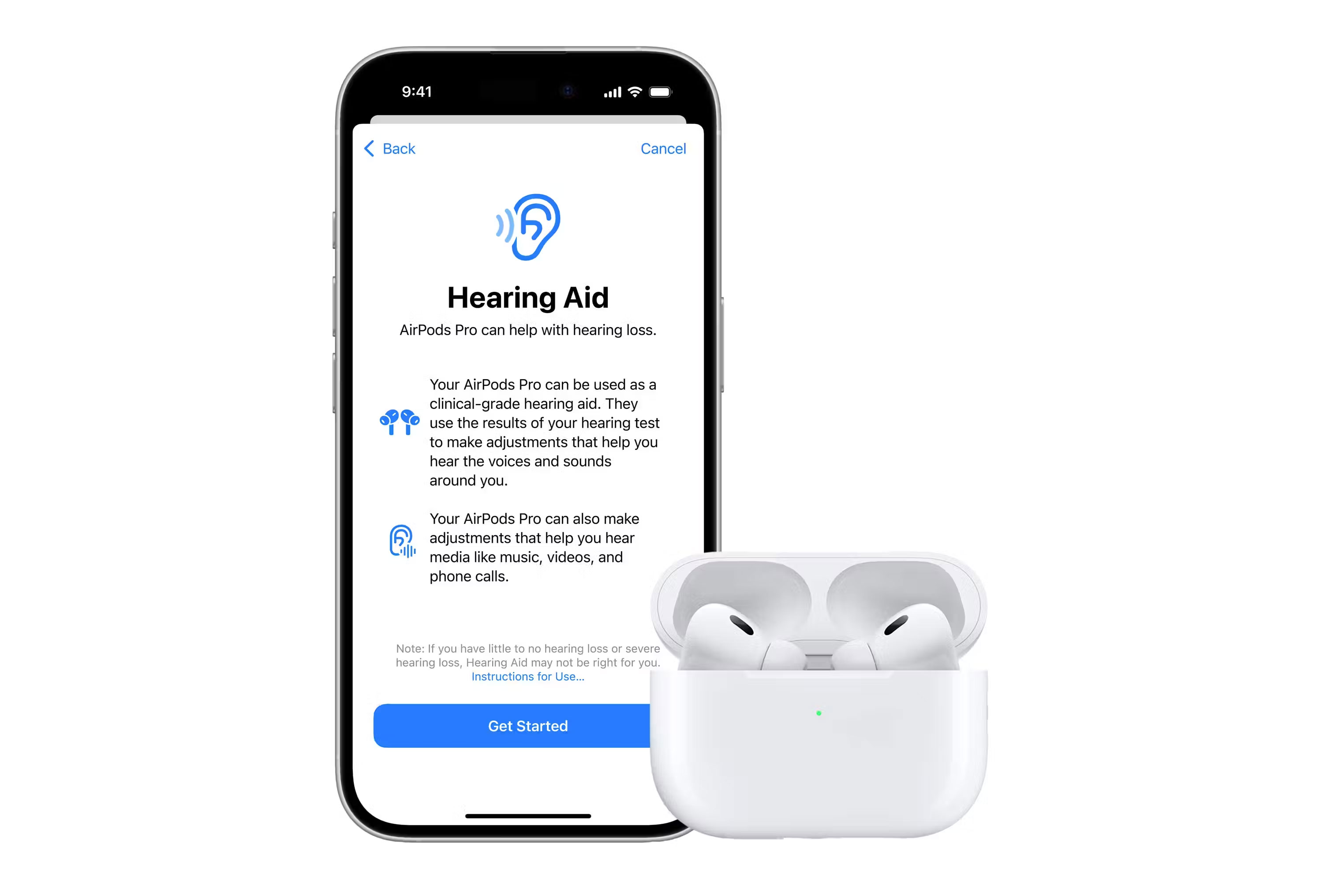
The most exciting hearing feature so far is that you can use the AirPods Pro 2 as hearing aids, helping with mild or moderate hearing loss. A personalized hearing profile from your hearing test will be used to help with setup.
There are also personalized dynamic adjustments to enhance sound in real time. Hearing profiles are also used for music, movies, games, and voice calls across different Apple devices without having to adjust settings.
Even if you have little or no hearing loss on the test, the audiogram can still provide specific adjustments at individual frequencies.
This AirPods Pro 2 Hearing Aid feature is set to make a strong dent in sales of OTC hearing aids that offer similar assistance.
These new features are exciting for anyone who can't stop using the AirPods Pro 2. They've always been one of Apple's favorite gadgets, and the hearing aid features — especially the software-based Hearing Aid functionality — will make these earbuds even better.

Reader Comments 0
Sign in with email or Google to join the discussion.