Table of Contents
This guide provides a clear, practical overview of configuration to play back 4 blood on PC, with useful context, important details, and straightforward takeaways for everyday readers.
Fans of the zombie genre in general and the Left 4 Dead game in particular must have been waiting for a long time for the next part of the series. Since its launch in 2009 and until now, L4D has retained a large community of players.
And Back 4 Blood will be considered as a sequel to Left 4 Dead. The reason it is considered a sequel to this series is because the gameplay of Back 4 Blood is similar to Left 4 Dead but the configuration is much more upgraded. Below is the Back 4 Blood configuration on PC.
Minimum configuration Back 4 Blood on PC
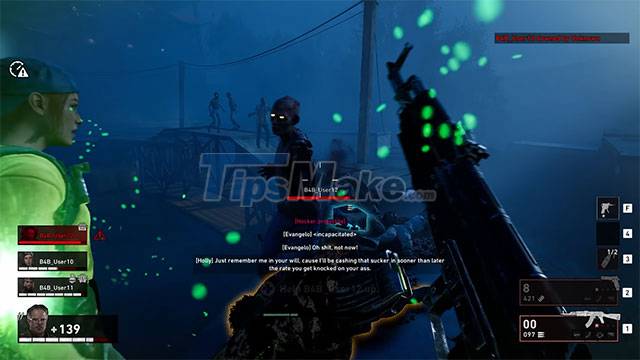
- Operating system: Windows 7 64bit or higher
- CPU : Intel Core i5-2500K 3.3GHz or AMD FX-8320
- RAM : 8 GB
- Graphics Card : NVIDIA GeForce GTX 960 2GB or AMD Radeon R9 380
- Hard disk space : 50 GB
- DirectX 11
Recommended configuration Back 4 Blood on PC
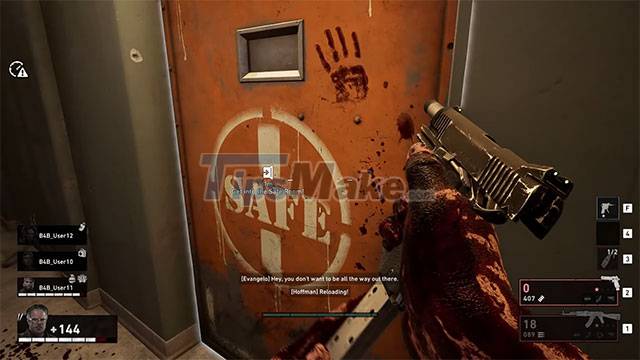
- Operating system: Windows 10 64bit or higher
- CPU : Intel Core i7-6700K 4-Core 4.0GHz or AMD Ryzen R5 1600
- RAM : 16 GB
- Graphics Card : NVIDIA GeForce GTX 1070 or AMD Radeon RX Vega 56 8GB
- Hard disk space : 50 GB
- DirectX 11
On game distribution platforms like Steam and Epic Games Store, the Back 4 Blood configuration has not been officially announced yet. But with gameplay graphics posted on Youtube by many gamers, the game configuration is rated at an average level.
Key Takeaways
Use the information above as a practical reference for configuration to play back 4 blood on PC. Review each step carefully, confirm any requirements, and choose the option that best fits your situation.
FAQ
What does this guide explain about Configuration to Play Back 4 Blood on PC?
It explains the main concepts, practical considerations, and useful steps related to configuration to play back 4 blood on PC without requiring advanced knowledge.
Who can benefit from learning about Configuration to Play Back 4 Blood on PC?
This information is useful for readers who want a clear overview, practical guidance, and reliable steps related to configuration to play back 4 blood on PC.
What should I check before applying this information?
Review the requirements, confirm that your device, software, or situation matches the instructions, and back up important data before making major changes.
Related Articles
 How to Register to Play Royal Blood International Edition5 minutes read
 Smooth Play Configuration Lol, Configure League of Legends Play3 minutes read
 Configure Playing Only Up, Configure Only Up on PC5 minutes read
 Configure Play Diablo 4 on the Computer3 minutes read
 To Play GTA 6, You Must Need at Least RTX: Complete Overview5 minutes read
 Why Is AB the Rarest Blood Group in the World?6 minutes read
Reader Comments 0
Sign in with email or Google to join the discussion.