Table of Contents
Apple released iOS 18.4.1 and iPadOS 18.4.1 on April 16, 2025. The update fixed two security vulnerabilities that Apple said may have been used in targeted attacks. If you’re checking an older iPhone today, go to Settings > General > Software Update and install the latest release offered for that device.
What iOS 18.4.1 fixed
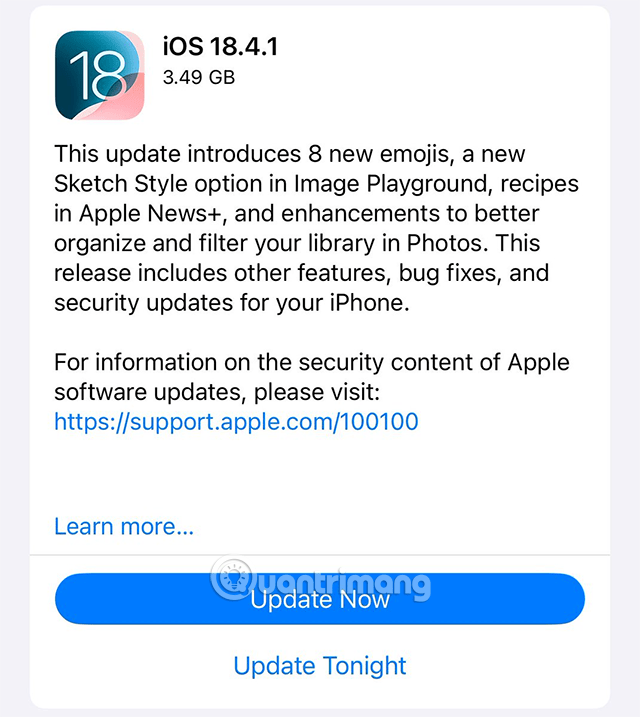
- CVE-2025-31200: A CoreAudio flaw could allow code to run when the system processed a malicious media file.
- CVE-2025-31201: A flaw involving Pointer Authentication could weaken a protection against exploitation.
Apple reported possible exploitation against specific individuals. It also documented a fix for a wireless CarPlay connection problem on certain vehicles. See Apple’s iOS 18.4.1 security bulletin for the affected iPhone and iPad models.
What changed in iOS 18.5
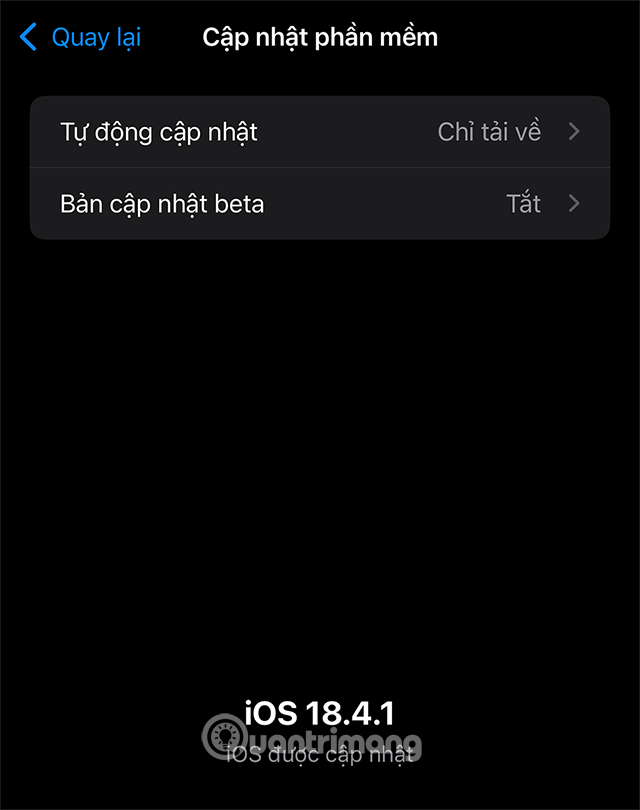
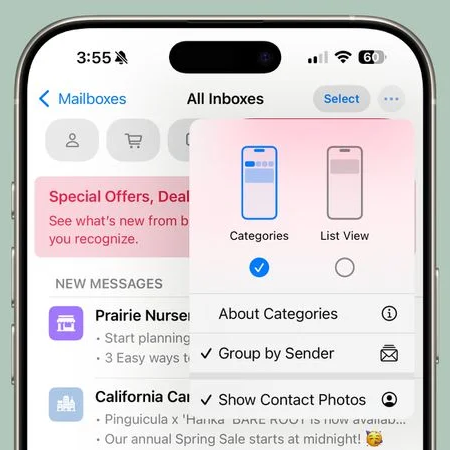
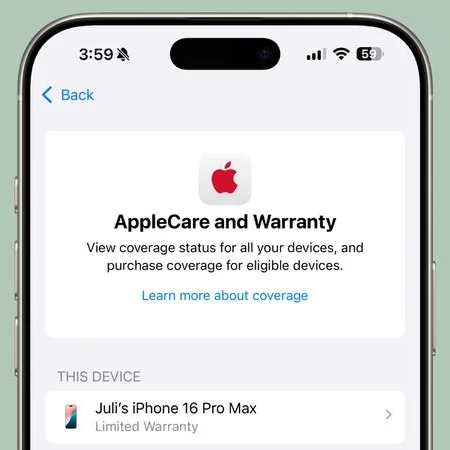
The later iOS 18.5 release added a Pride Harmony wallpaper, a notification for parents when a Screen Time passcode was used on a child’s device, and support for carrier-provided satellite features on iPhone 13 models where available. It also fixed a black-screen issue in the Apple Vision Pro app. The screenshots show Mail display options and AppleCare coverage screens from this release period. See Apple’s iOS 18 release notes for the official changes.
What arrived in iOS 18.4
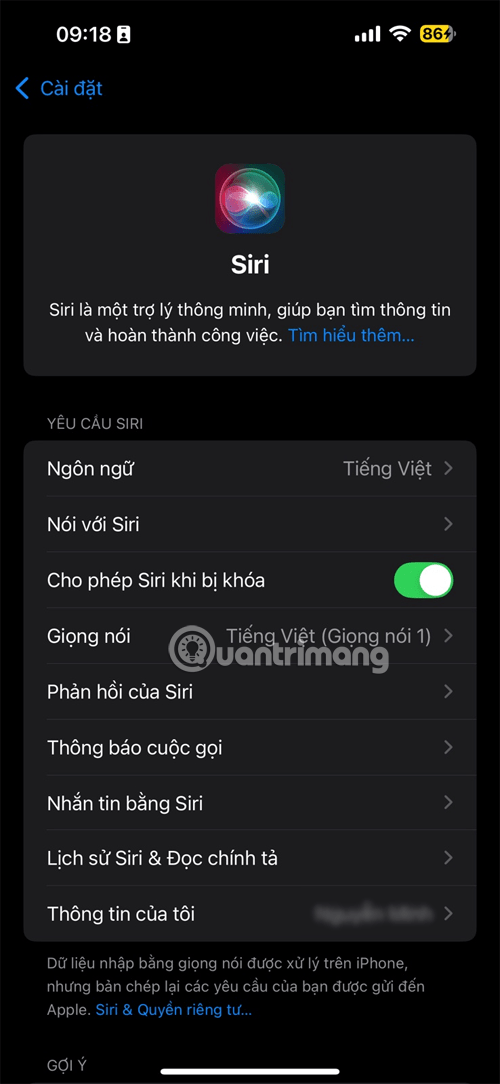
iOS 18.4 introduced Vietnamese as a Siri language. To check it on a supported device, open Settings > Apple Intelligence & Siri or Siri, then look under Language. Siri language availability and Apple Intelligence language availability can differ.
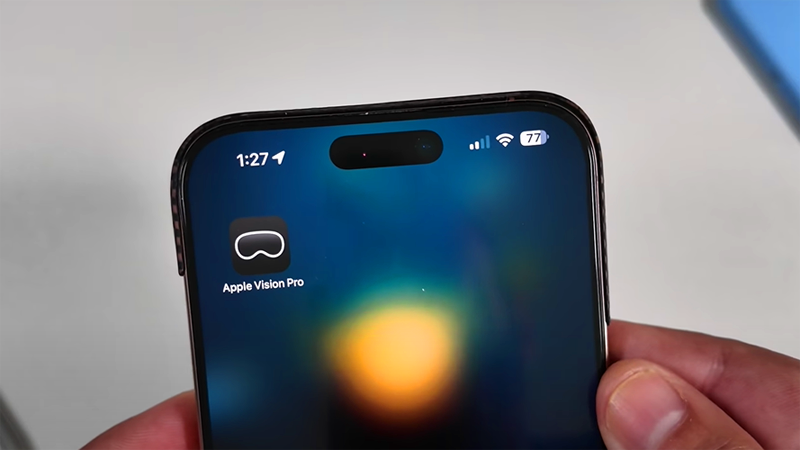
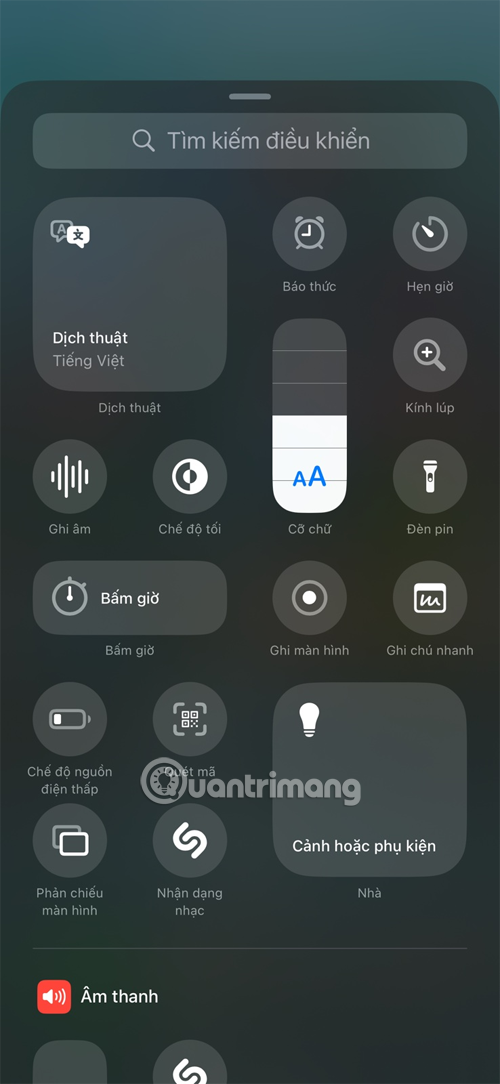
Other changes included new Photos filters and sorting options, additional Apple Intelligence languages on supported devices, Priority Notifications, and a Sketch style in Image Playground. Apple also added Ambient Music controls and introduced an iPhone app for Apple Vision Pro owners. Safari added controls for showing recent searches and viewing connection security details.
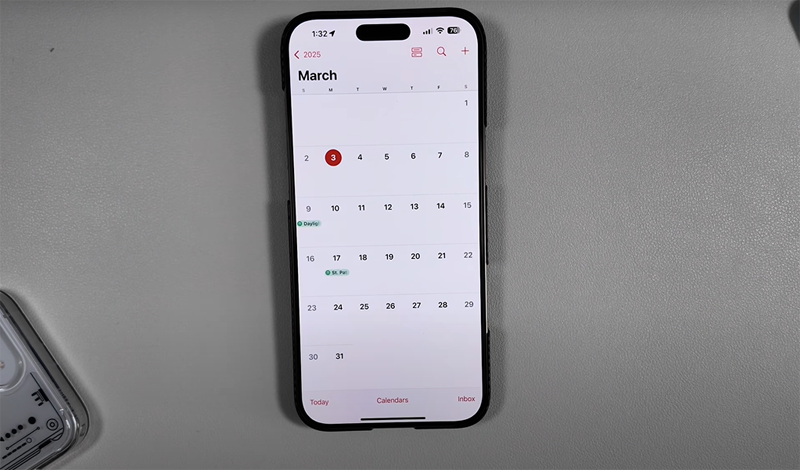
Check which update your device can install
Look up your installed version in Settings > General > About. Then open Software Update to see what Apple currently offers for your device. Back up your iPhone before installing a major update.
Related Articles
 Should I update to iOS 15?
 Microsoft issued a warning about macOS security errors, urging users to update the software immediately
 How to turn on / off notifications for new Apple Music releases in iOS
 Apple releases Sports app for iPhone
 Apple released iOS 14.2.1: Fix many bugs on iPhone 12, users should update immediately
 How to use Combo Update OS X to troubleshoot installation
Reader Comments 0
Sign in with email or Google to join the discussion.