Table of Contents
Agnes AI is a social and productivity app that puts an AI assistant inside private and group conversations. Its main appeal is context: instead of copying a discussion into a separate chatbot, participants can ask the assistant to summarize a thread, suggest ideas, or help create presentation content within the app. This overview explains what the app offers, where it may be useful, and what to check before relying on it.
What Agnes AI is
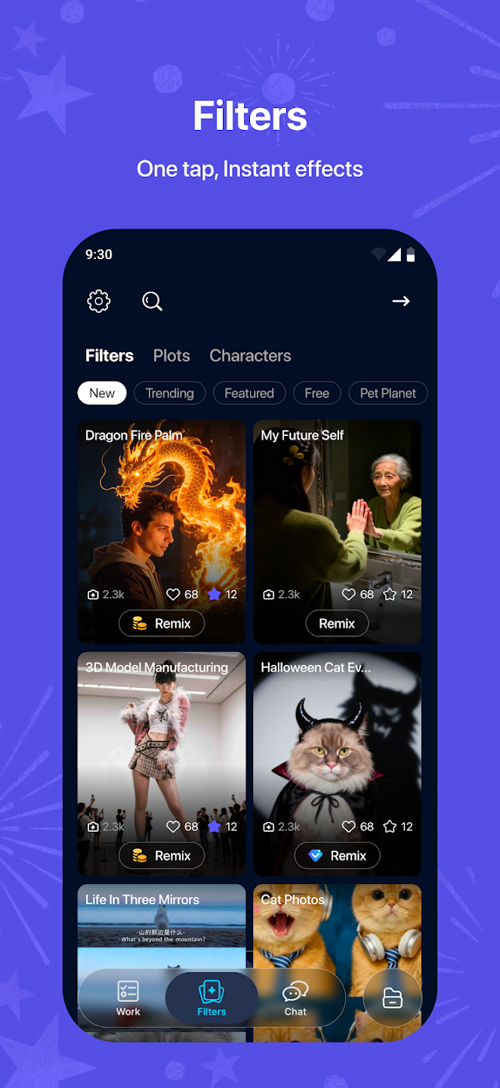
Agnes combines messaging, AI assistance, content creation, and a personalized feed. The product describes itself as an AI-native social network because the assistant participates in conversations rather than operating only as a separate one-to-one chatbot.
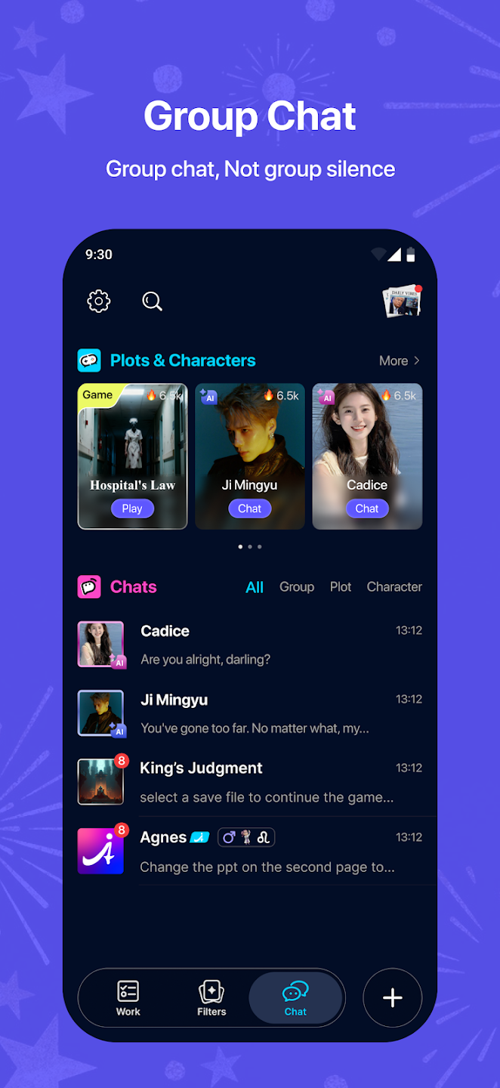
That distinction matters most in collaborative use. A group can discuss a project, mention the assistant when it needs help, and keep the response beside the messages that supplied the context. People who only need occasional questions answered may find a conventional chatbot simpler; Agnes is aimed more at users who want AI woven into communication and creation.
Core features
| Feature | What it is useful for |
|---|---|
| AI-assisted group chat | Bringing summaries, suggestions, and draft content into an existing conversation. |
| Private AI chat | Working through an idea without involving other members of a group. |
| AI Slides | Turning an outline or report into presentation content and collaborating on individual slides. |
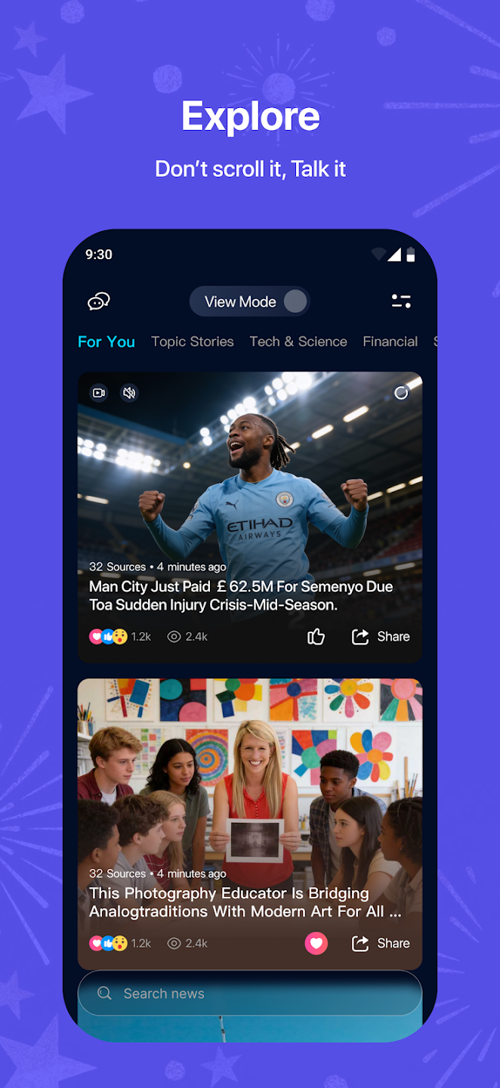
| Explore feed | Browsing AI-curated and summarized content by topic. |
| Creative templates | Using prompts and uploaded media to produce draft visual content. |
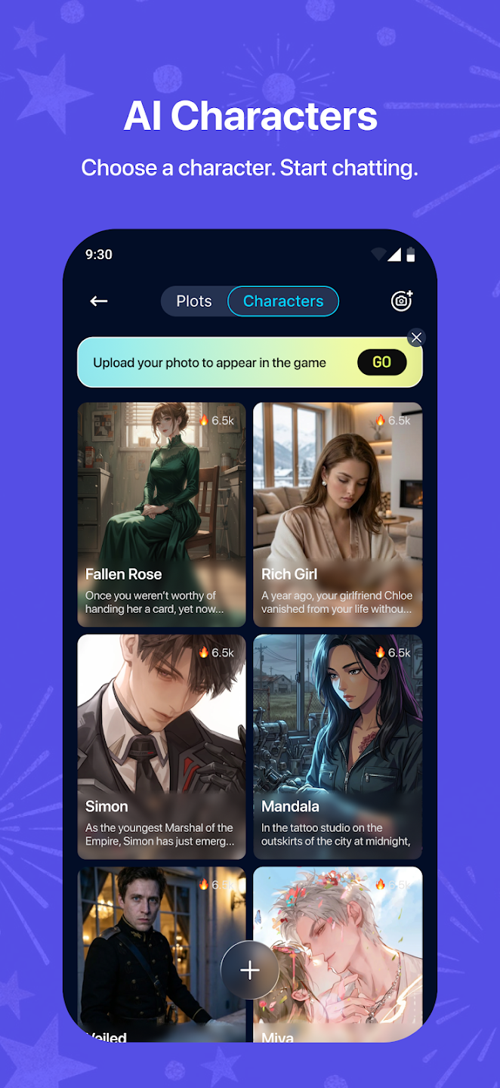
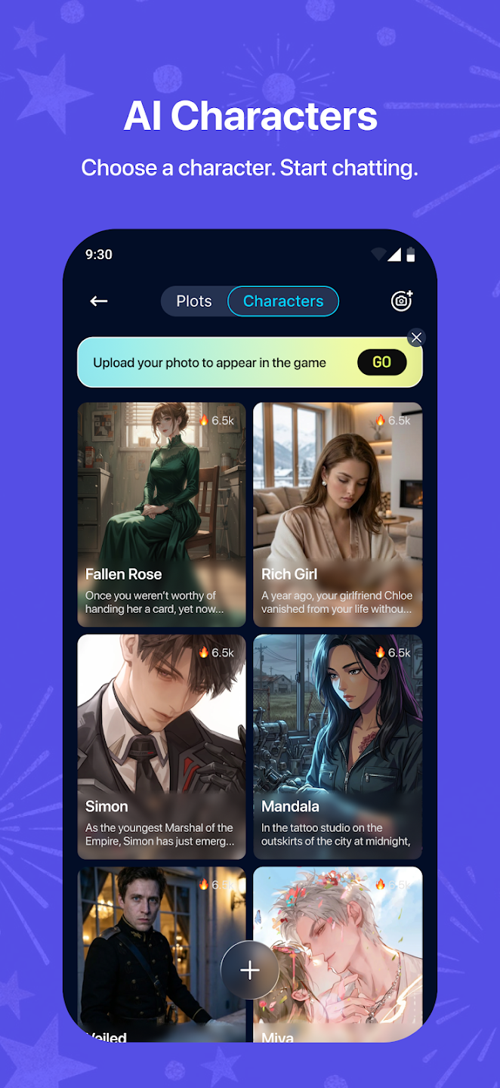
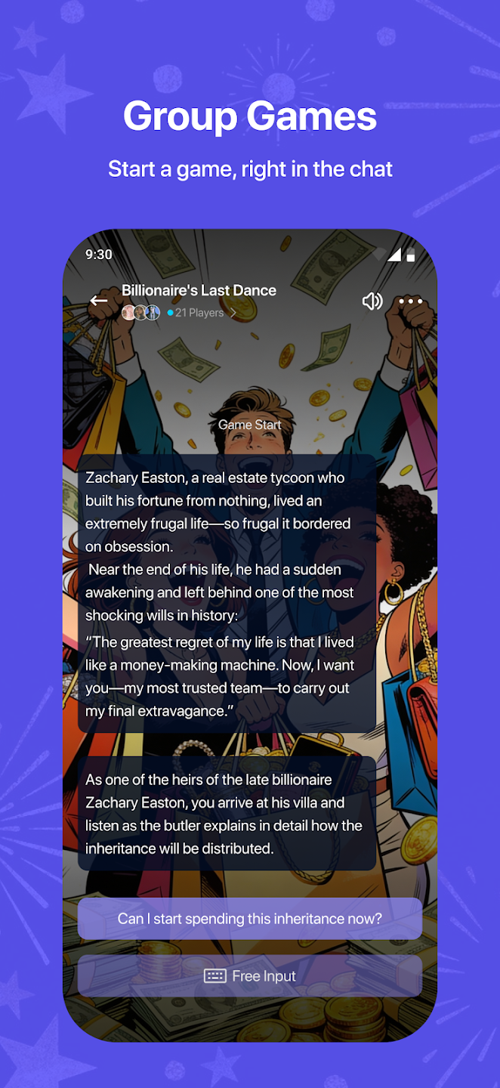
| AI characters and games | Following interactive stories and entertainment-oriented conversations. |
AI in group conversations
Members can call the assistant into a group discussion and ask it to work with the surrounding context. Practical requests include summarizing a long thread, extracting action items, proposing alternatives, or drafting a response for the group to revise. As with any AI-generated material, participants should check important facts and avoid treating a fluent answer as automatically correct.
Presentation creation and collaboration
AI Slides can turn rough notes into a presentation draft. The collaboration tools are intended to let editors work on different pages while reviewers comment. This can shorten the first-draft stage, but the result still needs a human review for accuracy, tone, layout, and attribution.
If presentation creation is your main goal, compare the workflow with TipsMake's guide to working with presentation slides in Canva AI and its overview of AI tools for students.
Personalization, templates, and multimedia
Private conversations and creative templates provide a more familiar assistant experience. Depending on the current app version, users may be able to generate or organize text, images, slides, and short-form media without leaving the conversation. Feature availability can change, so check the current store listing and in-app plan before choosing Agnes for a specific workflow.
Explore and entertainment
The Explore area is designed to surface summarized content, while AI characters and branching stories provide a more entertainment-focused use case. Summaries are convenient for discovery, but they should not replace the original source when a detail affects work, health, finances, or another important decision.
How to evaluate Agnes AI before using it
- Start with one real task. Test a group summary, a presentation outline, or another job you already understand well enough to judge.
- Check the current platform requirements. App versions, supported devices, languages, storage size, and regional availability may change after publication.
- Review the plan limits. Confirm which features consume credits, whether exports are included, and how subscriptions renew. Do not rely on an old price table.
- Read the privacy information. Group chats, uploaded images, documents, and personalization data may be processed to provide AI features. Avoid uploading confidential material unless the policy and your organization's rules permit it.
- Test export quality. If you need PowerPoint or another specific format, create and export a sample before committing a larger project.
Strengths and limitations
Potential strengths
- AI assistance stays close to the group conversation that provides its context.
- Messaging, drafting, slides, and creative tools are available in one environment.
- Collaborative presentation features may reduce the friction of passing files between editors.
- A free tier may be enough to test whether the workflow fits your needs.
Points to consider
- AI output can contain errors, omissions, or invented details and requires review.
- The value depends on whether friends or colleagues are willing to use the same platform.
- Cloud-based AI features require an internet connection and may have usage limits.
- Plans, prices, device support, and individual features can change frequently.
- Users should understand what conversation and uploaded-content data the service processes.
Who is Agnes AI for?
Agnes is most relevant to small teams, study groups, and creators who want an assistant inside their shared conversations. It may also suit people who frequently turn discussions into outlines, summaries, or slides. If your priority is simply choosing a general-purpose chatbot, TipsMake's Claude versus ChatGPT comparison provides a more direct starting point.
Bottom line
Agnes AI's clearest differentiator is not a single generation tool; it is the decision to place AI inside social and collaborative spaces. Try the free experience with a defined task, verify the current plan and privacy terms, and judge the output against a workflow you already know. That will reveal more than a long feature list about whether the app is genuinely useful for you.
Related Articles
 Experience Trying Lotus Social Networks4 minutes read
 How to Use Spoon Social Sound Network Application4 minutes read
 Why Should You Think Carefully Before Logging in with a Social12 minutes read
 Lotus -- the 'Made in Vietnam' Social Network Has Opened an3 minutes read
 Israel Launches the World's First Cybersecurity Network3 minutes read
 Vietnam Is Going to Have Lotus Social Network, Revolving Around4 minutes read
Reader Comments 0
Sign in with email or Google to join the discussion.