Table of Contents
Pick three titles you actually want to watch and check whether the service includes them on the plan you’re considering. Then check whether that plan works on your main device and how much it costs after any promotion. Those details matter more than the size of the advertised catalog.
1. Check the titles and genres you’ll watch
Search for specific films, shows, and seasons in your region. Distinguish between titles included in the subscription and rentals, purchases, or paid add-ons. A smaller catalog can be worth more if it has the genre, sport, or language you want.
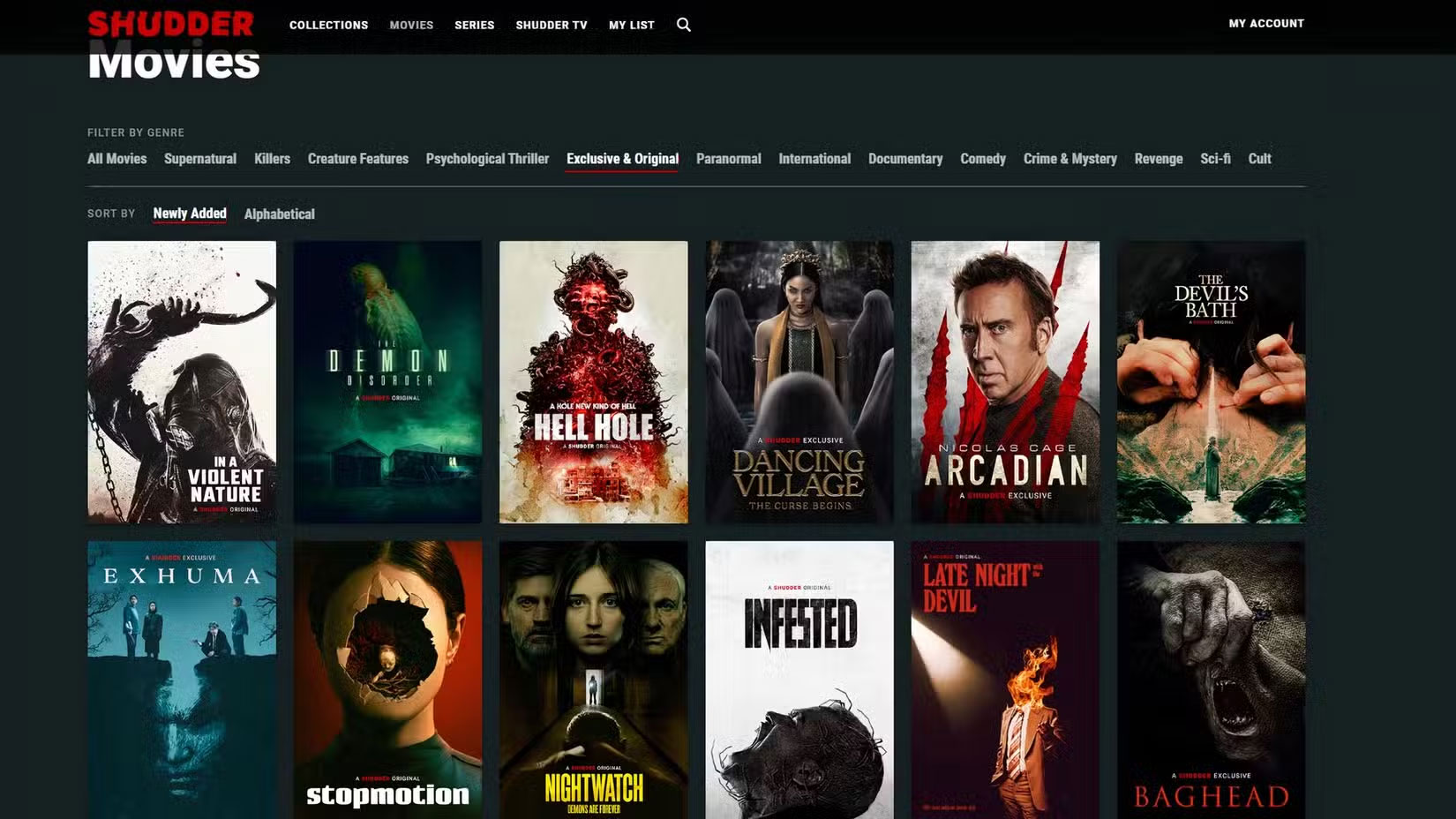
2. Try search and navigation on your main device
On the TV or device you’ll use most, open a title, go back to the results, add it to a watchlist, and check whether you can resume it easily. Browse a category you like. Find out whether useful filters are available and how much space the app gives to recommendations.
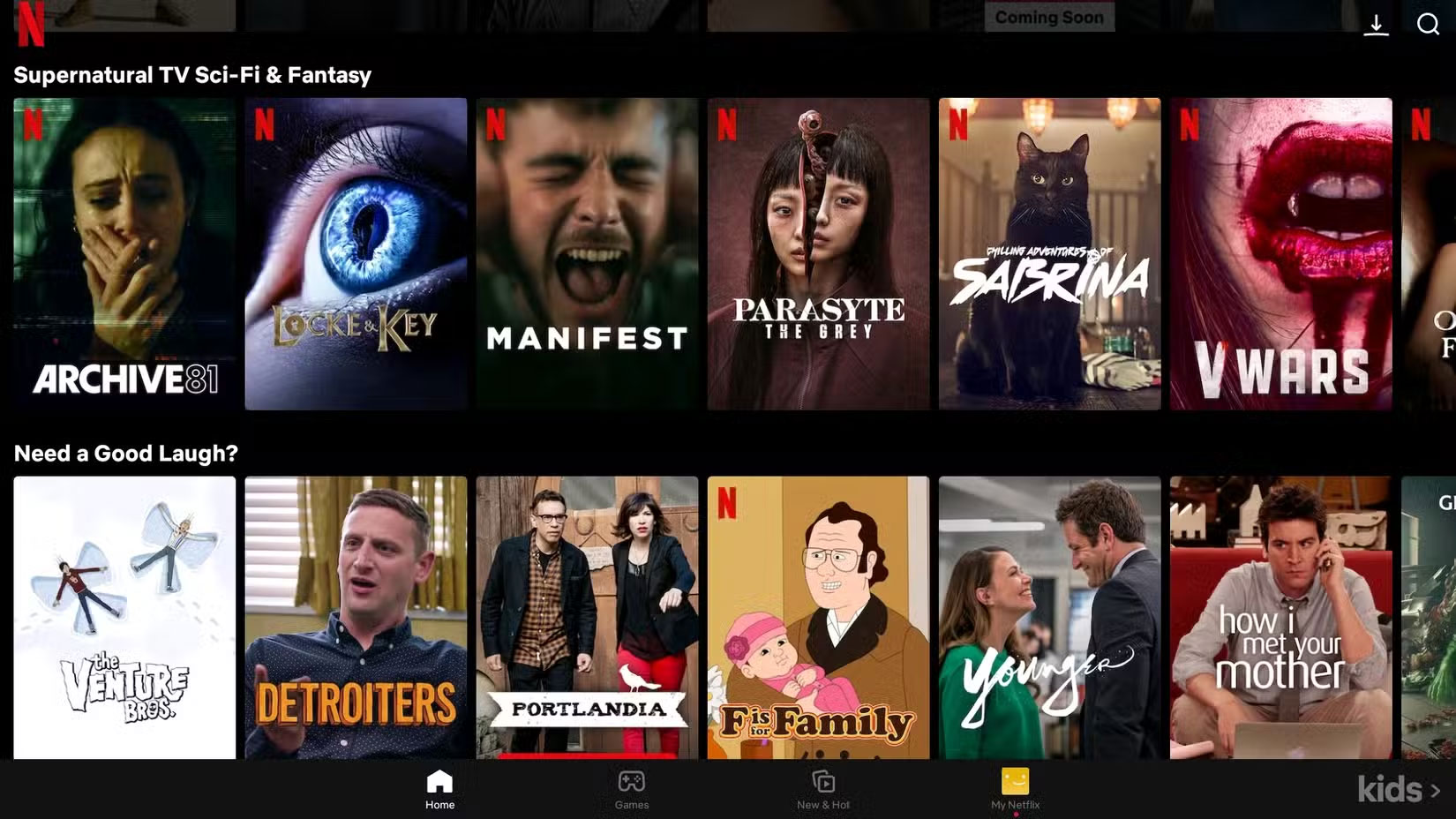
3. Check extras and useful title details
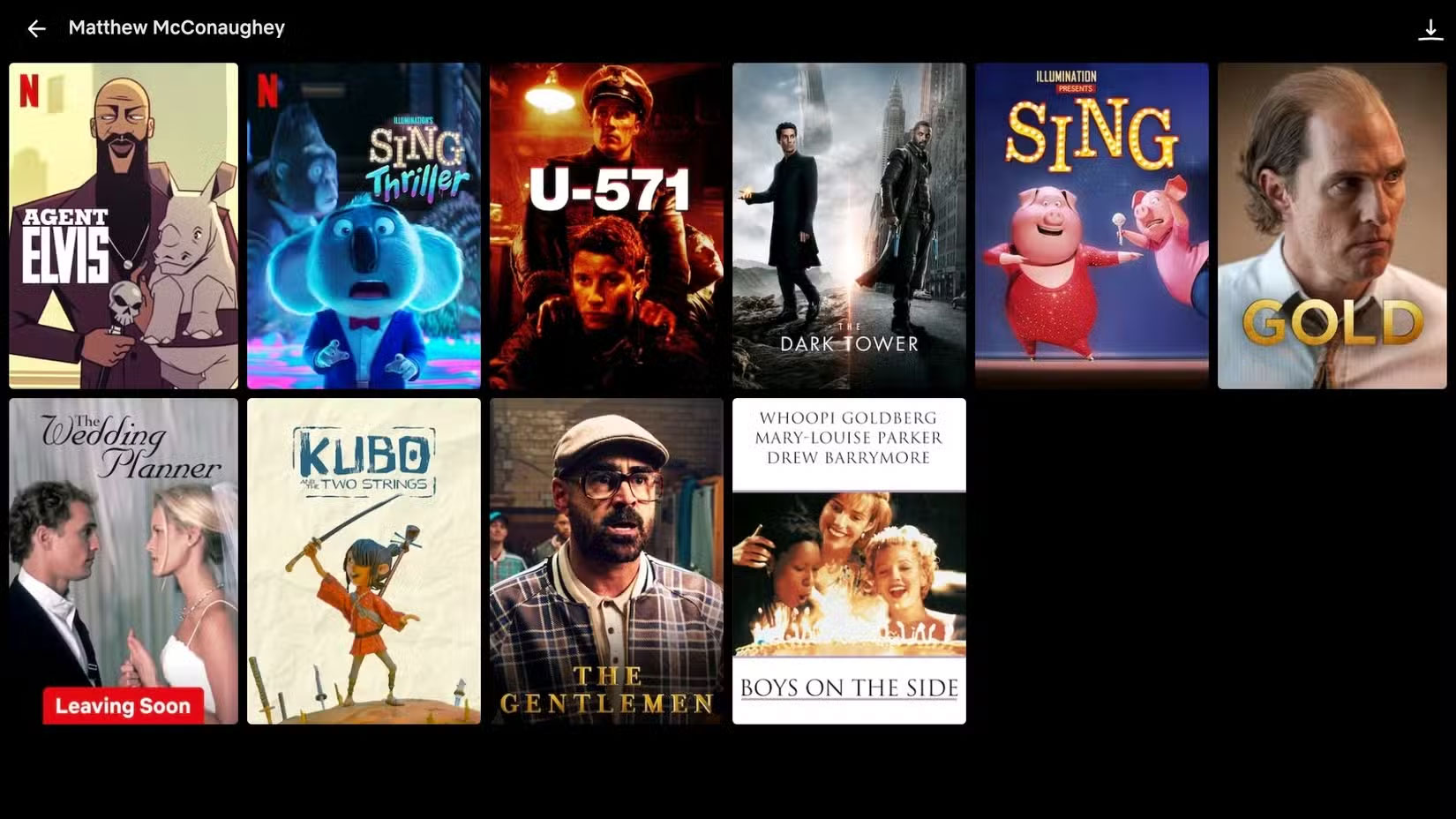
If you care about cast lists, creator credits, commentary, or deleted scenes, check a specific title. Availability can vary even within one service. Also check the subtitle and audio languages of a title you plan to watch.
4. Verify device and household support
Check your exact TV, streaming stick, console, or browser. Read the plan’s rules for simultaneous streams, profiles, and household use if more than one person will watch.
5. Compare picture quality and ads by plan
Check whether the advertised tier includes 4K or HDR on your device and on the titles you want. In an ad-supported tier, see whether any titles are excluded and how ads are handled. For occasional viewing, compare legal free streaming options.
6. Test downloads before you travel
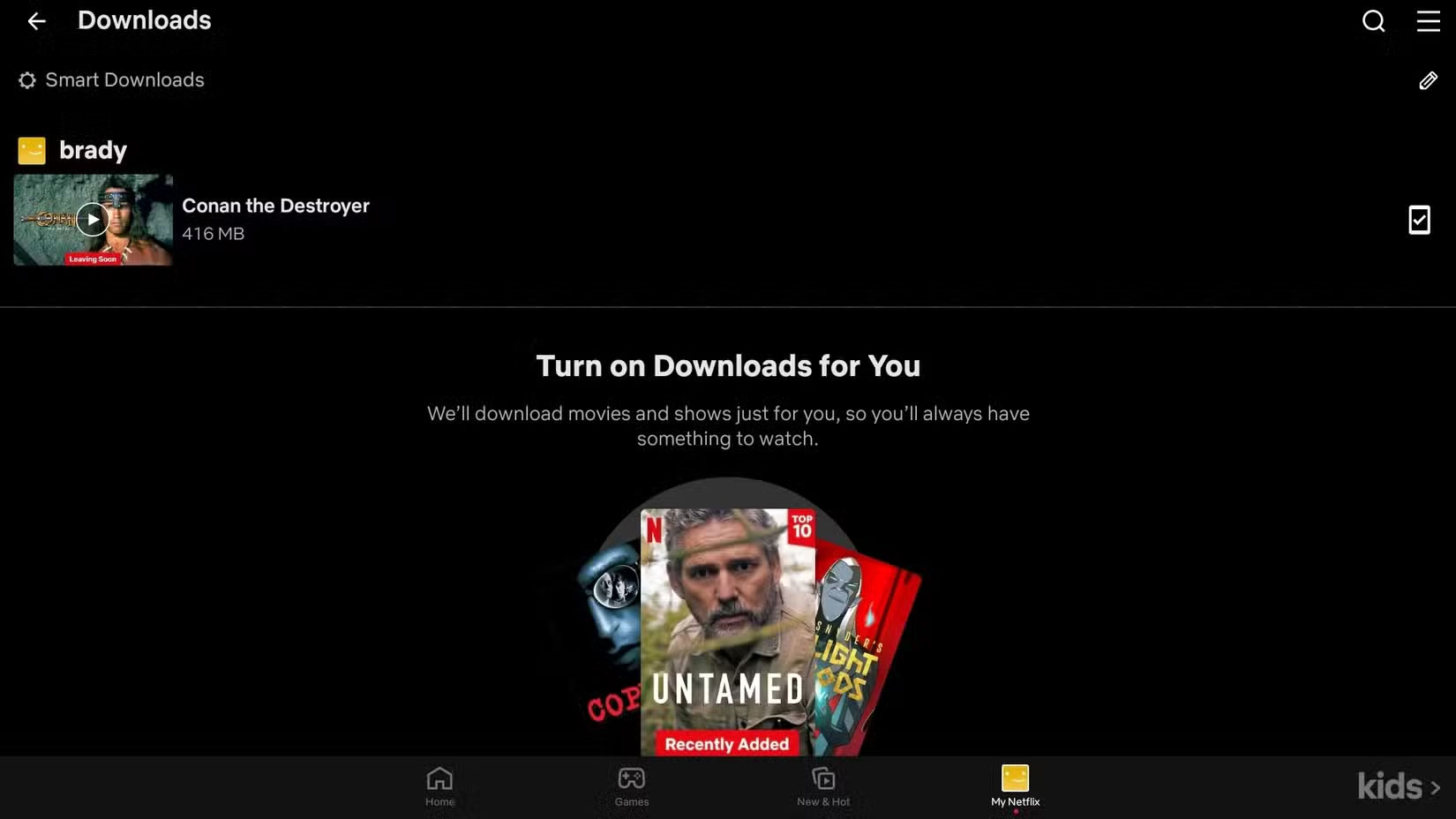
Check which plans, devices, and titles allow downloads. Note any expiry after you start watching. Download a title over Wi-Fi and try playing it in airplane mode before leaving.
7. Check the renewal price and cancellation route
Compare the price after any offer ends with the number of months you’ll actually use the service. Check whether the streaming company, an app store, or another provider handles billing. If the catalog has only one show you want, consider joining for the month you’ll watch it. For an example of billing and cancellation differences, see how to pause or cancel Netflix.
Related Articles
 6 streaming services that are actually worth paying for
 Be happy to pay for these 6 PC apps because they are really worth it!
 How to find songs on 7 music streaming services at the same time
 5 Easy Ways to Watch Streaming Services on Traditional TV
 5 Best Offline Streaming Services for Travel
 How to Choose the Right Music Streaming Service for You
Reader Comments 0
Sign in with email or Google to join the discussion.