Table of Contents
Codex is most effective when it receives a clear task, durable repository guidance, the tools needed to do the work, and an objective way to verify the result. These five practices help it handle real multi-file changes without turning project context into a giant prompt.
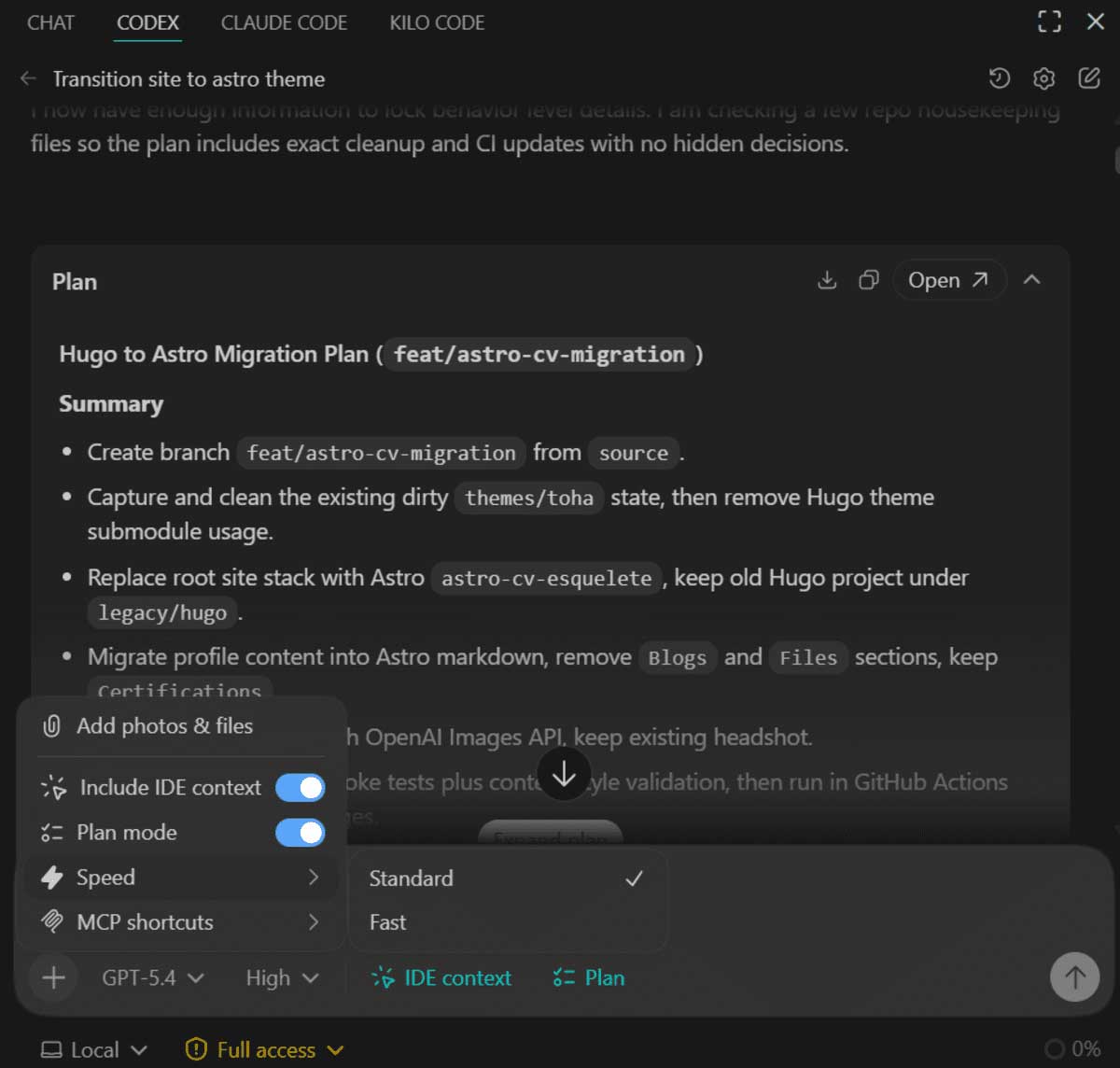
1. Use Plan mode for ambiguous or multi-step changes
For a small, well-specified edit, ask Codex to implement it directly. Use Plan mode when the task crosses several components, has unclear requirements, or would be expensive to undo. Plan mode lets Codex inspect the repository, gather context, ask focused questions, and produce an implementation plan before changing files.
In Codex CLI, use /plan or the interface shortcut shown in the current product. A useful planning request identifies the outcome and constraints:
Plan how to add passwordless sign-in. Inspect the existing auth flow, list affected files, identify migration and rollback risks, and define the tests. Do not edit files yet.Review whether the plan addresses data changes, compatibility, error handling, observability, and testing. Planning is valuable only when it reduces uncertainty; do not require a ceremony for every typo.
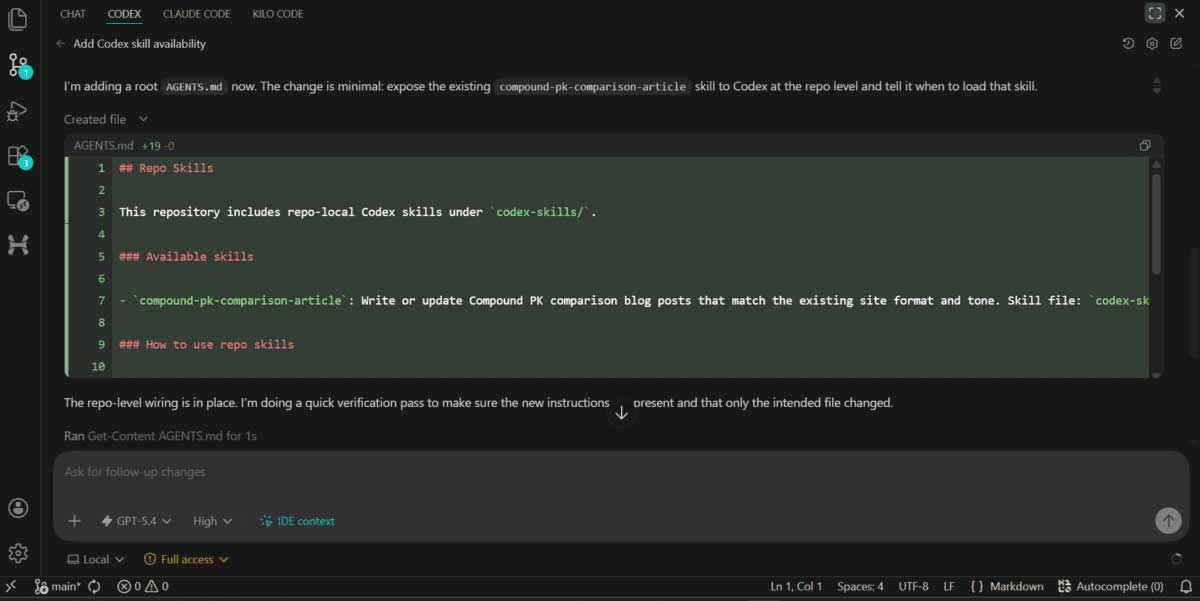
2. Keep repository rules in AGENTS.md
Codex reads applicable AGENTS.md files before it starts work. Put stable instructions there, such as build and test commands, directory-specific conventions, generated-file rules, review expectations, and operations that require extra care.
A short file is easier to follow than a repository encyclopedia:
# AGENTS.md
- Install with: npm ci
- Run unit tests with: npm test
- Run formatting with: npm run format
- Never edit files in src/generated/
- Database changes require a migration and rollback note.
- Add or update tests for behavior changes.
Use a root file for repository-wide guidance and more specific files in subdirectories when those areas genuinely differ. Keep business decisions and architecture in their normal documentation, then link to it; AGENTS.md is guidance, not magical memory.
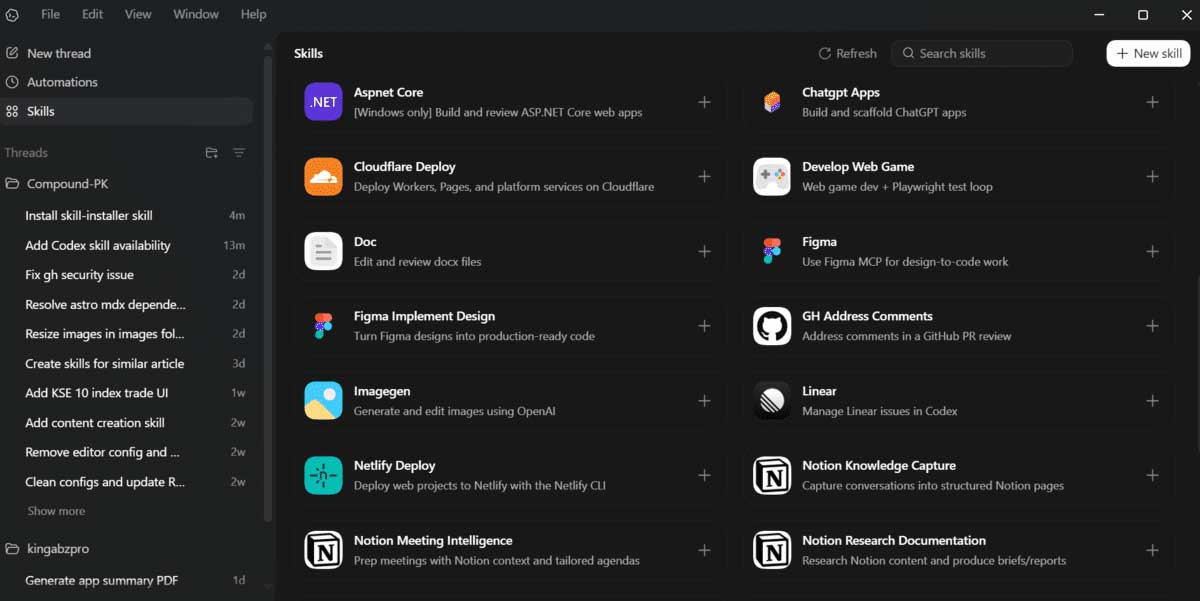
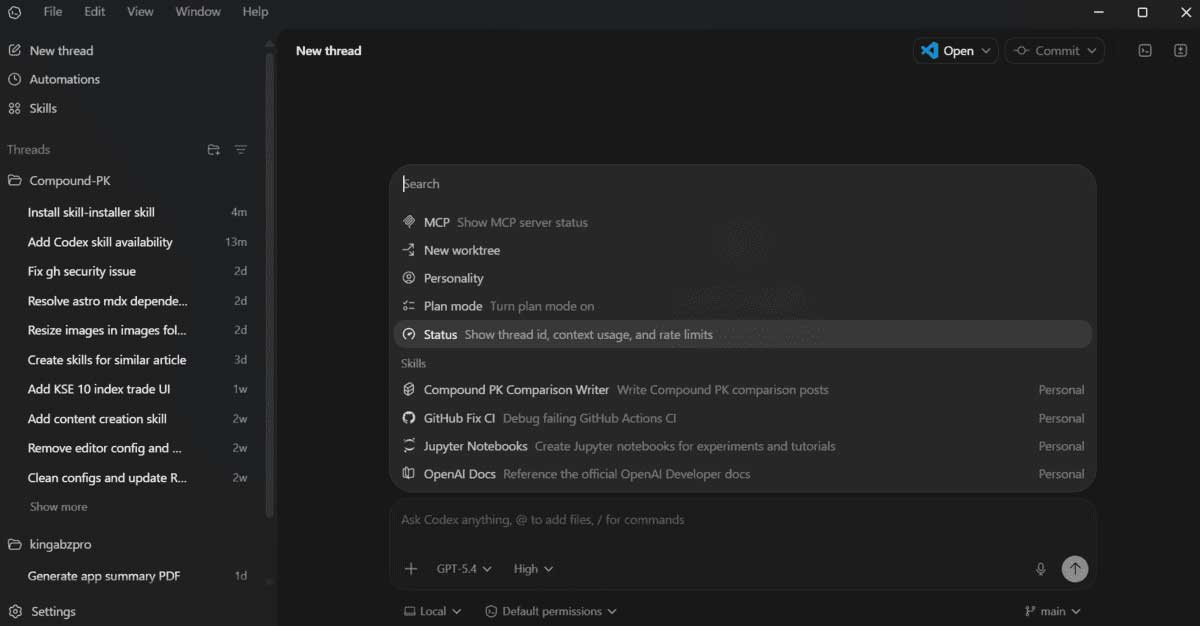
3. Package repeatable workflows as skills
A skill combines instructions, resources, and optional scripts around a SKILL.md file. It is appropriate when the same specialized workflow recurs across tasks—for example, generating a release note from a validated diff, publishing through an internal CLI, or creating a document with required quality checks.
Before creating a skill, make sure the workflow is stable and more than a short rule. Keep repository-specific one-line conventions in AGENTS.md. Treat skill scripts as code: review them, minimize permissions, avoid embedding secrets, and test the expected and failure paths.
4. Define verification before implementation
“Make it work” is hard to verify. Give Codex concrete acceptance criteria and ask it to run the relevant checks before reporting completion:
- Unit, integration, and type checks for changed behavior.
- A focused regression test that fails before the fix and passes afterward.
- Formatting, linting, build, or migration validation required by the repository.
- Browser or UI inspection for visual and interaction changes.
- A diff review for accidental changes, secrets, generated output, and debug code.
Ask Codex to report commands and results, including any check it could not run. A passing test suite is evidence, not proof: weak tests, an incorrect environment, or an untested integration can still hide problems.
5. Prefer existing CLI tools, with scoped permissions
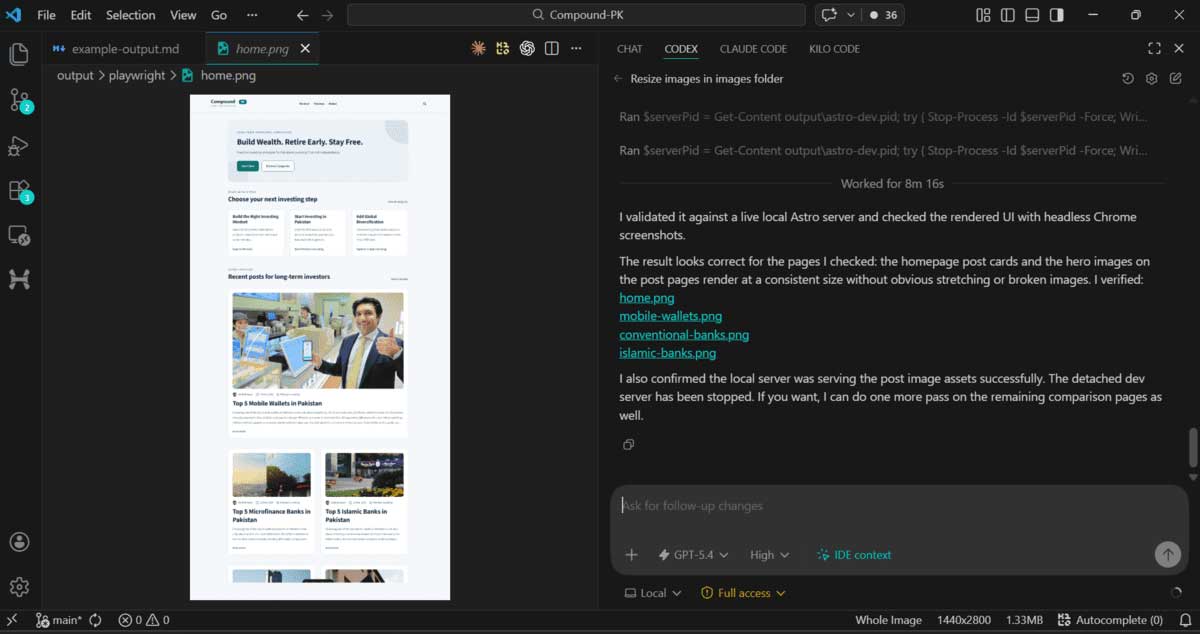
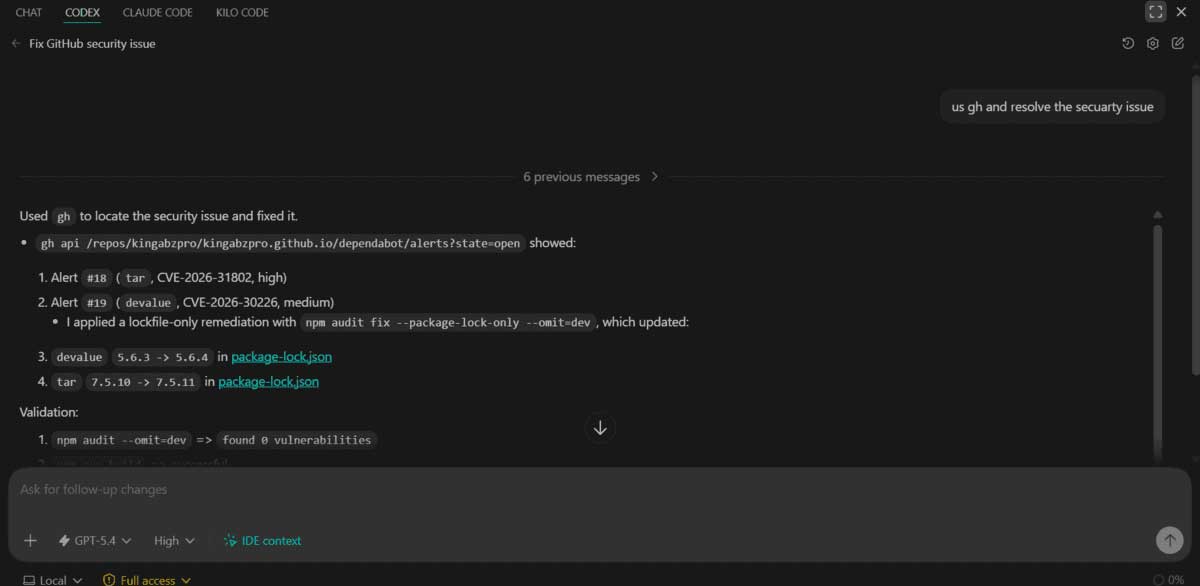
Codex can use the project's normal command-line tools to inspect files, run tests, query a local development service, or work with an authenticated platform CLI. Reusing a documented CLI is often simpler than adding a custom integration solely for one command.
Keep access proportional to the task. Use a sandbox or disposable environment for risky changes, review commands that deploy or delete data, and avoid granting broad network or filesystem access when a narrower option works. Never paste credentials into instructions or commit them to the repository.
A practical request template
Goal: [observable outcome]
Scope: [files/components that may change]
Constraints: [compatibility, security, style, no-go areas]
Acceptance criteria:
- [behavior 1]
- [behavior 2]
Verification:
- Run [test/build/lint commands]
- Inspect [UI/API/diff]
- Report anything not verified
Start with official guidance for Codex best practices, AGENTS.md, and building skills. Product interfaces and available models change; the workflow above remains useful because it improves task definition, context, and evidence rather than depending on a particular model name.
Related Articles
 OpenAI Launches GPT-5-Codex: Upgrading Codex with Dynamic4 minutes read
 5 exciting projects to help you explore the power of7 minutes read
 What Are Subagents?8 minutes read
 OpenAI Codex User Guide with 3 Real-World Examples10 minutes read
 How to Run an AI Coding Agent Safely?10 minutes read
 How to Use OpenAI Codex Directly in Google Chrome5 minutes read
Reader Comments 0
Sign in with email or Google to join the discussion.