Table of Contents
A phone hotspot is convenient for occasional use, but a dedicated mobile hotspot is usually the better tool when you need internet access for several devices, long work sessions, travel, or an emergency backup. It keeps the connection separate from your phone and gives you more control over the cellular plan, battery, and connected devices.
The advantage is not automatic: performance still depends on the carrier, signal strength, plan limits, and the hotspot model. Consider these five practical differences before buying another device.
1. It can provide a more dependable working connection
Using a phone as a hotspot adds another job to a device that is already handling calls, apps, notifications, location services, and background syncing. Depending on the phone, carrier, and network technology, an incoming call or a change in cellular coverage may interrupt or slow tethered data.
A dedicated hotspot isolates the internet connection from normal phone activity. That separation is helpful during video meetings, remote work, online classes, or any task where reconnecting several devices would be disruptive.
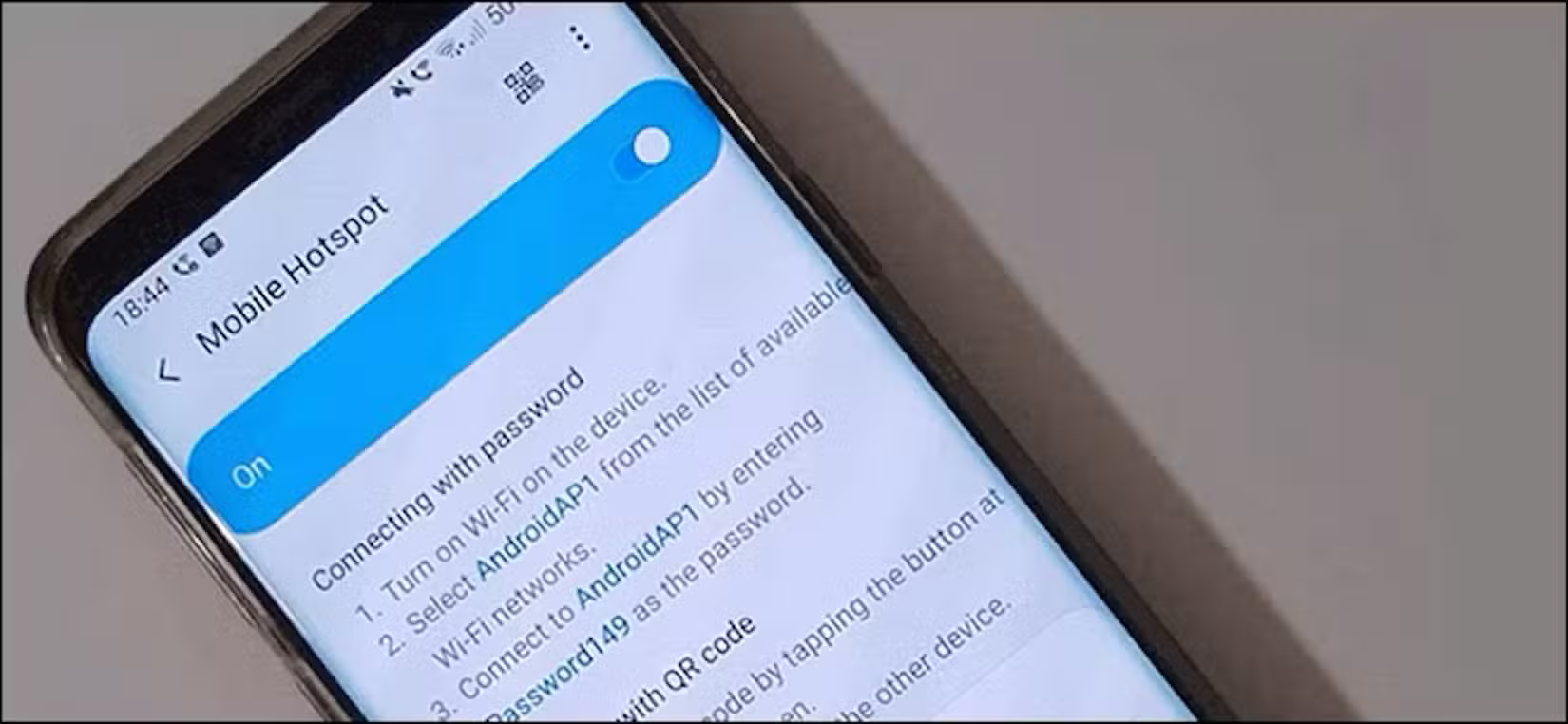
It is still important to set realistic expectations. A hotspot cannot create a strong signal where a carrier has no usable coverage, and every connected device shares the available bandwidth. Check the supported cellular bands, carrier compatibility, and device limit before purchasing.
2. You have more flexibility over coverage and SIM options
A phone is normally used with one primary carrier. An unlocked hotspot may let you use a different physical SIM or eSIM when another provider has better service at your destination. This can be useful for international travel, rural work sites, and households that want backup connectivity on a network separate from their home internet provider.
Carrier flexibility varies by device. Some hotspots are locked, some support only particular bands, and eSIM availability depends on both the hardware and the network. Compare coverage maps and plan terms rather than assuming every SIM will work. Newer products, such as the Acer Connect M6E 5G mobile hotspot, also show the types of connectivity features now appearing in portable routers.
3. It preserves your phone’s battery and keeps the phone available
Hotspot mode uses the phone’s cellular radio, Wi-Fi radio, and processor at the same time. Long sessions can drain the battery quickly, and sustained use may make the phone warm. Charging while tethering helps with battery level, but it does not remove the heat produced by continuous network activity.
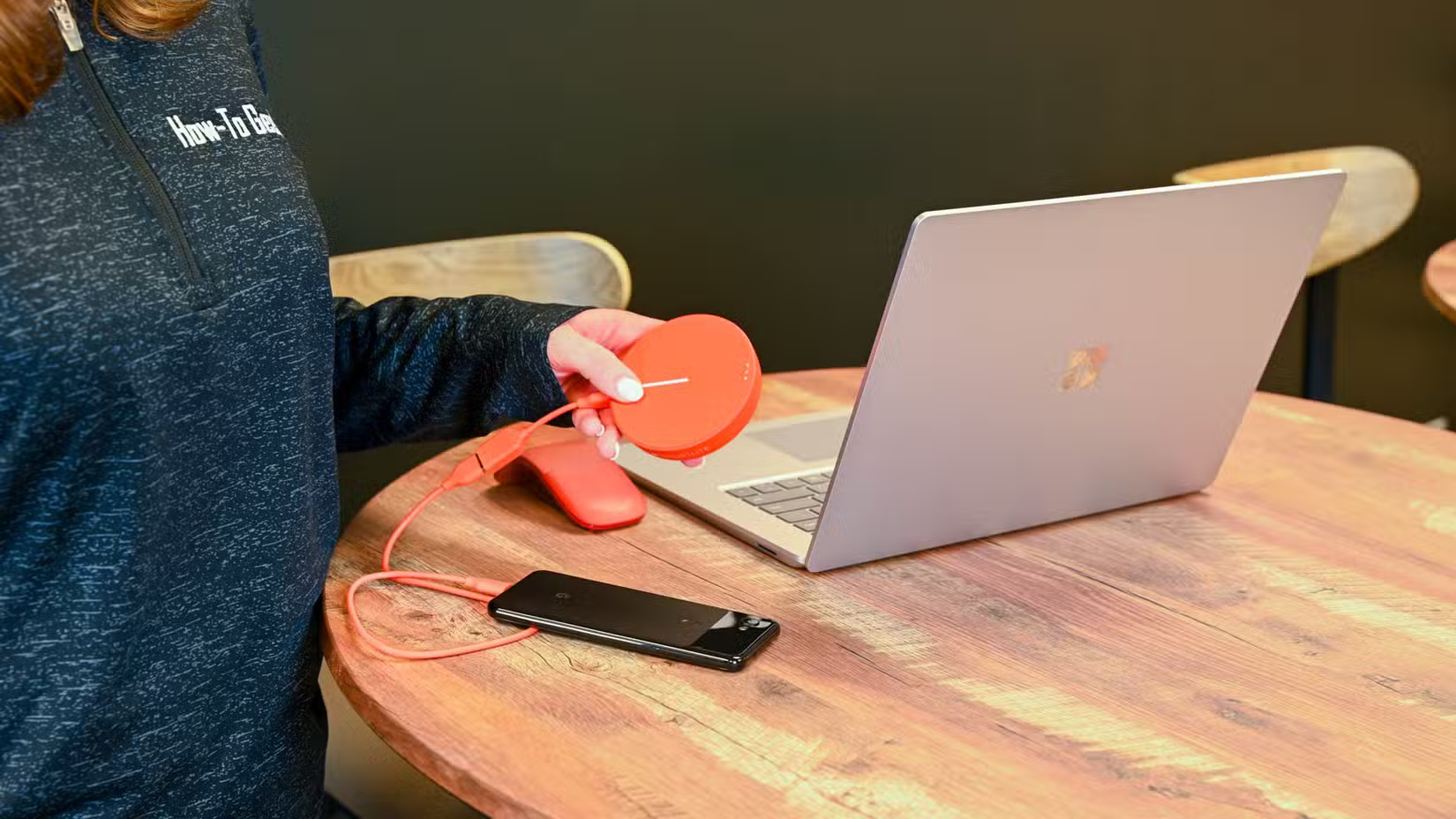
A dedicated unit carries that workload instead. Your phone remains available for calls, navigation, photos, and authentication, while the hotspot can stay near a window or another position with a stronger signal. You can also lend the hotspot to a colleague or family member without handing over your unlocked phone or exposing personal notifications.
Battery life and connection limits differ widely between models, so check the manufacturer’s specifications. If you plan to power a hotspot from a power bank for extended periods, keep the device ventilated and follow its charging guidance.
4. It is a practical backup when fixed internet fails
A charged hotspot can keep essential devices online during an ISP outage, a short power interruption, or travel through locations where trusted Wi-Fi is unavailable. It is especially useful for remote workers because the backup can be configured and tested before it is needed.
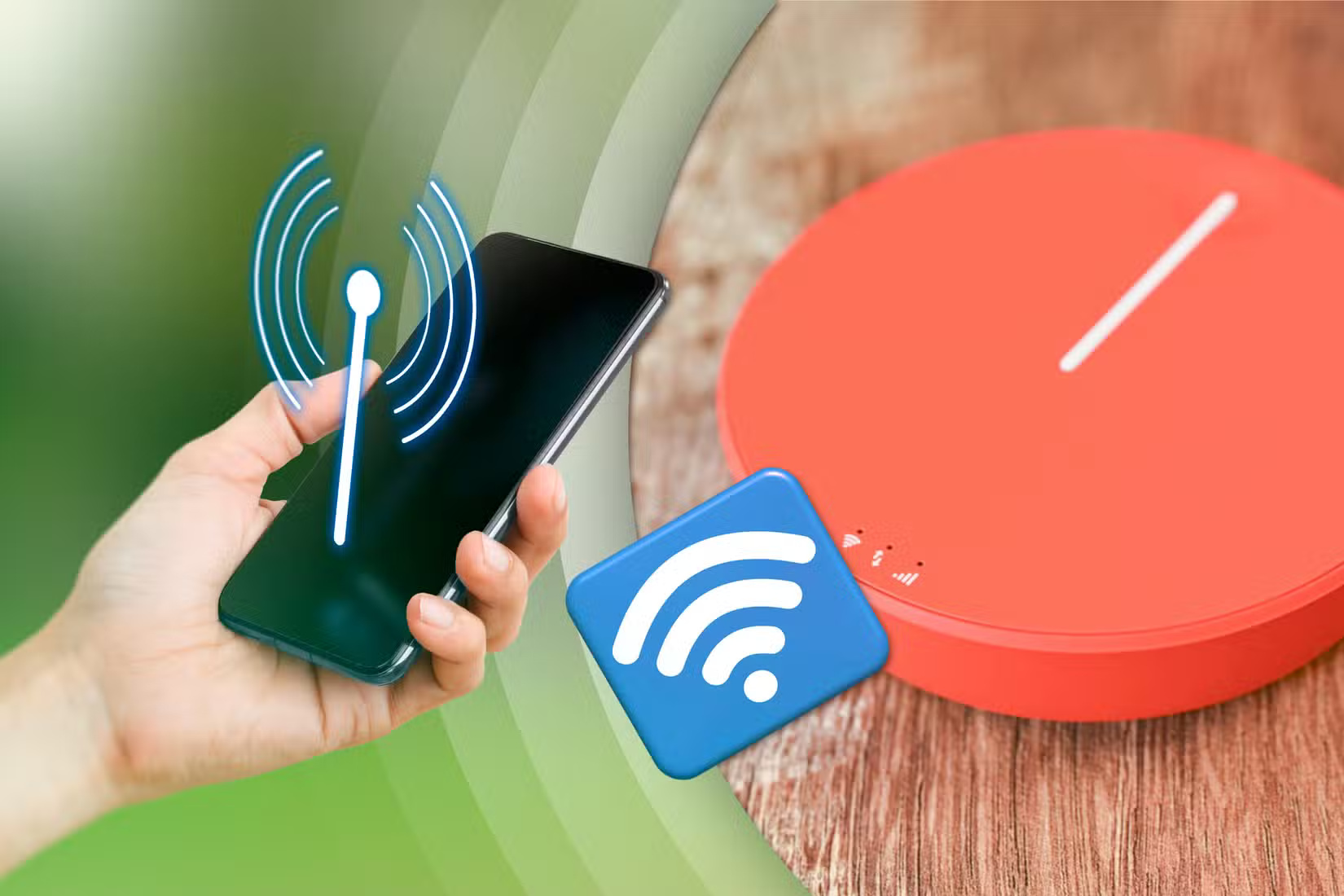
For a useful backup, choose a carrier with coverage that is independent of your usual connection, keep the battery charged, and verify that the data allowance is sufficient for essential work. Some models accept an external antenna, but antenna support and connector type are model-specific.
5. A separate data plan can be easier to manage
A hotspot plan is not always cheaper than phone tethering. The total cost includes the device, monthly service, data allowance, possible activation fees, and any speed restrictions after a threshold. However, a separate plan can make business or travel usage easier to track and may offer more suitable data limits than a phone plan’s tethering allowance.
Before choosing a plan, compare full-speed data, roaming rules, network priority, overage charges, and whether unused service can be paused. Do not judge the plan by its headline data allowance alone.
When a phone hotspot is enough
Keep using your phone if you only connect one device for short periods, already have adequate tethering data, and do not need a separate backup network. A dedicated hotspot makes more sense for frequent travel, several connected devices, long sessions, or work that cannot depend on the phone’s battery.
If your goal is the reverse—sharing a computer’s connection with a phone—see how to connect a phone to a PC-hosted Wi-Fi connection.
Related Articles
 Security for Mobile Phones: Explained6 minutes read
 The Reasons Why You Are Banned in PUBG and PUBG Mobile7 minutes read
 10 Best Mobile Phones: Digital Devices8 minutes read
 First Confirmation in the World4 minutes read
 Top Five Reasons to Choose the Best-prepaid Plans5 minutes read
 Trick to Disable Moblie Interface of the Website on the Phone4 minutes read
Reader Comments 0
Sign in with email or Google to join the discussion.