Table of Contents
The Google Pixel 9a is worth considering if you want a midrange Android phone for everyday photos and plan to keep it for several years. Its main trade-offs are limited zoom and slower wireless charging. If you’re shopping now, compare the price with newer Pixels and discounted higher-end models.
Camera: Good reasons to use the main lens
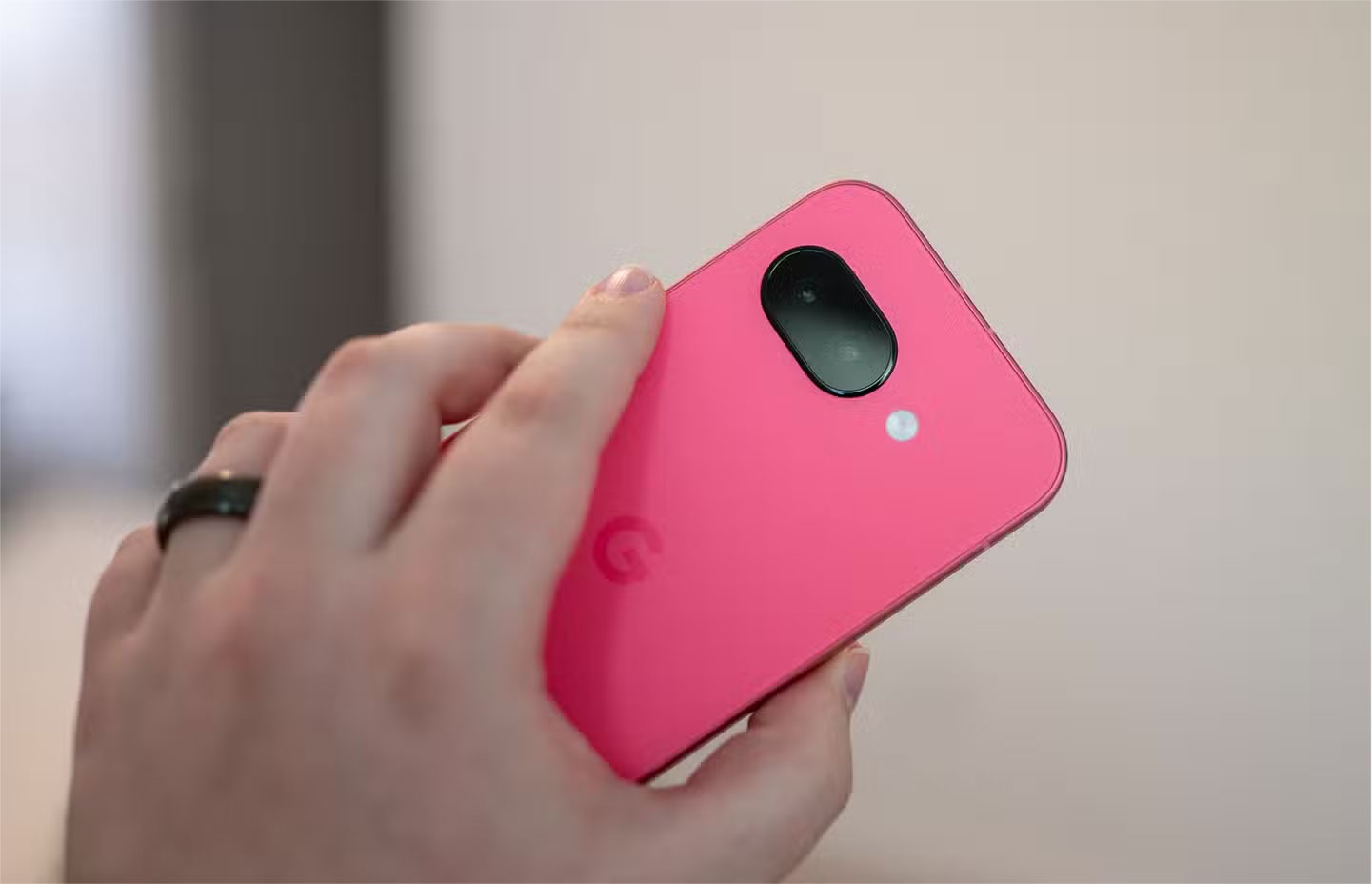
The Pixel 9a has a 48 MP main camera and a 13 MP ultrawide. Use the main camera for everyday shots and the ultrawide for tight spaces or group photos. Macro Focus is useful for nearby details such as flowers or small objects. The phone lacks a dedicated telephoto lens, so expect less detail when zooming in on distant subjects.
Software support: Count from the original release
Google promises seven years of OS and security updates starting from when the phone first became available on the US Google Store. Buying one later gives you the remaining part of that support window. Pixel Drops can add features between major Android releases, and availability can vary by device, region, and language.
Gemini and everyday search tools

Gemini Live supports spoken conversations, which can be handy for talking through a question while your hands are occupied. Circle to Search lets you highlight something on screen and look it up without leaving the app. Check the availability of any specific Gemini or calling feature you plan to use before buying.
Design, display, and charging
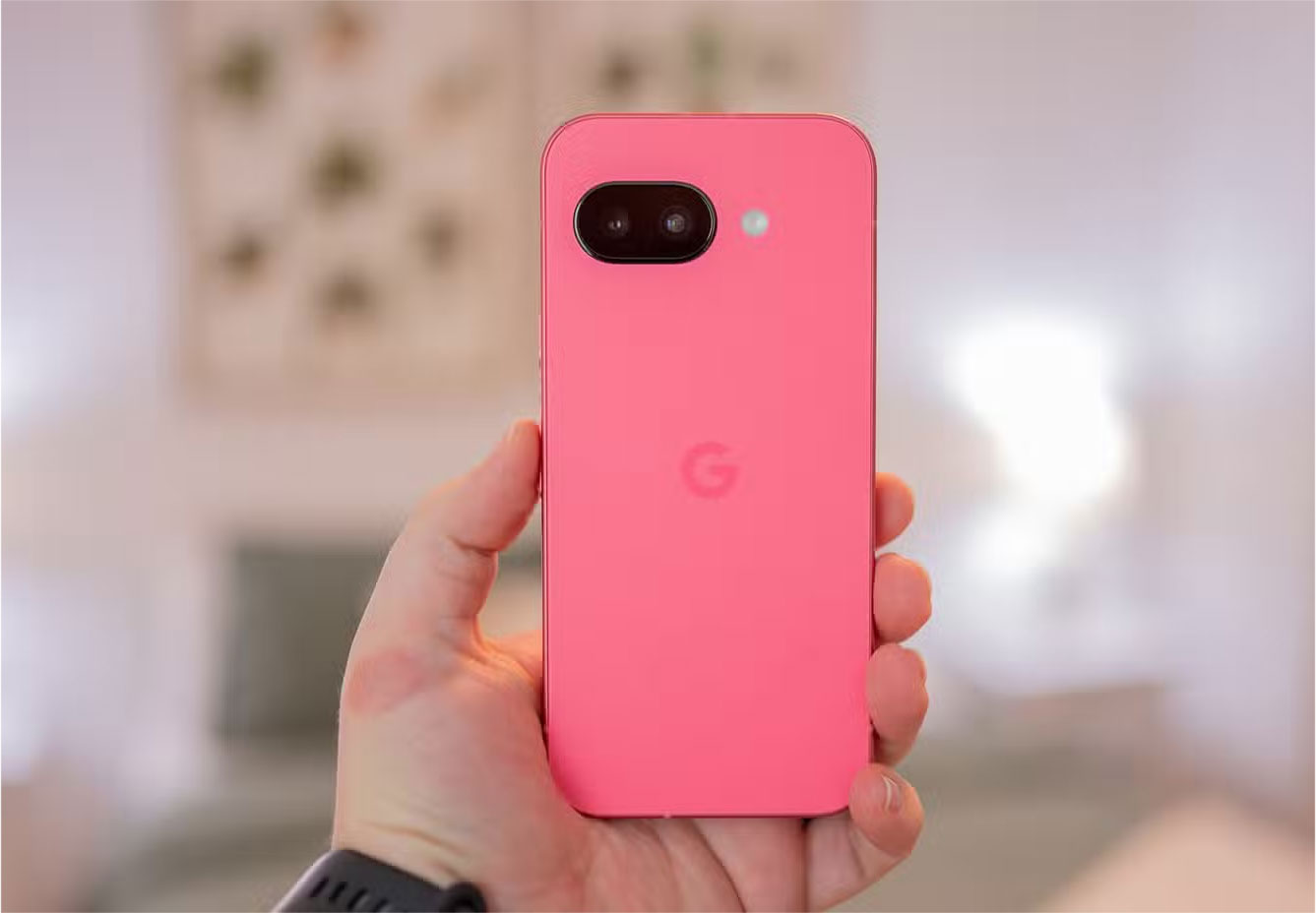
The rear cameras sit close to the back of the phone, so it has a flatter profile than Pixels with a prominent camera bar. The phone uses a metal frame and a composite back. Google lists a 6.3-inch OLED display with a refresh rate of up to 120 Hz and Qi wireless charging. If you want to use magnetic charging accessories, see how Pixelsnap on the Pixel 10 differs from the 9a’s setup.
When a more expensive phone makes sense
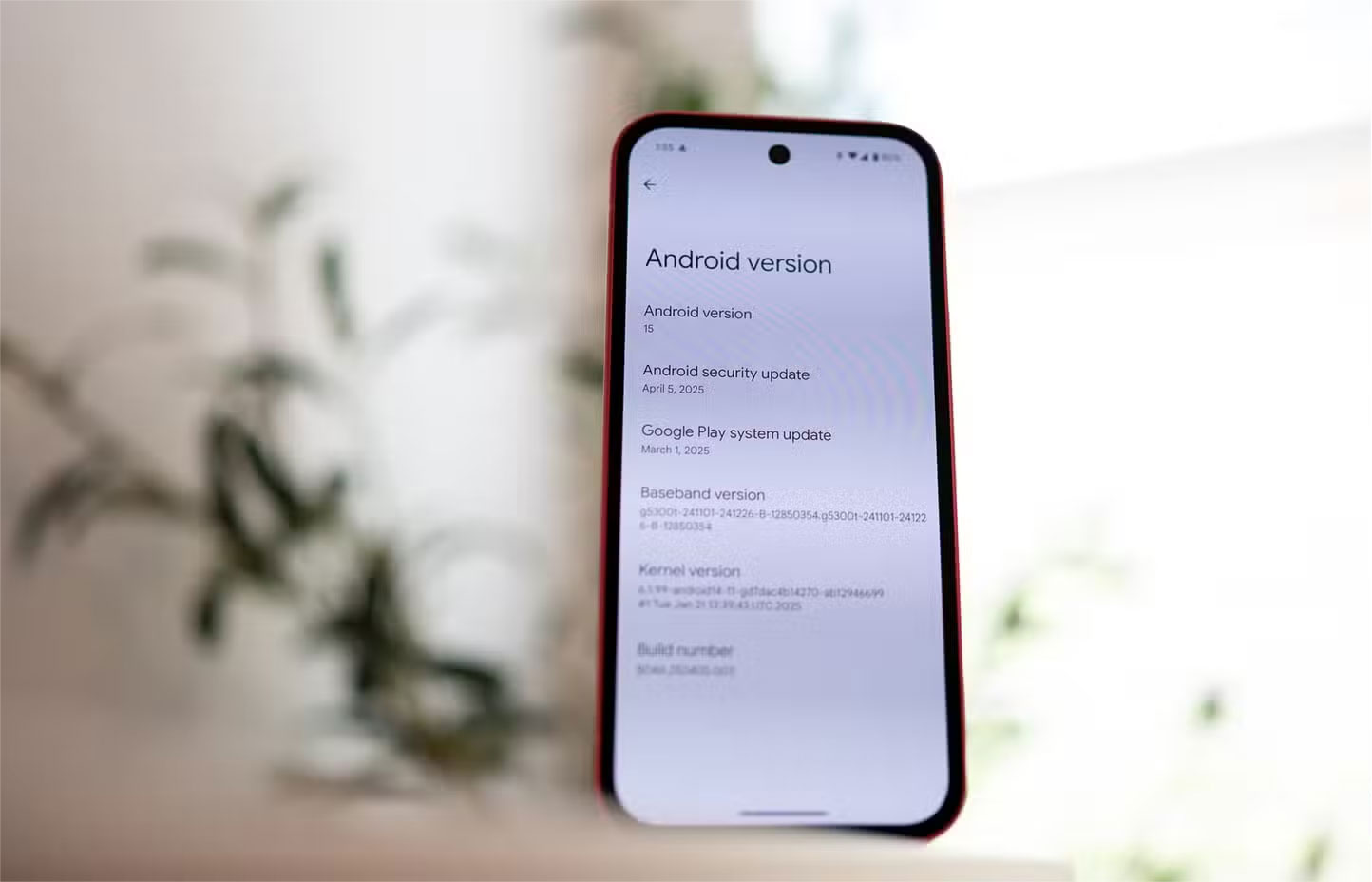
Compare the Pixel 9a with a model that has a dedicated telephoto camera if you often photograph sports, pets, or performers from far away. Compare charging speeds if you usually top up in short bursts. If you’re buying a used 9a, factor the battery’s condition, remaining update support, and return policy into the price.
For exact dimensions, storage options, and camera modes, check Google’s Pixel hardware specifications.





Reader Comments 0
Sign in with email or Google to join the discussion.