Table of Contents
Phones and computers already include text-to-speech tools that can read selected text, webpages, and some documents aloud. Start with the accessibility settings on your device before installing a separate app. Available Vietnamese voices and file support vary by operating-system version, region, and installed speech engine.
Read Vietnamese text aloud on Android
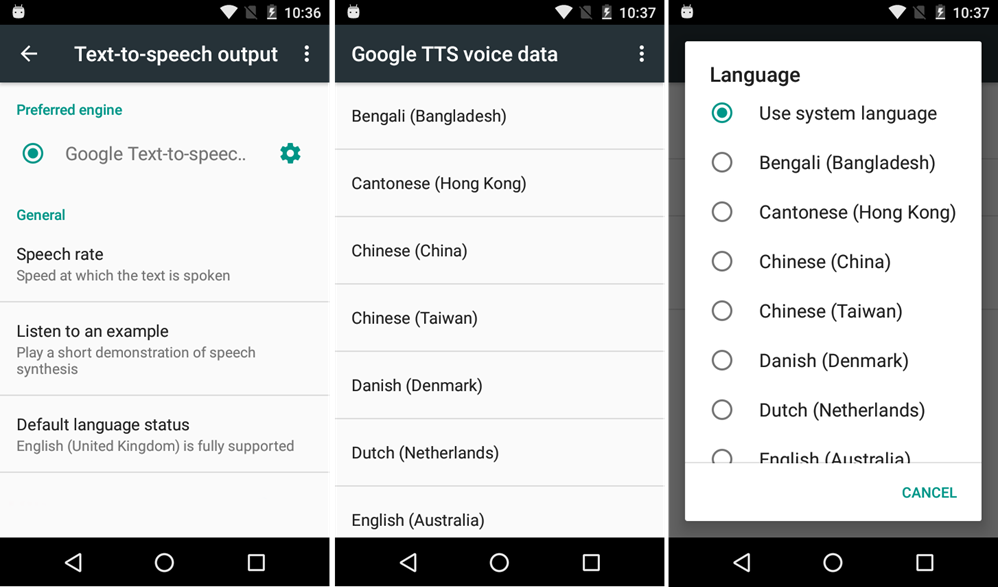
Open Settings > Accessibility and enable Select to Speak (the name or location can differ by device). Use its shortcut, then tap or select on-screen text to hear it. To change the speech engine, language, or voice, open Text-to-speech output in Accessibility settings and check that Vietnamese voice data is available. Google’s Select to Speak guide explains the feature.

Read selected text on iPhone or iPad
In Settings > Accessibility > Spoken Content (called Read & Speak on some newer versions), turn on Speak Selection or Speak Screen. Select text and choose Speak, or use the screen-reading gesture shown in settings. Use the voice controls to adjust voice and speed; availability varies by language and device. See Apple’s instructions for spoken-content voices.
Read webpages and PDFs on a computer
In Microsoft Edge, open a webpage or PDF and choose Read aloud from the toolbar or context menu. Use the voice options to change speed and voice. Edge supports online and offline reading, but fewer voices may be available offline. Try a short Vietnamese passage first to confirm the pronunciation on your device. See Microsoft Edge Read Aloud.

When a dedicated reader app helps
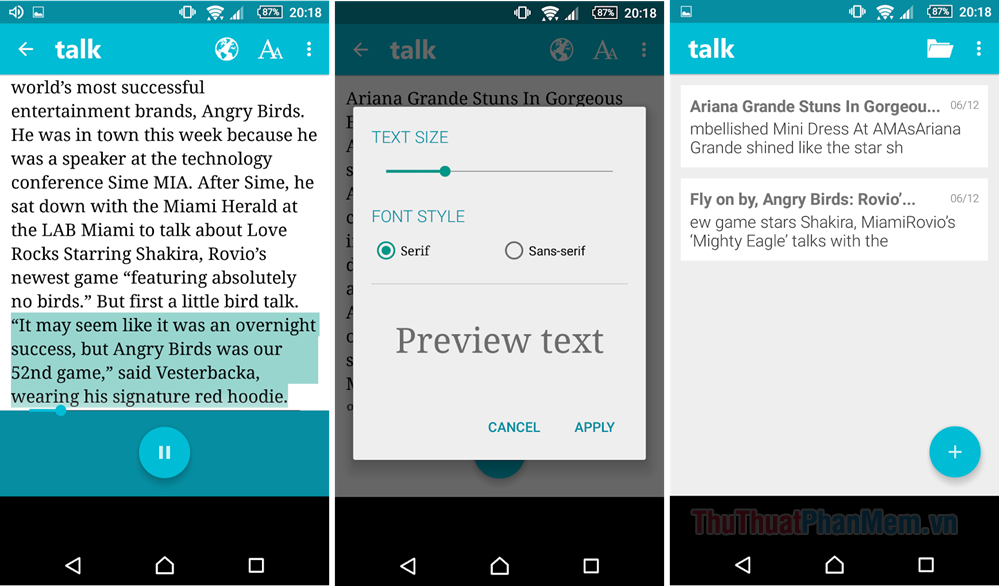
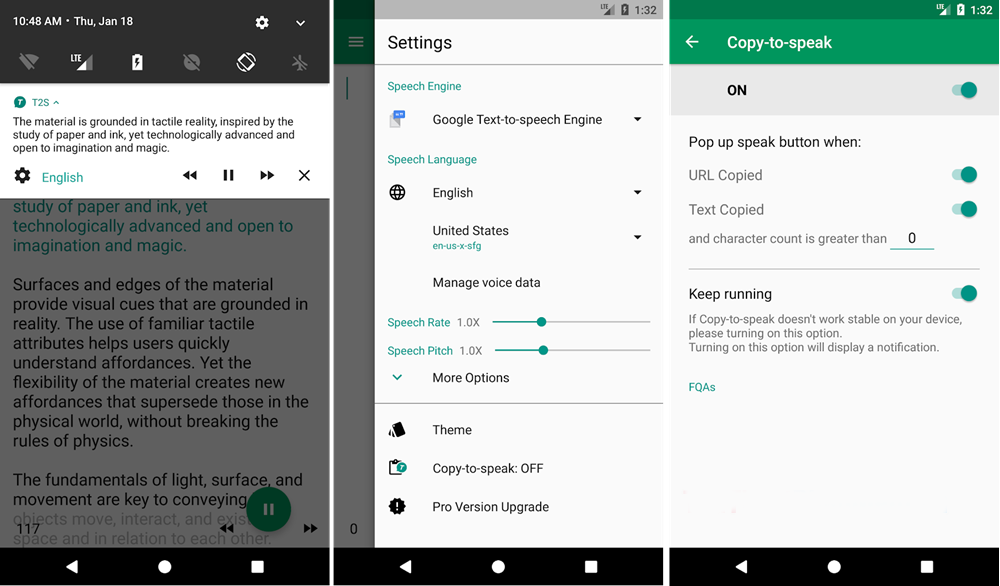
Apps such as Voice Aloud Reader can be useful if you regularly collect articles or documents to listen to. Before choosing one, check current Vietnamese voice support, the formats it can import, whether it reads web pages inside the app, and its privacy policy. Do not assume every app can accurately read scanned PDFs: a scanned page may need optical character recognition (OCR) before speech software can use its text.
Text-to-speech or a screen reader?
Text-to-speech reads text you select or a document you open. A screen reader such as VoiceOver or TalkBack describes interface controls and helps a person navigate the whole device. If you need full device access, use the screen reader settings rather than relying only on a read-aloud app.
For learning Vietnamese pronunciation, listen to a short sample and compare it with a fluent speaker. Speech synthesis can mispronounce names, abbreviations, mixed-language text, and regional expressions.





Reader Comments 0
Sign in with email or Google to join the discussion.